
 Sign in to Mod The Sims
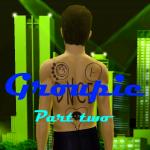
 Groupie - 15 Recolourable Band Logo Tattoos
 Groupie - 15 Recolourable Band Logo Tattoos


Groupie Preview 1.jpg - width=945 height=945
Groupie Preview 2.jpg - width=945 height=630
Screenshot.jpg - width=582 height=582
InGame.jpg - width=1200 height=768
 ) is a total groupie.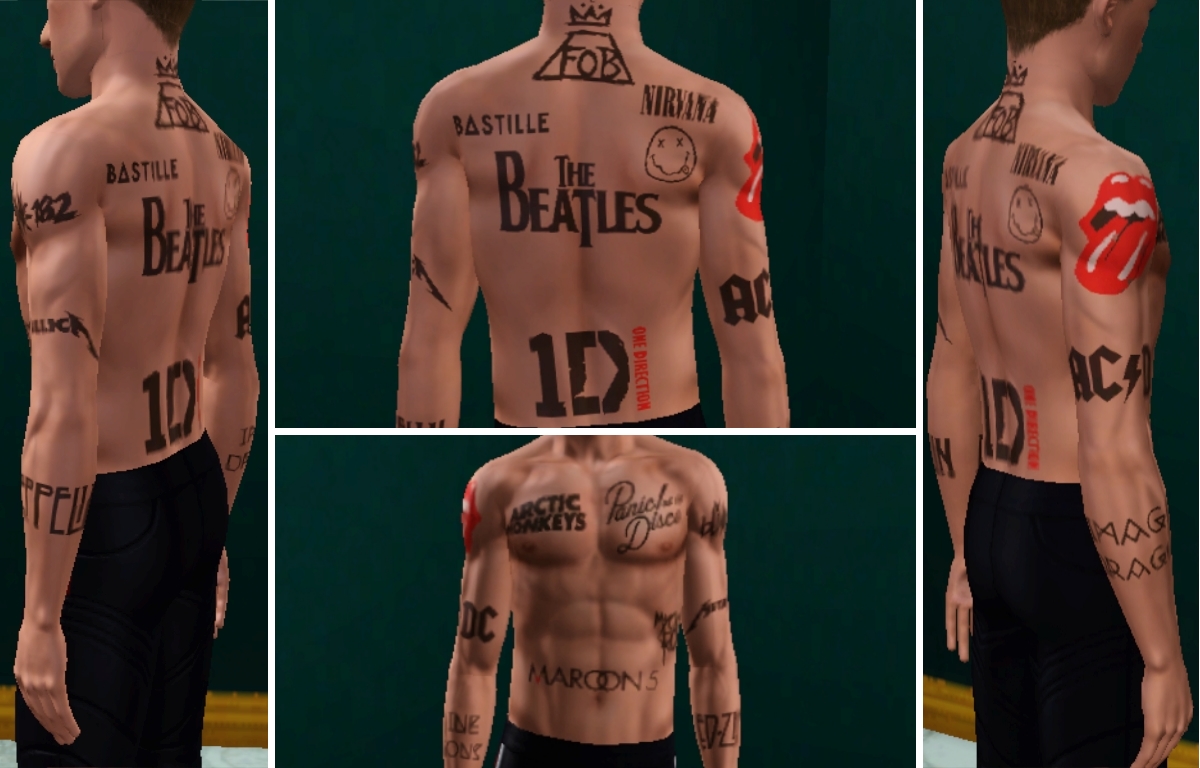
Labelled separately in the file so you can pick and choose which ones you want. Several of them (Maroon 5, Rolling stones, One direction) have multiple channels, the rest are just a single recolourable channel.
Message me if I missed your favourite band! I'd be open to doing a part 2.
Additional Credits:
CMar for the Tattooinator, Paint.net, www.brandsoftheworld.com for the logos
|
kbalt-groupietattooset.rar
Download
Uploaded: 17th Aug 2016, 1.02 MB.
6,005 downloads.
|
||||||||
| For a detailed look at individual files, see the Information tab. | ||||||||
Install Instructions
1. Click the file listed on the Files tab to download the file to your computer.
2. Extract the zip, rar, or 7z file. Now you will have either a .package or a .sims3pack file.
For Package files:
1. Cut and paste the file into your Documents\Electronic Arts\The Sims 3\Mods\Packages folder. If you do not already have this folder, you should read the full guide to Package files first: Sims 3:Installing Package Fileswiki, so you can make sure your game is fully patched and you have the correct Resource.cfg file.
2. Run the game, and find your content where the creator said it would be (build mode, buy mode, Create-a-Sim, etc.).
For Sims3Pack files:
1. Cut and paste it into your Documents\Electronic Arts\The Sims 3\Downloads folder. If you do not have this folder yet, it is recommended that you open the game and then close it again so that this folder will be automatically created. Then you can place the .sims3pack into your Downloads folder.
2. Load the game's Launcher, and click on the Downloads tab. Find the item in the list and tick the box beside it. Then press the Install button below the list.
3. Wait for the installer to load, and it will install the content to the game. You will get a message letting you know when it's done.
4. Run the game, and find your content where the creator said it would be (build mode, buy mode, Create-a-Sim, etc.).
Extracting from RAR, ZIP, or 7z: You will need a special program for this. For Windows, we recommend 7-Zip and for Mac OSX, we recommend Keka. Both are free and safe to use.
Need more help?
If you need more info, see:
- For package files: Sims 3:Installing Package Fileswiki
- For Sims3pack files: Game Help:Installing TS3 Packswiki
Loading comments, please wait...

 View with Names
Uploaded: 17th Aug 2016 at 2:40 AM
Updated: 22nd Aug 2016 at 11:29 PM
#tattoo, #ambitions, #bands, #music, #rolling stones, #bastille, #my chemical romance, #blink 182, #maroon 5, #beatles, #led zeppelin, #fall out boy, #Metallica, #arctic monkeys, #panic at the disco, #imagine dragons, #nirvana, #acdc, #one direction
-
-
by des-demmonia 27th Jul 2010 at 1:35am
-
-
-
-
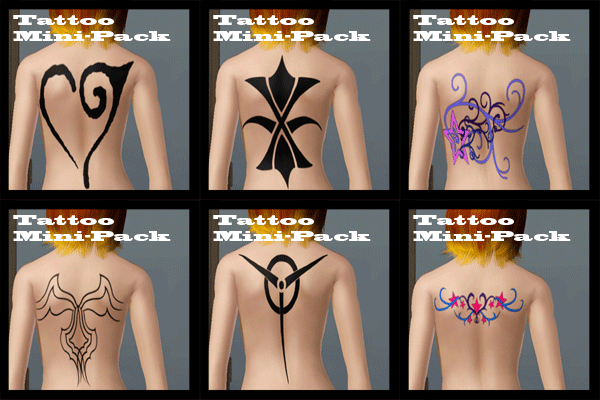
Tattoo Mini-Pack (6 Tattoos, 1 Variation)
by CrimsonRaeden 30th Jul 2012 at 3:12pm
-
-
-
-




Packs Needed
| Base Game | |
|---|---|
| Sims 3 |
| Expansion Pack | |
|---|---|
| Ambitions |