Quick Reply
Search this Thread
Field Researcher
Original Poster
#1 Old 26th Dec 2019 at 4:56 PM
What are the best ways to improve how TS3 looks?
YASSSS!!! For Christmas 2019, I'm buying an RX 570 (which can hit Ultra in all the latest titles) for a graphics upgrade. What are the best ways to improve how TS3 looks, while still keeeping the original graphical vision of the developers? (hint: NO ALPHA CC, MAXIS MATCH ONLY ) Thank you and happy holidays!
Forum Resident
#2 Old 27th Dec 2019 at 12:18 AM Last edited by Deshong : 27th Dec 2019 at 12:38 AM.
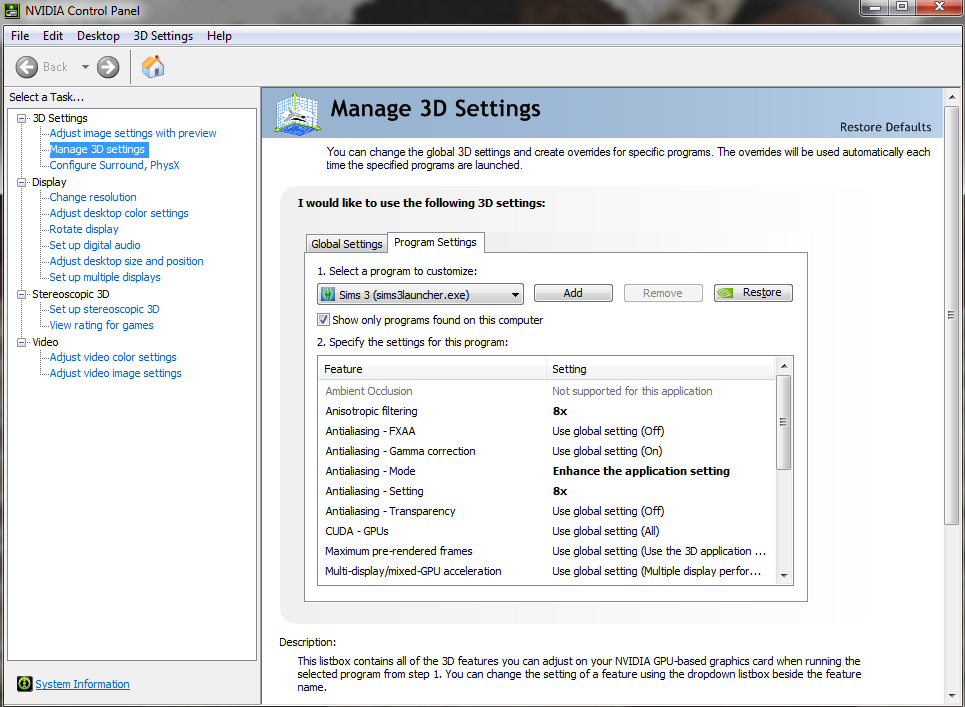
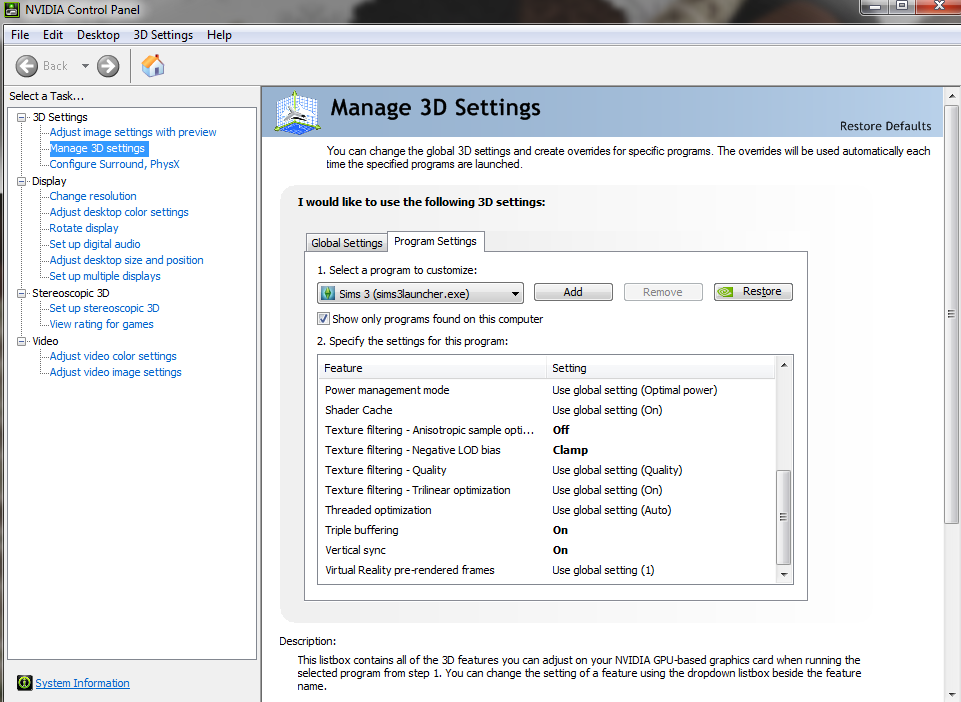
I would guess that AMD has a control panel to individually tweak settings for specific games like NVidia. Settings such as:

Though, this is an old example as I don't use some of those settings anymore like V-sync/Triple buffering because of having a G-Sync compatible monitor that works fine with TS3 from my personal experience. Plus, NVidia added some new features in an update since.

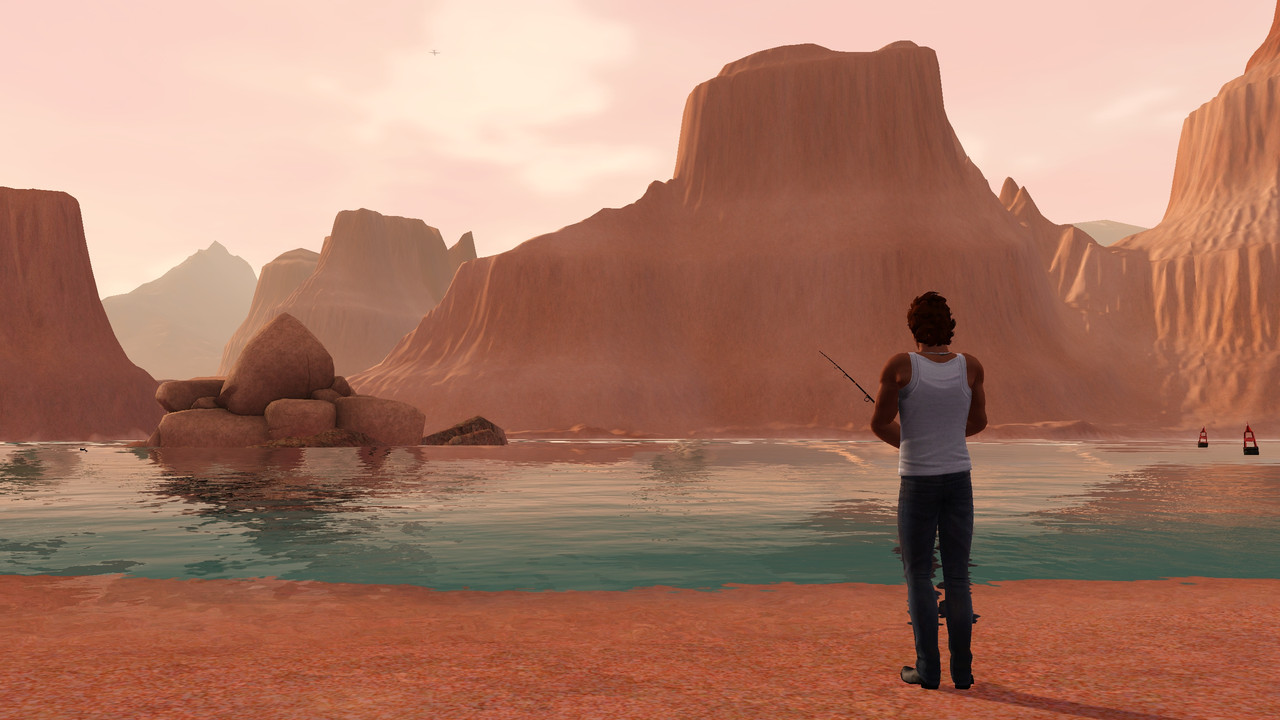
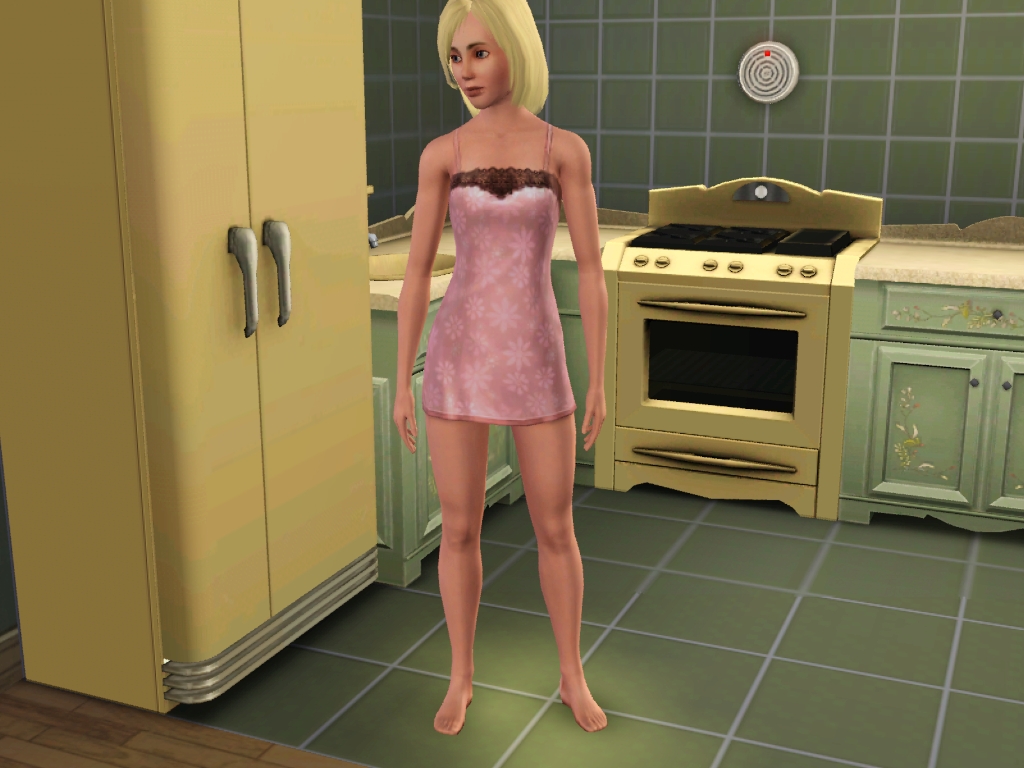
Anyway, a monitor with FHD/UHD resolution matching any of the integrated graphics/standalone graphics card compatible resolutions will help give the graphics a clearer image. Especially, noticeable coming from a monitor with much lower resolutions. However, the higher the resolution, the smaller the U.I. seems to get in TS3. Though, at 2560 x 1440 I've gotten used to it. Also, obviously the in-game settings make an impact on how the game looks depending on the capabilities of the integrated graphics/standalone graphics card. (The higher resolutions/settings can sometimes impact performance so be sure to do your homework depending on what you value more. Graphics or Performance or a balance between both.) Sidenote: In case you don't already know, TS3 as stated by the developers in the read me file:

"The Sims 3 is a real-time 3D game that requires the majority of your computer's processing power. Other programs operating in the background may slow it down or cause framerate hitches. For best results, be sure to close any background applications while playing The Sims 3. Fullscreen performance is generally better than windowed performance."

2560 x 1440


1024 x 768


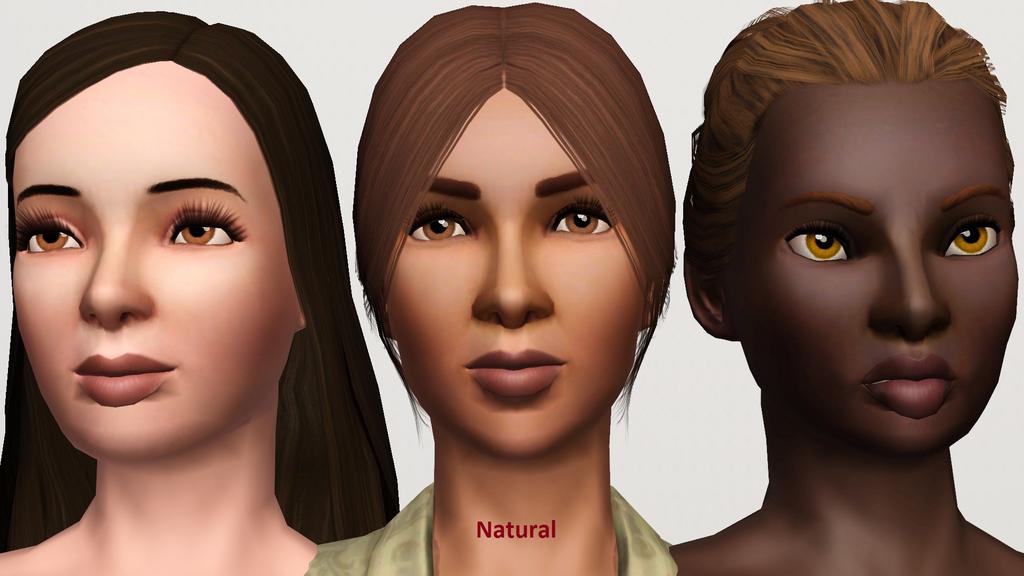
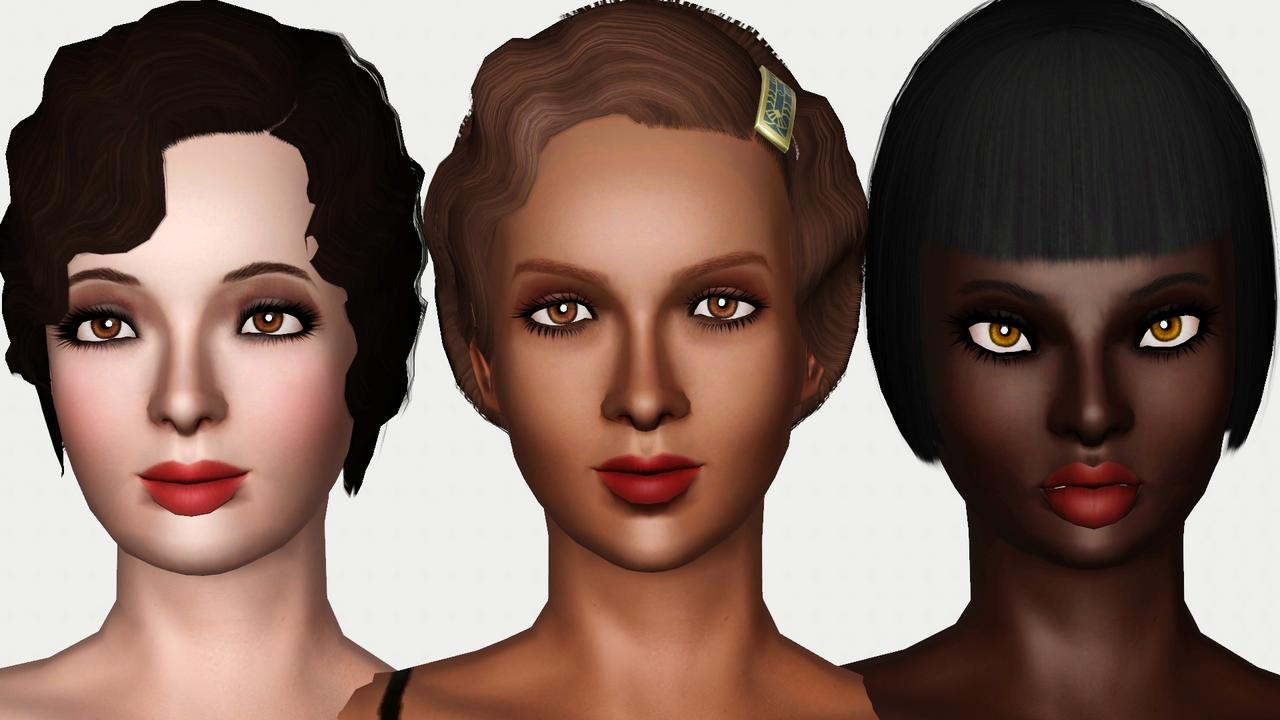
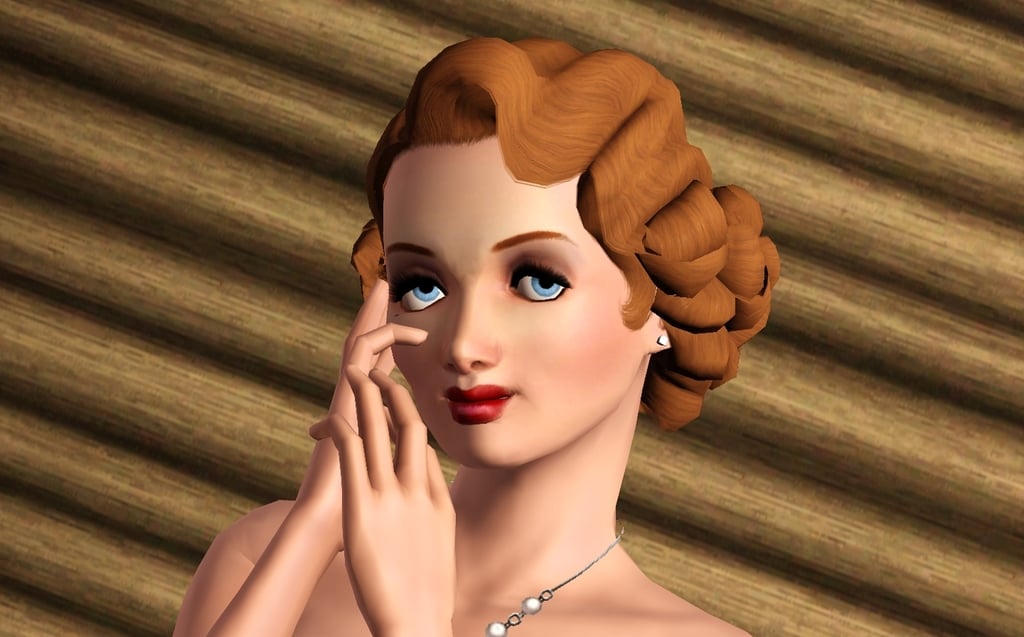
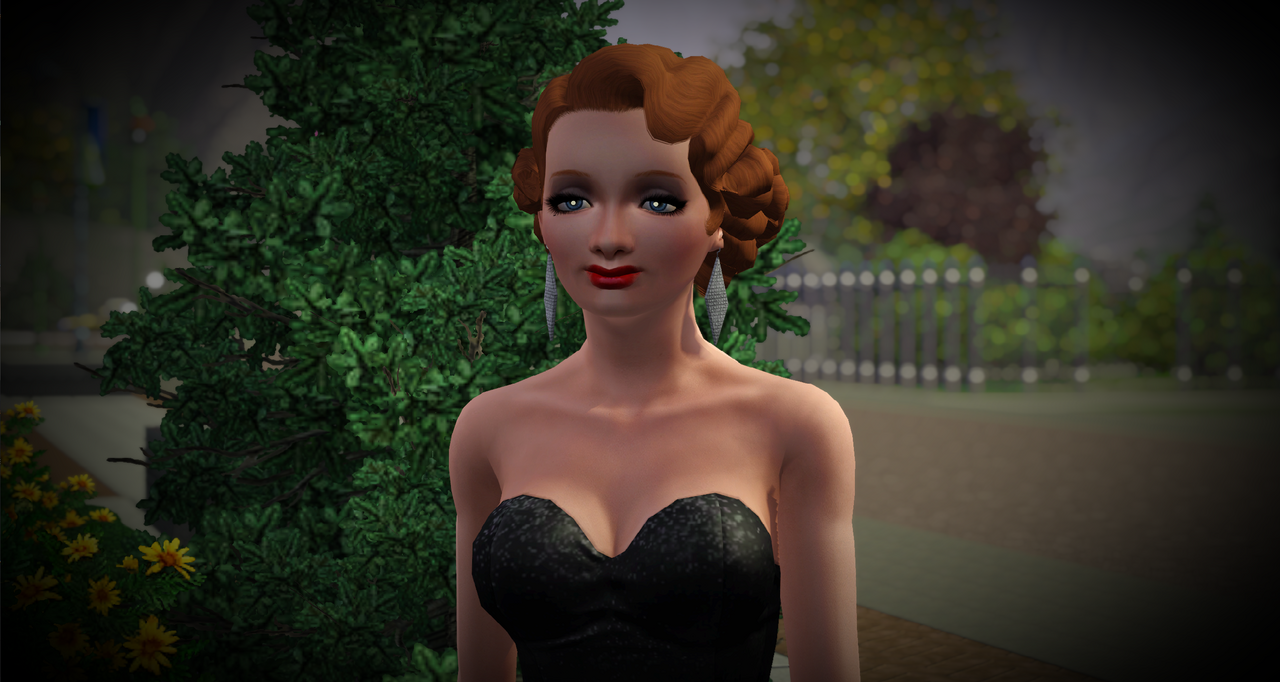
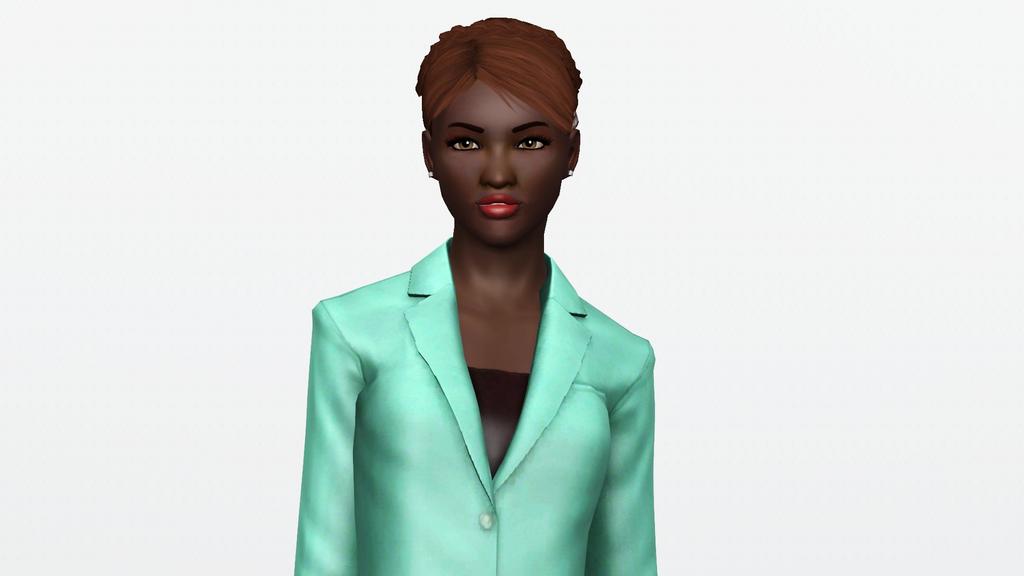
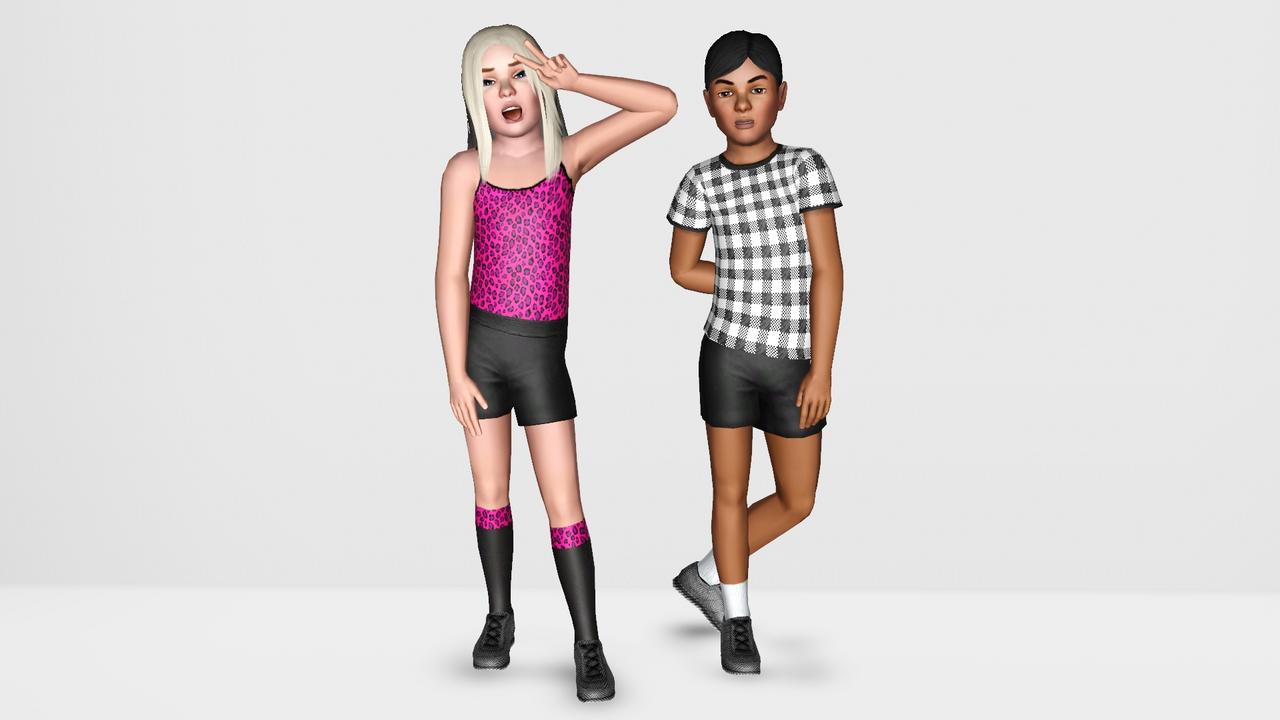
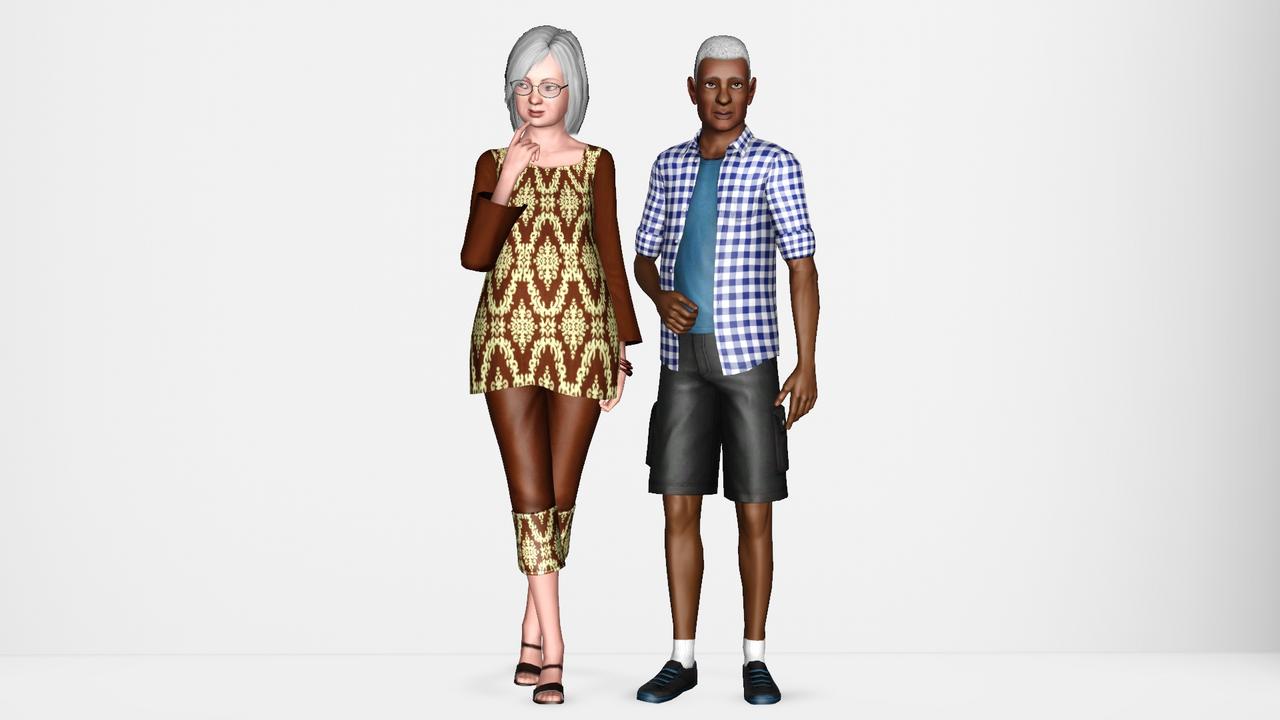
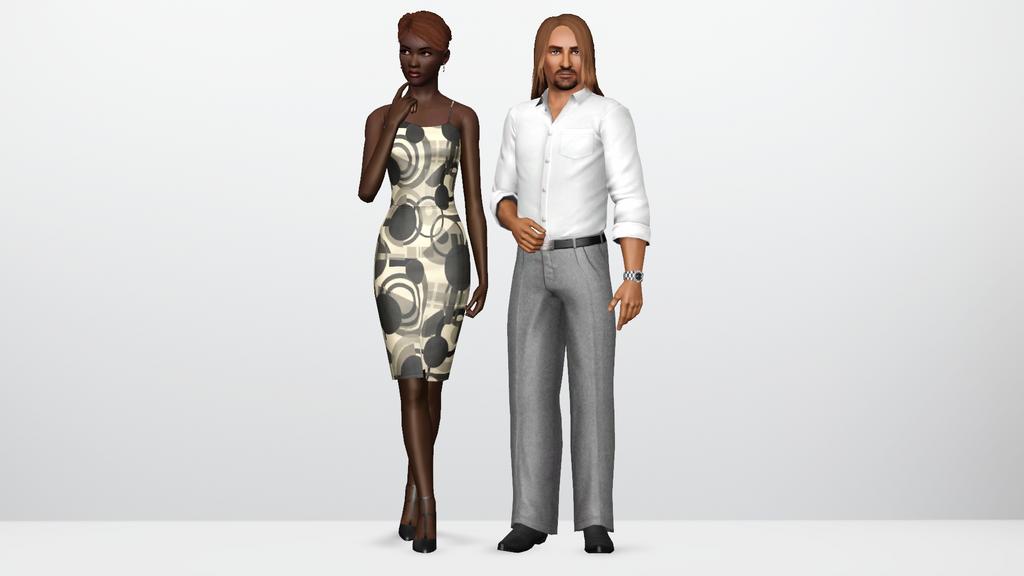
Original Aesthetic vs Custom Skin, Eyes, etc difference in my game.


Here are a couple of maxis-match cc.

Maxis-match eyes.
http://www.modthesims.info/d/415082...r-contacts.html

Maxis-match faces.
http://www.modthesims.info/d/415586...on-default.html

What I'm using in my game in case anyone is interested.


Mad Poster
#3 Old 27th Dec 2019 at 9:18 AM
Get a HQ mod, at the very least. TS3 texture maps are only something like 1024 by 1024, which on an entire Sim is pretty damn blurry. To get any added value out of custom skins and stuff, go up to at least 2048.

Same with stuff like high res shadows. Shadows aren't perfectly sharp in real life but they're sure as hell not pixellated either. 8K shadows look great and don't hurt performance much.
There's also a large variety of lighting mods available, but the one you'll see recommended most is Outdoor Lighting Tweaks. That's because it's probably the best one. There's so much more to see in the game when things don't have that awful blueish tint. You can modify this one yourself....mine is a mashup of different lighting mods.

I agree with you completely, by the way. I'll use any mod as long as my game will still look like The Sims.

insert signature here
( Join my dumb Discord server if you're into the whole procrastination thing. But like, maybe tomorrow. )
Field Researcher
Original Poster
#4 Old 5th Jan 2020 at 7:23 AM
Bump? Already working on getting these
Mad Poster
#5 Old 5th Jan 2020 at 12:07 PM
Well if you want me to recommend my ReShade preset, I'll gladly. Best thing to happen to my game in years.

insert signature here
( Join my dumb Discord server if you're into the whole procrastination thing. But like, maybe tomorrow. )
Instructor
#6 Old 5th Jan 2020 at 12:14 PM
This seems like a good place to ask about another option - Gelina's Lighting Tweaks. Before I start importing them into my various lighting mods I wonder if it conflicts with Wasset's Enchanted Environment since it also affects sun/moon size, and also Nilxis' Milky Way and Clouds?
Mad Poster
#7 Old 5th Jan 2020 at 1:20 PM
You can only have one of each - lighting ramps, sun/moon sizes, sun/moon textures, cloud configurations, cloud textures. I do believe the textures are all separate from the configurations. But the ramps are all controlled by a single image file. Also, totally forgot to mention Nilxis' clouds. Those look great.

Don't forget to get a custom star field and really any sort of lighting mod that gets rid of the blue tint!
And if you like snow, definitely check out Lyralei's snow mod thing.

insert signature here
( Join my dumb Discord server if you're into the whole procrastination thing. But like, maybe tomorrow. )
Test Subject
#8 Old 5th Jan 2020 at 2:39 PM Last edited by Pistence : 5th Jan 2020 at 2:49 PM.
Removing the "bloom" effect makes the game easier on the eyes. I believe this is the tutorial that I followed: https://annythingsims.tumblr.com/po...ng-bloom-effect
Mad Poster
#9 Old 5th Jan 2020 at 3:34 PM
There's actually several values that control bloom....you can change stuff like the exposure, the threshold and the amount if you don't want to get rid of the bloom entirely. I think I might've, though. I've just copied over all my graphical tweaks from my previous PC which had some of them copied over from the PC before it. I don't even know what some of the stuff in my game is set to. I have like 5 different copies of some mods, you know, and I'd probably break my game if I tried to clear them out. I think the bloom is disabled entirely in my game, but thanks to Reshade I have no idea. Might have to experiment with the game's internal bloom to see if it works well with Reshade's.

insert signature here
( Join my dumb Discord server if you're into the whole procrastination thing. But like, maybe tomorrow. )
Mad Poster
#10 Old 6th Jan 2020 at 12:06 PM
Wouldn't be TS3 without spam.

insert signature here
( Join my dumb Discord server if you're into the whole procrastination thing. But like, maybe tomorrow. )
Back to top