
 Sign in to Mod The Sims
 Modern Flowers Pattern
 Modern Flowers Pattern


modernflowers.jpg - width=800 height=600
mod2.jpg - width=800 height=600
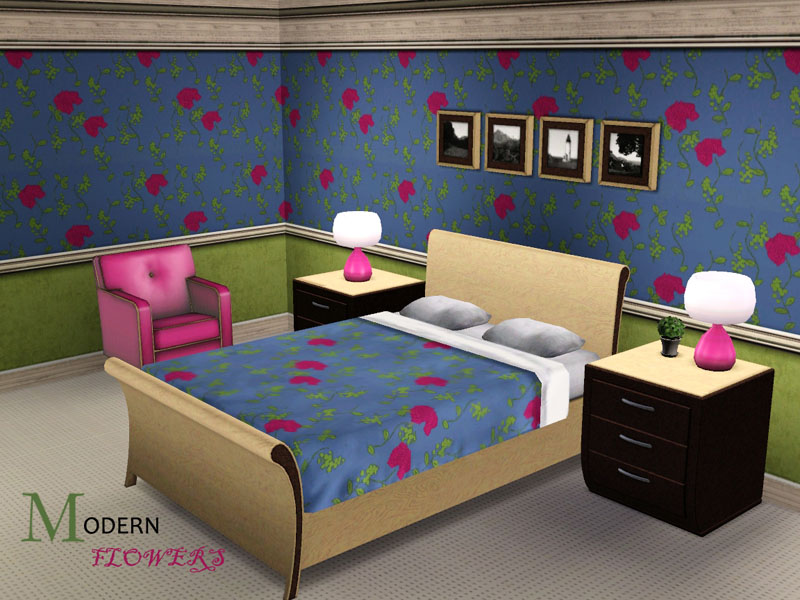
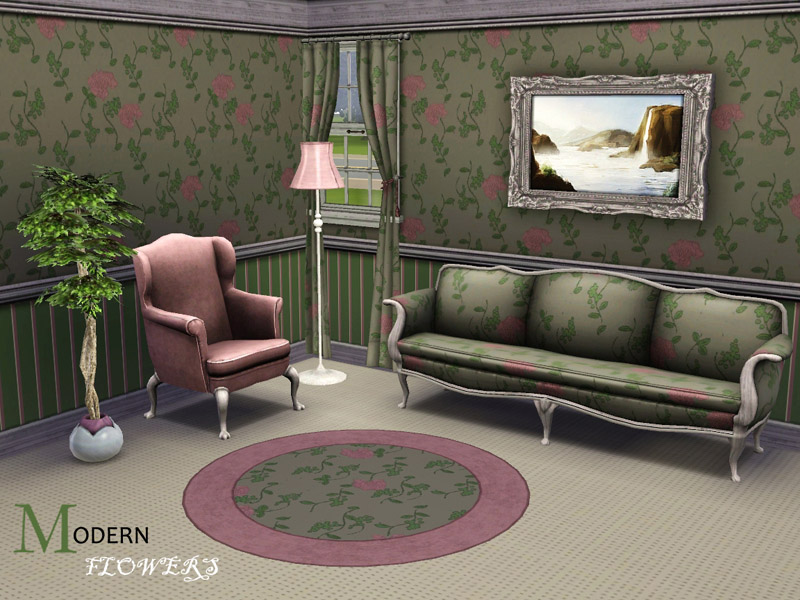
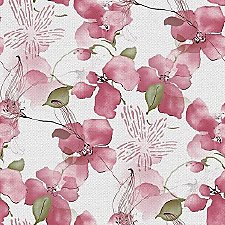
It comes under Fabric and has three recolourable channels.
Original colour:
Recolour example:
|
modernflowers.rar
Download
Uploaded: 29th Jun 2009, 129.8 KB.
2,064 downloads.
|
||||||||
| For a detailed look at individual files, see the Information tab. | ||||||||
Install Instructions
1. Click the download button, or the filename, to download the file to your computer.
2. Extract the zip, rar, or 7z file. Now you will have either a .package or a .sims3pack file.
For Package files:
1. Cut and paste the file into your Documents\Electronic Arts\The Sims 3\Mods\Packages folder. If you do not already have this folder, you should read the full guide to Package files first: Sims 3:Installing Package Fileswiki, so you can make sure your game is fully patched and you have the correct Resource.cfg file.
2. Run the game, and find your content where the creator said it would be (build mode, buy mode, Create-a-Sim, etc.).
For Sims3Pack files:
1. Cut and paste it into your Documents\Electronic Arts\The Sims 3\Downloads folder. If you do not have this folder yet, it is recommended that you open the game and then close it again so that this folder will be automatically created. Then you can place the .sims3pack into your Downloads folder.
2. Load the game's Launcher, and click on the Downloads tab. Find the item in the list and tick the box beside it. Then press the Install button below the list.
3. Wait for the installer to load, and it will install the content to the game. You will get a message letting you know when it's done.
4. Run the game, and find your content where the creator said it would be (build mode, buy mode, Create-a-Sim, etc.).
Extracting from RAR, ZIP, or 7z: You will need a special program for this. For Windows, we recommend 7-Zip and for Mac OSX, we recommend Keka. Both are free and safe to use.
Need more help?
If you need more info, see:
- For package files: Sims 3:Installing Package Fileswiki
- For Sims3pack files: Game Help:Installing TS3 Packswiki
Loading comments, please wait...

Uploaded: 29th Jun 2009 at 10:16 PM
#modern flowers, #modern, #flowers, #pattern






-


Pink 'n' White Outerwear Collection
by lemonbutter 25th Jul 2007 at 1:06am
I was looking around for some inspiration, and I came across a nice outfit with a pink top and black more...
-
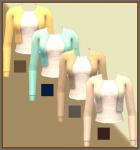
by lemonbutter 25th Jul 2007 at 9:06pm
At the moment, I really like cropped cardigans, especially in pastel and neutral colours...and also cardigans with ribbon belts. more...
-
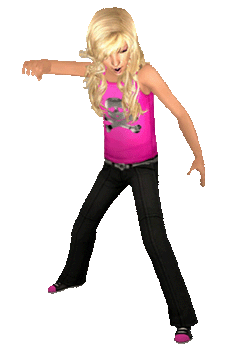
by lemonbutter 8th Aug 2007 at 7:21pm
Do your sim girls have the feisty attitude of a pirate? Then maybe they need an outfit to match! more...
-
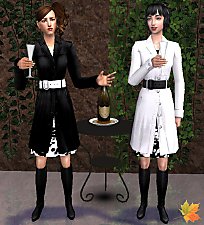

Black and White Seasons Outerwear
by lemonbutter 26th Jun 2007 at 10:51pm
Here are two more Seasons trenchcoats to keep your sims warm. Available in contrasting black and white! more...
-


by lemonbutter 2nd Jul 2007 at 12:05pm
Some of my male sims are already gearing up for a 'bon voyage' vacation (even though they have to wait more...
-
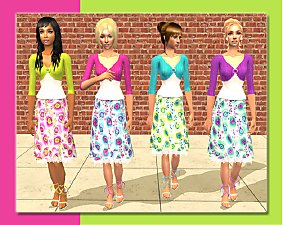
by lemonbutter 10th Aug 2007 at 5:07pm
Sometimes a teen girl can get tired of jeans and dark colours, especially when the sun is shining outside. more...
-

Teen Trenchcoat Outerwear Recolours
by lemonbutter 24th Jun 2007 at 8:25pm
Sometimes teen girl sims like a bit of colour, especially on those cold fall/winter days, so here are some colourful more...
-


by lemonbutter 21st Jun 2009 at 5:06pm
This pattern has a cottage feel to it, but coloured in various ways can add a more modern feel to more...
 7
12.7k
9
7
12.7k
9
-

Peacock Feather Style Wallpaper
by lemonbutter 28th Aug 2007 at 6:14pm
Are your sims redecorating? Perhaps they'd like something modern and bright...something like these peacock feather designer wallpaper. more...
 4
18.9k
18
4
18.9k
18
-


by lemonbutter 23rd Jul 2007 at 1:15am
I love the style of this suit, and downloaded some recolours of it a while back - still I wanted more...


