Sign in to Mod The Sims
 Tropics
 Tropics


s1.jpg - width=1024 height=768
s9.jpg - width=800 height=663
s8.jpg - width=1024 height=768
s6.jpg - width=1024 height=768
s2.jpg - width=1024 height=768
s3.jpg - width=1024 height=768
s4.jpg - width=1024 height=768

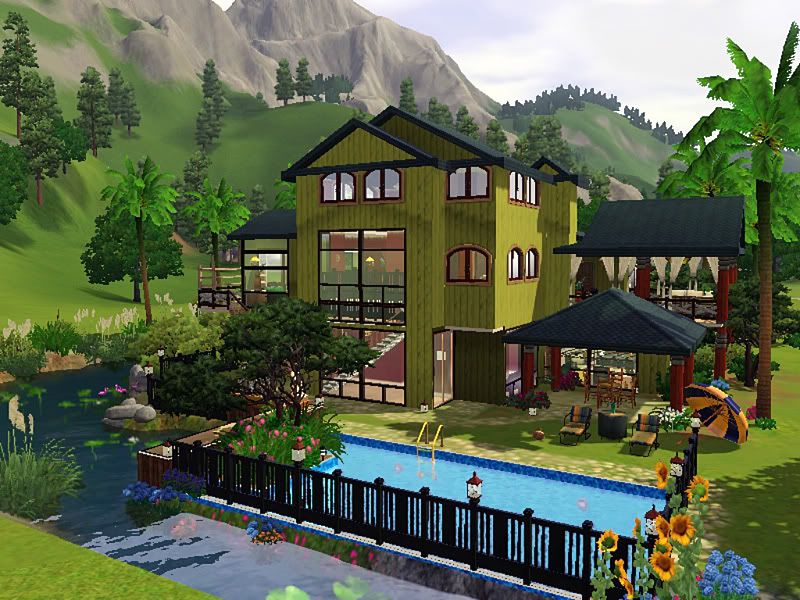
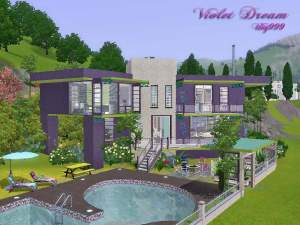
First floor includes: living, dining, kitchen, a full bath and
a guest bedroom
Lower floor : a master suite, family room and bedroom 3
Price of lot : F 176,793
U 105,338
Rear View
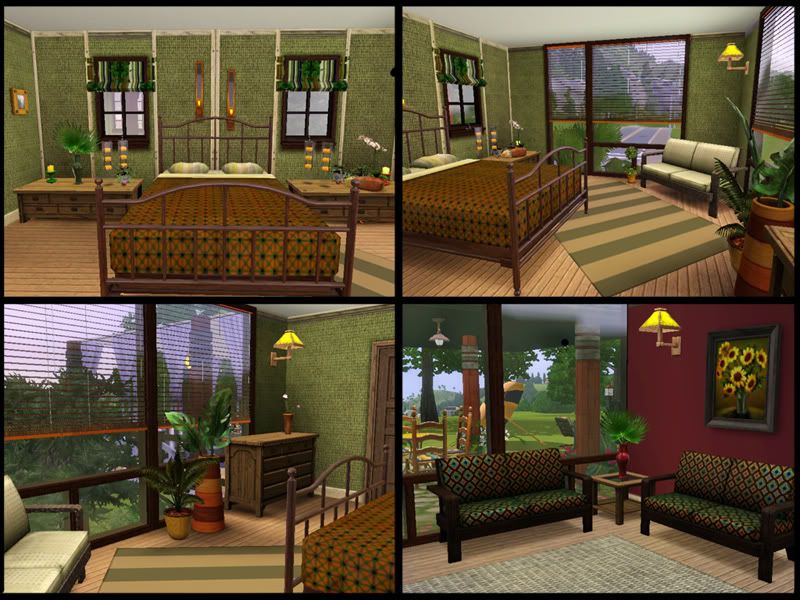
Master Suite
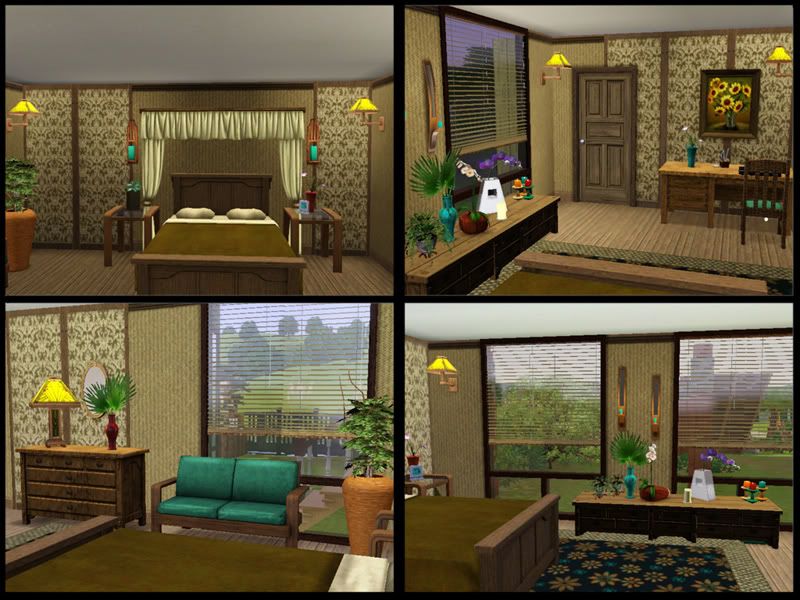
Guest bedroom
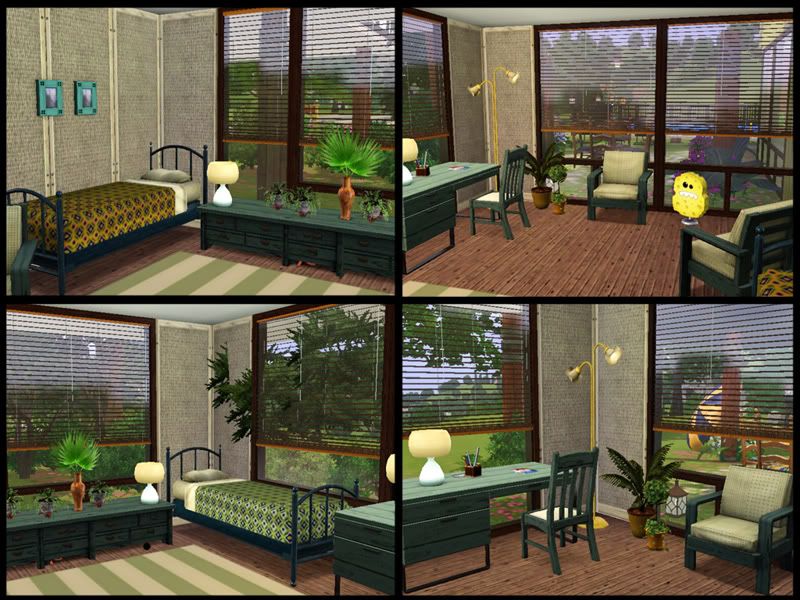
Bedroom 3
 This lot contains the folowing items from EA Store
http://store.thesims3.com/
Plants : @ http://store.thesims3.com/productLi...d=11525&index=0
Leaves of Tears
Variegated Ceramic Vase
Palm in vase
Orchaids of Many
painting: elegant swirls deleuxe http://store.thesims3.com/productLi...d=11525&index=0
Curtain : Eleganza Drapes http://store.thesims3.com/productLi...d=11525&index=0
Book shelf: L4 Bookshelf http://store.thesims3.com/productLi...d=11560&index=0
Desk : Arts & Crafts Desk http://store.thesims3.com/productLi...d=11517&index=0
Table : The Roundabout http://store.thesims3.com/productLi...d=11517&index=0
Lot Size: 4x4
Lot Price: 176,793
|
Tropics.rar
Download
Uploaded: 20th Aug 2009, 2.78 MB.
1,571 downloads.
|
||||||||
| For a detailed look at individual files, see the Information tab. | ||||||||
Install Instructions
1. Click the filename or the download button to download the file to your computer.
2. Extract the zip, rar, or 7z file.
2. Select the .sims3pack file you got from extracting.
3. Cut and paste it into your Documents\Electronic Arts\The Sims 3\Downloads folder. If you do not have this folder yet, it is recommended that you open the game and then close it again so that this folder will be automatically created. Then you can place the .sims3pack into your Downloads folder.
5. Load the game's Launcher, and click on the Downloads tab. Select the house icon, find the lot in the list, and tick the box next to it. Then press the Install button below the list.
6. Wait for the installer to load, and it will install the lot to the game. You will get a message letting you know when it's done.
7. Run the game, and find your lot in Edit Town, in the premade lots bin.
Extracting from RAR, ZIP, or 7z: You will need a special program for this. For Windows, we recommend 7-Zip and for Mac OSX, we recommend Keka. Both are free and safe to use.
Need more help?
If you need more info, see Game Help:Installing TS3 Packswiki for a full, detailed step-by-step guide!
Loading comments, please wait...



Uploaded: 20th Aug 2009 at 2:59 AM
-
-
by ung999 19th Dec 2009 at 11:25pm
 50
95.6k
119
50
95.6k
119
-
-
-
-
-
-
-
by Asmodeuseswife 2nd Apr 2014 at 1:35pm
+14 packs
4 5.9k 35 World Adventures
 Ambitions
 Late Night
 Outdoor Living Stuff
 Generations
 Town Life Stuff
 Master Suite Stuff
 Pets
Pets
 Showtime
 Supernatural
 Seasons
 University Life
 Island Paradise
 Into the Future
-
by Random2491 24th Mar 2025 at 7:09am
+3 packs
2 6.5k 15 Ambitions
Late Night
Supernatural


-
-
Sunny Beach House (Base Game Only)
by ung999 1st Nov 2009 at 9:37pm
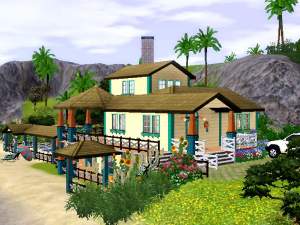
This house located in Sunnysde Strand, is a two story building with 2 bedrooms and 2 baths. more...
27
54.1k
60
-
-
-
-
-
-

-
-