
 Sign in to Mod The Sims
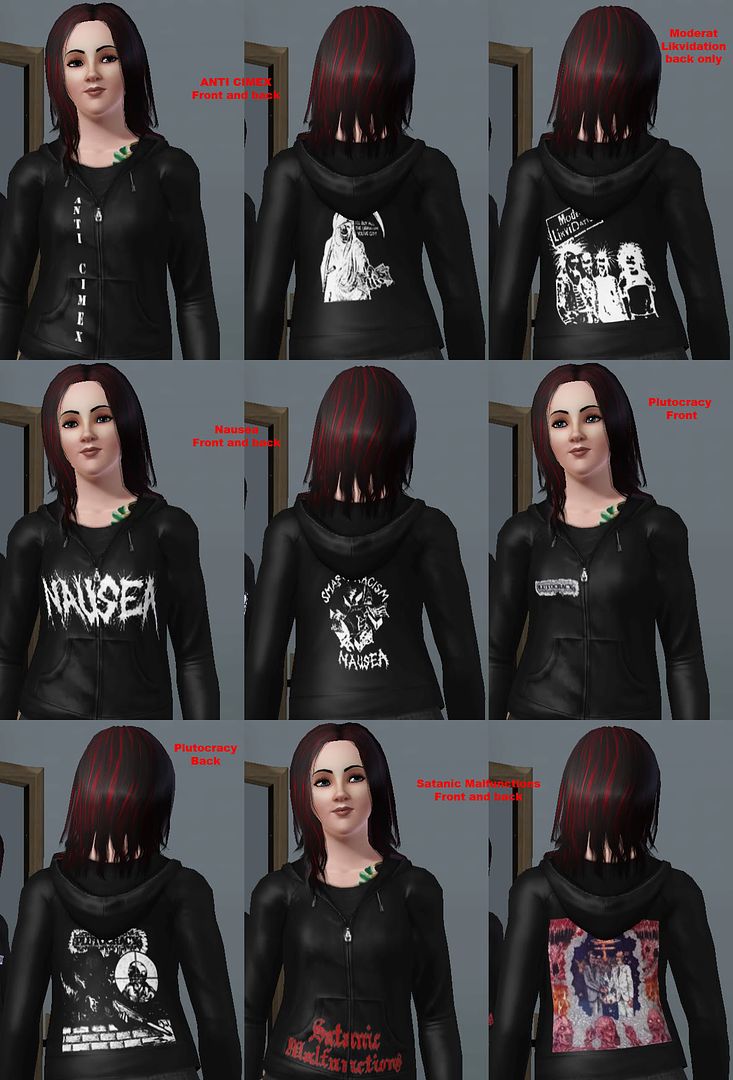
 5 Punk Hoodies for your female sims.
 5 Punk Hoodies for your female sims.
.jpg?cb=1249278178)
Punk Hoodie 1 - Female (small).jpg - width=695 height=1024
Bands included are:
- Anti-Cimex: Band name on front, with the reaper on the back.
- Moderat Likvidation: Cover of Nitad on the back.
- Nausea: Logo on front, smash racism emblem on the back.
- Plutocracy: Logo on right front chest, with the sniping pigz cover on the back.
- Satanic Malfunctions: Logo on the front, with the Hellbound LP cover on the back.
All hoodies can be found in the young adult/adult tops section. They look best on dark colors, but can be recolored at your discretion.
Additional Credits:
Delphy for CTU Riotmanifesta for bringing up the idea of making a hoodie in her punk t-shirt pack topic.
|
Punk Hoodies 1 - Female.zip
Download
Uploaded: 12th Aug 2009, 297.8 KB.
17,687 downloads.
|
||||||||
| For a detailed look at individual files, see the Information tab. | ||||||||
Install Instructions
1. Click the download button, or the filename, to download the file to your computer.
2. Extract the zip, rar, or 7z file. Now you will have either a .package or a .sims3pack file.
For Package files:
1. Cut and paste the file into your Documents\Electronic Arts\The Sims 3\Mods\Packages folder. If you do not already have this folder, you should read the full guide to Package files first: Sims 3:Installing Package Fileswiki, so you can make sure your game is fully patched and you have the correct Resource.cfg file.
2. Run the game, and find your content where the creator said it would be (build mode, buy mode, Create-a-Sim, etc.).
For Sims3Pack files:
1. Cut and paste it into your Documents\Electronic Arts\The Sims 3\Downloads folder. If you do not have this folder yet, it is recommended that you open the game and then close it again so that this folder will be automatically created. Then you can place the .sims3pack into your Downloads folder.
2. Load the game's Launcher, and click on the Downloads tab. Find the item in the list and tick the box beside it. Then press the Install button below the list.
3. Wait for the installer to load, and it will install the content to the game. You will get a message letting you know when it's done.
4. Run the game, and find your content where the creator said it would be (build mode, buy mode, Create-a-Sim, etc.).
Extracting from RAR, ZIP, or 7z: You will need a special program for this. For Windows, we recommend 7-Zip and for Mac OSX, we recommend Keka. Both are free and safe to use.
Need more help?
If you need more info, see:
- For package files: Sims 3:Installing Package Fileswiki
- For Sims3pack files: Game Help:Installing TS3 Packswiki
Loading comments, please wait...
Uploaded: 12th Aug 2009 at 5:04 AM
Updated: 1st Feb 2015 at 2:43 PM by Nysha
-
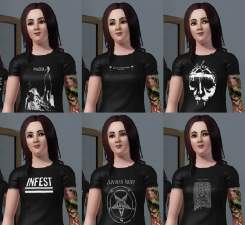
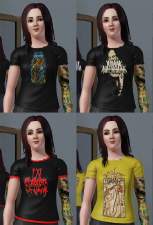
Crust & Punk Shirts for YAM/AM!
by riotmanifesta updated 16th Jul 2009 at 12:02am
-
-
-
-
-
-
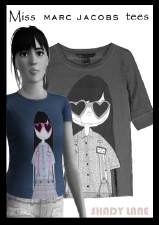
"Miss Marc" - 5 female t-shirts
by Shady Lane updated 6th Oct 2009 at 1:18am
-
-
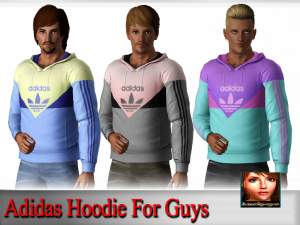
Adidas Hoodies For YA/A Males.
by luckyoyo 6th Jul 2014 at 1:01pm
 +1 packs
6 27.2k 73
+1 packs
6 27.2k 73 Diesel Stuff
Male » Everyday » Young Adult
-
by Leafs34 16th Mar 2016 at 1:11am
3
7.9k
7


About Me
I refuse to create stuff for christian bands, sorry it's not up for debate, and I'm not going to get into an argument over it.