
 Sign in to Mod The Sims
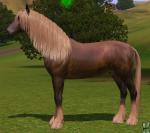
 Grullo Mustang Stallion
 Grullo Mustang Stallion


Screenshot-123.jpg - width=991 height=769
Screenshot-124.jpg - width=838 height=746
Screenshot-127.jpg - width=793 height=646
Screenshot-125.jpg - width=930 height=744
Screenshot-126.jpg - width=1079 height=567
HCTFMoonlightMist-07.jpg - width=626 height=499
Stormwashed.jpg - width=453 height=368
Smoker.jpg - width=600 height=427
Info on the color:
A Grullo is a black horse which has the dun gene, which causes the body to lighten and creates primitive markings. It should not be confused with a buckskin, a bay colored horse with 1 cream gene.
With the duns, no matter what the base color is (black, bay, chestnut) it will always have darker points and markings. With the cream gene this isn't the case, as is very clear on a palomino (chestnut + cream gene). White markings are possible, so are paints.
A horse is able to have both the dun and cream gene, however. This makes for very pretty, smokey colored duns. Sadly there aren't many of them.
About the horse:
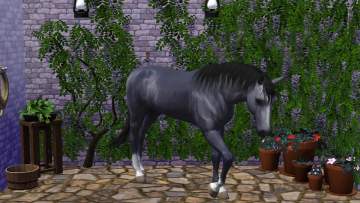
Meet Dark Knight of Marvels, a young Mustang stallion who is now old enough to go to a new home and be broken under the saddle. This guy is still green, although he shows great potential while doing some groundwork.
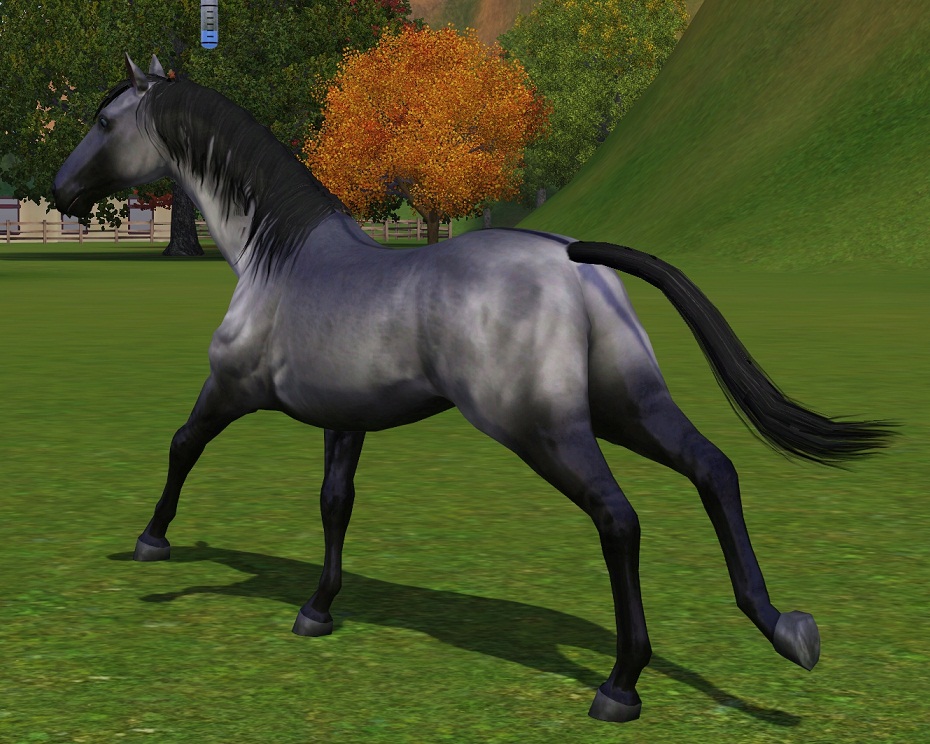
His dun coloring shows very nicely, with a lot of primitive markings: eelstripe, leg barrings, shoulderstripe. With no white at all and his pretty blue eyes, he is a real attention grabber.
His traits are:
-Brave
-Agile
-Untrained
I hope you will love him as much as I do! Enjoy!
|
Dark Knight_of Marvels.rar
Download
Uploaded: 28th Oct 2011, 344.8 KB.
3,077 downloads.
|
||||||||
| For a detailed look at individual files, see the Information tab. | ||||||||
Install Instructions
1. Click the filename or the download button to download the sim to your computer.
2. Extract the zip, rar, or 7z file.
2. Select the .sim file you got from extracting.
3. Cut and paste it into your Documents\Electronic Arts\The Sims 3\SavedSims folder. If you do not have this folder yet, it is recommended that you open the game, enter Create-a-Sim, and save a sim to the sim bin to create this folder, rather than doing so manually. After that you can close the game and put the .sim file in SavedSims
4. Once the .sim file is in SavedSims, you can load the game, and look for your sim in the premade sims bin in Create-a-Sim.
Extracting from RAR, ZIP, or 7z: You will need a special program for this. For Windows, we recommend 7-Zip and for Mac OSX, we recommend Keka. Both are free and safe to use.
Need more help?
If you need more info, see Game Help:Installing TS3 Simswiki for a full, detailed step-by-step guide!
Loading comments, please wait...
-
-
-
Spirit: Stallion of the Cimarron
by PharaohHound 10th Dec 2011 at 10:59am
-
-
by ArgentusMonoceros 18th Jul 2014 at 3:03pm
-
by ArgentusMonoceros 18th Jul 2014 at 3:08pm
-
-
-
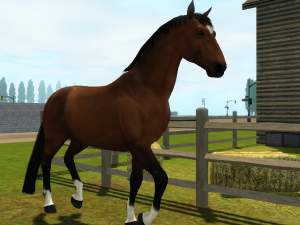
by Canterville03 14th Mar 2022 at 3:30pm
-
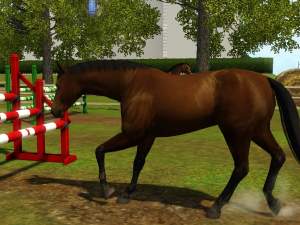
by Canterville03 14th Mar 2022 at 3:31pm


Packs Needed
| Expansion Pack | |
|---|---|
 | Pets |