
 Sign in to Mod The Sims
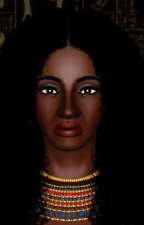
 Cassadee Pope - Lead Singer Of Hey Monday
 Cassadee Pope - Lead Singer Of Hey Monday
SCREENSHOTS


CPformal.jpg - width=1280 height=798
Formal Outfit
CPinfo.jpg - width=1280 height=1024
Everyday and traits
CPRLeveryday.jpg - width=500 height=500
Everyday reference pic
CPRLFormal.jpg - width=400 height=604
Formal reference pic
CPsleep.jpg - width=1280 height=798
Sleepwear
CPsport.jpg - width=1280 height=798
Athletic outfit
CPswim.jpg - width=1280 height=798
Swimwear
CPRLsport.jpg - width=500 height=357
Athletic wear reference pic
CPRLswim.jpg - width=500 height=335
Swimwear reference pic
CPneutral.jpg - width=1280 height=1024


Downloaded 836 times
28 Thanks
6 Favourited
22,054 Views
Say Thanks!
Thanked!
Cassadee Blake Pope (born August 28, 1989) is an American singer-songwriter and musician and the lead vocalist of the pop punk band Hey Monday. With the band she has released a studio album, Hold on Tight. She went solo after Hey Monday's hiatus which was announced in December 2011, but reassured fans that the band was not "broken up." In early 2012 she played her first acoustic solo tour before releasing her debut solo EP in May later that year.
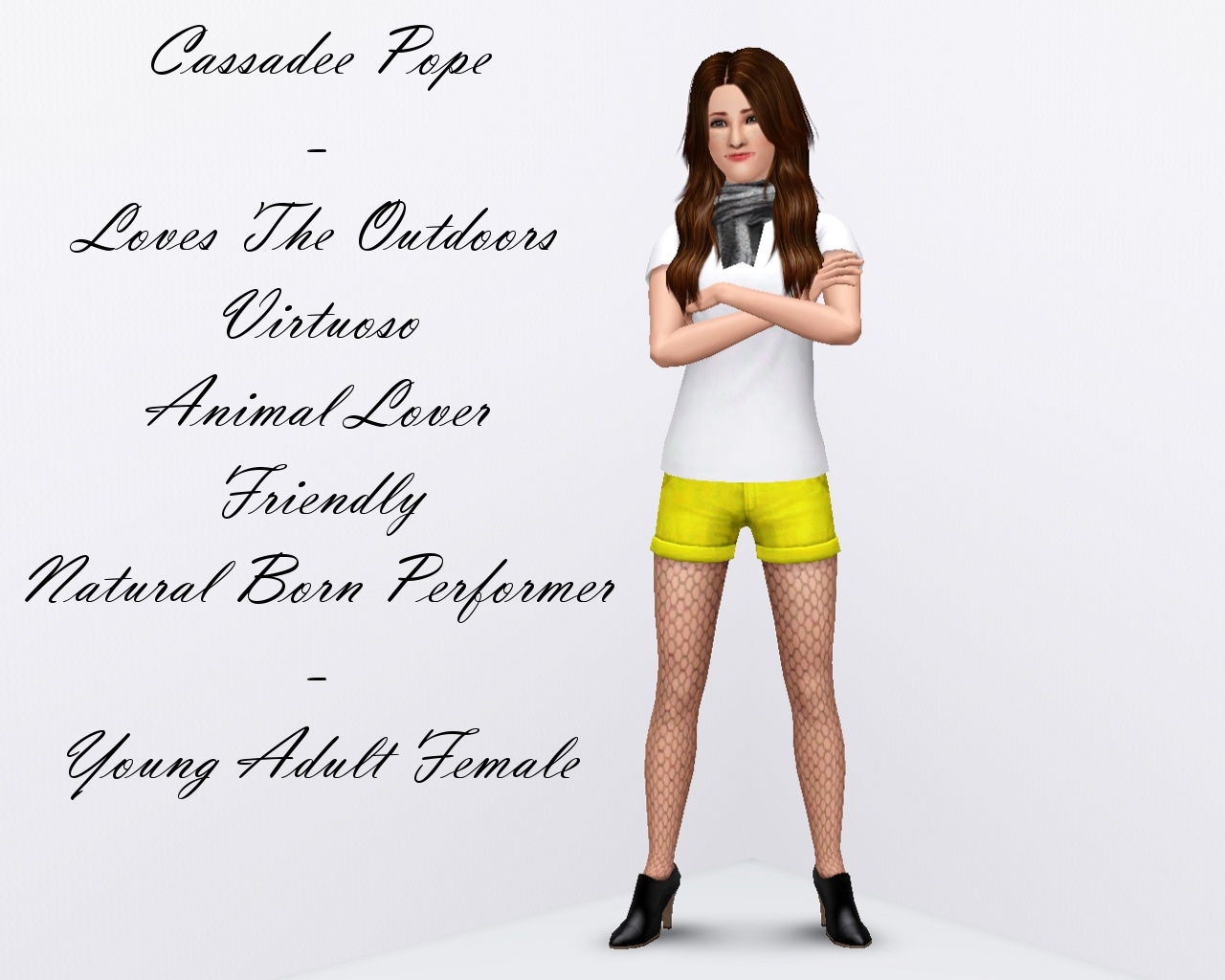

Cassadee is a young adult female with the following traits: Virtuoso, Animal Lover, Loves the Outdoors, Natural Born Performer and Friendly.
Her Lifetime Want is to become a Vocal Legend.
Her Zodiac sign is Virgo.
Her favourite food is Waffles. She enjoys Pop music and loves the colour Spiceberry.
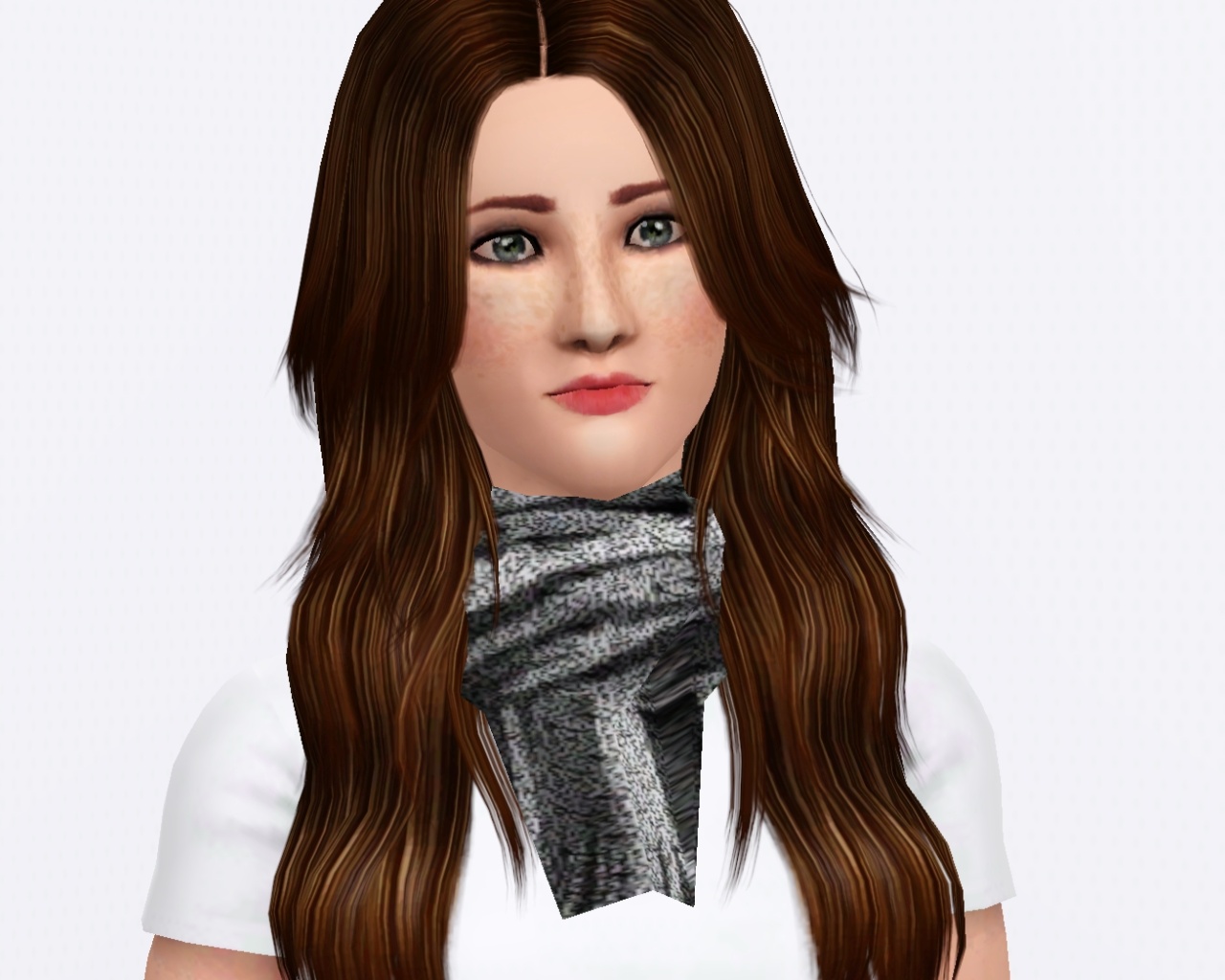
Cassadee is packaged with no CC and the EA default skin. In order for Cassadee to appear the same as in the screenshots you will need to download the following:
Skin by Goldeneyes
Eyes by Goldeneyes
Everyday Hair by Elexis
Everyday Scarf by Severinka
Everyday Top by dutch
Everyday Fishnet Stockings by Liana
Sportswear Hair by Elexis
Sportswear Bottom by Lore
Sportswear Top by Lore
Swimwear Hair by Flora
Freckles by LadyFrontbum
Lipstick by Elexis
Blush by Lady Frontbum
Eyeshadow by Arisuka
Enjoy!
Cassadee is a young adult female with the following traits: Virtuoso, Animal Lover, Loves the Outdoors, Natural Born Performer and Friendly.
Her Lifetime Want is to become a Vocal Legend.
Her Zodiac sign is Virgo.
Her favourite food is Waffles. She enjoys Pop music and loves the colour Spiceberry.
Cassadee is packaged with no CC and the EA default skin. In order for Cassadee to appear the same as in the screenshots you will need to download the following:
Skin by Goldeneyes
Eyes by Goldeneyes
Everyday Hair by Elexis
Everyday Scarf by Severinka
Everyday Top by dutch
Everyday Fishnet Stockings by Liana
Sportswear Hair by Elexis
Sportswear Bottom by Lore
Sportswear Top by Lore
Swimwear Hair by Flora
Freckles by LadyFrontbum
Lipstick by Elexis
Blush by Lady Frontbum
Eyeshadow by Arisuka
Enjoy!
Advertisement:
|
Cassadee_Pope3.zip
| She is uploaded with no CC and the default EA skintone.
Download
Uploaded: 9th Jun 2012, 429.4 KB.
837 downloads.
|
||||||||
| For a detailed look at individual files, see the Information tab. | ||||||||
Install Instructions
Quick Guide:
1. Click the filename or the download button to download the sim to your computer.
2. Extract the zip, rar, or 7z file.
2. Select the .sim file you got from extracting.
3. Cut and paste it into your Documents\Electronic Arts\The Sims 3\SavedSims folder. If you do not have this folder yet, it is recommended that you open the game, enter Create-a-Sim, and save a sim to the sim bin to create this folder, rather than doing so manually. After that you can close the game and put the .sim file in SavedSims
4. Once the .sim file is in SavedSims, you can load the game, and look for your sim in the premade sims bin in Create-a-Sim.
Extracting from RAR, ZIP, or 7z: You will need a special program for this. For Windows, we recommend 7-Zip and for Mac OSX, we recommend Keka. Both are free and safe to use.
Need more help?
If you need more info, see Game Help:Installing TS3 Simswiki for a full, detailed step-by-step guide! Special Installation Instructions
1. Click the filename or the download button to download the sim to your computer.
2. Extract the zip, rar, or 7z file.
2. Select the .sim file you got from extracting.
3. Cut and paste it into your Documents\Electronic Arts\The Sims 3\SavedSims folder. If you do not have this folder yet, it is recommended that you open the game, enter Create-a-Sim, and save a sim to the sim bin to create this folder, rather than doing so manually. After that you can close the game and put the .sim file in SavedSims
4. Once the .sim file is in SavedSims, you can load the game, and look for your sim in the premade sims bin in Create-a-Sim.
Extracting from RAR, ZIP, or 7z: You will need a special program for this. For Windows, we recommend 7-Zip and for Mac OSX, we recommend Keka. Both are free and safe to use.
Need more help?
If you need more info, see Game Help:Installing TS3 Simswiki for a full, detailed step-by-step guide! Special Installation Instructions
- If you get an error that says "This content requires expansion pack data that is not installed", please use Clean Installer to install this sim.
Advertisement:
Loading comments, please wait...
Author

Download Details
Tags
Other Download Recommendations:





Packs Needed
| Expansion Pack | |
|---|---|
 | World Adventures |
 | Late Night |
 | Pets |
 | Showtime |
About Me
I'm a music-lover and extremely socially awkward person. I like waffles. (Yay! For irrelevance)