
 Sign in to Mod The Sims
 Old Wall Collection 1 - plaster [TS2] -
 Old Wall Collection 1 - plaster [TS2] -


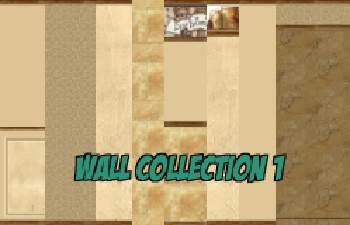
Old-wall_coll-1.gif - width=300 height=233
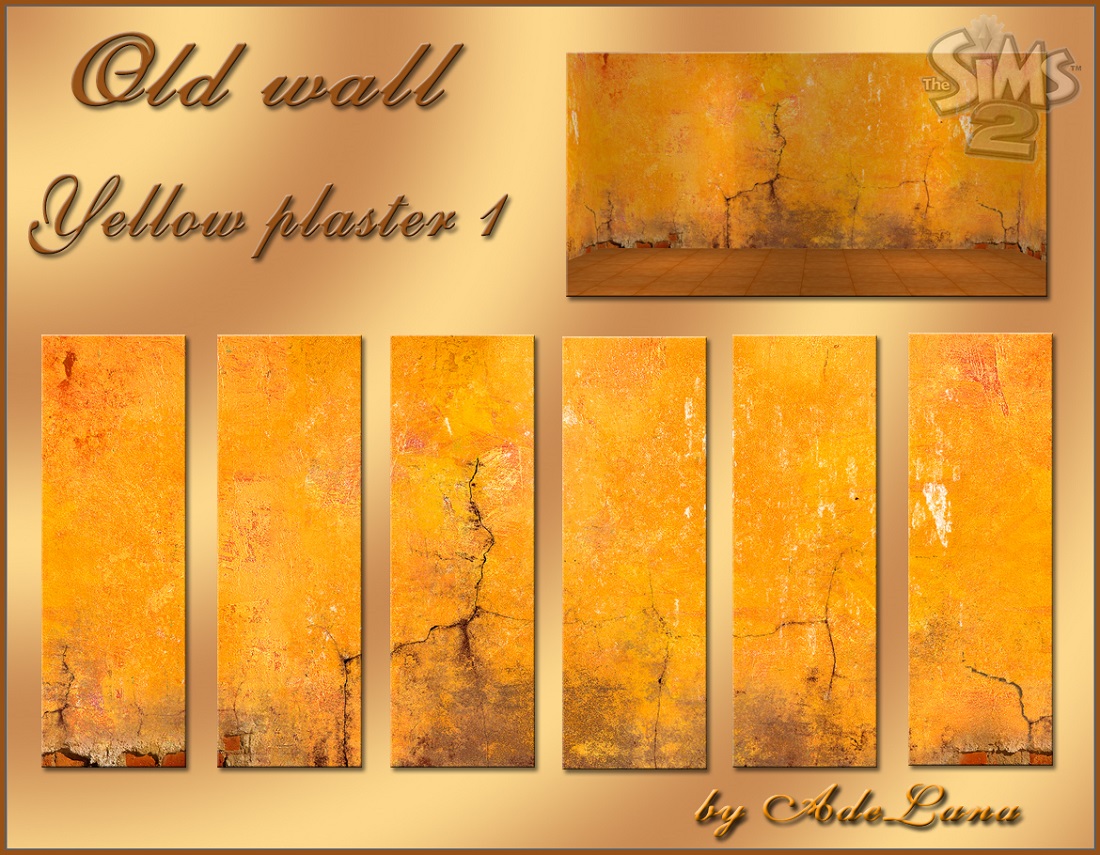
Old wall_Yellow plaster 1.jpg - width=1100 height=855
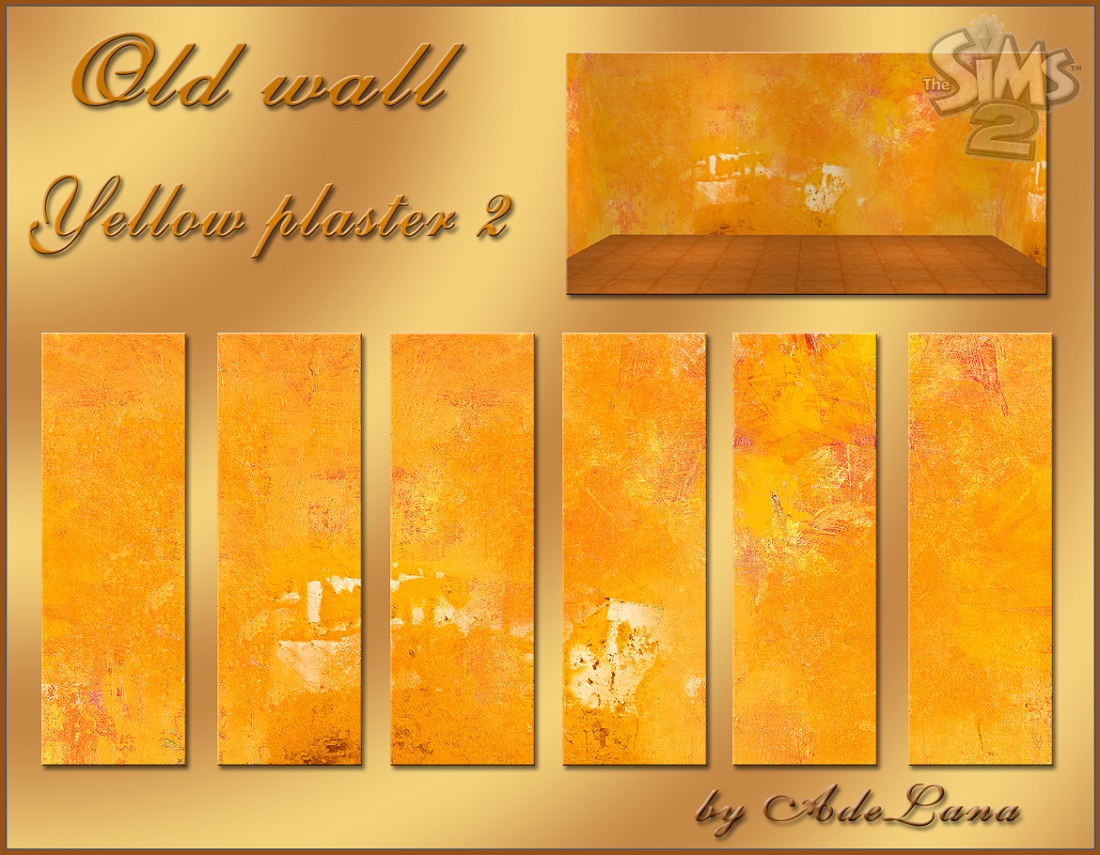
Old wall_Yellow plaster 2.jpg - width=1100 height=855
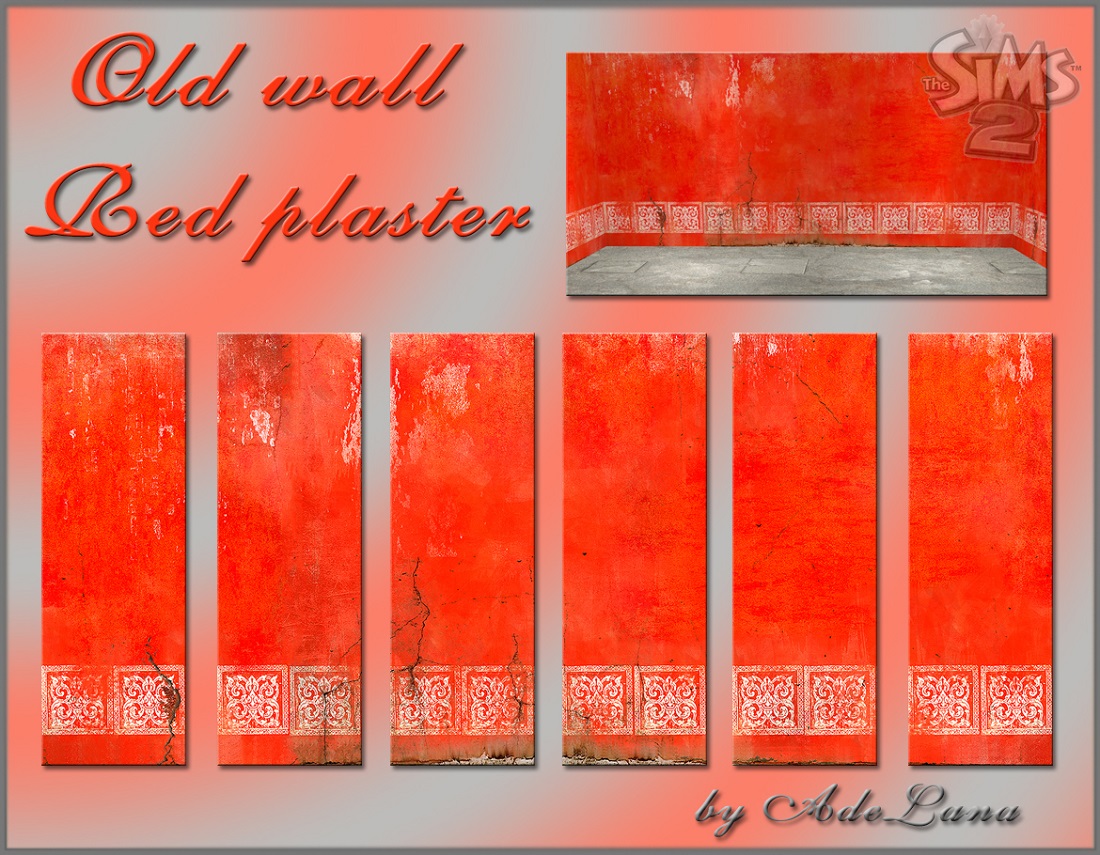
Old wall_Red plaster.jpg - width=1100 height=855
Sims2EP8 2017-02-28 19-53-46-31.jpg - width=1024 height=768
Sims2EP8 2017-02-28 20-19-00-59.jpg - width=1024 height=768
Sims2EP8 2017-02-28 19-52-33-34.jpg - width=1024 height=768
Sims2EP8 2017-02-28 20-19-48-34.jpg - width=1024 height=768
Sims2EP8 2017-02-28 19-55-23-68.jpg - width=1024 height=768
Sims2EP8 2017-02-28 20-21-23-03.jpg - width=1024 height=768


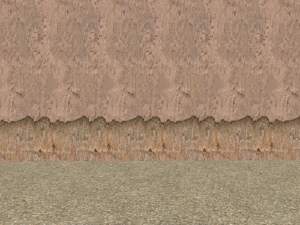
I represent three collections of old shabby walls - "Old wall_Yellow plaster 1", "Old wall_Yellow plaster 2", "Old wall_Red plaster".
!!! Each set is nested the file for easy collection.

Information:
Build Mode > Wall Coverings > Poured
Price: 5§
Additional Credits:
Thank you pike for the perfect basics for these coverings!
Adobe Photoshop CS6,
The Compressorizer ,
HomeCrafter Plus.
|
Old wall_Red plaster.rar
Download
Uploaded: 26th Mar 2017, 613.4 KB.
1,435 downloads.
|
||||||||
|
Old wall_Yellow plaster 2.rar
Download
Uploaded: 26th Mar 2017, 615.7 KB.
1,471 downloads.
|
||||||||
|
Old wall_Yellow plaster 1.rar
Download
Uploaded: 26th Mar 2017, 634.6 KB.
1,516 downloads.
|
||||||||
| For a detailed look at individual files, see the Information tab. | ||||||||
Install Instructions
1. Download: Click the download link to save the .rar or .zip file(s) to your computer.
2. Extract the zip, rar, or 7z file.
3. Place in Downloads Folder: Cut and paste the .package file(s) into your Downloads folder:
- Origin (Ultimate Collection): Users\(Current User Account)\Documents\EA Games\The Sims™ 2 Ultimate Collection\Downloads\
- Non-Origin, Windows Vista/7/8/10: Users\(Current User Account)\Documents\EA Games\The Sims 2\Downloads\
- Non-Origin, Windows XP: Documents and Settings\(Current User Account)\My Documents\EA Games\The Sims 2\Downloads\
- Mac: Users\(Current User Account)\Documents\EA Games\The Sims 2\Downloads
- Mac x64: /Library/Containers/com.aspyr.sims2.appstore/Data/Library/Application Support/Aspyr/The Sims 2/Downloads
- For a full, complete guide to downloading complete with pictures and more information, see: Game Help: Downloading for Fracking Idiots.
- Custom content not showing up in the game? See: Game Help: Getting Custom Content to Show Up.
- If you don't have a Downloads folder, just make one. See instructions at: Game Help: No Downloads Folder.
Loading comments, please wait...

Uploaded: 26th Mar 2017 at 11:14 AM
Updated: 26th Mar 2017 at 2:00 PM
-
by scilly2 22nd Jan 2005 at 6:49pm
 3.1k
3.1k
-
by Hermes 7th Oct 2005 at 10:46am
2
3.4k
-
by Neefers 25th Oct 2005 at 6:47am
8
10.4k
3
-
by Ani81 29th Mar 2006 at 3:47pm
3
4.4k
-
by krad77 23rd Sep 2006 at 12:04am
1
7.4k
1
-
by Kaitshi 29th Sep 2006 at 8:45am
1
4.3k
1
-
-
by lowcamifo 28th Aug 2007 at 9:42pm
6k
6
-
by MissPiggi 4th Mar 2008 at 10:39pm
2
6.7k
4
-

-
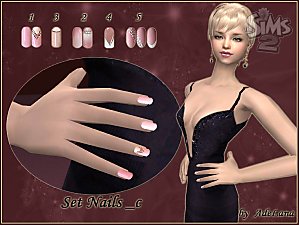

Natural french manicure. Manicure - "NailsSet_c"
by AdeLanaSP 9th Aug 2018 at 12:59pm
Manicure for sims more...
1
29.1k
22
-


-

-
-

-
-
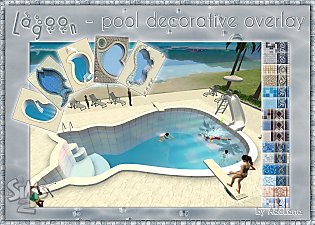
"Lagoon" - Pool Decorative Overlay
by AdeLanaSP 11th Oct 2020 at 10:42am
This is a decorative overlay with which you can visually change the shape of the pool. more...
+1 packs
30 15k 76 Nightlife
-

"Pets Collection" Door & Windows (pet stop for business)
by AdeLanaSP 5th Jun 2019 at 1:41pm
Door and Windows for business more...
5
4.8k
8
-
-


About Me
About Sims, lots, meshes, rekolors, walls and floors
You can use them as you like. But:
- Do not give as your own works
- Do not use for downloads and presentation of your work on paid sites
- If possible indicate author
Links
http://www.modthesims.info/member.php?u=4668943
or
https://adelana-sims.blogspot.com/
Friends, I am from Russia. English is not my native language. Advance I am sorry for the delays and errors in replies.