Sign in to Mod The Sims
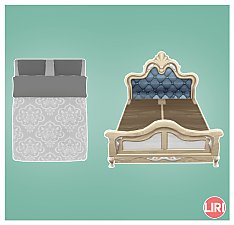
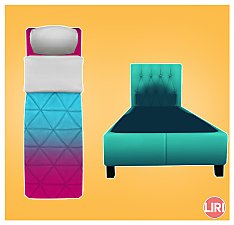
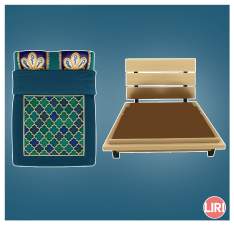
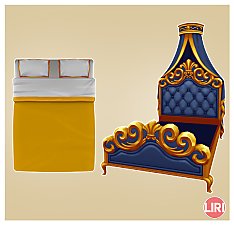
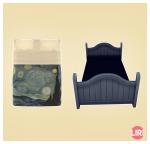
 The Eminence Bed Separated
 The Eminence Bed Separated


main.jpg - width=1498 height=1440
swatch_frame.jpg - width=2560 height=1440
swatch_mattress.jpg - width=2560 height=1440
cas.jpg - width=2560 height=1440
ingame_frame1.jpg - width=2560 height=1440
ingame_frame2.jpg - width=2560 height=1440
ingame_frame3.jpg - width=2560 height=1440
ingame_frame4.jpg - width=2560 height=1440
ingame_frame5.jpg - width=2560 height=1440
ingame_mattress1.jpg - width=2560 height=1440
ingame_mattress2.jpg - width=2560 height=1440
ingame_mattress3.jpg - width=2560 height=1440
ingame_mattress4.jpg - width=2560 height=1440
ingame_mattress5.jpg - width=2560 height=1440
ingame_mattress6.jpg - width=2560 height=1440
ingame_mattress7.jpg - width=2560 height=1440
ingame_mattress8.jpg - width=2560 height=1440
ingame_mattress9.jpg - width=2560 height=1440
ingame_mattress10.jpg - width=2560 height=1440
ingame_mattress11.jpg - width=2560 height=1440
object_models.jpg - width=2560 height=1440


The swatches are the same as the original bed, except for duplicates, which have been removed.
The mattress has been given maxed stats, and the original price of the bed has been halved between the mattress and the frame.
 Base Game compatible Maxed Stats: Energy 10 | Stress Relief 10 | Discomfort Relief 10 Price: 600 each Swatches available in gallery (frame has 5 swatches | mattress has 11 swatches) Available in Build Mode > Comfort > Beds
You may have to turn on cheat bb.moveobjects to place a mattress on the frame.
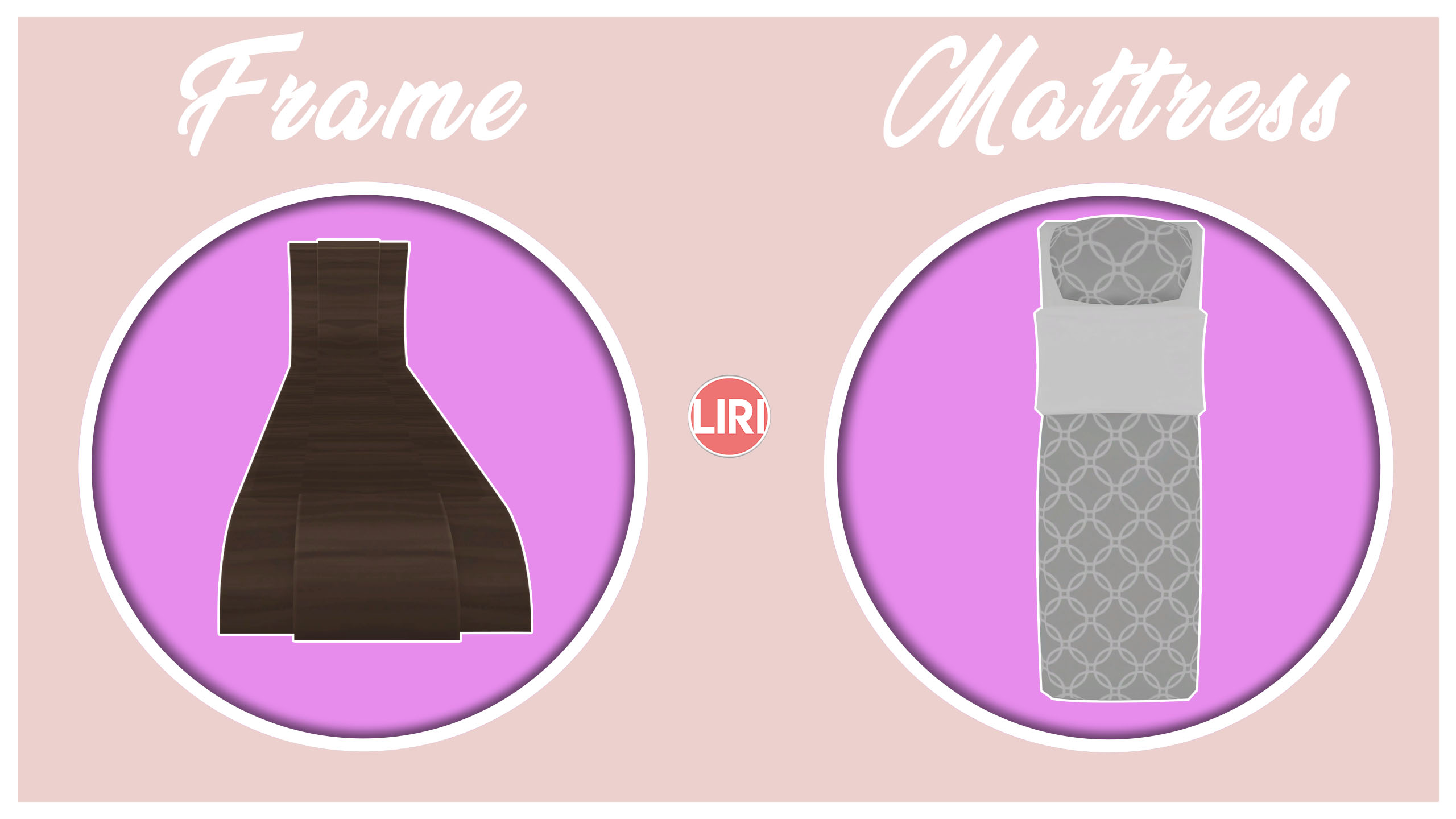
Polygon Counts:
Frame
LOD0: 412V | 330P
LOD1: 314V | 234P
Mattress
LOD0: 307V | 380P
LOD1: 289V | 363P
Additional Credits:
EA/Maxis
Blender
Photoshop CC
Sims 4 Studio
This is a new mesh, and means that it's a brand new self contained object that usually does not require a specific Pack (although this is possible depending on the type). It may have Recolours hosted on MTS - check below for more information.
|
Liri_BGBedSingle_TheEminence_separated.rar
Download
Uploaded: 24th Oct 2019, 2.94 MB.
3,162 downloads.
|
||||||||
| For a detailed look at individual files, see the Information tab. | ||||||||
Install Instructions
1. Download: Click the File tab to see the download link. Click the link to save the .rar or .zip file(s) to your computer.
2. Extract: Use 7zip (Windows) to extract the file(s) from the .rar or .zip file(s).
3. Cut and paste the file(s) into your Mods folder
Need more information?
- My Documents\Electronic Arts\The Sims 4\Mods\
- Anyone can use both .rar and .zip files easily! On Windows, use 7zip!
- If you don't have a Mods folder, just make one.
Loading comments, please wait...

Uploaded: 24th Oct 2019 at 11:54 PM




-
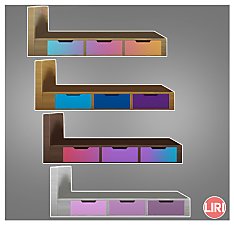
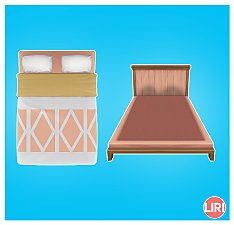
Sophisticated Adult Single Bed Frame *Separated and Recoloured*
by Lierie updated 12th Dec 2019 at 1:18am
A recolour of the separated "Sophisticated Adult Single Bed" frame more...
 +1 packs
4 8.3k 19
+1 packs
4 8.3k 19 Discover University
-
-
-
-
-
-
Racer Dreams Toddler Bed Separated
by Lierie 4th Nov 2019 at 2:19am
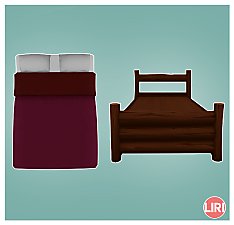
Separated the "Racer Dreams" Toddler bed frame and mattress, from the Base Game, as a non-override. more...
7k
18
-

Drift Away Bed Separated (Non-override)
by Lierie updated 20th Nov 2019 at 8:54am
Island Living's Drift Away Bed as a separate frame and mattress. Non-override version. more...
+1 packs
2 5.6k 13 Island Living
-
-