Quick Reply
Search this Thread
Instructor
Original Poster
#1 Old Yesterday at 8:59 PM

This user has the following games installed:

Sims 3, World Adventures, Ambitions, Late Night, Generations, Pets, Showtime, Supernatural, Seasons, University Life, Island Paradise, Into the Future
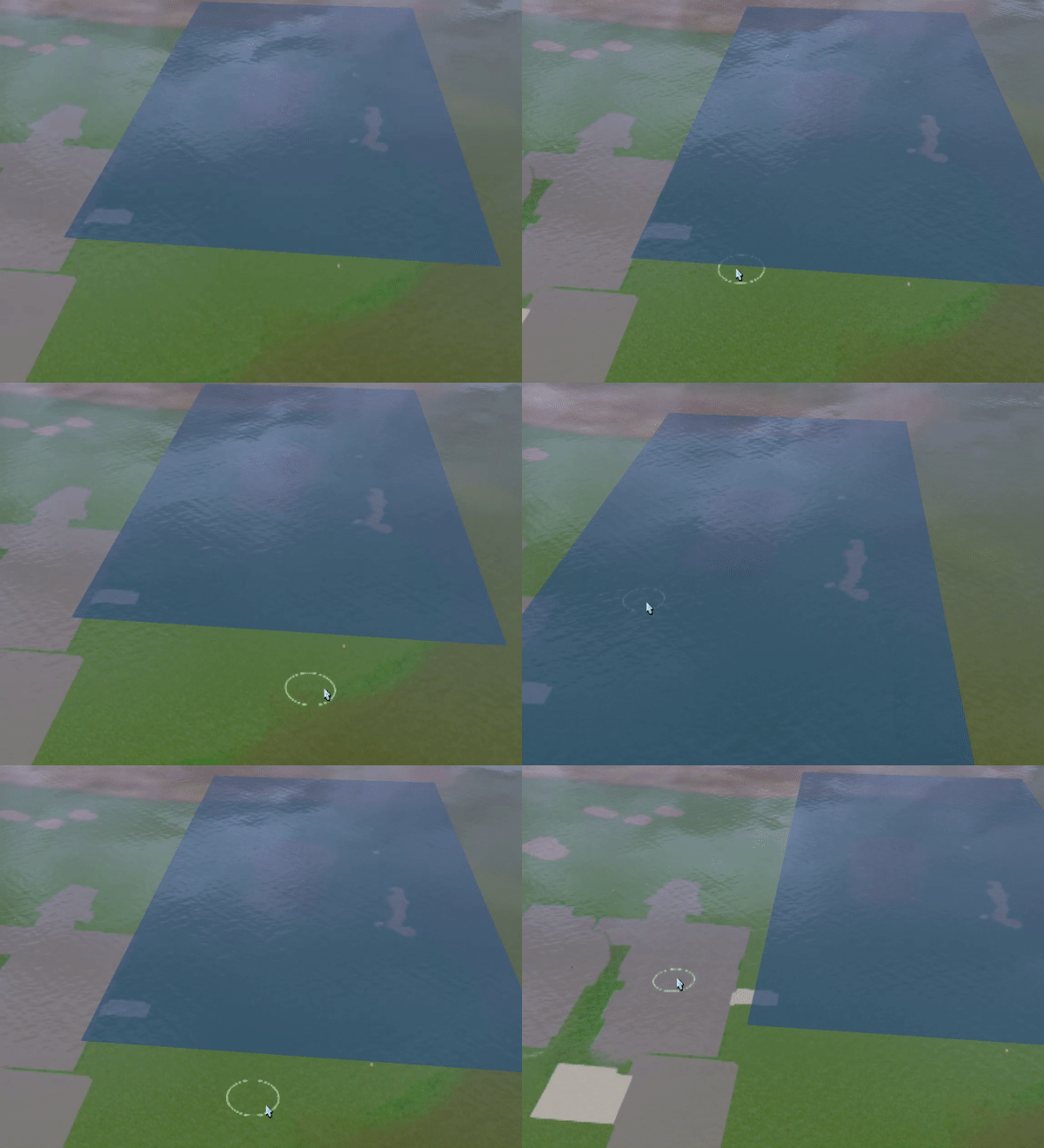
Default Patch of Water Won't Go Away?
Hello!

I tried to find everywhere online on how to word this but I guess I'm not getting results based on how I'm wording how to get rid of the water patch.


I have no idea how to remove it. It's not selectable, and it won't let me modify it by sculpt.

Has anyone else had this issue?

Thanks for your help! :D
Lab Assistant
#2 Old Yesterday at 9:24 PM
Open the world in SuperCAW, go to the Terrain tab, click on the "Display scene statistics" button (located to the left of the "Pond Tool" button). If there's at least one entry in the Ponds section of the "Scene Statistics" panel, select it and click "Delete".
Instructor
Original Poster
#3 Old Yesterday at 9:43 PM
Quote: Originally posted by phantom99
Open the world in SuperCAW, go to the Terrain tab, click on the "Display scene statistics" button (located to the left of the "Pond Tool" button). If there's at least one entry in the Ponds section of the "Scene Statistics" panel, select it and click "Delete".


It worked!! Thanks so much!!
Back to top