Sign in to Mod The Sims
 Modern inspired Hillside Home.
 Modern inspired Hillside Home.
SCREENSHOTS
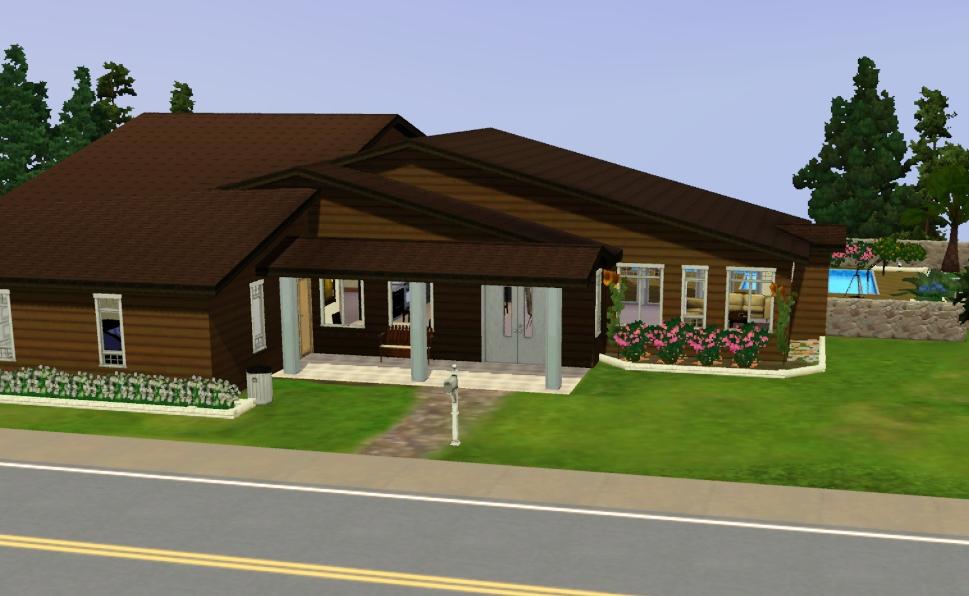
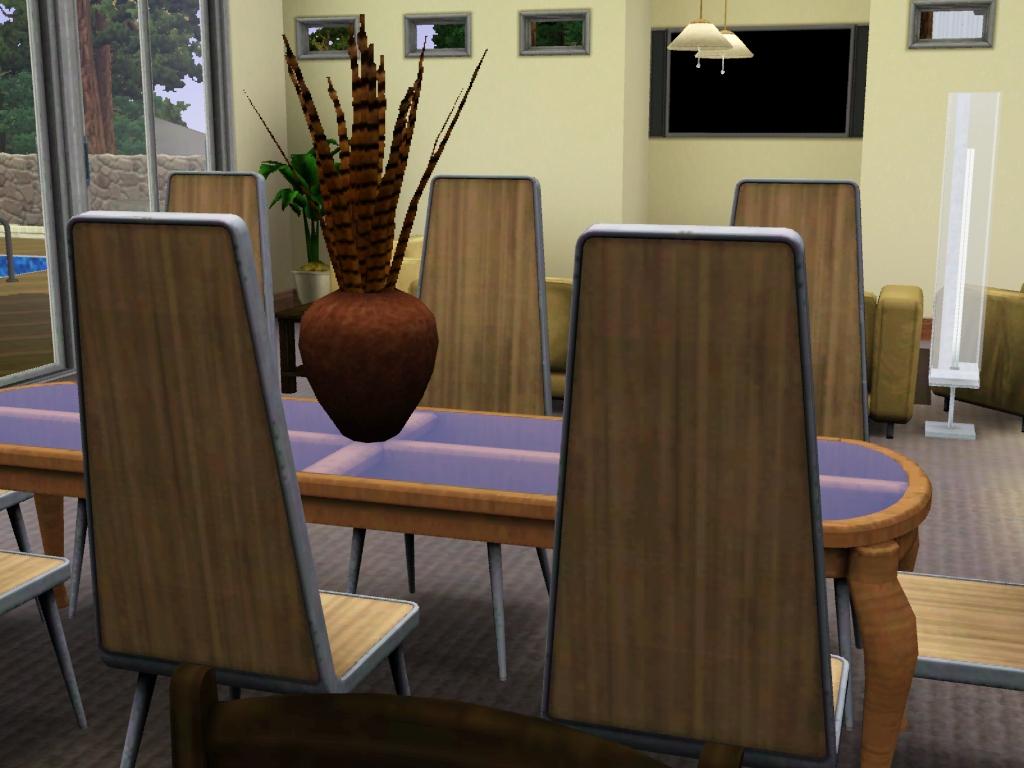
House 1.jpg - width=969 height=596
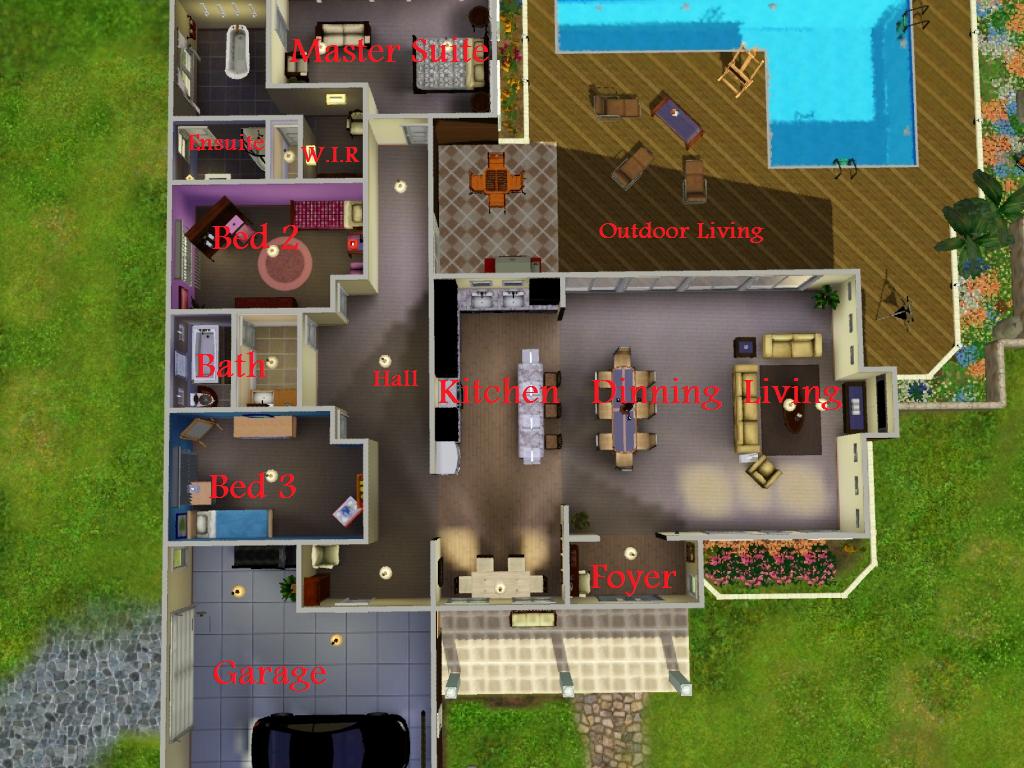
BirdView.jpg - width=1024 height=768
House 2.jpg - width=1024 height=752
House 3.jpg - width=1024 height=768
House 4.jpg - width=1024 height=768
House 5.jpg - width=1024 height=768
House 6.jpg - width=1024 height=768
Downloaded 284 times
85 Thanks
3 Favourited
9,526 Views
Say Thanks!
Thanked!
Okay this is my first upload so i hope you enjoy 
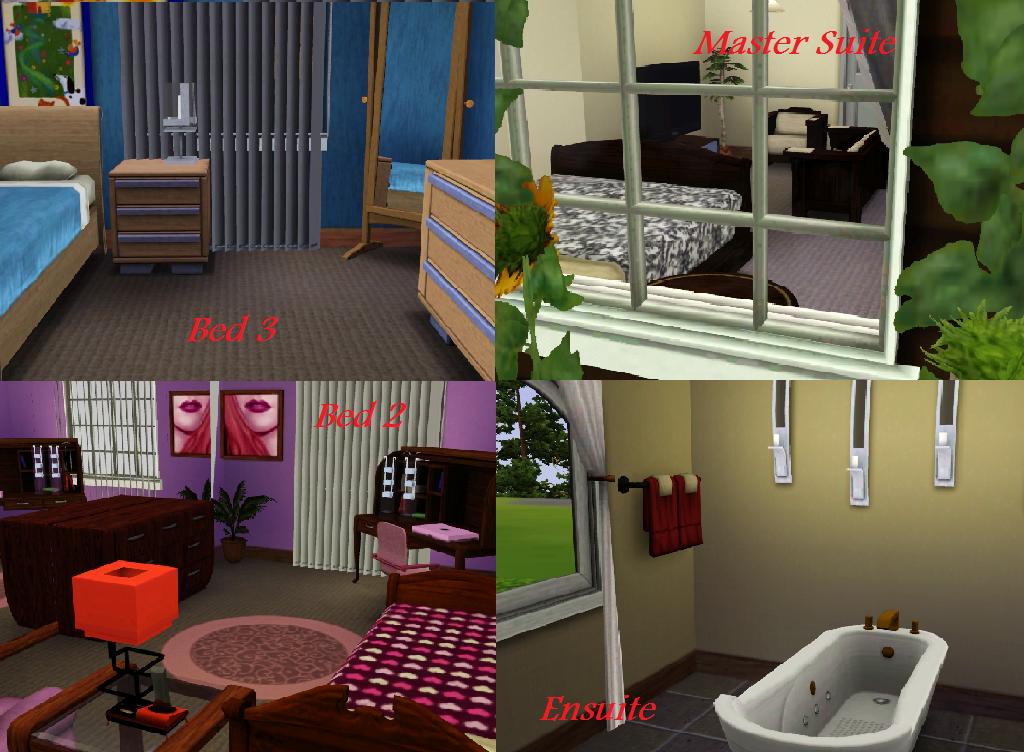
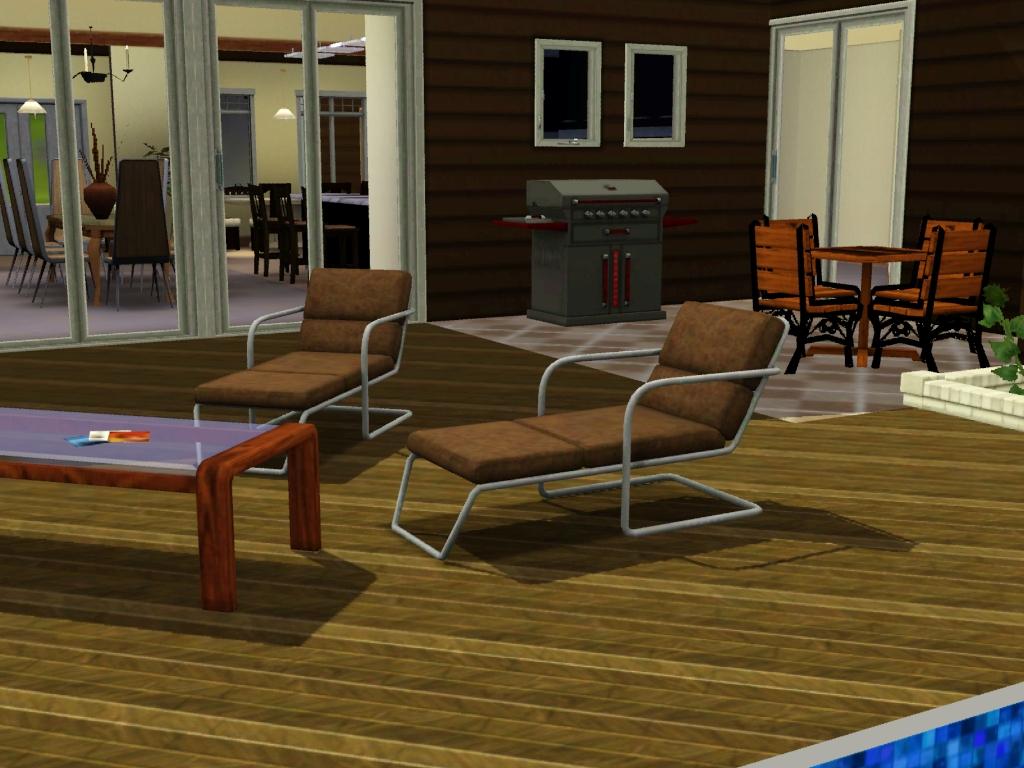
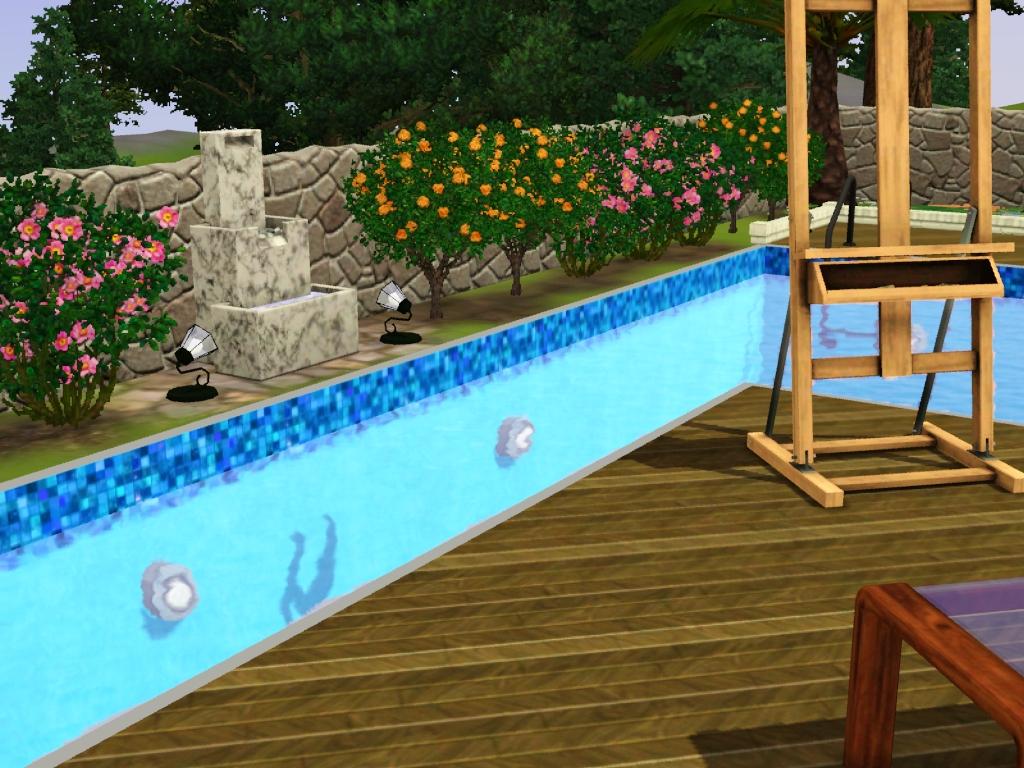
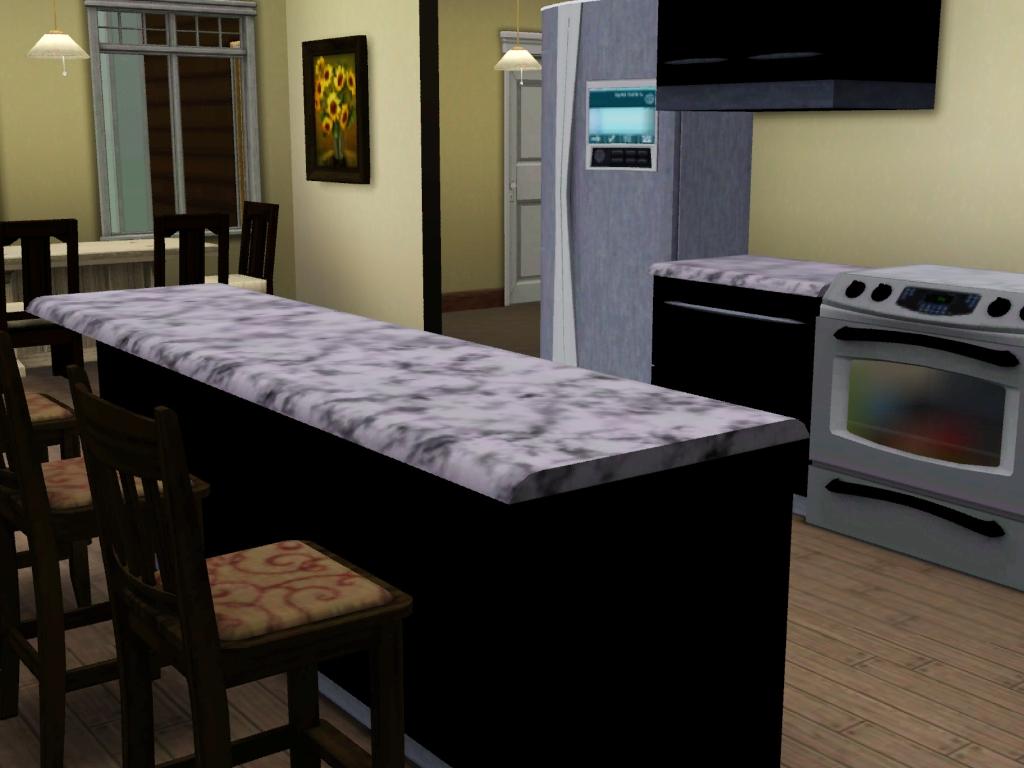
This modern inspired hillside home is just the place to get away from all the hustle and bustle of the city. It features 2 beautiful rooms and one large master suite. It has a very open living area with large slidding doors that open up on to the outdoor entertainment area and pool, which is perfect for throwing parties and inviting family around. Or just to enjoy a nice realxing time painting. This home is perfect for a family of 3-4 and great for children. It provides the parents with a place to escape and the children a place to run wild and have friends over without it being to cluttered. Its one stall garage contains a little area perfect for exercising and the kitchen contains a small breakfast table for the rush of the mroning. This house is based on a 40x30 lot but can be placed wherever it will fit
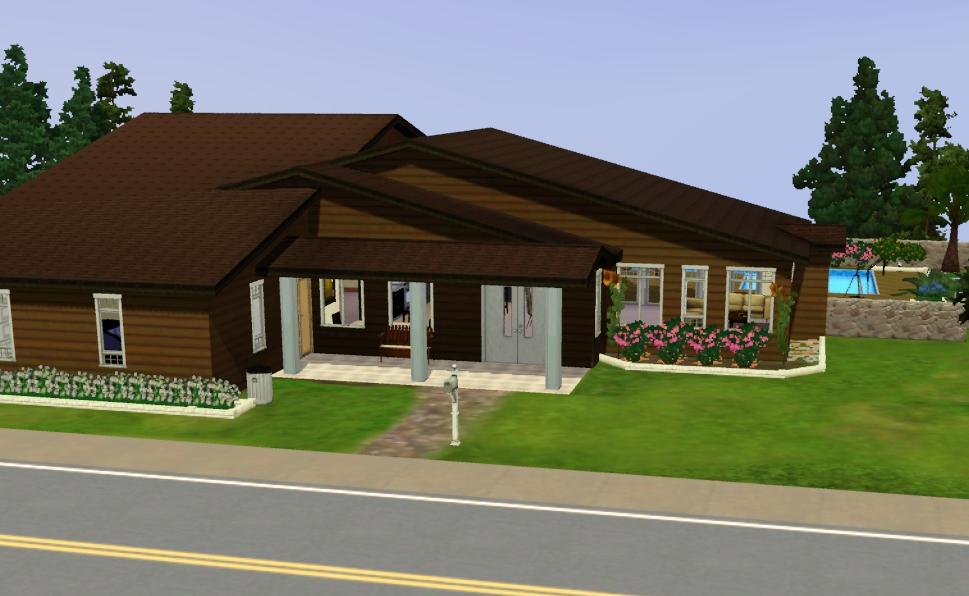
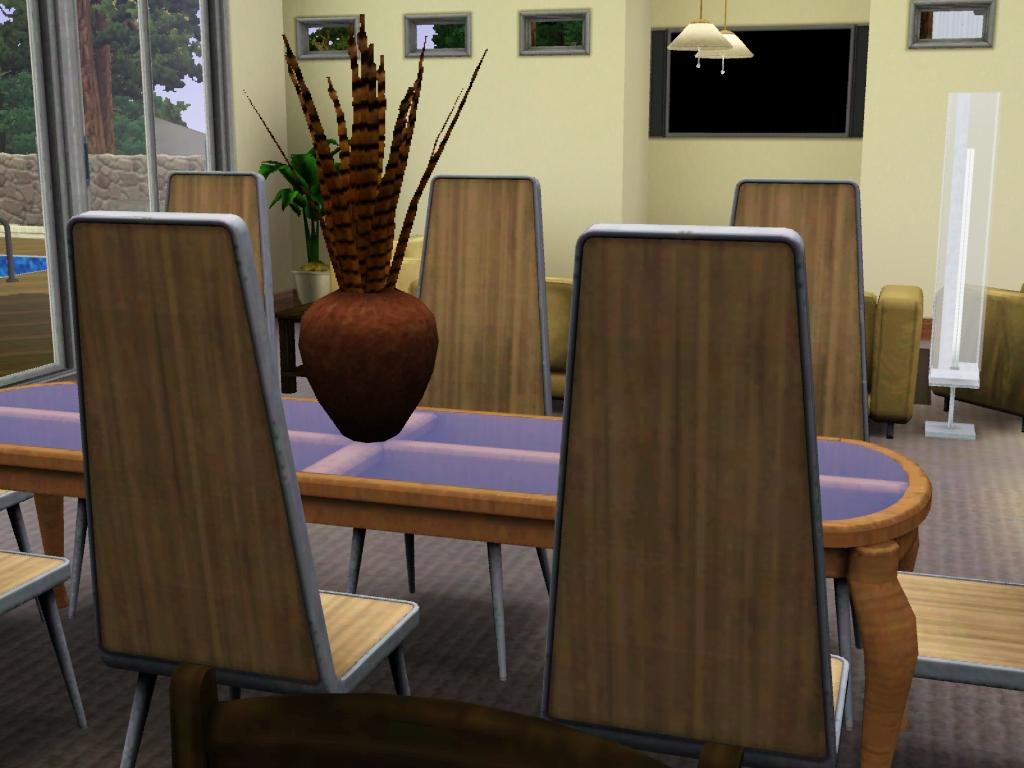
The dinning area and lounge room.
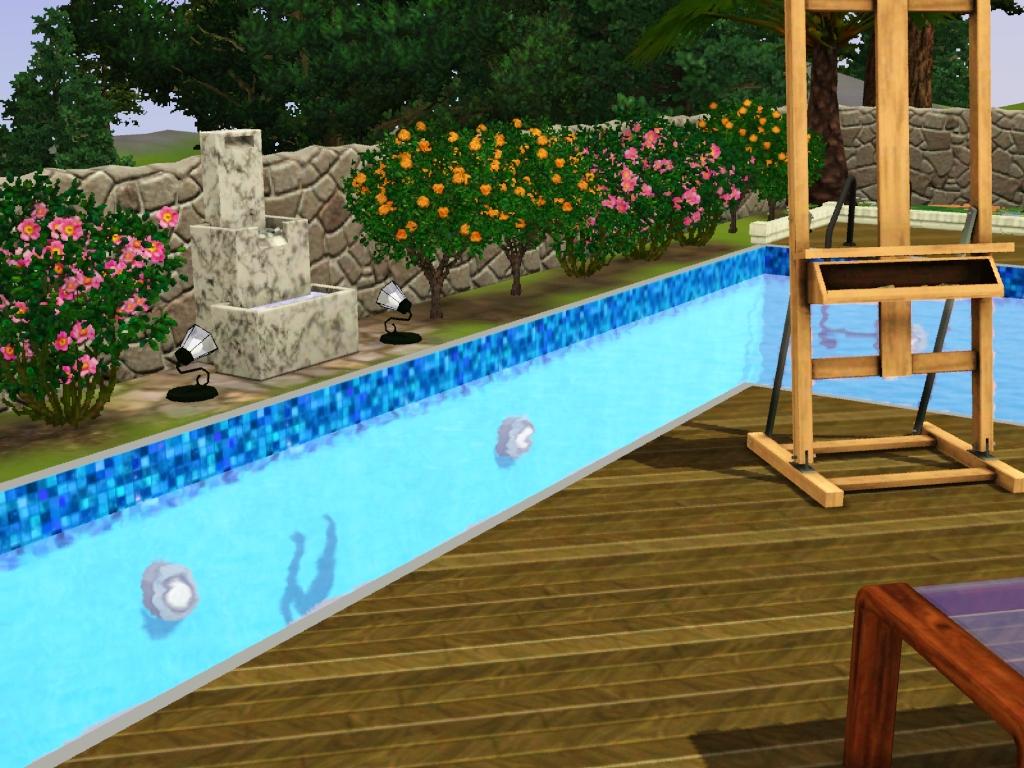
The prefect place to get lost in your art.
Furnished:
$145.162
Unfurnished:
$66.735
Lot Size: 30x40

This modern inspired hillside home is just the place to get away from all the hustle and bustle of the city. It features 2 beautiful rooms and one large master suite. It has a very open living area with large slidding doors that open up on to the outdoor entertainment area and pool, which is perfect for throwing parties and inviting family around. Or just to enjoy a nice realxing time painting. This home is perfect for a family of 3-4 and great for children. It provides the parents with a place to escape and the children a place to run wild and have friends over without it being to cluttered. Its one stall garage contains a little area perfect for exercising and the kitchen contains a small breakfast table for the rush of the mroning. This house is based on a 40x30 lot but can be placed wherever it will fit
The dinning area and lounge room.
The prefect place to get lost in your art.
Furnished:
$145.162
Unfurnished:
$66.735
Lot Size: 30x40
Advertisement:
|
Modern Hillside House.zip
Download
Uploaded: 19th Jul 2009, 1.16 MB.
1,034 downloads.
|
||||||||
| For a detailed look at individual files, see the Information tab. | ||||||||
Install Instructions
Quick Guide:
1. Click the filename or the download button to download the file to your computer.
2. Extract the zip, rar, or 7z file.
2. Select the .sims3pack file you got from extracting.
3. Cut and paste it into your Documents\Electronic Arts\The Sims 3\Downloads folder. If you do not have this folder yet, it is recommended that you open the game and then close it again so that this folder will be automatically created. Then you can place the .sims3pack into your Downloads folder.
5. Load the game's Launcher, and click on the Downloads tab. Select the house icon, find the lot in the list, and tick the box next to it. Then press the Install button below the list.
6. Wait for the installer to load, and it will install the lot to the game. You will get a message letting you know when it's done.
7. Run the game, and find your lot in Edit Town, in the premade lots bin.
Extracting from RAR, ZIP, or 7z: You will need a special program for this. For Windows, we recommend 7-Zip and for Mac OSX, we recommend Keka. Both are free and safe to use.
Need more help?
If you need more info, see Game Help:Installing TS3 Packswiki for a full, detailed step-by-step guide!
1. Click the filename or the download button to download the file to your computer.
2. Extract the zip, rar, or 7z file.
2. Select the .sims3pack file you got from extracting.
3. Cut and paste it into your Documents\Electronic Arts\The Sims 3\Downloads folder. If you do not have this folder yet, it is recommended that you open the game and then close it again so that this folder will be automatically created. Then you can place the .sims3pack into your Downloads folder.
5. Load the game's Launcher, and click on the Downloads tab. Select the house icon, find the lot in the list, and tick the box next to it. Then press the Install button below the list.
6. Wait for the installer to load, and it will install the lot to the game. You will get a message letting you know when it's done.
7. Run the game, and find your lot in Edit Town, in the premade lots bin.
Extracting from RAR, ZIP, or 7z: You will need a special program for this. For Windows, we recommend 7-Zip and for Mac OSX, we recommend Keka. Both are free and safe to use.
Need more help?
If you need more info, see Game Help:Installing TS3 Packswiki for a full, detailed step-by-step guide!
Advertisement:
Loading comments, please wait...
Author

Download Details
Packs:
None, this is Sims 3 base game compatible!
Uploaded: 19th Jul 2009 at 4:27 AM
Uploaded: 19th Jul 2009 at 4:27 AM
Number of bedrooms:
– 3 Bedrooms
Custom Content Included:
– None
: No Custom Content included
Furnishings:
– Unfurnished
: Lot is a basic shell with walls, floors, windows, doors, stairs, and landscaping, but does not contain basic fixtures, plumbing, or furniture.
– Fully Furnished
: Lot is completely decked out in furnishings
Special Flags:
– Beach Lot
Tags
Other Download Recommendations:
-
by Lavandula 14th Jun 2009 at 8:15pm
 8
30.6k
9
8
30.6k
9
-
by Sims2Lvr005 14th Jun 2009 at 7:02pm
21
52.7k
29
-
by Joe2007 18th Jul 2009 at 10:01pm
3
7.4k
3
-
-
by Mr. Rover 25th Aug 2009 at 11:40pm
3.9k
-
by Trabus updated 22nd Sep 2009 at 1:41am
14
8.6k
6
-
-
-
-


More downloads by alanabroo:
See more