Sign in to Mod The Sims
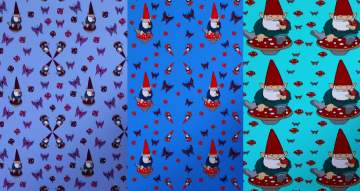
 Butterfly Pattern
 Butterfly Pattern


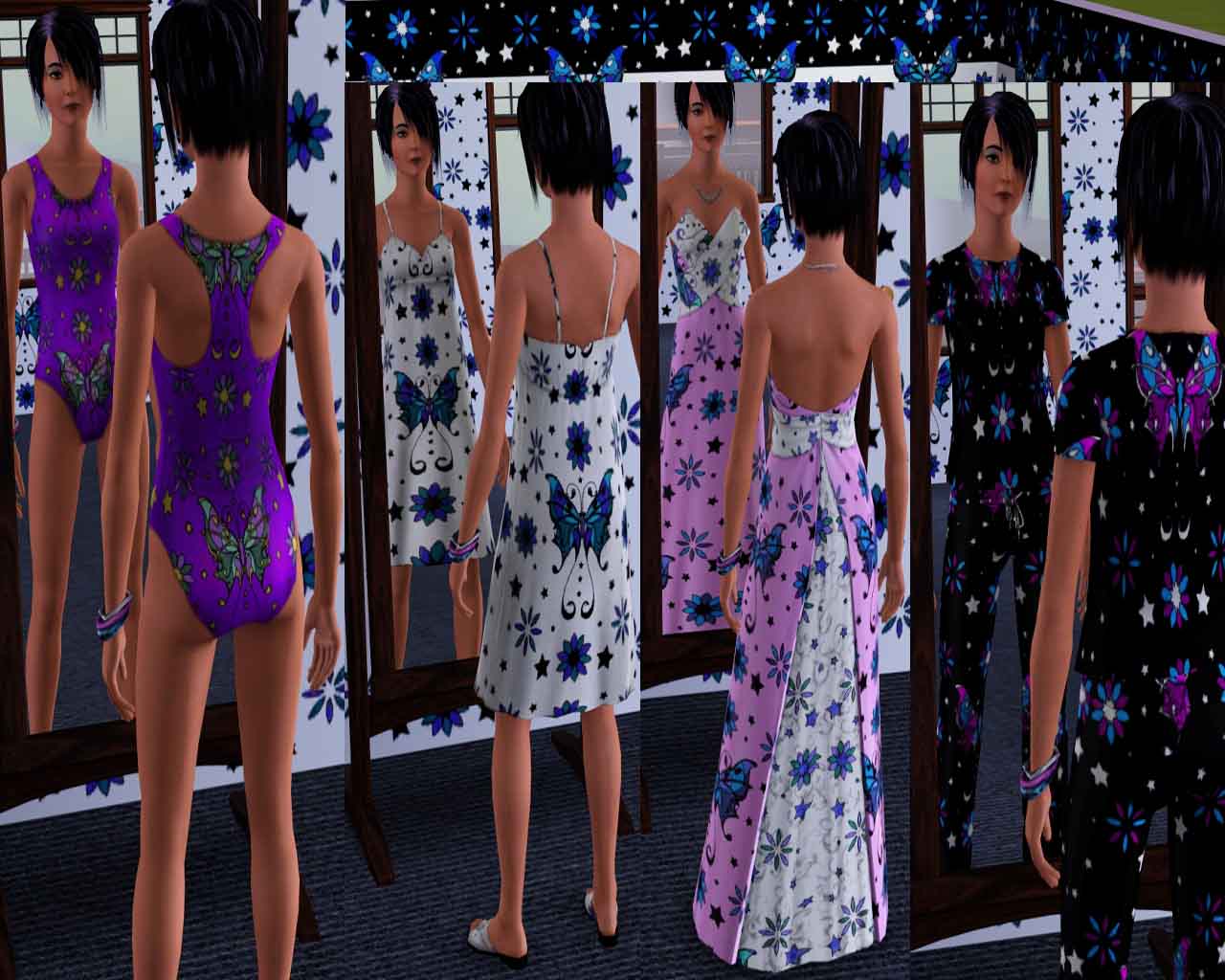
ButterflyClothes.jpg - width=1280 height=1024
Butterfly Pattern, Great for clothing!
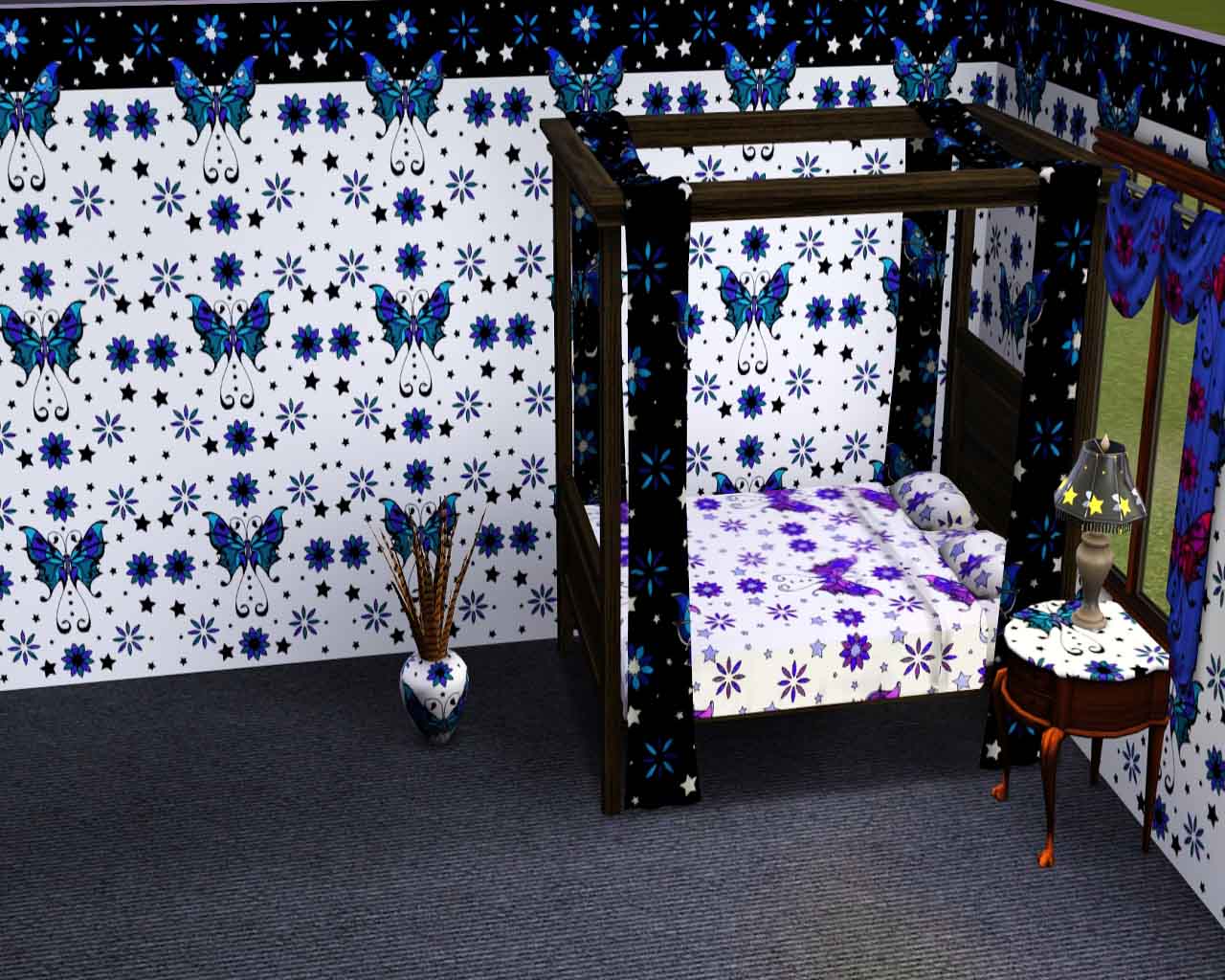
Butterfly.jpg - width=1280 height=1024
Butterfly Pattern, Great for everything else!
ButterflyThumbnail.jpg - width=212 height=229
Butterfly Pattern
Also, this lovely pattern looks fantastic on clothing of all kinds.
Additional Credits:
Created with Delphy's Pattern Packager
|
Butterfly1.zip
Download
Uploaded: 23rd Aug 2009, 59.9 KB.
6,225 downloads.
|
||||||||
| For a detailed look at individual files, see the Information tab. | ||||||||
Install Instructions
1. Click the download button, or the filename, to download the file to your computer.
2. Extract the zip, rar, or 7z file. Now you will have either a .package or a .sims3pack file.
For Package files:
1. Cut and paste the file into your Documents\Electronic Arts\The Sims 3\Mods\Packages folder. If you do not already have this folder, you should read the full guide to Package files first: Sims 3:Installing Package Fileswiki, so you can make sure your game is fully patched and you have the correct Resource.cfg file.
2. Run the game, and find your content where the creator said it would be (build mode, buy mode, Create-a-Sim, etc.).
For Sims3Pack files:
1. Cut and paste it into your Documents\Electronic Arts\The Sims 3\Downloads folder. If you do not have this folder yet, it is recommended that you open the game and then close it again so that this folder will be automatically created. Then you can place the .sims3pack into your Downloads folder.
2. Load the game's Launcher, and click on the Downloads tab. Find the item in the list and tick the box beside it. Then press the Install button below the list.
3. Wait for the installer to load, and it will install the content to the game. You will get a message letting you know when it's done.
4. Run the game, and find your content where the creator said it would be (build mode, buy mode, Create-a-Sim, etc.).
Extracting from RAR, ZIP, or 7z: You will need a special program for this. For Windows, we recommend 7-Zip and for Mac OSX, we recommend Keka. Both are free and safe to use.
Need more help?
If you need more info, see:
- For package files: Sims 3:Installing Package Fileswiki
- For Sims3pack files: Game Help:Installing TS3 Packswiki
Loading comments, please wait...

Uploaded: 23rd Aug 2009 at 2:31 AM




-

by tragedyanne420 28th Aug 2009 at 12:20am
Tiptoe quietly through the garden to the mushroom patch, and if your sneaky enough you just might catch a glimpse more...
 3
9.6k
11
3
9.6k
11
-
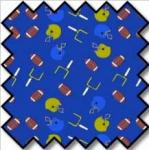
Football Pattern (North America)
by tragedyanne420 23rd Aug 2009 at 2:32am
It's Fourth and Goal with 10 seconds left on the clock... Here's the snap!... TOUCHDOWN!!! more...
3
6.6k
9
-
by tragedyanne420 19th Dec 2009 at 3:29pm
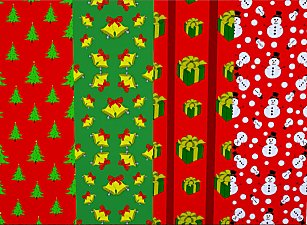
Dashing through the snow... Or teleporting all the way... O'er the Stadium we go... Simming every day. more...
7
17.9k
29
-
by tragedyanne420 22nd Aug 2009 at 2:06am
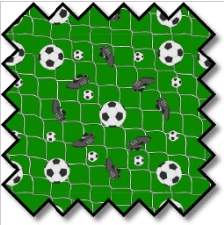
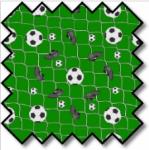
Great for any fabric object and clothing. more...
4
8.8k
6
-
by tragedyanne420 5th Nov 2009 at 5:55pm
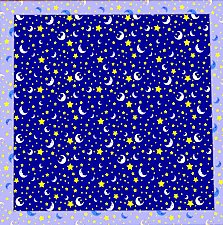
Starlight, Star bright, first star I see tonight, I wish I may I wish I might, have this wish I more...
4
17.9k
40
-
by tragedyanne420 12th Sep 2009 at 10:51am
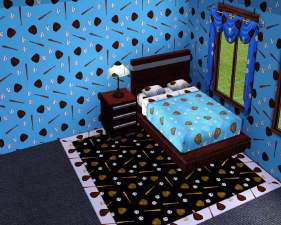
It's the bottom of the 9th, bases loaded, the Llamas are down by 3... Strike 2!! more...
1
7.7k
10
-
-
by tragedyanne420 21st Sep 2009 at 1:53am
A pass up the middle... It's a break away!!! Dekes... He Shoots... HE SCORES!!! more...
2
10.5k
9
-

-