
 Sign in to Mod The Sims
 Patterns with Aces
 Patterns with Aces


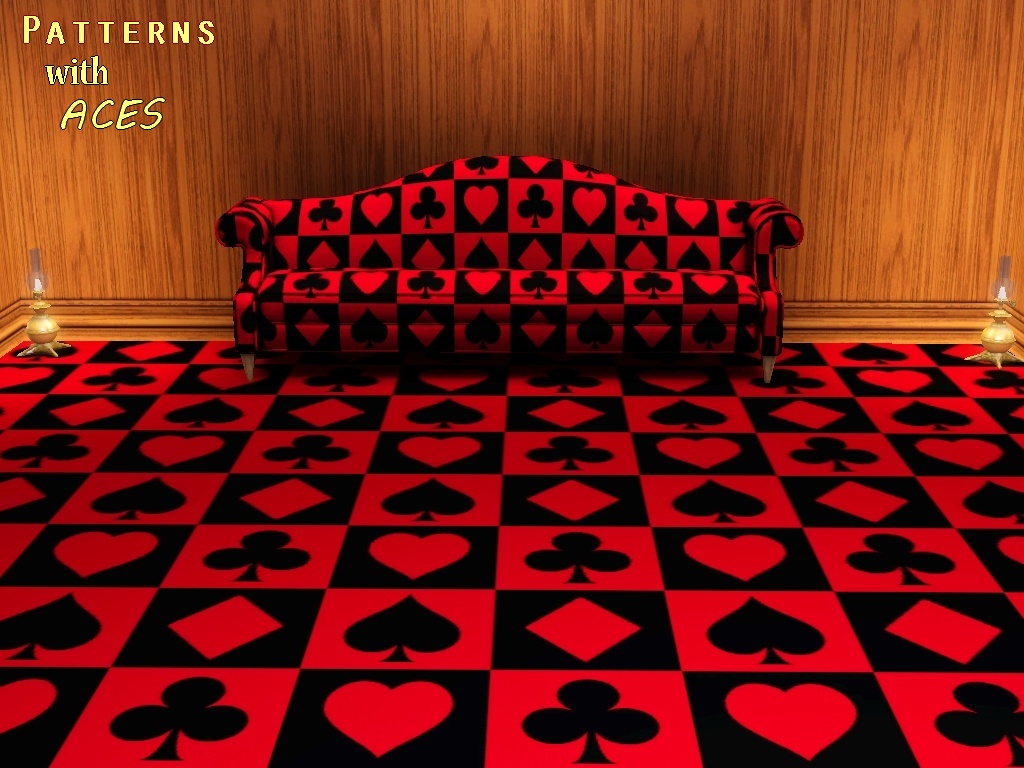
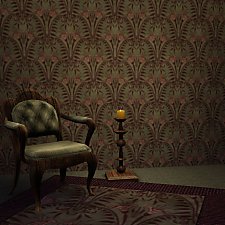
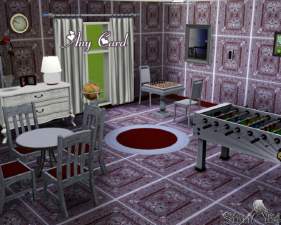
Patterns With Aces-Front.jpg - width=1024 height=768
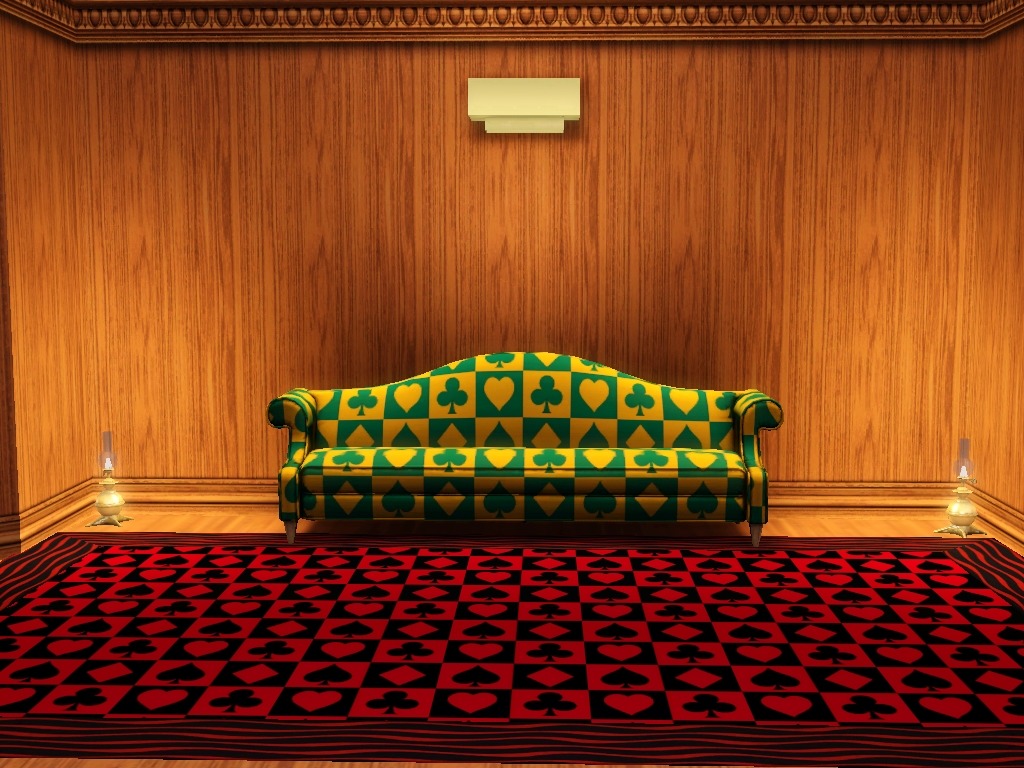
Patterns with Aces-Default Colors.jpg - width=1024 height=768
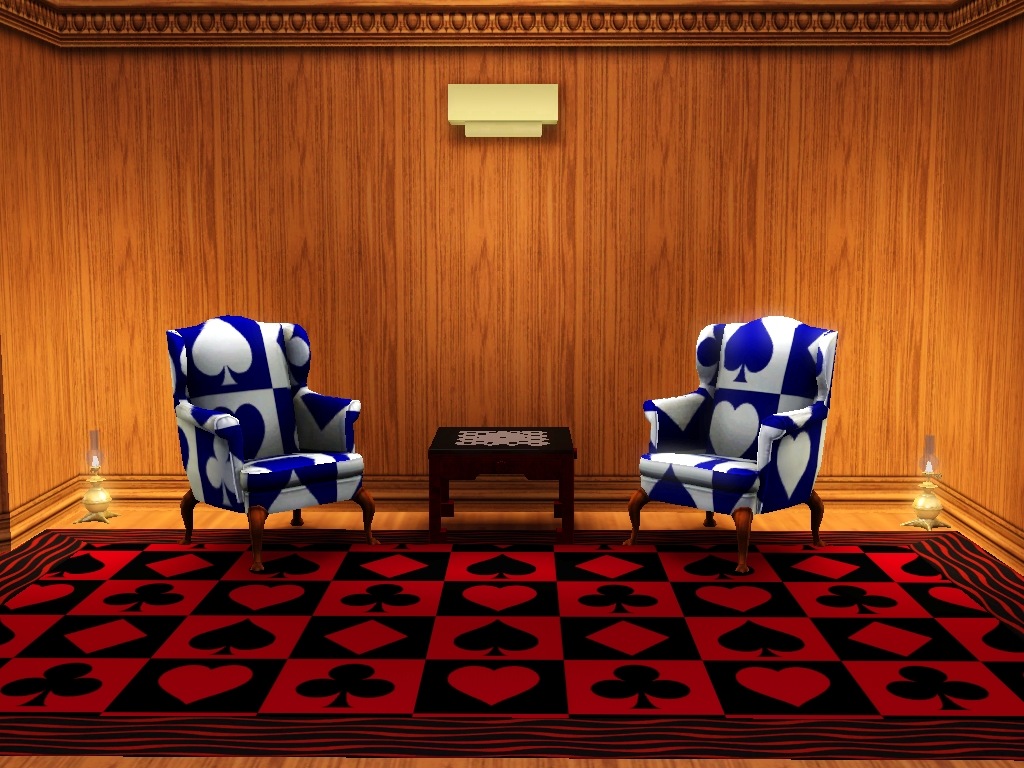
Patterns with Aces-Recolors.jpg - width=1024 height=768
Patterns with Aces-SideView.jpg - width=1024 height=768
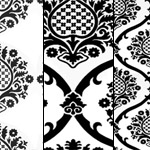
Pattern with Aces-256-Default.jpg - width=1024 height=768
Pattern with Aces-256-Default-Recolor.jpg - width=1024 height=768
Pattern with Aces-256- Seamless.jpg - width=1024 height=768
Pattern with Aces-128-Default.jpg - width=1024 height=768
Pattern with Aces-128-Default-Recolor.jpg - width=1024 height=768
Pattern with Aces-128 -Seamless.jpg - width=1024 height=768
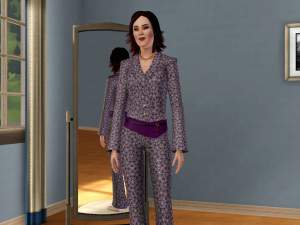
PwA-Clothing Default Colors.jpg - width=1024 height=768
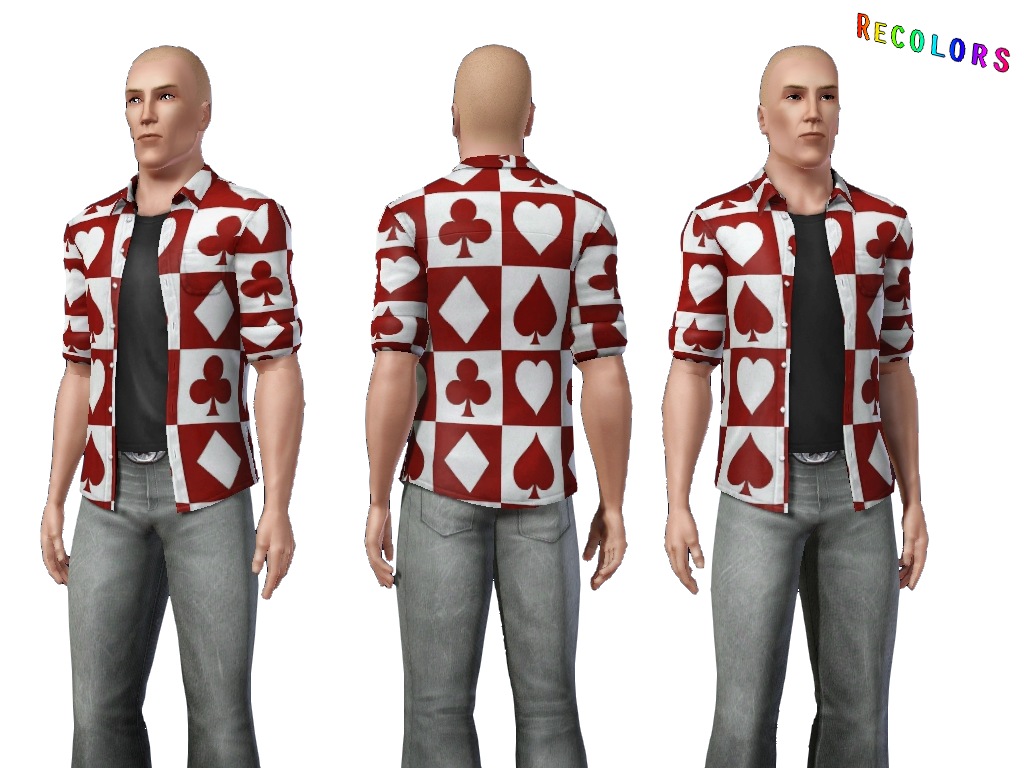
PwA-Clothing Recolors.jpg - width=1024 height=768


Category:
THEMED
Channels:
2 for both patterns
Pattern design from http://www.heathfieldsummerschool.c...rdsuitsrgb1.jpg
Enjoy.

Additional Credits:
Photoshop CS3, TSR Workshop, Delphy's Sims 3 Pack Multi-Extracter, fway for No CAS Room! http://www.modthesims.info/d/447531 for which was much easier separate sims from the CAS background.
|
Pattern_With_Aces-128x128.rar
| Smaller Version
Download
Uploaded: 7th Mar 2012, 38.1 KB.
640 downloads.
|
||||||||
|
Pattern_With_Aces-256x256.rar
| Bigger Version
Download
Uploaded: 7th Mar 2012, 40.7 KB.
672 downloads.
|
||||||||
|
Patterns With Aces.rar
| Both Patterns
Download
Uploaded: 7th Mar 2012, 78.8 KB.
2,541 downloads.
|
||||||||
| For a detailed look at individual files, see the Information tab. | ||||||||
Install Instructions
1. Click the download button, or the filename, to download the file to your computer.
2. Extract the zip, rar, or 7z file. Now you will have either a .package or a .sims3pack file.
For Package files:
1. Cut and paste the file into your Documents\Electronic Arts\The Sims 3\Mods\Packages folder. If you do not already have this folder, you should read the full guide to Package files first: Sims 3:Installing Package Fileswiki, so you can make sure your game is fully patched and you have the correct Resource.cfg file.
2. Run the game, and find your content where the creator said it would be (build mode, buy mode, Create-a-Sim, etc.).
For Sims3Pack files:
1. Cut and paste it into your Documents\Electronic Arts\The Sims 3\Downloads folder. If you do not have this folder yet, it is recommended that you open the game and then close it again so that this folder will be automatically created. Then you can place the .sims3pack into your Downloads folder.
2. Load the game's Launcher, and click on the Downloads tab. Find the item in the list and tick the box beside it. Then press the Install button below the list.
3. Wait for the installer to load, and it will install the content to the game. You will get a message letting you know when it's done.
4. Run the game, and find your content where the creator said it would be (build mode, buy mode, Create-a-Sim, etc.).
Extracting from RAR, ZIP, or 7z: You will need a special program for this. For Windows, we recommend 7-Zip and for Mac OSX, we recommend Keka. Both are free and safe to use.
Need more help?
If you need more info, see:
- For package files: Sims 3:Installing Package Fileswiki
- For Sims3pack files: Game Help:Installing TS3 Packswiki
Loading comments, please wait...

Uploaded: 7th Mar 2012 at 5:19 PM

-
by allison731 18th Aug 2012 at 5:59am
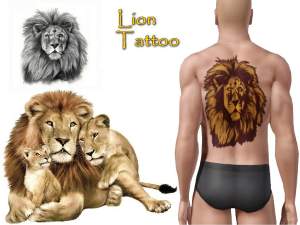
King of Beasts for your sims more...
-
-
-
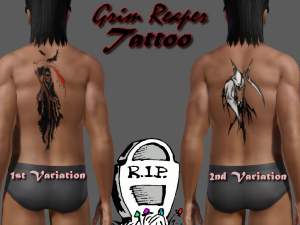

by allison731 25th Nov 2011 at 5:38pm
This is a little bit spooky tattoo with a grim reaper. more...
-
-
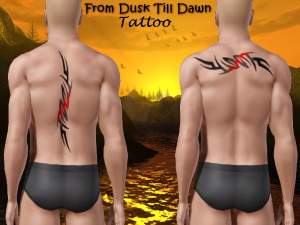
by allison731 6th Jun 2012 at 10:22pm
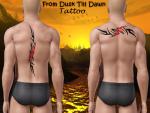
Tribal tattoo which reminds on tattoo that had George Clooney in movie From Dusk Till Dawn. more...
-
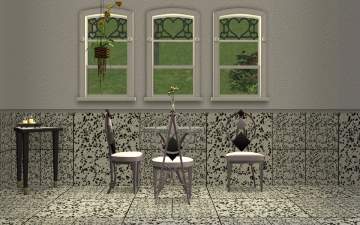
by allison731 2nd Oct 2016 at 11:20am
 5
7.6k
11
5
7.6k
11
-

by allison731 3rd Jul 2012 at 11:39am
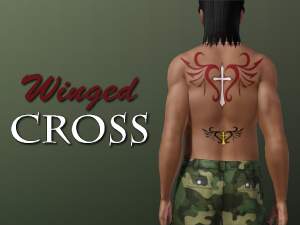
Tattoo with winged cross more...
-
-
by allison731 25th Nov 2011 at 9:25pm
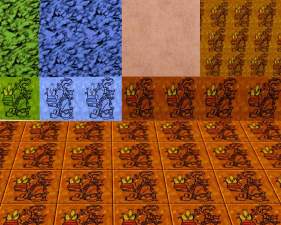
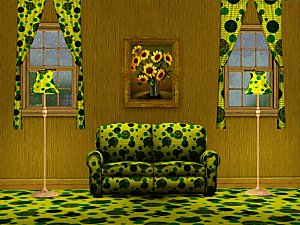
Circles set includes two patterns with same texture in different sizes. more...
 2
10.2k
11
2
10.2k
11

About Me
I can make something new only when I inspired with something. Requests make me frustrating and they not allow to me my free creativity.
My other works
Texture and pattern designs on my dART-allison731 profile