Sign in to Mod The Sims
 Anna Gavrikova
 Anna Gavrikova


01.jpg - width=947 height=945
02.jpg - width=1280 height=595
03.jpg - width=794 height=1024
04.jpg - width=1207 height=1024
05.jpg - width=901 height=1024
06.jpg - width=893 height=903
CUSTOM CONTENT:
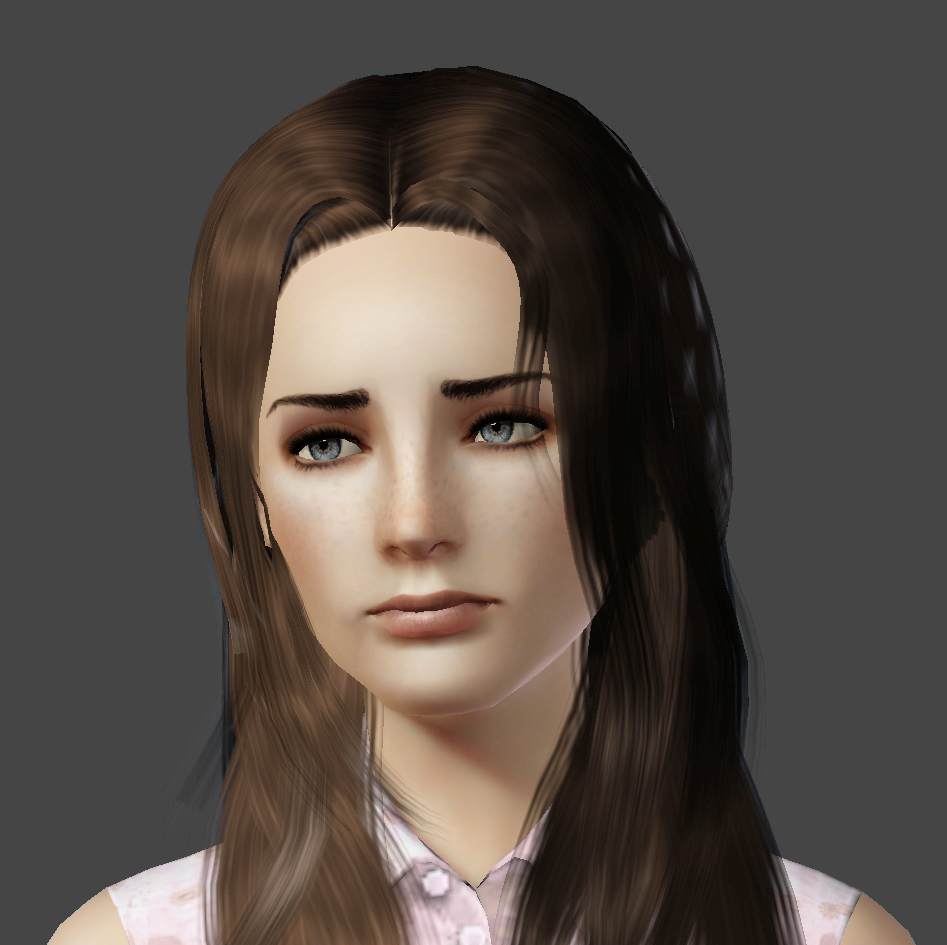
Skintone: ESkin-nAtural+ by teru_k
Eyebrows: "Innocent" - Thin Shaped Eyebrows for Females by Elexis
Eyeshadow: Romance Eyeshadow by LadyFrontbum
Eyelashes: LASHED - Lower Lashes Eyeliner by aarin
Lipstick: REALipstick – Male and Female by shyne
Freckles: Papercat freckle face! by Papercat
Hair: Raon Female Hair 88 by Anubis
Eyes: Realistic Gems -6 sets of REALISTIC non-default eyes- by Vampire_aninyosaloh AKA Me
Everyday Outfit: Mary Gold ~ Office dress by Anubis
Formal Outfit: Sweet Temptation ~ Lace dress by Anubis
The only SLIDER I've used is Facial CAS Sliders by bella3lek4
SHE'S PACKAGED WITH DEFAULT SKINTONE AND HAIR AND EA CLOTHES.
ADDITIONAL CREDITS:
Shimrod101 for the Zoom-In CaS Camera
fway for the No CAS Room
ADDITIONAL INFORMATION:
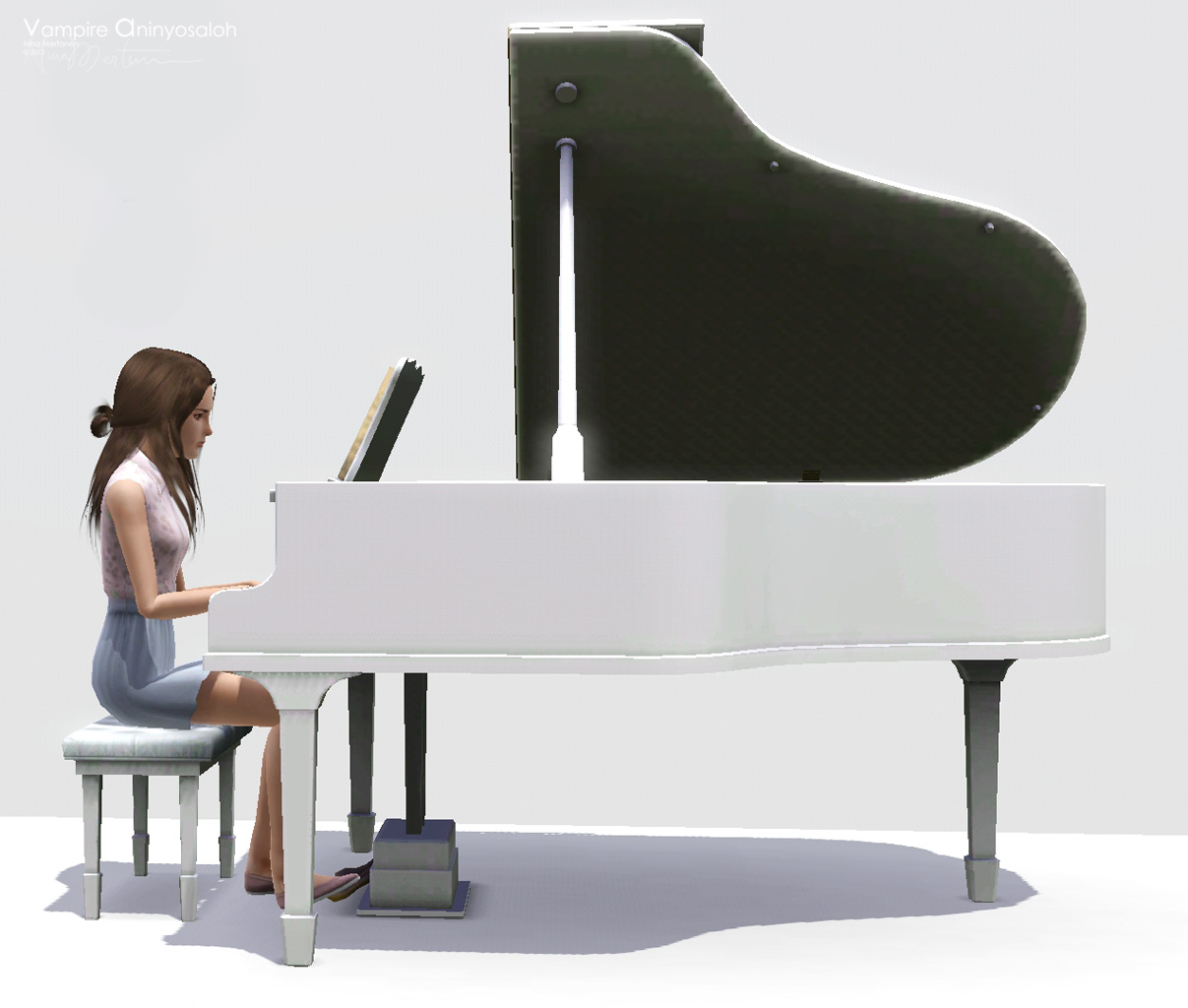
Traits: Artistic, Good, Bookworm, Shy, Virtuoso
She's a young adult sim.
|
Anna_Gavrikova_by_Vampire_aninyosaloh.rar
Download
Uploaded: 8th Aug 2013, 402.4 KB.
3,312 downloads.
|
||||||||
| For a detailed look at individual files, see the Information tab. | ||||||||
Install Instructions
1. Click the filename or the download button to download the sim to your computer.
2. Extract the zip, rar, or 7z file.
2. Select the .sim file you got from extracting.
3. Cut and paste it into your Documents\Electronic Arts\The Sims 3\SavedSims folder. If you do not have this folder yet, it is recommended that you open the game, enter Create-a-Sim, and save a sim to the sim bin to create this folder, rather than doing so manually. After that you can close the game and put the .sim file in SavedSims
4. Once the .sim file is in SavedSims, you can load the game, and look for your sim in the premade sims bin in Create-a-Sim.
Extracting from RAR, ZIP, or 7z: You will need a special program for this. For Windows, we recommend 7-Zip and for Mac OSX, we recommend Keka. Both are free and safe to use.
Need more help?
If you need more info, see Game Help:Installing TS3 Simswiki for a full, detailed step-by-step guide! Special Installation Instructions
- If you get an error that says "This content requires expansion pack data that is not installed", please use Clean Installer to install this sim.
Loading comments, please wait...
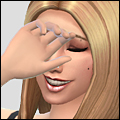
Uploaded: 8th Aug 2013 at 8:12 PM
-
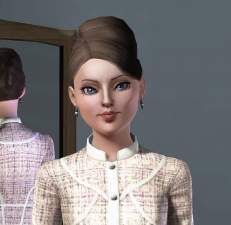
-
-
-
-
by ChiK_HeinekeN 15th Jun 2012 at 8:03am
-
-
by ChiK_HeinekeN 21st Apr 2013 at 9:25pm
-
-
-


-
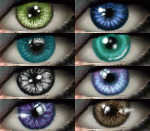
Sparkles in the Night -8 sets of eyes (96 eyes)-
by Vampire_aninyosaloh 14th Sep 2009 at 8:04pm
Hey hey! more...
-
The Eye Project -6 sets of eyes = 72 eyes-
by Vampire_aninyosaloh 18th Aug 2009 at 4:15am
I've made six sets of eyes handpainted by me in realistic colors. more...
-
by Vampire_aninyosaloh updated 20th Oct 2014 at 5:21pm
After some time after my last set of eyes I bring to you a new set of shiny eyes :) more...
-
Dark Angel -Ultra-realistic non-default eyes-
by Vampire_aninyosaloh 6th Sep 2010 at 4:46pm
I finally figured out how to use CTU!! YAY!!! more...
-
by Vampire_aninyosaloh 5th Nov 2014 at 2:40am
I love realism in sims, but for some reason, I love the way hair looks in TS4, so with all more...
-
by Vampire_aninyosaloh 25th Oct 2014 at 1:16pm
I'm a Harry Potter geek, I admit it. more...
 56
90.6k
160
56
90.6k
160
-
by Vampire_aninyosaloh 27th Oct 2014 at 6:54pm
More mascaras? Seriously? YES! More mascaras! more...
-
A Poet's Dream -multicolored contacts-
by Vampire_aninyosaloh 19th Feb 2010 at 3:39pm
I have eyes for TS3!!!! more...
-
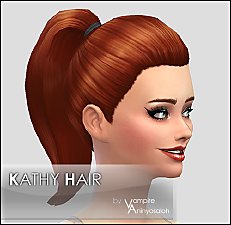
by Vampire_aninyosaloh 21st Nov 2014 at 1:52am
Another 1950's styled ponytail! more...
-
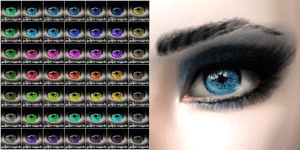
by Vampire_aninyosaloh 27th Dec 2009 at 8:05pm
Hi again! more...