
 Sign in to Mod The Sims
 Cherry Drops
 Cherry Drops
SCREENSHOTS


Screenshot-416x.jpg - width=1920 height=1080
Screenshot-421x.jpg - width=1920 height=1080
Screenshot-422x.jpg - width=1920 height=1080
Screenshot-418xx.jpg - width=1800 height=1013
Downloaded 384 times
17 Thanks
4 Favourited
5,259 Views
Say Thanks!
Thanked!
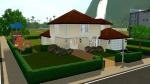
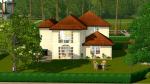
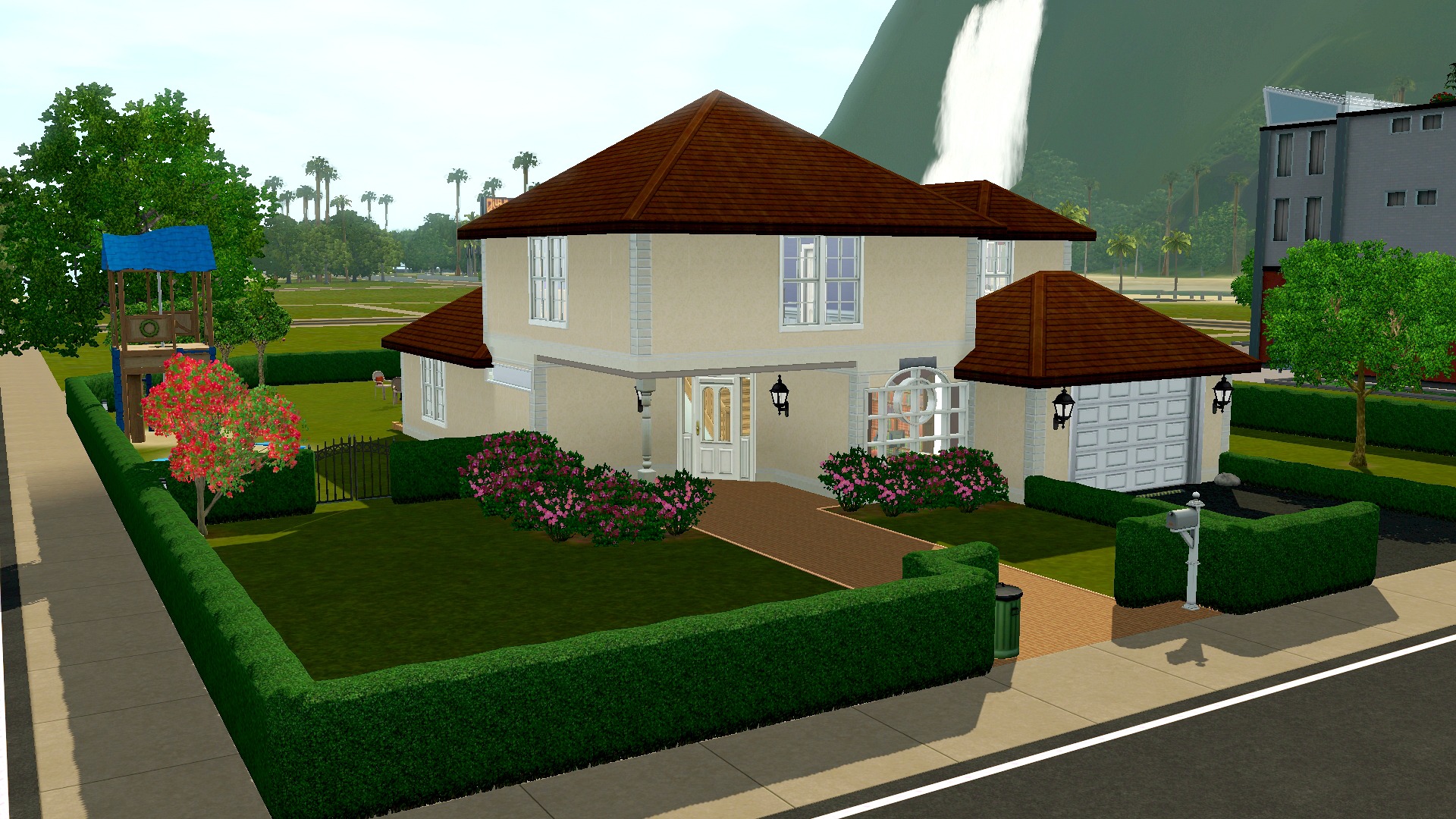
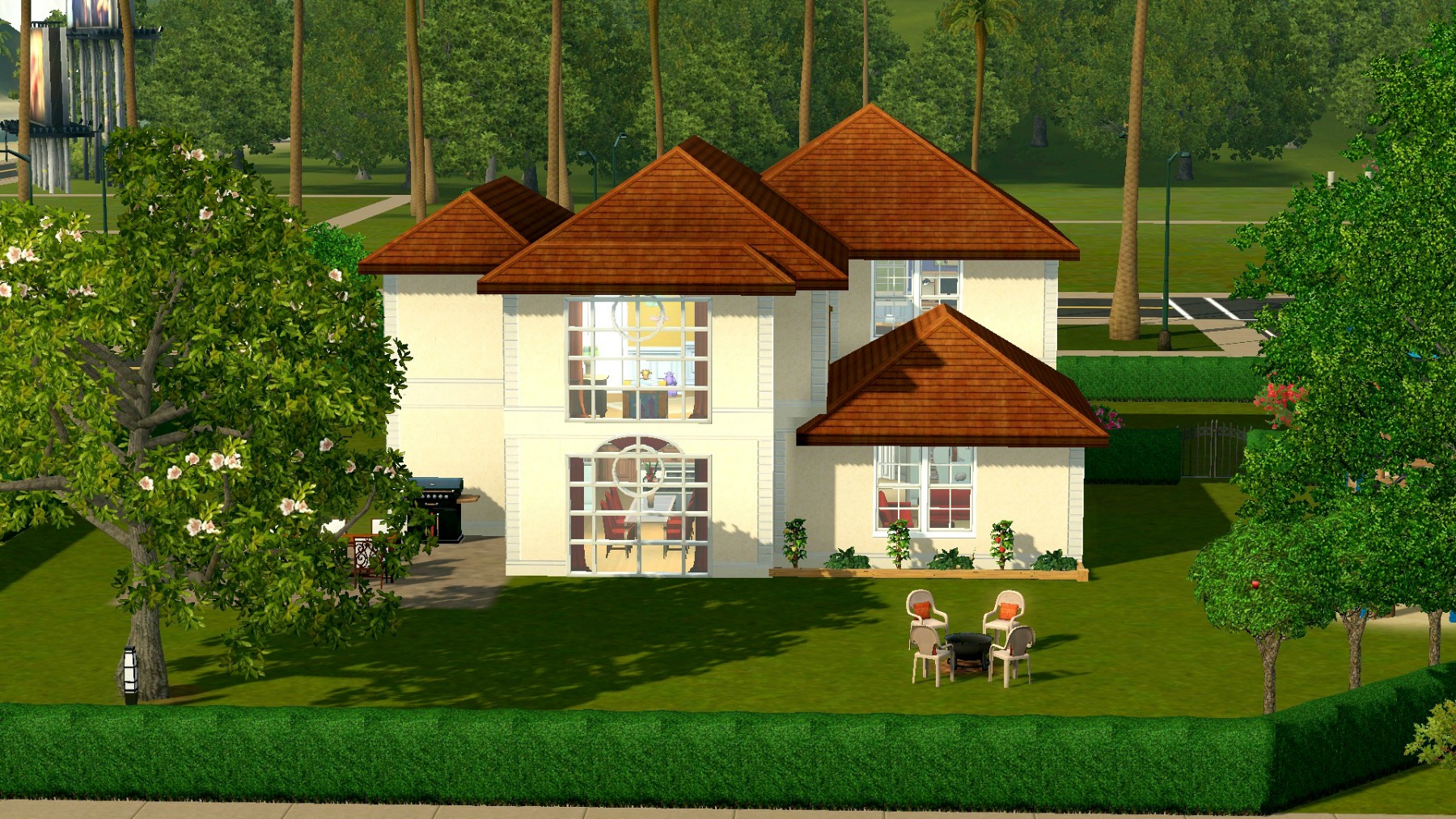
This is Cherry Drops, a nice house for a family with kids. I originally was inspired by this house, but in the end, it turned out differently. The house contains three bedrooms, and 2,5 bathrooms, and there's plenty of space in the garden. With that, it's the perfect place to live for a family with two or three kids! More pictures of the house can be found here.
Lot information
Lot size: 40x30
Price (furnished): §116.769
Price (unfurnished):: §60.598
Requirements
The house doesn't contain any CC. I did use all the EPs, High-End Loft, Outdoor Living, Town Life, Master Suite, Diesel and 70s, 80s & 90s.
I also used some store items:
When I made the pictures for the house, it still contained a different wallpaper in the living room, kitchen and hallway. I had to change this wallpaper, but it still has the same colours, so it looks pretty much the same.
I hope you enjoy! Please let me know if there's any trouble or just anything else you'd like to say about the house
Thanks to My Sim Realty for the beautiful empty world, SimLau Isles Lite.
Lot Size: 40x30
Lot Price: 116.769
Lot information
Lot size: 40x30
Price (furnished): §116.769
Price (unfurnished):: §60.598
Requirements
The house doesn't contain any CC. I did use all the EPs, High-End Loft, Outdoor Living, Town Life, Master Suite, Diesel and 70s, 80s & 90s.
I also used some store items:
- Desert Oasis Floral Vase (Haute Hacienda)
- Hot Haute Hot Spice Rack (Haute Hacienda)
- Realtor's Baggage Props (Club Vaindenburger)
- Flour Sack (Deliciously Indulgent Bakery)
- Bake-A-Lot Cookbooks (Deliciously Indulgent Bakery)
- Chun Co. Teppanyaki Grill
- Aunt Angela's Cast Iron Cookery
- Blooming Garden
- Foyer Frills
When I made the pictures for the house, it still contained a different wallpaper in the living room, kitchen and hallway. I had to change this wallpaper, but it still has the same colours, so it looks pretty much the same.
I hope you enjoy! Please let me know if there's any trouble or just anything else you'd like to say about the house

Thanks to My Sim Realty for the beautiful empty world, SimLau Isles Lite.
Lot Size: 40x30
Lot Price: 116.769
Advertisement:
|
Cherry Drops.rar
Download
Uploaded: 7th Aug 2014, 1.58 MB.
385 downloads.
|
||||||||
| For a detailed look at individual files, see the Information tab. | ||||||||
Install Instructions
Quick Guide:
1. Click the filename or the download button to download the file to your computer.
2. Extract the zip, rar, or 7z file.
2. Select the .sims3pack file you got from extracting.
3. Cut and paste it into your Documents\Electronic Arts\The Sims 3\Downloads folder. If you do not have this folder yet, it is recommended that you open the game and then close it again so that this folder will be automatically created. Then you can place the .sims3pack into your Downloads folder.
5. Load the game's Launcher, and click on the Downloads tab. Select the house icon, find the lot in the list, and tick the box next to it. Then press the Install button below the list.
6. Wait for the installer to load, and it will install the lot to the game. You will get a message letting you know when it's done.
7. Run the game, and find your lot in Edit Town, in the premade lots bin.
Extracting from RAR, ZIP, or 7z: You will need a special program for this. For Windows, we recommend 7-Zip and for Mac OSX, we recommend Keka. Both are free and safe to use.
Need more help?
If you need more info, see Game Help:Installing TS3 Packswiki for a full, detailed step-by-step guide!
1. Click the filename or the download button to download the file to your computer.
2. Extract the zip, rar, or 7z file.
2. Select the .sims3pack file you got from extracting.
3. Cut and paste it into your Documents\Electronic Arts\The Sims 3\Downloads folder. If you do not have this folder yet, it is recommended that you open the game and then close it again so that this folder will be automatically created. Then you can place the .sims3pack into your Downloads folder.
5. Load the game's Launcher, and click on the Downloads tab. Select the house icon, find the lot in the list, and tick the box next to it. Then press the Install button below the list.
6. Wait for the installer to load, and it will install the lot to the game. You will get a message letting you know when it's done.
7. Run the game, and find your lot in Edit Town, in the premade lots bin.
Extracting from RAR, ZIP, or 7z: You will need a special program for this. For Windows, we recommend 7-Zip and for Mac OSX, we recommend Keka. Both are free and safe to use.
Need more help?
If you need more info, see Game Help:Installing TS3 Packswiki for a full, detailed step-by-step guide!
Advertisement:
Loading comments, please wait...
Author

Download Details
Packs:


 + 6 SPs


 View with Names
Uploaded: 7th Aug 2014 at 5:31 PM
Updated: 8th Aug 2014 at 8:53 PM by MariTom


 + 6 SPs


Uploaded: 7th Aug 2014 at 5:31 PM
Updated: 8th Aug 2014 at 8:53 PM by MariTom
Number of bedrooms:
– 3 Bedrooms
Custom Content Included:
– None
: No Custom Content included
Furnishings:
– Fully Furnished
: Lot is completely decked out in furnishings
Special Flags:
– Not Applicable
Tags
Other Download Recommendations:
-
by misticrain93 12th Jun 2009 at 2:10am
 7
14.7k
14
7
14.7k
14
-
by xkamen 16th Jun 2009 at 9:06pm
6
10.4k
2
-
-
by Gaslighttwin31 13th Jul 2009 at 10:18pm
4
11.6k
5
-
-
-
-
-
-


More downloads by pizza-appreciator:
See more
-


by pizza-appreciator 23rd Dec 2014 at 4:42pm
Norah Dane more...
-


Packs Needed
| Expansion Pack | |
|---|---|
| World Adventures |
| Ambitions |
| Late Night |
| Generations |
| Pets |
| Showtime |
| Supernatural |
| Seasons |
| University Life |
| Island Paradise |
| Into the Future |
| Stuff Pack | |
|---|---|
| High-End Loft Stuff |
| Outdoor Living Stuff |
| Town Life Stuff |
| Master Suite Stuff |
| Diesel Stuff |
| 70s, 80s and 90s Stuff |