
 Sign in to Mod The Sims
 The Cypress House
 The Cypress House


CypressHouse1.jpg - width=1024 height=768
CypressHouse2.jpg - width=1024 height=768
CypressHouse3.jpg - width=1024 height=768
CypressHouse4.jpg - width=1024 height=768
CypressHouse5.jpg - width=1024 height=768
CypressHouse6.jpg - width=1024 height=768

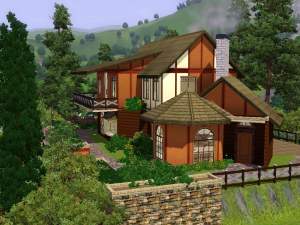
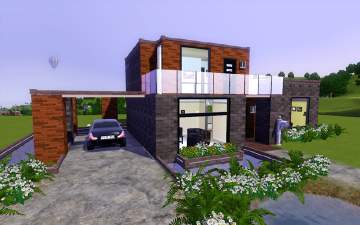
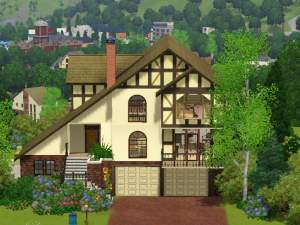
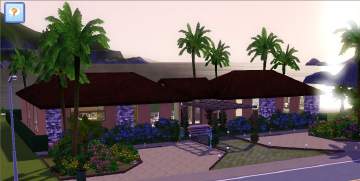
This lovely modern house is located on a rocky mountainside. Being at one with
nature is just what you will get with this house. There are cypress trees all
around, hence the name, "The Cypress House". Are you looking to raise a family?
Do you want to have a modern house that isn't cold, but instead is personal and
feels like home? Then this is certainly the best house for you!
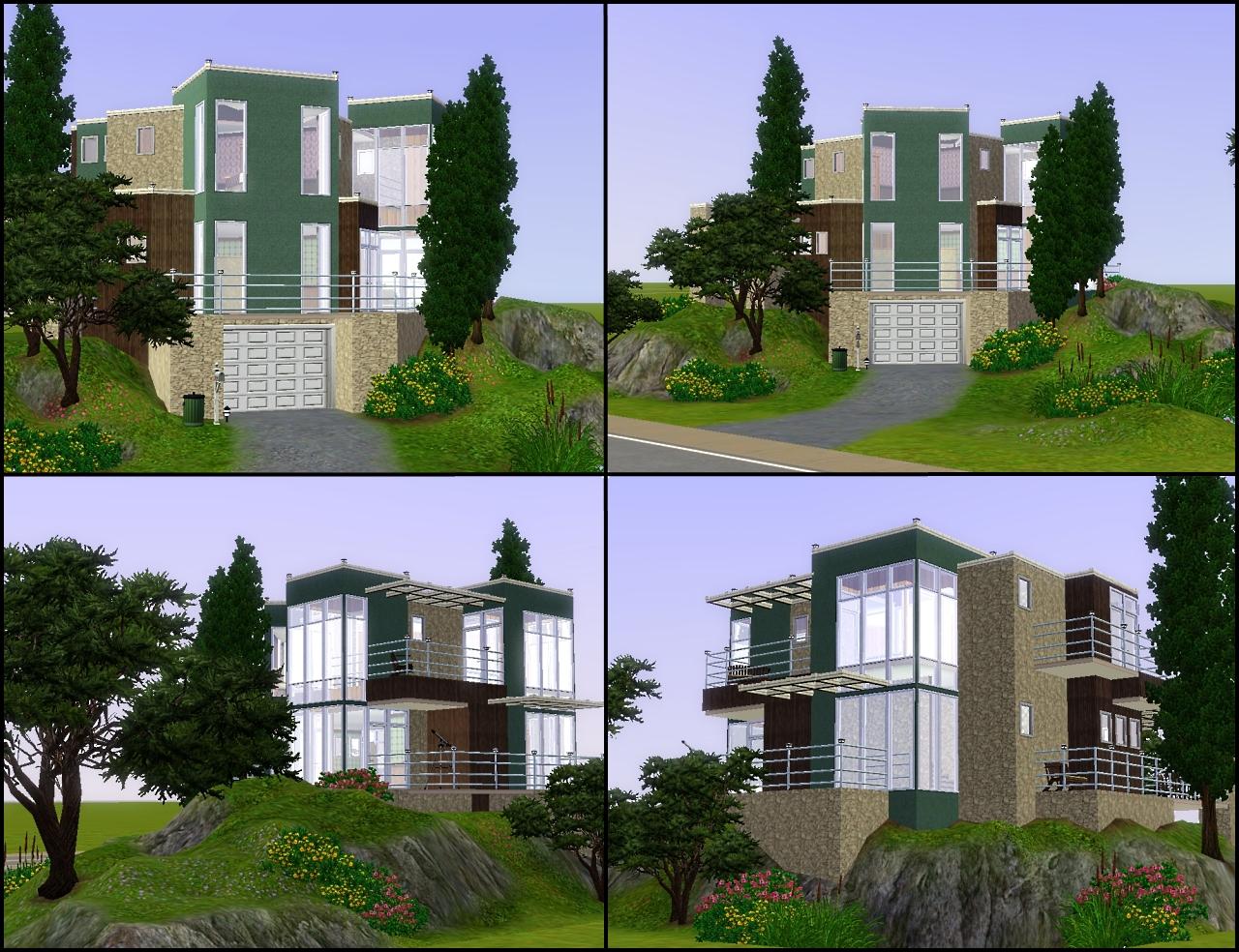
Contains:
Bedrooms: 2
Bathrooms: 2.5
Balconies: 5
Kitchen
Dining
Outdoor Dining
Living Room
Garage
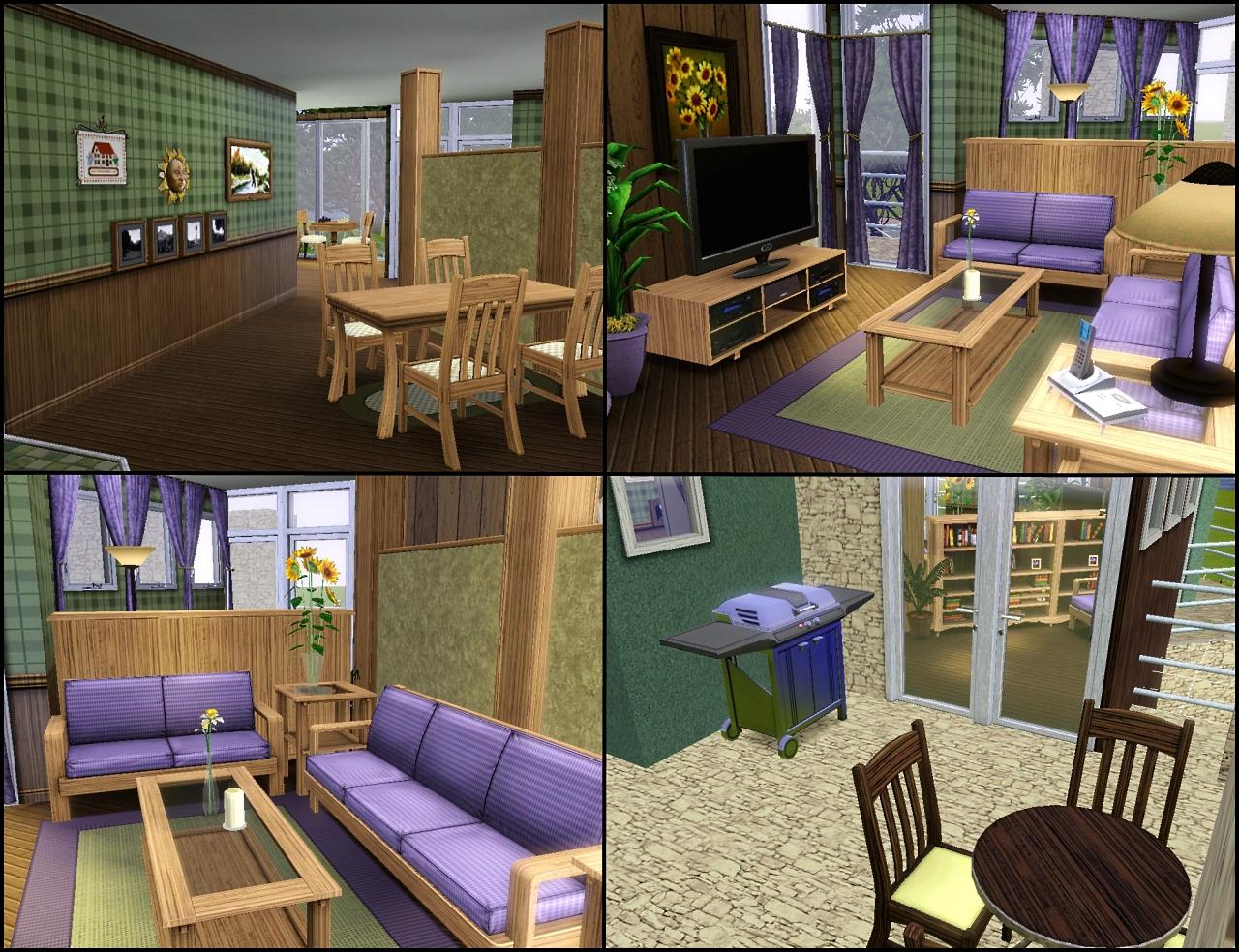
Specs:
Lot Size: 30x30
Floors: 3
Furnished: 99, 122
Unfurnished: 65, 122
Max Sims: 4
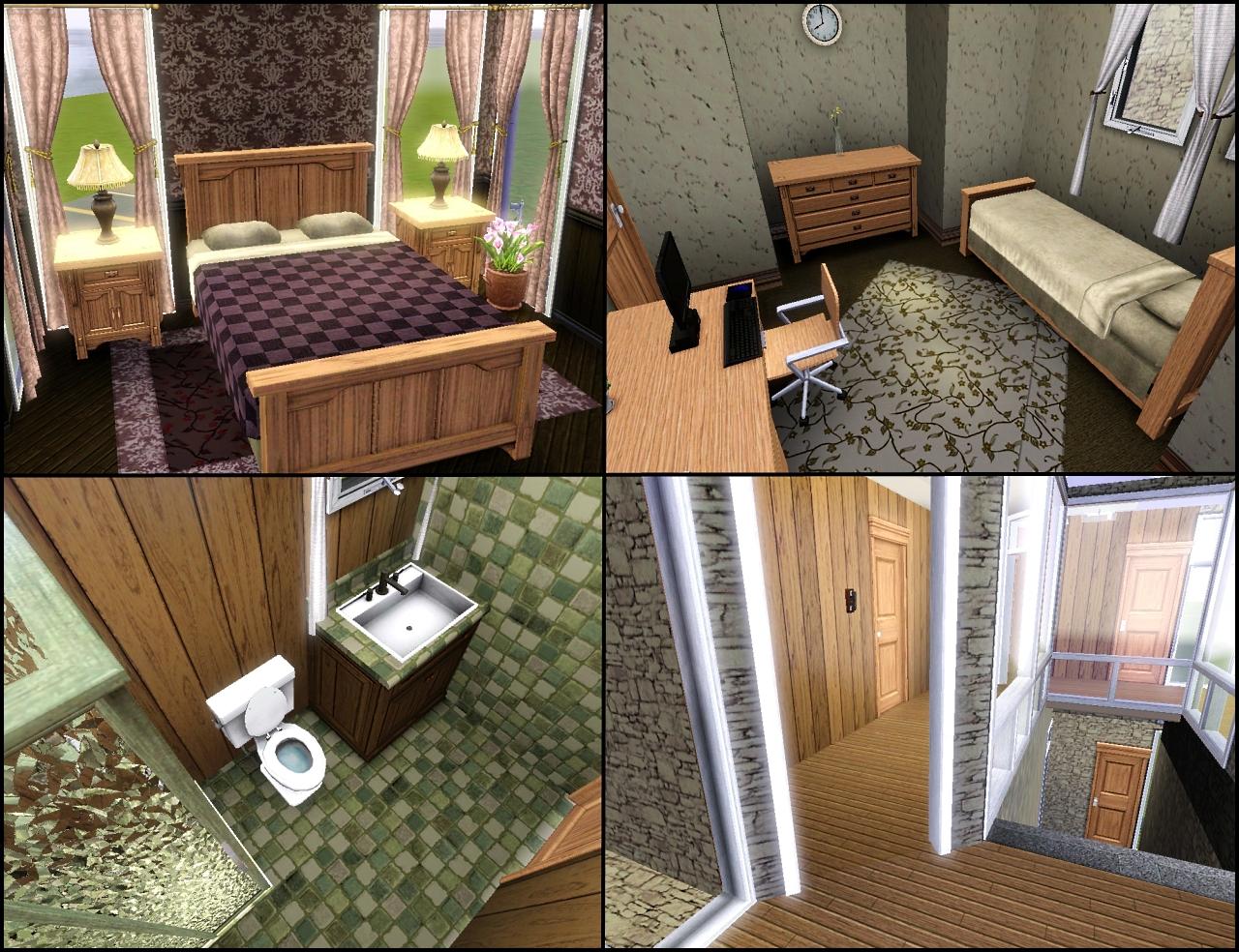
Want more pictures?
Here Here Here Here Here
Lot Size: 3x3
Lot Price: See post ^
Additional Credits:
WhiteWaterWood, Flabaliki, Lewjen, Canoodle, HugeLunatic, Daluved1, Leesester, J.M. Pescado (gasp), SparklyCookie, Whiterider, Golden Simmer, CN, Lady Islay, Anubis360, RiBlan, and anyone else who may have slipped my mind who helped in #create, you guys rock!
|
Cypress House.zip
Download
Uploaded: 15th Feb 2010, 3.42 MB.
4,815 downloads.
|
||||||||
| For a detailed look at individual files, see the Information tab. | ||||||||
Install Instructions
1. Click the filename or the download button to download the file to your computer.
2. Extract the zip, rar, or 7z file.
2. Select the .sims3pack file you got from extracting.
3. Cut and paste it into your Documents\Electronic Arts\The Sims 3\Downloads folder. If you do not have this folder yet, it is recommended that you open the game and then close it again so that this folder will be automatically created. Then you can place the .sims3pack into your Downloads folder.
5. Load the game's Launcher, and click on the Downloads tab. Select the house icon, find the lot in the list, and tick the box next to it. Then press the Install button below the list.
6. Wait for the installer to load, and it will install the lot to the game. You will get a message letting you know when it's done.
7. Run the game, and find your lot in Edit Town, in the premade lots bin.
Extracting from RAR, ZIP, or 7z: You will need a special program for this. For Windows, we recommend 7-Zip and for Mac OSX, we recommend Keka. Both are free and safe to use.
Need more help?
If you need more info, see Game Help:Installing TS3 Packswiki for a full, detailed step-by-step guide!
Loading comments, please wait...



Uploaded: 15th Feb 2010 at 8:40 PM
Updated: 12th Jul 2010 at 8:31 AM






-

MTS Speed Build Challenge Lots 1 & 2
by QBUILDERZ 22nd Nov 2018 at 7:35pm
Two lots, both made in 90 minutes. more...
 6.5k
9
6.5k
9
-
-
-
-
-
-
-

-
Regal Frost - An Eclectic Mansion
by QBUILDERZ 7th Apr 2009 at 2:29am
Regal Frost Introduction: Regal frost is a mansion that has been around as long as more...
 +3 packs
15 14k 17
+3 packs
15 14k 17 Seasons
 Apartment Life
 Mansion and Garden
-
Color Drop - Maxed out 1x1 Mini Lot
by QBUILDERZ 25th Feb 2009 at 2:00am
:alarm: Base Game Only :alarm: Only CC is the 1x1 mini lot :) So, after a TERRIBLE day at more...
27
23.7k
19



About Me
Put my content on any pay site or the exchange.
Claim my work as your own.
Send me requests (I forget to finish them.)
That's all! Happy creating!