Sign in to Mod The Sims
 Menthol Garden Set
 Menthol Garden Set


Im01.jpg - width=663 height=800
Im02.jpg - width=1024 height=1024
Im03.jpg - width=1024 height=1024
Im04.jpg - width=519 height=768
Im05.jpg - width=936 height=744
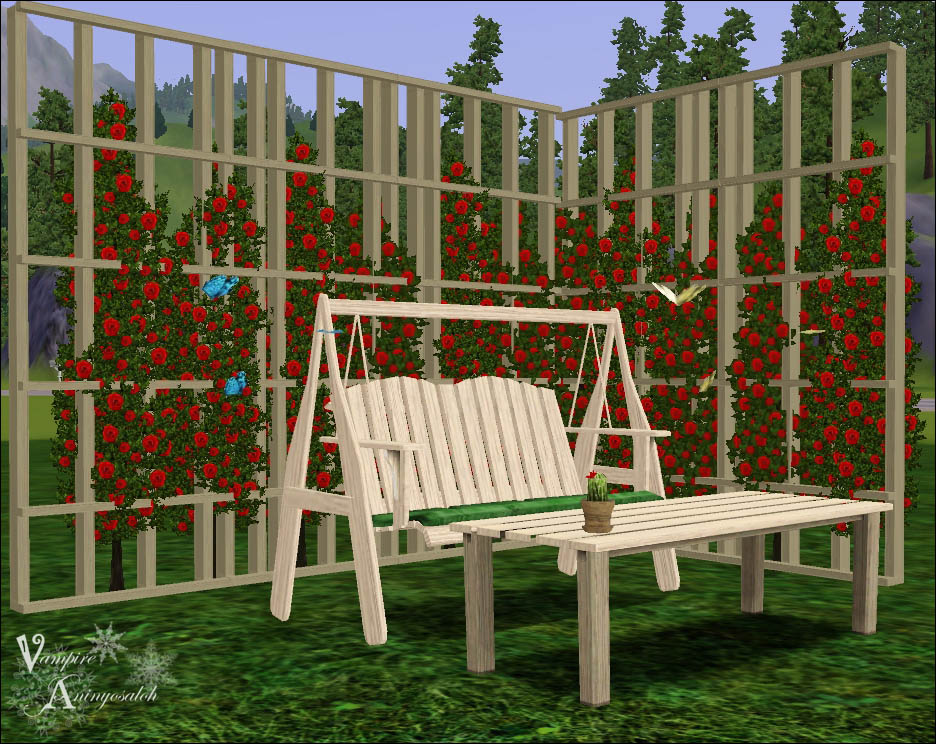
I've made a brand new set of furniture and decoration so your pixel dollies can enjoy this summer outside

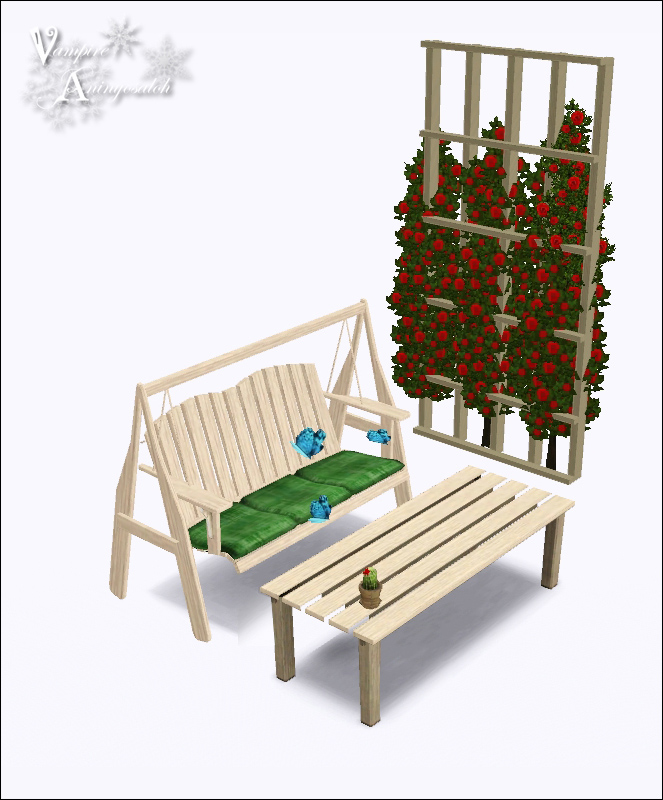
The set has six items that will feet perfectly together or with other stuff.
It's all base game compatible, so you won't have trouble with that ;D
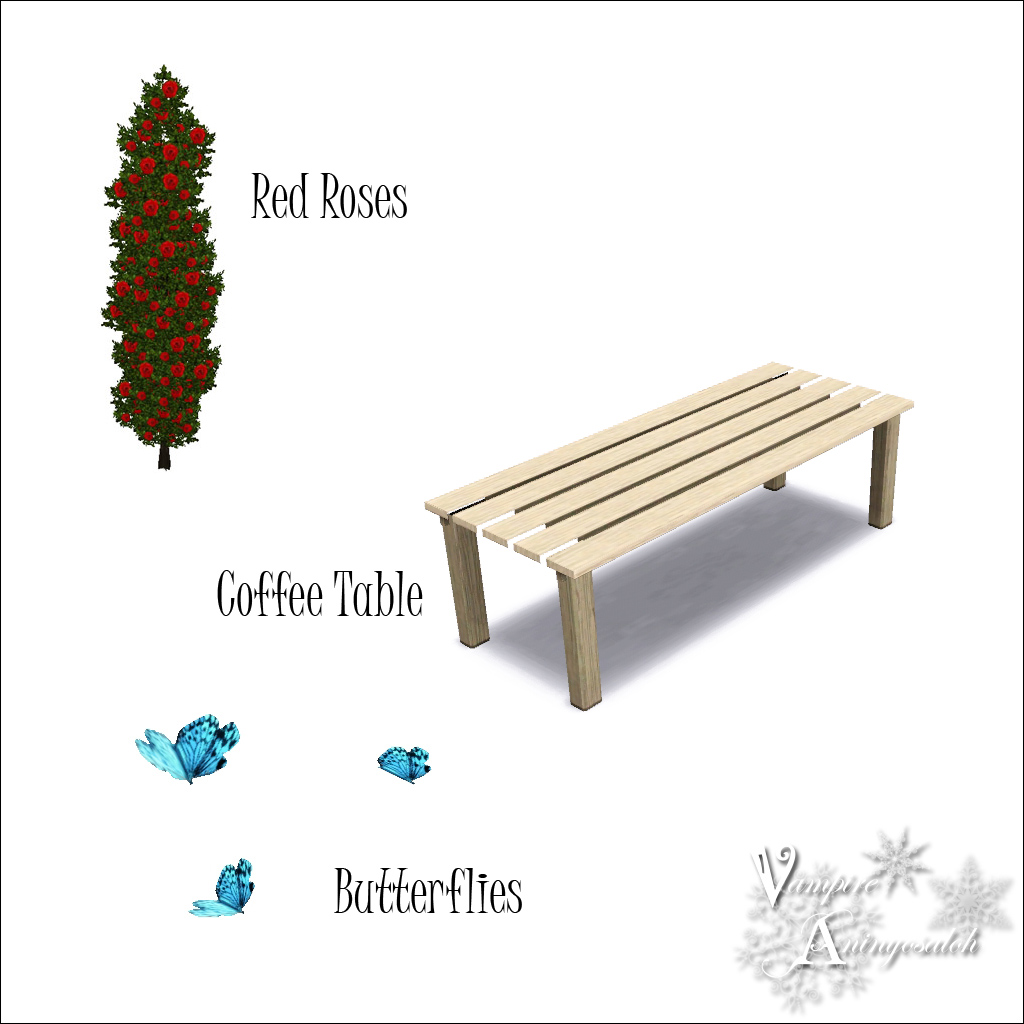
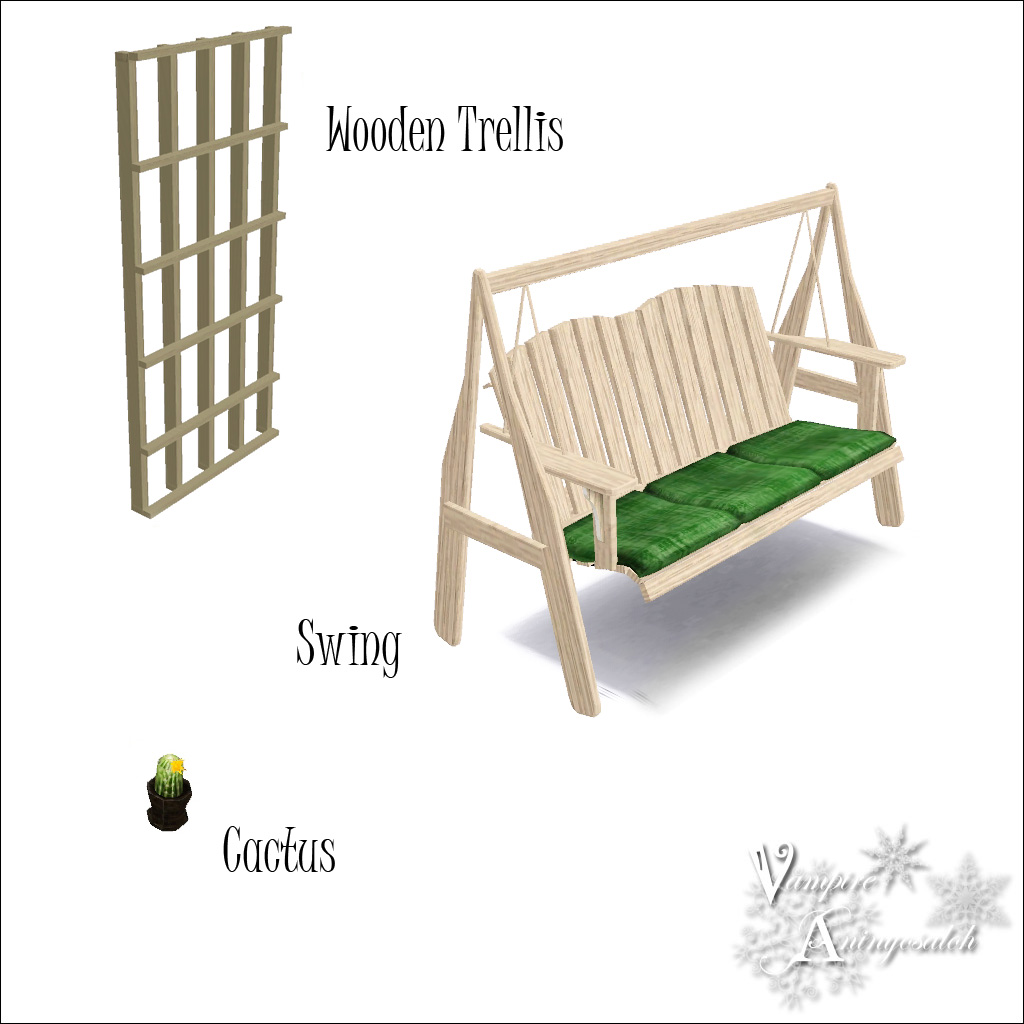
RECOLORABLE CHANNELS
SWING: Two channels: the wood and the cushions.
COFFEE TABLE: One channel.
WOODEN GRID: One channel.
RED ROSES: No channels.
CACTUS: Two channels: the flower and the pot.
BUTTERFLIES: One channel.
I hope you all enjoy it! Happy simming!

Polygon Counts:
SWING
1428 polys
COFFEE TABLE
294 polys
WOODEN TRELLIS
1070 polys
RED ROSES
Please, note that this one replaces the plant it comes from, which is the same but without the flowers.
CACTUS
514 polys
BUTTERFLIES
162 polys
CREDITS:
I used 3DS Max, Milkshape and Sketchup
This is a new mesh, and means that it's a brand new self contained object that usually does not require a specific Pack (although this is possible depending on the type). It may have Recolours hosted on MTS - check below for more information.
|
Wooden Trellis by VA.zip
Download
Uploaded: 12th Jul 2011, 46.4 KB.
17,392 downloads.
|
||||||||
|
Swing by VA.zip
Download
Uploaded: 12th Jul 2011, 116.3 KB.
19,292 downloads.
|
||||||||
|
Coffee Table by VA.zip
Download
Uploaded: 12th Jul 2011, 88.4 KB.
17,099 downloads.
|
||||||||
|
Butterflies by VA.zip
Download
Uploaded: 12th Jul 2011, 150.3 KB.
13,360 downloads.
|
||||||||
|
Cactus by VA.zip
Download
Uploaded: 12th Jul 2011, 97.7 KB.
13,710 downloads.
|
||||||||
|
Red Roses by VA.zip
Download
Uploaded: 12th Jul 2011, 43.5 KB.
17,324 downloads.
|
||||||||
| For a detailed look at individual files, see the Information tab. | ||||||||
Install Instructions
1. Click the download button, or the filename, to download the file to your computer.
2. Extract the zip, rar, or 7z file. Now you will have either a .package or a .sims3pack file.
For Package files:
1. Cut and paste the file into your Documents\Electronic Arts\The Sims 3\Mods\Packages folder. If you do not already have this folder, you should read the full guide to Package files first: Sims 3:Installing Package Fileswiki, so you can make sure your game is fully patched and you have the correct Resource.cfg file.
2. Run the game, and find your content where the creator said it would be (build mode, buy mode, Create-a-Sim, etc.).
For Sims3Pack files:
1. Cut and paste it into your Documents\Electronic Arts\The Sims 3\Downloads folder. If you do not have this folder yet, it is recommended that you open the game and then close it again so that this folder will be automatically created. Then you can place the .sims3pack into your Downloads folder.
2. Load the game's Launcher, and click on the Downloads tab. Find the item in the list and tick the box beside it. Then press the Install button below the list.
3. Wait for the installer to load, and it will install the content to the game. You will get a message letting you know when it's done.
4. Run the game, and find your content where the creator said it would be (build mode, buy mode, Create-a-Sim, etc.).
Extracting from RAR, ZIP, or 7z: You will need a special program for this. For Windows, we recommend 7-Zip and for Mac OSX, we recommend Keka. Both are free and safe to use.
Need more help?
If you need more info, see:
- For package files: Sims 3:Installing Package Fileswiki
- For Sims3pack files: Game Help:Installing TS3 Packswiki
Loading comments, please wait...

Uploaded: 12th Jul 2011 at 7:16 PM
-
-
by -Maylin- 30th May 2010 at 12:57pm
-
by Lisen801 11th Jul 2010 at 10:24am
-
-
Bradford and Pedestal Mailboxes
by cmomoney 10th Mar 2011 at 6:29pm
-
by Cloudburst 20th May 2011 at 6:10pm
-
-
by sailfindragon 28th Jun 2012 at 5:50am
-
Lord Milton Roundbottom’s Non-Polygonal Parlor Set, Part I
by kithri 28th Jul 2012 at 4:59am
-


-
Traditional Timber Wall -5 colors-
by Vampire_aninyosaloh 14th Oct 2014 at 8:47pm
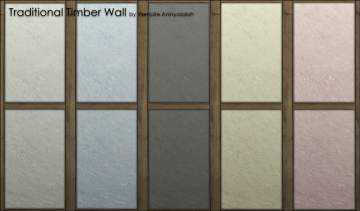
I've created this traditional timber wall for the builders out there who want some variety in the game :) more...
 14
17.7k
62
14
17.7k
62
-
Colourful eyes -in ten colours-
by Vampire_aninyosaloh updated 14th Mar 2009 at 11:40pm
Hi! I've made this eyes for all your sims... there are all the colours you can dream with!!!! more...
-


by Vampire_aninyosaloh updated 14th Mar 2009 at 11:34pm
Hi! I've created these shadows for your gothic sims. There are four different. Enjoy them!! more...
-
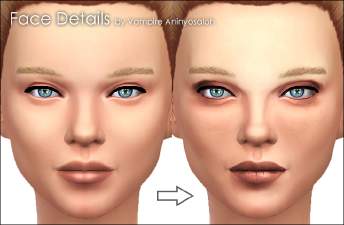
by Vampire_aninyosaloh updated 4th Oct 2014 at 6:58pm
Tired of those faces lacking character? Try this new face overlay, it will give your sims the realism they were more...
36
92.2k
208
-
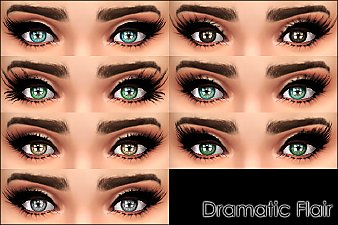
by Vampire_aninyosaloh 27th Sep 2014 at 3:54pm
Seeing that people seem to be liking my other set of mascaras I decided to make a brand new one. more...
-
by Vampire_aninyosaloh 13th Feb 2010 at 8:24pm
I'm back! more...
-

Gothic lashes in three colours
by Vampire_aninyosaloh updated 14th Mar 2009 at 11:44pm
Hi! I've made these lashes for your gothic sims. They are in three colours. Enjoy them!! more...
-

by Vampire_aninyosaloh updated 2nd Nov 2014 at 7:42pm
:alarm: UPDATE/02/11/2014 :alarm: I have updated all my hairs fixing them with CmarNYC's tool to fix custom meshes (://www.modthesims.info/showthread.php?t=540034). more...
-
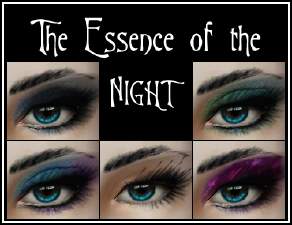
The Essence of the Night -5 sets of makeup-
by Vampire_aninyosaloh 7th Sep 2009 at 1:05am
These are 5 sets of makeup mostly hanpainted by me. more...
-