Sign in to Mod The Sims
 The Reflecting Reflection - Eyes
 The Reflecting Reflection - Eyes


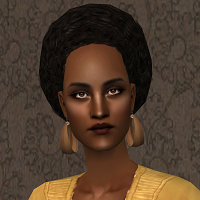
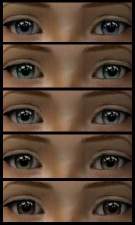
TheReflectingReflection-Picture.jpg - width=373 height=630
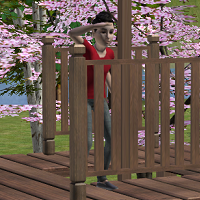
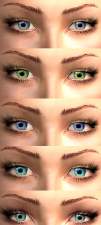
TheReflectingReflection-Picture2.jpg - width=437 height=496
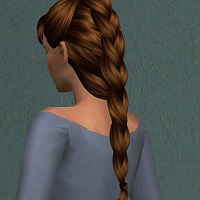
TheReflectingReflection-Picture3.jpg - width=387 height=535
TheReflectingReflection-Picture4.jpg - width=388 height=398
TheReflectingReflection-Preview.png - width=200 height=200

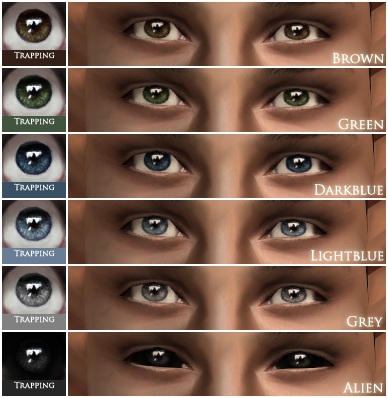
I also made contacts of these. They show up in the blush-section and are layerable with anything except themselves.
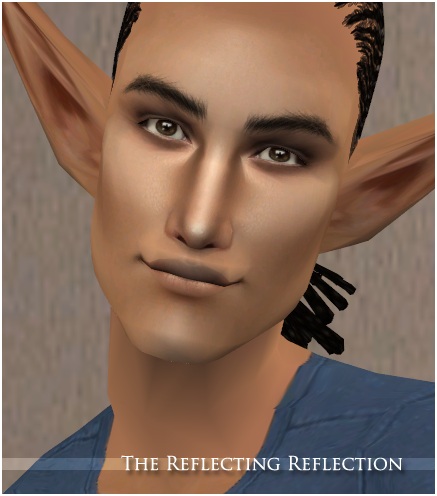
I used a sclera by Mouseyblue that I edited so that the eyes would be slightly more animations-friendly.
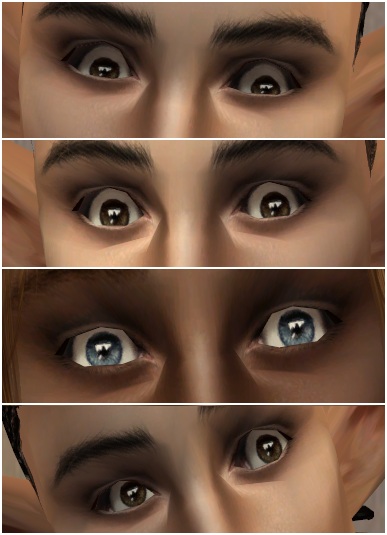
Last but not least I also made defaults for those who would like that. You can only have one set of defaults in your game at the same time so make sure you don't have another set in your downloads-folder before you toss these in.
Credits for things used in my pictures:
Female hair: TS3 to TS2 conversion by me, unreleased.
Male hair: F2M-conversion of Nouk's short braided ponytail. It can be found here.
Skins: Sneebs, can be found here.
Makeup: Alfred Askew, Amaryll/Witheredlilies and Ephemera.
Additional Credits:
Sclera - Mouseyblue
|
TheReflectingReflection-GenTown.zip
Download
Uploaded: 4th Sep 2011, 75.8 KB.
3,464 downloads.
|
||||||||
|
TheReflectingReflection-Defaults.zip
Download
Uploaded: 4th Sep 2011, 35.0 KB.
4,458 downloads.
|
||||||||
|
TheReflectingReflection-Custom.zip
Download
Uploaded: 4th Sep 2011, 75.7 KB.
4,226 downloads.
|
||||||||
|
TheReflectingReflection-Contacts.zip
Download
Uploaded: 4th Sep 2011, 78.3 KB.
4,077 downloads.
|
||||||||
| For a detailed look at individual files, see the Information tab. | ||||||||
Install Instructions
1. Download: Click the download link to save the .rar or .zip file(s) to your computer.
2. Extract the zip, rar, or 7z file.
3. Place in Downloads Folder: Cut and paste the .package file(s) into your Downloads folder:
- Origin (Ultimate Collection): Users\(Current User Account)\Documents\EA Games\The Sims™ 2 Ultimate Collection\Downloads\
- Non-Origin, Windows Vista/7/8/10: Users\(Current User Account)\Documents\EA Games\The Sims 2\Downloads\
- Non-Origin, Windows XP: Documents and Settings\(Current User Account)\My Documents\EA Games\The Sims 2\Downloads\
- Mac: Users\(Current User Account)\Documents\EA Games\The Sims 2\Downloads
- Mac x64: /Library/Containers/com.aspyr.sims2.appstore/Data/Library/Application Support/Aspyr/The Sims 2/Downloads
- For a full, complete guide to downloading complete with pictures and more information, see: Game Help: Downloading for Fracking Idiots.
- Custom content not showing up in the game? See: Game Help: Getting Custom Content to Show Up.
- If you don't have a Downloads folder, just make one. See instructions at: Game Help: No Downloads Folder.
Loading comments, please wait...
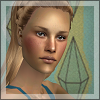


Uploaded: 4th Sep 2011 at 4:42 AM
#eyes, #realistic, #animation friendly, #default
-
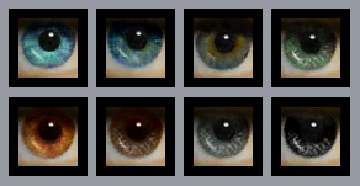
-

-
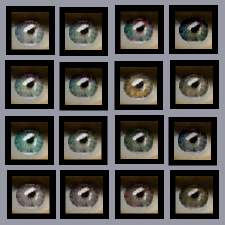
-
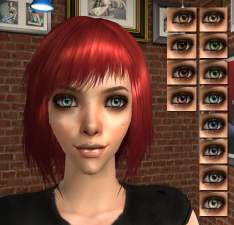
-
-
-
The Reflecting Reflection - Add-ons
by Lina 12th Sep 2011 at 10:14pm
-
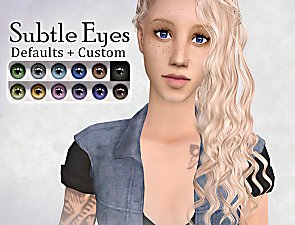
Eye defaults and 7 custom colours
by PineappleForest 14th May 2021 at 11:48am
-
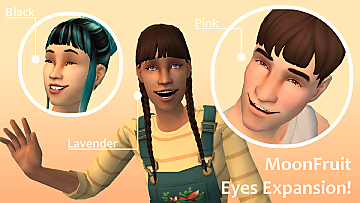
by patelnia updated 20th May 2025 at 10:46am
-

4t2 The CLARITY EYES MegaPack Edit
by Alienara updated 5th Aug 2026 at 12:53am


-
-
-
Quiet Morning - Walls and Floors
by Lina 9th May 2013 at 12:58pm
A set of five floors and six walls. more...
 38
71.1k
366
38
71.1k
366
-
-
-
-
-
-
-