Sign in to Mod The Sims
 Pure Eyes - Contacts
 Pure Eyes - Contacts


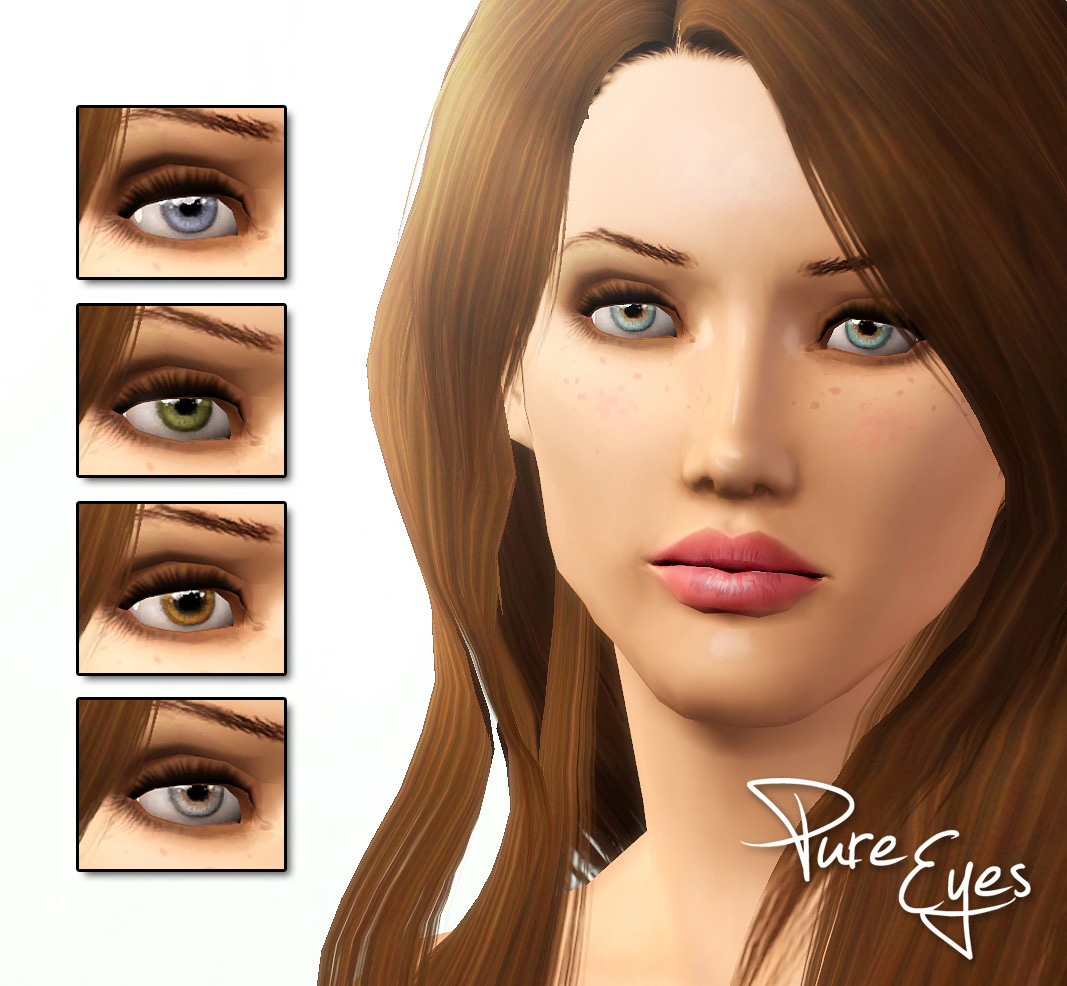
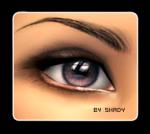
Screenshot-149.jpg - width=1067 height=986

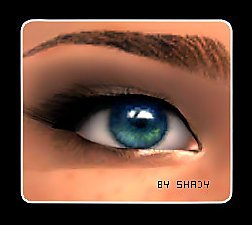
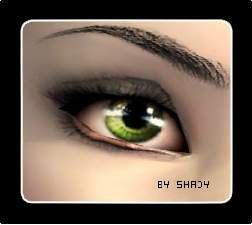
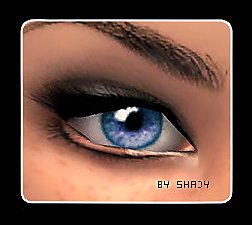
this is another pair of Contacts i want to share with you. And i hope you still need more of them, because there are so many already here

I made two versions od the Contacts this time, one with eyeball and one without. That means the version without the eyeball shows ONLY The Iris. Therefor you will need a Default Replacement eye that is as small as or smaller than the contacts. Otherwhise you can see both, the defaults and the contacts. I made this, just in case somebody dont like the eyeball that i made.
For Both Gender and all Ages except babies
Note: When the contacts dont look like the preview pictures i made, maybe you still have the EA Default eye mask. That's the reason why the EA Eyes appear under the contacts. A Face Fix Overlay may help you. I made such a Face Fix, you can find it here
credits:
hair by Myos edited by Anubis, downloaded here
brows by me (unpublished)
Skin by me
|
Shady_PureEyes-Contacts-IrisOnly.rar
Download
Uploaded: 17th Jan 2012, 125.8 KB.
16,619 downloads.
|
||||||||
|
Shady_PureEyes-Contacts+Eyeball.rar
Download
Uploaded: 17th Jan 2012, 117.8 KB.
32,895 downloads.
|
||||||||
| For a detailed look at individual files, see the Information tab. | ||||||||
Install Instructions
1. Click the download button, or the filename, to download the file to your computer.
2. Extract the zip, rar, or 7z file. Now you will have either a .package or a .sims3pack file.
For Package files:
1. Cut and paste the file into your Documents\Electronic Arts\The Sims 3\Mods\Packages folder. If you do not already have this folder, you should read the full guide to Package files first: Sims 3:Installing Package Fileswiki, so you can make sure your game is fully patched and you have the correct Resource.cfg file.
2. Run the game, and find your content where the creator said it would be (build mode, buy mode, Create-a-Sim, etc.).
For Sims3Pack files:
1. Cut and paste it into your Documents\Electronic Arts\The Sims 3\Downloads folder. If you do not have this folder yet, it is recommended that you open the game and then close it again so that this folder will be automatically created. Then you can place the .sims3pack into your Downloads folder.
2. Load the game's Launcher, and click on the Downloads tab. Find the item in the list and tick the box beside it. Then press the Install button below the list.
3. Wait for the installer to load, and it will install the content to the game. You will get a message letting you know when it's done.
4. Run the game, and find your content where the creator said it would be (build mode, buy mode, Create-a-Sim, etc.).
Extracting from RAR, ZIP, or 7z: You will need a special program for this. For Windows, we recommend 7-Zip and for Mac OSX, we recommend Keka. Both are free and safe to use.
Need more help?
If you need more info, see:
- For package files: Sims 3:Installing Package Fileswiki
- For Sims3pack files: Game Help:Installing TS3 Packswiki
Loading comments, please wait...



-
-
-
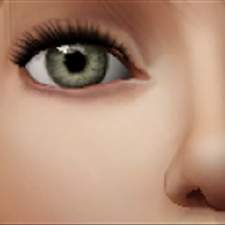
Twisted Series - Bridget's First Eyes
by Briddy_G 1st Aug 2010 at 3:06pm
-
-
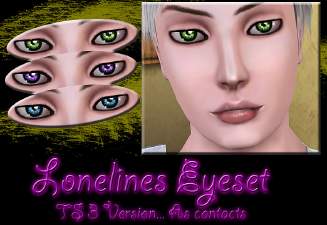
Loneliness Eyes as contacts TS3 Version
by Goldeneyes 21st Nov 2010 at 9:38pm
-
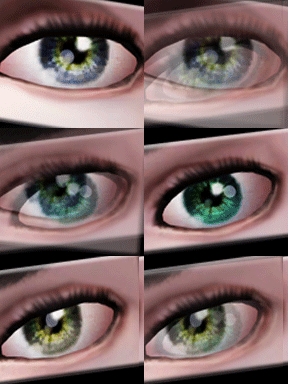
Intensity Eyes as Contacts and Defaults
by Goldeneyes 28th Jan 2011 at 11:39am
-
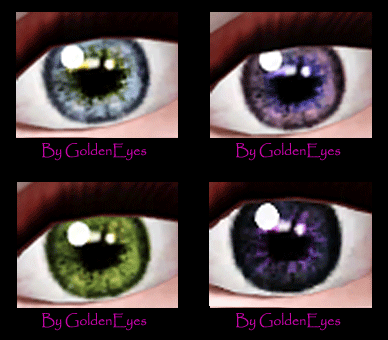
My Sweetheart eyes as Contacts
by Goldeneyes 28th Feb 2011 at 11:29am
-
Lonely Eyes - Contacts *Defaults Updated
by -Shady- updated 5th Jan 2012 at 4:34pm
-
-

-
-
-
-
-
-
Luminous eyes - Default Replacements
by -Shady- 11th Jan 2010 at 2:15pm
Another ts3 Eye Replacement made by me. This time, very bright looking. more...
-
-
-
-