Sign in to Mod The Sims
 A Variety of Walls
 A Variety of Walls

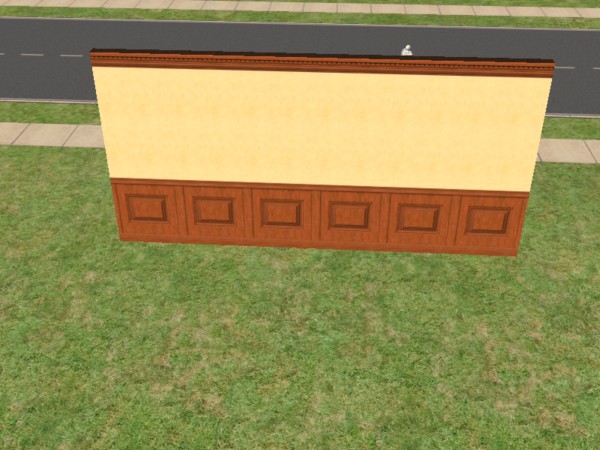

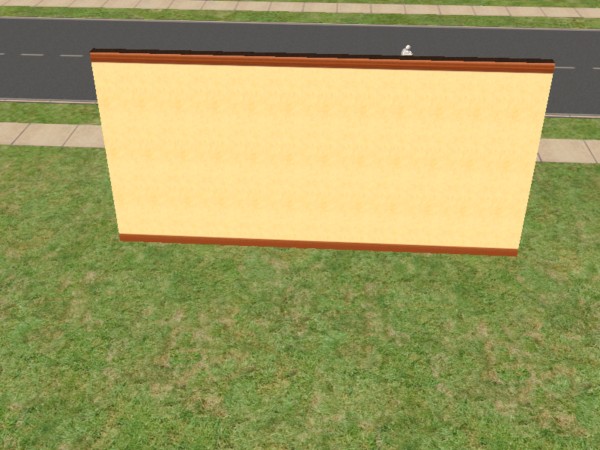


Wall_5068e55f.jpg - width=600 height=450
Wall_7068e59f.jpg - width=600 height=450
Wall_9068e62b.jpg - width=600 height=450
Wall_b068e5c8.jpg - width=600 height=450
Wall_d068d146.jpg - width=600 height=450
Wall_d068dc57.jpg - width=600 height=450
Wall_f068dca5.jpg - width=600 height=450
MTS2_149624_KalicoKat_Wall_7068e671.jpg - width=600 height=450
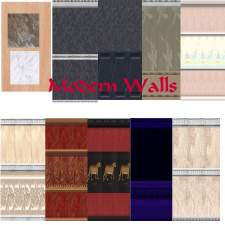
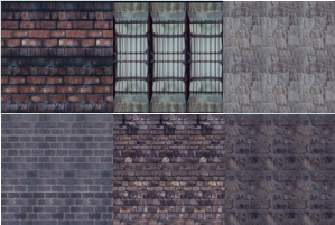
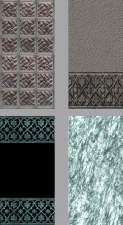
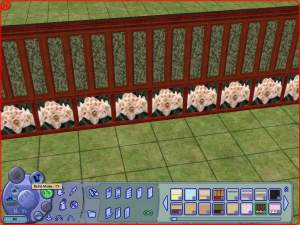
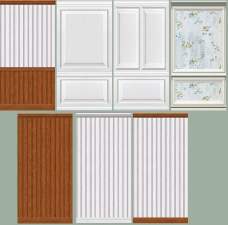
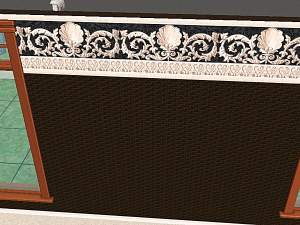
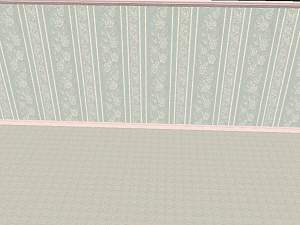
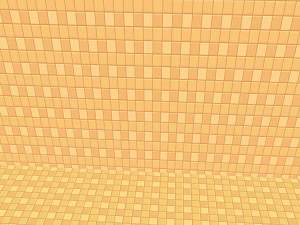
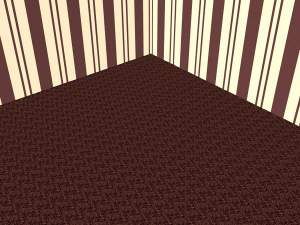
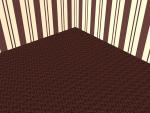
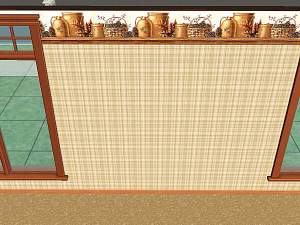
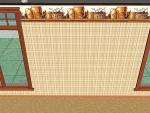
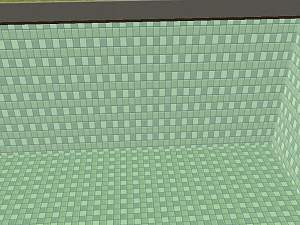
A variety of walls for any type of house! All the pictures for the set are shown here.
Please excuse the quality of these pictures as my video card is on the low-end side. Also, I had taken these before I discovered that the "sharpen" button helps with these jpegs.
| Filename | Type | Size |
|---|---|---|
| First Set.zip | zip | |
| wall_5068e55f.package | package | 36872 |
| wall_7068e59f.package | package | 46943 |
| wall_7068e671.package | package | 57504 |
| wall_9068e62b.package | package | 69775 |
| wall_b068e5c8.package | package | 38455 |
| wall_d068dc57.package | package | 42207 |
| wall_f068dca5.package | package | 38715 |
| wall_d068d146.package | package | 53072 |
|
First Set.zip
Download
Uploaded: 24th Oct 2005, 332.1 KB.
249 downloads.
|
||||||||
| For a detailed look at individual files, see the Information tab. | ||||||||
Install Instructions
1. Download: Click the download link to save the .rar or .zip file(s) to your computer.
2. Extract the zip, rar, or 7z file
3. Place in Downloads Folder: Cut and paste the .package file(s) into your Downloads folder:
- Origin (Ultimate Collection): Users\(Current User Account)\Documents\EA Games\The Sims™ 2 Ultimate Collection\Downloads\
- Non-Origin, Windows Vista/7/8/10: Users\(Current User Account)\Documents\EA Games\The Sims 2\Downloads\
- Non-Origin, Windows XP: Documents and Settings\(Current User Account)\My Documents\EA Games\The Sims 2\Downloads\
- Mac: Users\(Current User Account)\Documents\EA Games\The Sims 2\Downloads
- Mac x64:
/Library/Containers/com.aspyr.sims2.appstore/Data/Library/Application Support/Aspyr/The Sims 2/Downloads
Need more information?
- For a full, complete guide to downloading complete with pictures and more information, see: Game Help: Downloading for Fracking Idiots.
- Custom content not showing up in the game? See: Game Help: Getting Custom Content to Show Up.
- If you don't have a Downloads folder, just make one. See instructions at: Game Help: No Downloads Folder.
Loading comments, please wait...

Uploaded: 24th Oct 2005 at 5:52 PM
Updated: 19th Feb 2006 at 7:14 AM - Took away individual files and left the zip file with the full set of walls. Also added an appropriate snapshot.
-
by Starla 23rd Dec 2004 at 12:23pm
 5
9k
4
5
9k
4
-
by DonnaANN 8th Feb 2005 at 12:26am
3
5.8k
1
-
by lisatycoon 19th Jun 2005 at 3:29pm
3
3.9k
-
by ingsey 22nd Jun 2005 at 9:31pm
2.6k
1
-
by Levanthus 28th Jun 2005 at 1:11pm
7
6.3k
-
by LadyGrainne 16th Oct 2005 at 7:19pm
8
6.2k
-
by angeleyetr 17th Nov 2005 at 12:32am
3.4k
-
by SouthernSimmer 7th Dec 2005 at 1:11am
8
15.8k
10
-
by Ani81 29th Mar 2006 at 3:47pm
3
4.4k
-
by Kaitshi 24th Sep 2006 at 2:16pm
2
8.3k
6

-
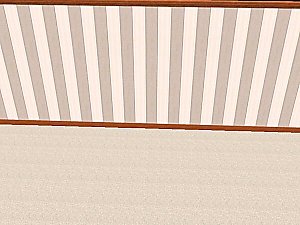
Grey and White Striped Wallpaper
by KalicoKat 23rd Dec 2005 at 4:29am
For a muted, masculine touch to your sim's home... more...
5
5.3k
1
-
-
-
-

-
-
-
-
-