
 Sign in to Mod The Sims
 Crossover Smocks
 Crossover Smocks


crossoversmock00.jpg - width=800 height=600
crossoversmock01.jpg - width=800 height=600
crossoversmock02.jpg - width=800 height=600

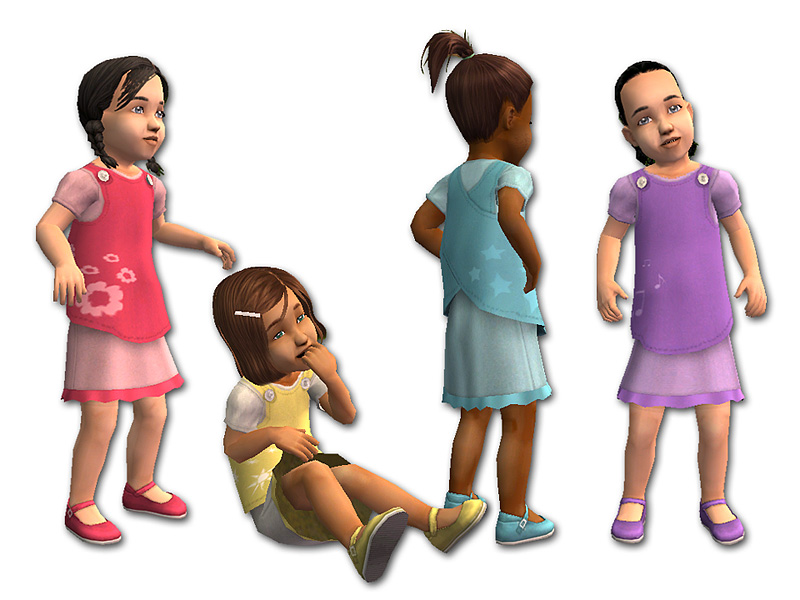
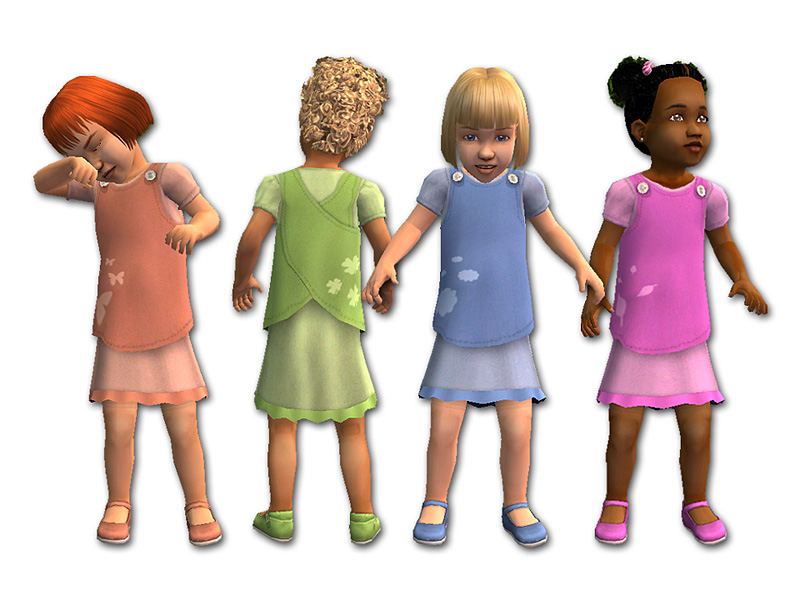
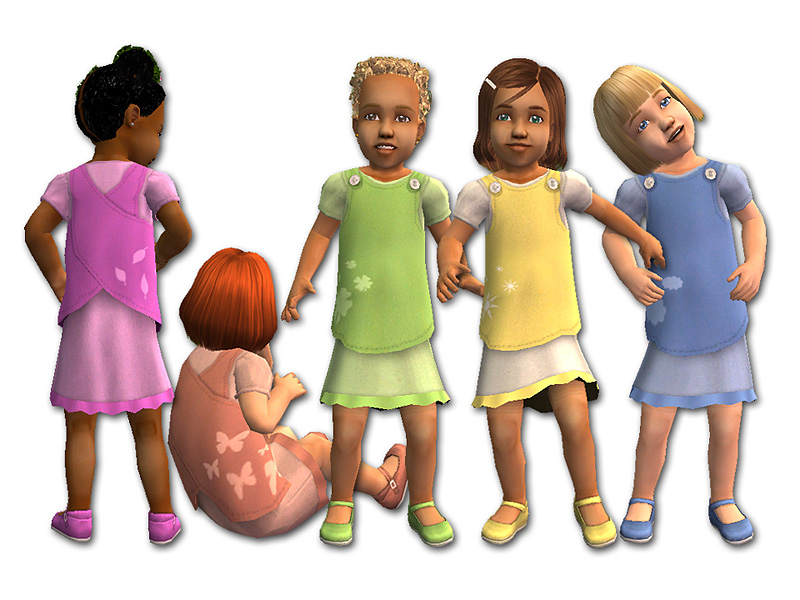
The outfit comes in eight different colours, and each colour has a different graphic on the smock: pink flowers, yellow suns, aqua stars, lavender musical notes, salmon butterflies, green clovers, blue clouds, and fuchsia leaves. The smocks button at the shoulder and are layered over matching dresses that come with coloured Mary Jane shoes.
These outfits are set as Everyday. The new mesh is included in the zip file.
Note: When the Sim sits, the bottom edge of the smock disappears into the skirt of her dress. It's not really noticeable unless you zoom in really close, but I thought I should mention it.
Enjoy!
Polygon Counts:
crossover smock = 1868
Additional Credits:
Thanks to RAONJENA Sims, SimModa, HystericalParoxysm, LoveTheSims04, melodie9, and Maxis for the hairstyles.
This is a new mesh, and means that it's a brand new self contained object that usually does not require a specific Pack (although this is possible depending on the type). It may have Recolours hosted on MTS - check below for more information.
|
crossoversmock-all8colours&MESH.zip
Download
Uploaded: 4th Mar 2011, 575.6 KB.
24,027 downloads.
|
||||||||
| For a detailed look at individual files, see the Information tab. | ||||||||
Install Instructions
1. Download: Click the download link to save the .rar or .zip file(s) to your computer.
2. Extract the zip, rar, or 7z file.
3. Place in Downloads Folder: Cut and paste the .package file(s) into your Downloads folder:
- Origin (Ultimate Collection): Users\(Current User Account)\Documents\EA Games\The Sims™ 2 Ultimate Collection\Downloads\
- Non-Origin, Windows Vista/7/8/10: Users\(Current User Account)\Documents\EA Games\The Sims 2\Downloads\
- Non-Origin, Windows XP: Documents and Settings\(Current User Account)\My Documents\EA Games\The Sims 2\Downloads\
- Mac: Users\(Current User Account)\Documents\EA Games\The Sims 2\Downloads
- Mac x64: /Library/Containers/com.aspyr.sims2.appstore/Data/Library/Application Support/Aspyr/The Sims 2/Downloads
- For a full, complete guide to downloading complete with pictures and more information, see: Game Help: Downloading for Fracking Idiots.
- Custom content not showing up in the game? See: Game Help: Getting Custom Content to Show Up.
- If you don't have a Downloads folder, just make one. See instructions at: Game Help: No Downloads Folder.
Loading comments, please wait...


Uploaded: 4th Mar 2011 at 7:35 PM
-
-
by tiggerypum 12th Oct 2005 at 4:08am
-
by tiggerypum 12th Oct 2005 at 4:26am
-
by tiggerypum 25th Nov 2005 at 11:17pm
-
-

-
-
-
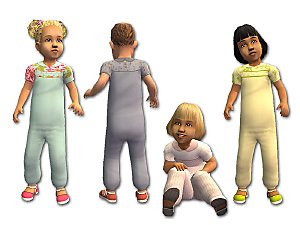
Roomy Rompers for Toddler Girls
by fakepeeps7 23rd May 2009 at 6:56pm
-
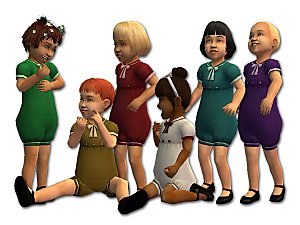
by fakepeeps7 18th Dec 2013 at 11:18pm


-
by fakepeeps7 5th Jan 2014 at 12:18am
Six cold-weather jackets with pants for Sim toddlers. more...
 10
27.1k
92
10
27.1k
92
-
by fakepeeps7 5th Sep 2015 at 6:39pm
One unisex outfit and male and female hats for little lemonade vendors. more...
6
10.1k
37
-
-
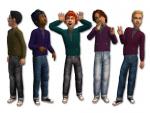
Equalization Separates for Boys
by fakepeeps7 20th Dec 2014 at 1:01am
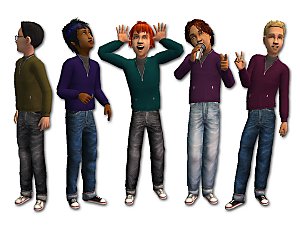
Six tops and three pairs of jeans for boys. more...
-
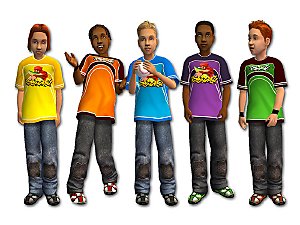
by fakepeeps7 13th Jun 2009 at 5:09am
Today I bring you some more clothes for boys. more...
-
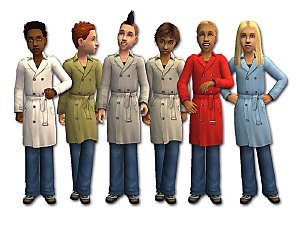
Trenchcoats with Jeans for Boys
by fakepeeps7 28th Jan 2009 at 4:59am
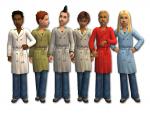
Here are six trenchcoats with jeans for boys. They come in white, khaki, grey, stone, red, and blue. more...
-
by fakepeeps7 20th May 2009 at 10:49pm
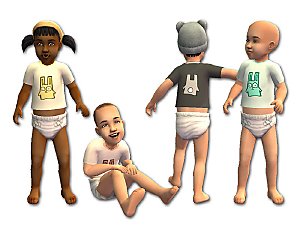
You know what my little Sims didn't have? A basic t-shirt they could wear with a diaper. more...
26
71.5k
107
-
by fakepeeps7 24th Mar 2013 at 2:38pm
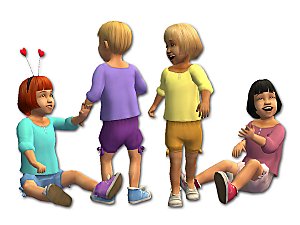
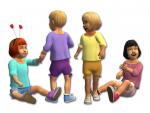
Bubble shorts and blouses for toddlers in six colours. more...
-
The Celebration Variations for Toddlers
by fakepeeps7 2nd Nov 2014 at 7:44pm
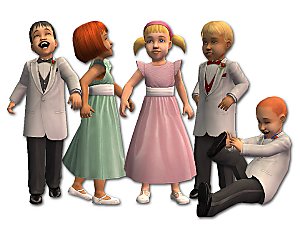
Formal wear for toddlers based on the Celebration Stuff outfits. more...
+1 packs
12 29.8k 101 Celebration
-
by fakepeeps7 19th May 2010 at 4:45am
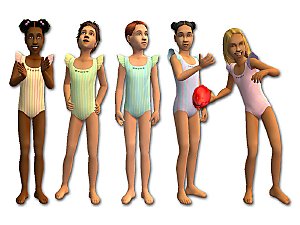
Five swimsuits for girls with ruffled shoulders. more...


About Me
Clothier of Small Sims
My focus is clothing for children, toddlers, and babies. I do not make clothes for teens, young adults, adults, or elders.
You may make recolours of my meshes, but please do not include the meshes in your uploads; link to my mesh instead. (The exception would be default replacement meshes. You may include the default replacement mesh in that case, but please give credit and a link to my original mesh.)
No paysites, please.
Sorry, but I do not take requests.
If you have any further questions, please PM me.
Happy Simming!