Sign in to Mod The Sims
 Teen Female: Fetish/Cyber Goth Outfits v2 (six colors)
 Teen Female: Fetish/Cyber Goth Outfits v2 (six colors)


Fetishv2_Black.jpg - width=203 height=614
Fetishv2_Blue.jpg - width=301 height=634
Fetishv2_Green.jpg - width=283 height=626
Fetishv2_Pink.jpg - width=240 height=618
Fetishv2_Red.jpg - width=286 height=627
Fetishv2_Yellow.jpg - width=247 height=633
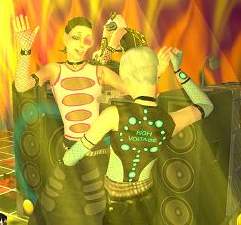
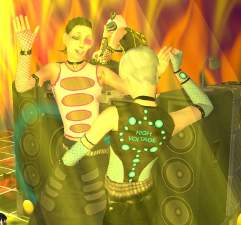
CyberInGame.jpg - width=422 height=554
CyberInGame2.jpg - width=223 height=499
This is the result of my first ever recoloring project, so be kind. I'm aware of the poor location of the thumbnails, bodyshop hides them so I had to guess where they went... glad to get it half-right =P
Do whatever you want with them, use them as a basis for a new recolor, whatever. Just give me credit, and if you're going to make money of them somehow, send me some cookies. =)
Also, my first upload here, so hope I did everything right...
|
TF_Raza_FetishGothv2.rar
Download
Uploaded: 30th Dec 2005, 1.27 MB.
6,542 downloads.
|
||||||||
| For a detailed look at individual files, see the Information tab. | ||||||||
Install Instructions
1. Download: Click the download link to save the .rar or .zip file(s) to your computer.
2. Extract the zip, rar, or 7z file.
3. Place in Downloads Folder: Cut and paste the .package file(s) into your Downloads folder:
- Origin (Ultimate Collection): Users\(Current User Account)\Documents\EA Games\The Sims™ 2 Ultimate Collection\Downloads\
- Non-Origin, Windows Vista/7/8/10: Users\(Current User Account)\Documents\EA Games\The Sims 2\Downloads\
- Non-Origin, Windows XP: Documents and Settings\(Current User Account)\My Documents\EA Games\The Sims 2\Downloads\
- Mac: Users\(Current User Account)\Documents\EA Games\The Sims 2\Downloads
- Mac x64: /Library/Containers/com.aspyr.sims2.appstore/Data/Library/Application Support/Aspyr/The Sims 2/Downloads
- For a full, complete guide to downloading complete with pictures and more information, see: Game Help: Downloading for Fracking Idiots.
- Custom content not showing up in the game? See: Game Help: Getting Custom Content to Show Up.
- If you don't have a Downloads folder, just make one. See instructions at: Game Help: No Downloads Folder.
Loading comments, please wait...

Uploaded: 30th Dec 2005 at 1:23 AM
Updated: 12th Mar 2006 at 3:45 AM
-
-
-
-
-
-
-
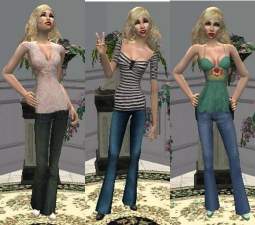
-
-
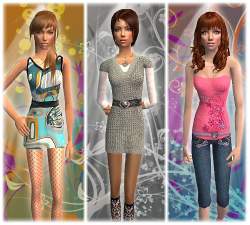
-
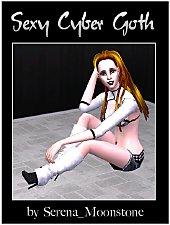
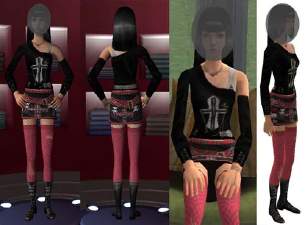
Sexy Cyber Goth Outfit (as requested)
by Serena_Moonstone 27th Jan 2009 at 9:50pm

-
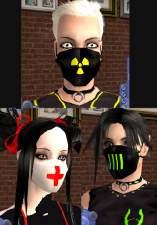
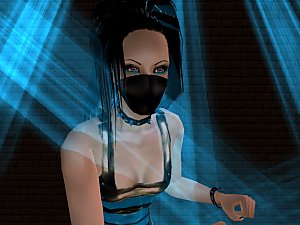
Cybergoth Recolors of Boblishman's Surgical Mask
by Raza 5th Mar 2006 at 4:18am
A bunch of recolors of the surgical mask with a cybergoth theme. more...
 14
42.3k
46
14
42.3k
46
-
-