
 Sign in to Mod The Sims
 Apple iPhone 3G (Black & White)
 Apple iPhone 3G (Black & White)


1.jpg - width=600 height=450
2.jpg - width=600 height=450
3.jpg - width=600 height=450
4.jpg - width=600 height=450
5.jpg - width=500 height=500
6.jpg - width=500 height=500
des_1.jpg - width=520 height=550
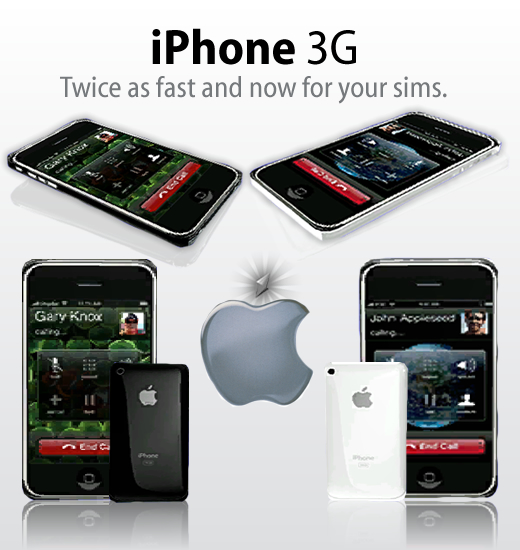
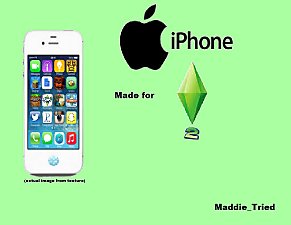
Introducing... The iPhone 3G - Now for your sims! Ever wanted your sims to be able to navigate from one application to another on their mobile, AND make and recieve calls? Well, with the new iPhone from Missing Studios, your sims have the ability to do just that! Place the attached file into your downloads folder, and send your sims to the 21st century!
NOTE: You may only have one replacement mobile in your downloads folder in order for them to work!
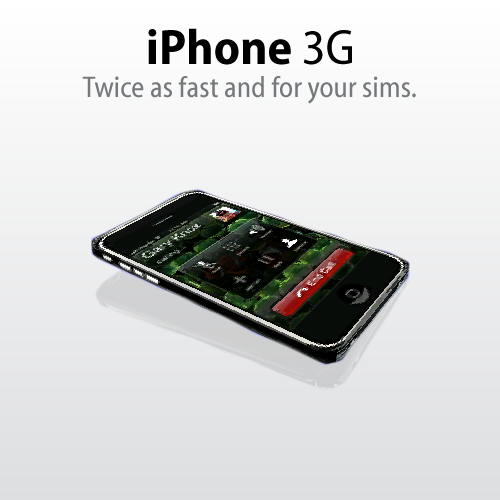
This is the Black iPhone 3G you can download the white version here: http://www.missingstudios.com
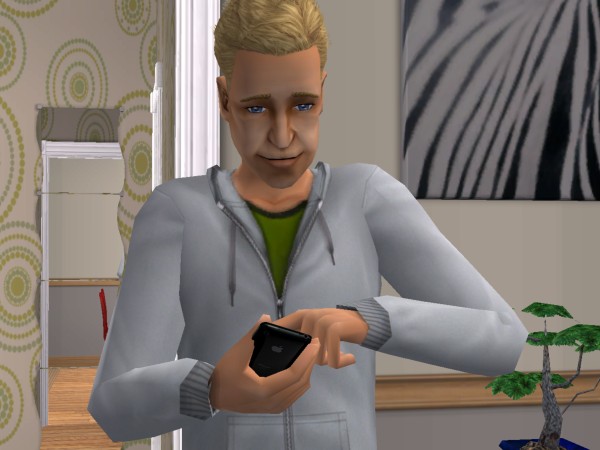
Polygon Counts:
Techy Stuff
Faces - 132
Vertices - 137
Additional Credits:
Thanks to Missing Studios Creator Bino.Maus for letting us carry on the iPhone range and using his iphone object file as a template.
Please visit our site here: Missing Studios
This is a new mesh, and means that it's a brand new self contained object that usually does not require a specific Pack (although this is possible depending on the type). It may have Recolours hosted on MTS - check below for more information.
|
iPhone_3G(Black)_MissingStudios.zip
Download
Uploaded: 8th Sep 2008, 32.9 KB.
90,949 downloads.
|
||||||||
| For a detailed look at individual files, see the Information tab. | ||||||||
Install Instructions
1. Download: Click the download link to save the .rar or .zip file(s) to your computer.
2. Extract the zip, rar, or 7z file.
3. Place in Downloads Folder: Cut and paste the .package file(s) into your Downloads folder:
- Origin (Ultimate Collection): Users\(Current User Account)\Documents\EA Games\The Sims™ 2 Ultimate Collection\Downloads\
- Non-Origin, Windows Vista/7/8/10: Users\(Current User Account)\Documents\EA Games\The Sims 2\Downloads\
- Non-Origin, Windows XP: Documents and Settings\(Current User Account)\My Documents\EA Games\The Sims 2\Downloads\
- Mac: Users\(Current User Account)\Documents\EA Games\The Sims 2\Downloads
- Mac x64: /Library/Containers/com.aspyr.sims2.appstore/Data/Library/Application Support/Aspyr/The Sims 2/Downloads
- For a full, complete guide to downloading complete with pictures and more information, see: Game Help: Downloading for Fracking Idiots.
- Custom content not showing up in the game? See: Game Help: Getting Custom Content to Show Up.
- If you don't have a Downloads folder, just make one. See instructions at: Game Help: No Downloads Folder.
Loading comments, please wait...

 View with Names
Uploaded: 8th Sep 2008 at 8:26 AM
Updated: 8th Oct 2008 at 10:29 PM by porkypine
-
by AbstractSIMmer187 18th Sep 2006 at 12:49am
 29
91.2k
49
29
91.2k
49
-

by Fred_Spider 3rd Aug 2007 at 12:37am
+1 packs
127 200.9k 250 University
-
-
-
-
by Chrystali8 5th Jan 2014 at 4:19am
+1 packs
32 43.2k 99 University
-
by ThePaisleyPlumbob 29th Nov 2015 at 8:51am
+1 packs
6 19.5k 40 University
-
-
LlamaBOX! Recolors of omgsims2's OSS Cell Phone
by Deastrumquodvicis 30th Nov 2017 at 5:13pm
+1 packs
13 15.8k 59 University
-


-

by MissingStudios 14th Jun 2009 at 7:55pm
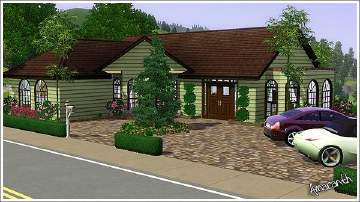
Today Missing Studios Presents you with Rosalies Cottage By Our Very Own Lot Creator Amaranth. more...
 7
15.5k
5
7
15.5k
5

Packs Needed
| Expansion Pack | |
|---|---|
| University |