
 Sign in to Mod The Sims
 Casual conversions
 Casual conversions


3x-Coc-MTsweatercollar-FTconversion.jpg - width=599 height=649
MTlooseopencoatpants-Base.jpg - width=800 height=535
MTlooseopencoatpants-Base2.jpg - width=800 height=519
Front.jpg - width=236 height=436
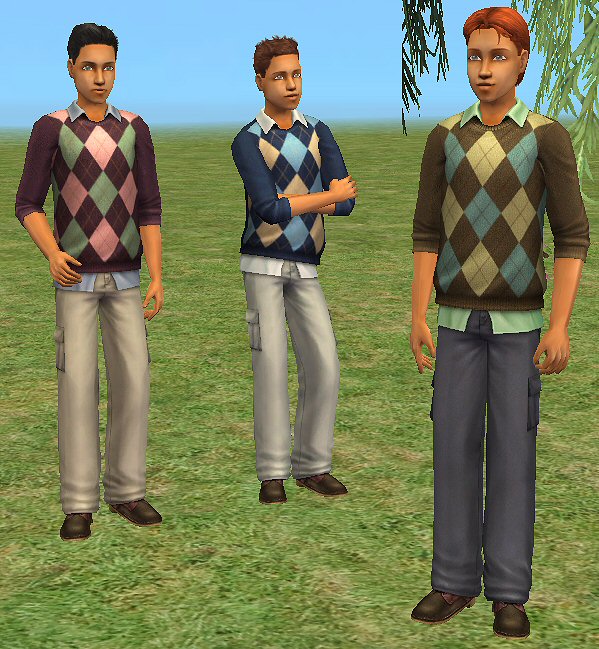
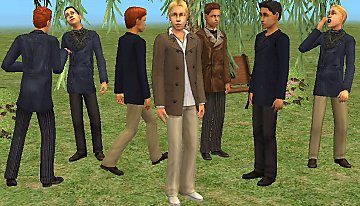
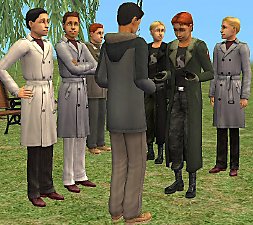
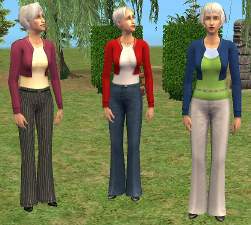
As requested, a conversion for teen from Freetime cmbodysweatercollar, and a conversion for teen from Basegame ambodylooseopencoatpants.
Meshes come with a fatmorph, an UVmap and EAmaxistextures categorized as Casual/everyday
You don't need any stuff- or expansionpack to use these meshes.
Mesh-Coc-MTlooseopencoatpants 7 textures
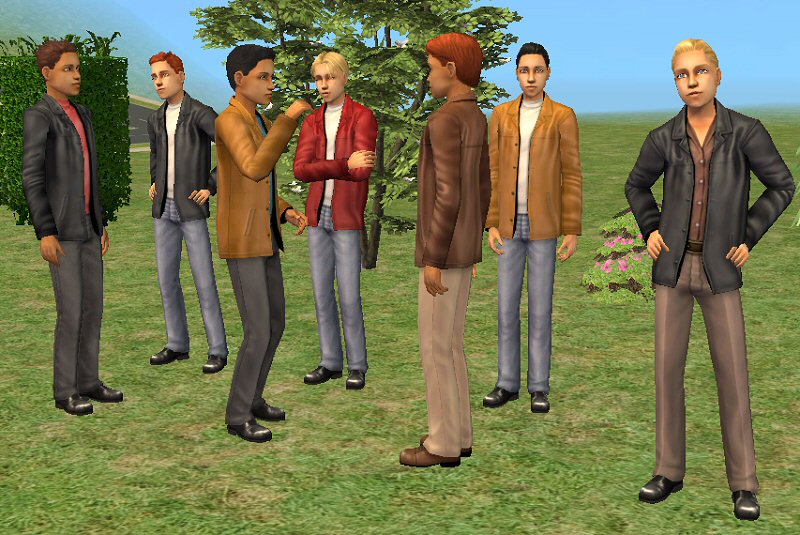
Mesh-Coc-MTsweatercollar-FreetimeConversion 3 textures
As always big thanks to the makers of the tools and tutorials that I've used to make these meshes, and do with these meshes whatever you want as long as you give credit and my work stays free.
Polygon Counts:
Mesh-Coc-MTlooseopencoatpants polycount=2064
Mesh-Coc-MTsweatercollar-FreetimeConversion polycount=2272
This is a new mesh, and means that it's a brand new self contained object that usually does not require a specific Pack (although this is possible depending on the type). It may have Recolours hosted on MTS - check below for more information.
|
Mesh-Coc-MTsweatercollar-FT.rar
Download
Uploaded: 19th Jan 2009, 1.57 MB.
6,137 downloads.
|
||||||||
|
Mesh-Coc-MTlooseopencoatpants.rar
Download
Uploaded: 19th Jan 2009, 4.13 MB.
4,386 downloads.
|
||||||||
| For a detailed look at individual files, see the Information tab. | ||||||||
Install Instructions
1. Download: Click the download link to save the .rar or .zip file(s) to your computer.
2. Extract the zip, rar, or 7z file.
3. Place in Downloads Folder: Cut and paste the .package file(s) into your Downloads folder:
- Origin (Ultimate Collection): Users\(Current User Account)\Documents\EA Games\The Sims™ 2 Ultimate Collection\Downloads\
- Non-Origin, Windows Vista/7/8/10: Users\(Current User Account)\Documents\EA Games\The Sims 2\Downloads\
- Non-Origin, Windows XP: Documents and Settings\(Current User Account)\My Documents\EA Games\The Sims 2\Downloads\
- Mac: Users\(Current User Account)\Documents\EA Games\The Sims 2\Downloads
- Mac x64: /Library/Containers/com.aspyr.sims2.appstore/Data/Library/Application Support/Aspyr/The Sims 2/Downloads
- For a full, complete guide to downloading complete with pictures and more information, see: Game Help: Downloading for Fracking Idiots.
- Custom content not showing up in the game? See: Game Help: Getting Custom Content to Show Up.
- If you don't have a Downloads folder, just make one. See instructions at: Game Help: No Downloads Folder.
Loading comments, please wait...


Uploaded: 19th Jan 2009 at 10:01 PM
Updated: 14th Mar 2009 at 11:03 AM
#Teen, #Male, #Boys, #Sweater, #Short, #coat, #Casual, #Conversion, #ageconversion
-
-
-
-
-
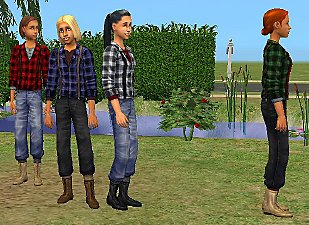
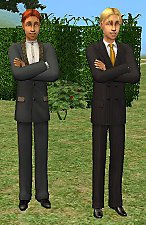
Coco 2 Teen male Apartment Life coat Conversions
by Cocomama 13th Nov 2008 at 12:16am
 5
17.9k
20
5
17.9k
20
Male » Mixed Sets » Teen
-
-
-
-
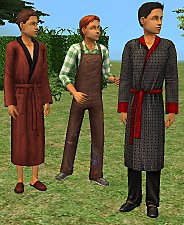
Some Kitchen & Bath conversions for teens
by Cocomama 12th Jan 2009 at 8:47pm
5
16.9k
28
Male » Mixed Sets » Teen
-
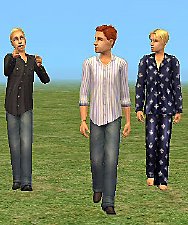
Conversions- H&M shirts and Glamour pajamas
by Cocomama 19th Jan 2009 at 10:03pm
9
29.3k
65
Male » Mixed Sets » Teen


-
Glamour Suitovercoat Conversions
by Cocomama 13th Nov 2008 at 8:23pm
Info Glamour Expansion came with this very stylish coat for adult males and I made four recolors for it more...
+2 packs
7 17.3k 24 Glamour Life
 Seasons
-

-
-
Mesh conversion Teen Pirates and Ninjas
by Cocomama 15th Mar 2008 at 3:09pm
Info I wanted to make my pirate and ninja families complete and converted basegame mesh afbodypirate and ambodypirate, and more...
27
36.7k
65
-
-
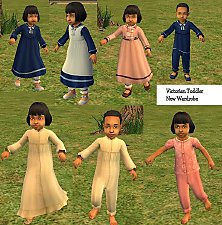
Victorian Toddler New Wardrobe
by Cocomama 22nd Apr 2008 at 12:54pm
Info I want to participate in the Victorian London challenge and as I'm busy learning Bodyshop meshing and texturing, I more...
30
101.7k
159
-


-
-
-
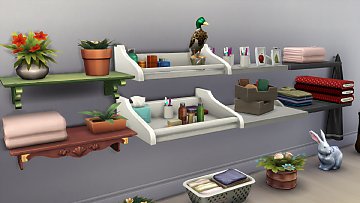

Bigger display shelves with extra slots
by Cocomama 1st Mar 2019 at 3:50pm
Bigger display shelves with extra slots more...
 12
23.8k
156
12
23.8k
156


