
 Sign in to Mod The Sims
 2009 BMW M3 Coupe
 2009 BMW M3 Coupe


Screenshot-222.jpg - width=900 height=720
Screenshot-224.jpg - width=900 height=720
Screenshot-225.jpg - width=900 height=720
Screenshot-226.jpg - width=900 height=720
Screenshot-227.jpg - width=900 height=720
Screenshot-221.jpg - width=900 height=720
Screenshot-223.jpg - width=900 height=720

This car has no working lights. Again...
All comments welcomed, enjoy!

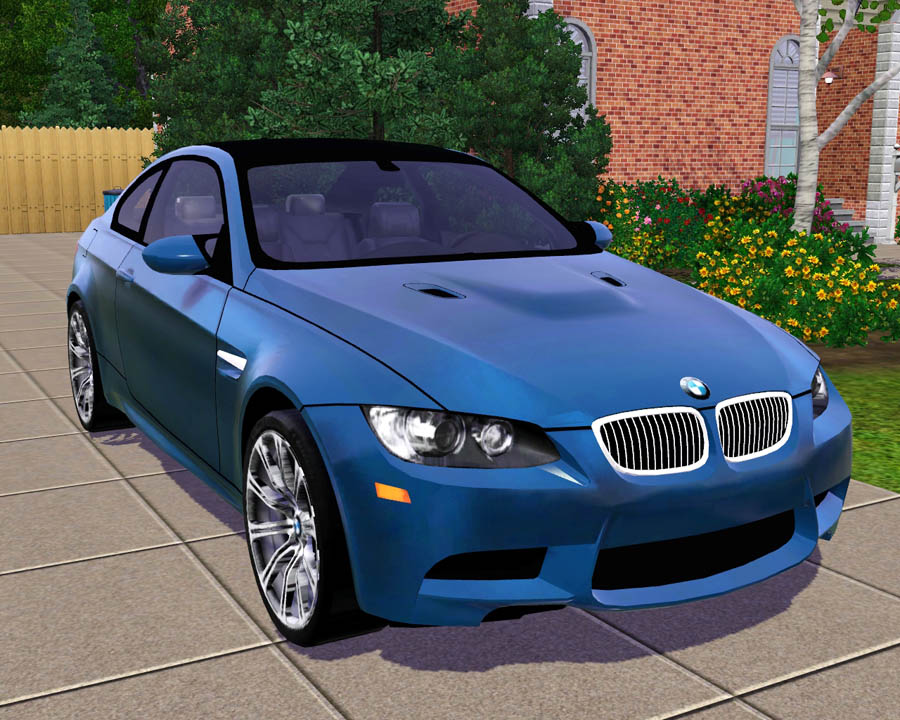
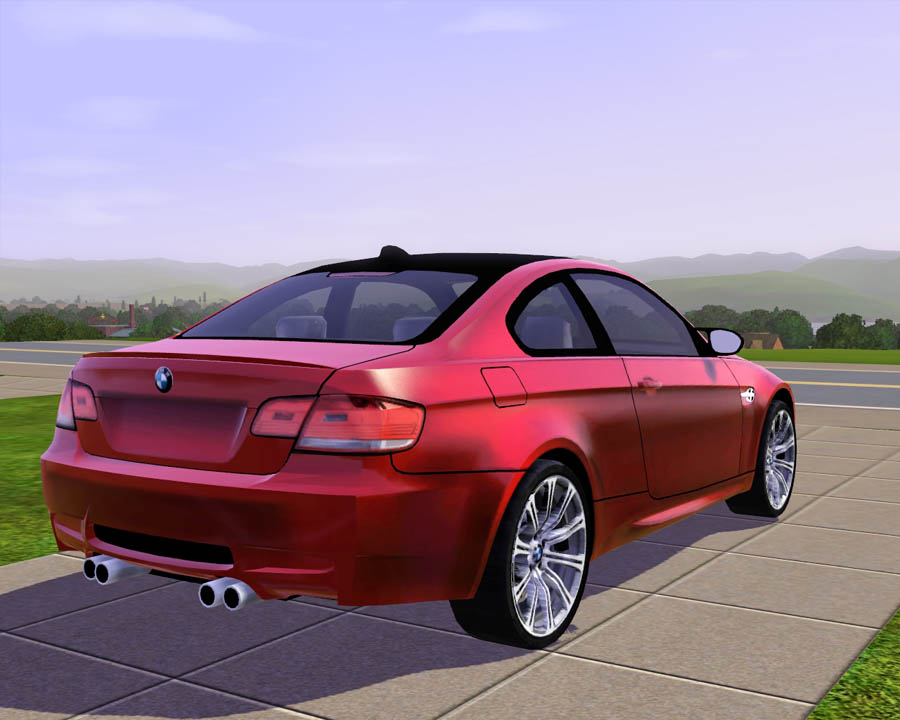
Polygon Counts:
Faces: 20,251, Vertices: 22,883
Additional Credits:
DD - I love you so much man!
GoldenSimmer - Thank you for the beautiful house !
Wes, Inge, PeterJones and everyone for all of their wonderful tools and help!
www.aironeracing.com for modified model, Model converted from Need For Speed.
Have written permission from EA and Approval from Administrator HystericalParoxysm. =]
This is a new mesh, and means that it's a brand new self contained object that usually does not require a specific Pack (although this is possible depending on the type). It may have Recolours hosted on MTS - check below for more information.
|
F-P 2009 BMW M3 Coupe.zip
Download
Uploaded: 31st Aug 2009, 2.70 MB.
155,744 downloads.
|
||||||||
| For a detailed look at individual files, see the Information tab. | ||||||||
Install Instructions
1. Click the download button, or the filename, to download the file to your computer.
2. Extract the zip, rar, or 7z file. Now you will have either a .package or a .sims3pack file.
For Package files:
1. Cut and paste the file into your Documents\Electronic Arts\The Sims 3\Mods\Packages folder. If you do not already have this folder, you should read the full guide to Package files first: Sims 3:Installing Package Fileswiki, so you can make sure your game is fully patched and you have the correct Resource.cfg file.
2. Run the game, and find your content where the creator said it would be (build mode, buy mode, Create-a-Sim, etc.).
For Sims3Pack files:
1. Cut and paste it into your Documents\Electronic Arts\The Sims 3\Downloads folder. If you do not have this folder yet, it is recommended that you open the game and then close it again so that this folder will be automatically created. Then you can place the .sims3pack into your Downloads folder.
2. Load the game's Launcher, and click on the Downloads tab. Find the item in the list and tick the box beside it. Then press the Install button below the list.
3. Wait for the installer to load, and it will install the content to the game. You will get a message letting you know when it's done.
4. Run the game, and find your content where the creator said it would be (build mode, buy mode, Create-a-Sim, etc.).
Extracting from RAR, ZIP, or 7z: You will need a special program for this. For Windows, we recommend 7-Zip and for Mac OSX, we recommend Keka. Both are free and safe to use.
Need more help?
If you need more info, see:
- For package files: Sims 3:Installing Package Fileswiki
- For Sims3pack files: Game Help:Installing TS3 Packswiki
Loading comments, please wait...



Uploaded: 31st Aug 2009 at 10:44 PM
#2009, #bmw m3, #bmws, #m3 e92, #bmw coupe, #coupe, #sports car, #sims 3, #fresh, #prince, #cars, #auto, #automobile, #vehicle, #transportation
-
by Fresh-Prince 19th Aug 2009 at 11:02pm
 51
60.2k
47
51
60.2k
47
-
by Fresh-Prince 23rd Aug 2009 at 12:43pm
208
357.1k
359
-
by Fresh-Prince 6th Sep 2009 at 12:18pm
82
148.5k
113
-
by Fresh-Prince 11th Oct 2009 at 12:41am
61
126.4k
120
-
by Fresh-Prince 19th Oct 2009 at 10:55am
55
142.1k
140
-
by Fresh-Prince 19th Jan 2010 at 6:36pm
32
122.9k
142
-
by Fresh-Prince 19th Feb 2010 at 5:31pm
49
134.4k
172
-
by Fresh-Prince 29th Mar 2010 at 6:31pm
51
177.4k
202
-
by Fresh-Prince 12th Sep 2010 at 8:02am
30
103.8k
175
-

-
2010 Ford Mustang Shelby G.T.500
by Fresh-Prince 7th Nov 2010 at 3:26pm
2010 Ford Mustang Shelby G.T.500 more...
 +1 packs
50 172k 310
+1 packs
50 172k 310 Nightlife
-
Hitachi UltraVision 55'' Plasma TV
by Fresh-Prince 13th Jul 2006 at 1:36pm
This is a brand new Hitachi UltraVision 55'' Plasma TV! more...
43
120k
99
-
Maxis Sports Car(Middle Class)
by Fresh-Prince 16th Aug 2007 at 1:34am
Another Maxis' career car made for the sims as a drivable vehicle. It's very similar to the other sports car. more...
+1 packs
31 41.9k 74 Nightlife
-
by Fresh-Prince 19th Feb 2008 at 12:47am
A simple, yet great family car! more...
+1 packs
17 50.2k 69 Nightlife
-
*UPDATED 2/25/07*Lisa Fireplace
by Fresh-Prince 27th Dec 2006 at 4:47pm
Hello everyone :) Today I have a new fireplace for you, it's my first time i ever made or attempted more...
46
59.2k
75
-
by Fresh-Prince 7th Jan 2008 at 12:50am
*Recolors in Seperate Package* Well, another new car, and I love this one! more...
+1 packs
56 94.3k 89 Nightlife
-
by Fresh-Prince 11th Oct 2009 at 6:10pm
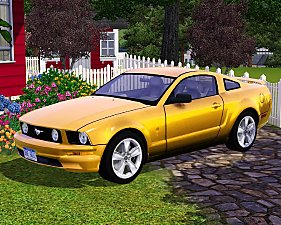
Due to many request, although for the newer one, I made a Mustang for the Sims 3. more...
90
156.2k
192
-
by Fresh-Prince 28th Jun 2006 at 1:23am
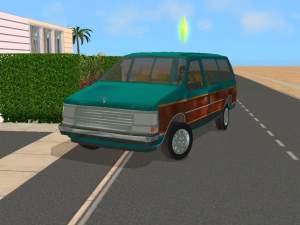
Note: Click on the front glass to select the vehicle. All comments welcome and enjoy the dodge caravan. more...
+1 packs
13 21.5k 22 Nightlife
-
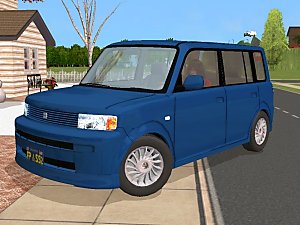

by Fresh-Prince 11th Nov 2006 at 9:42pm
I just remade the Scion xB today from the one I made yesterday :) It has lower poly and it more...
+1 packs
27 45.6k 25 Nightlife
-
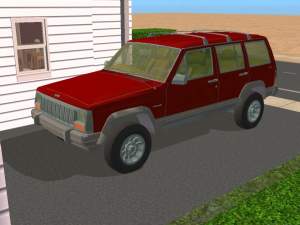
by Fresh-Prince 28th Jun 2006 at 1:18am
Note: Click on front lights to select the vehicle. All comments welcome and enjoy the jeep cherokee. more...
+1 packs
13 23.9k 15 Nightlife


