
 Sign in to Mod The Sims
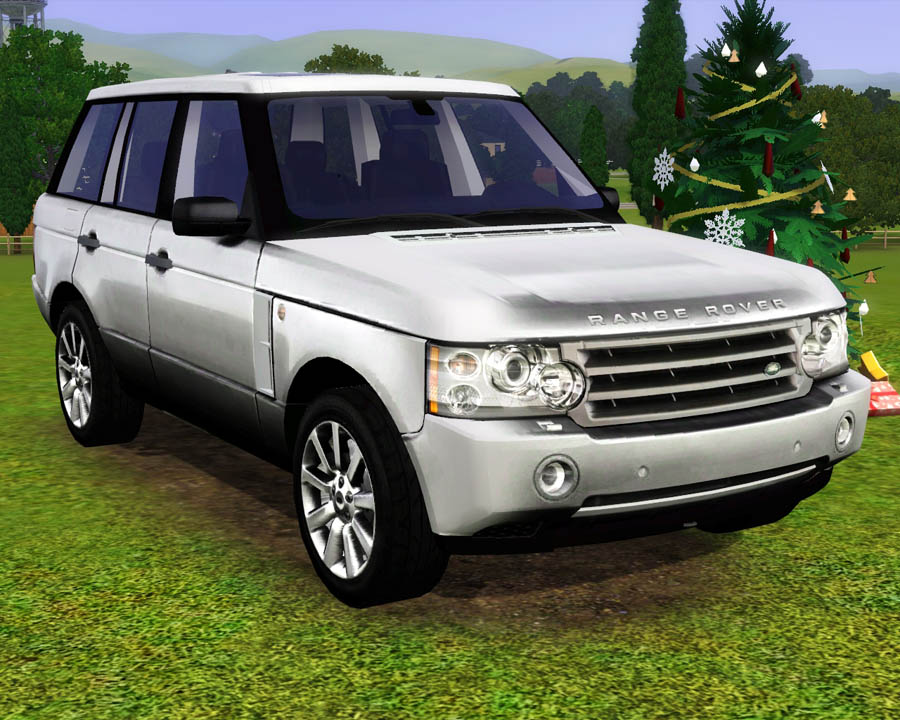
 2009 Land Rover Range Rover
 2009 Land Rover Range Rover


Screenshot-506.jpg - width=900 height=720
Screenshot-1123.jpg - width=900 height=720
Screenshot-1124.jpg - width=900 height=720
Screenshot-1125.jpg - width=900 height=720
Screenshot-1126.jpg - width=900 height=720
Screenshot-1127.jpg - width=900 height=720
Screenshot-1128.jpg - width=900 height=720
Screenshot-1130.jpg - width=900 height=720

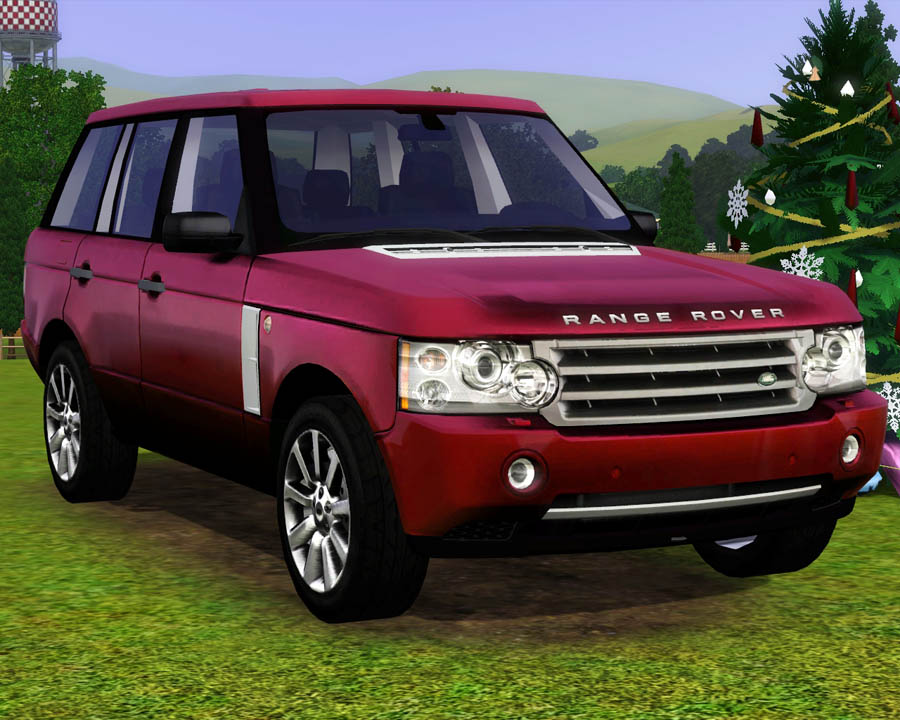
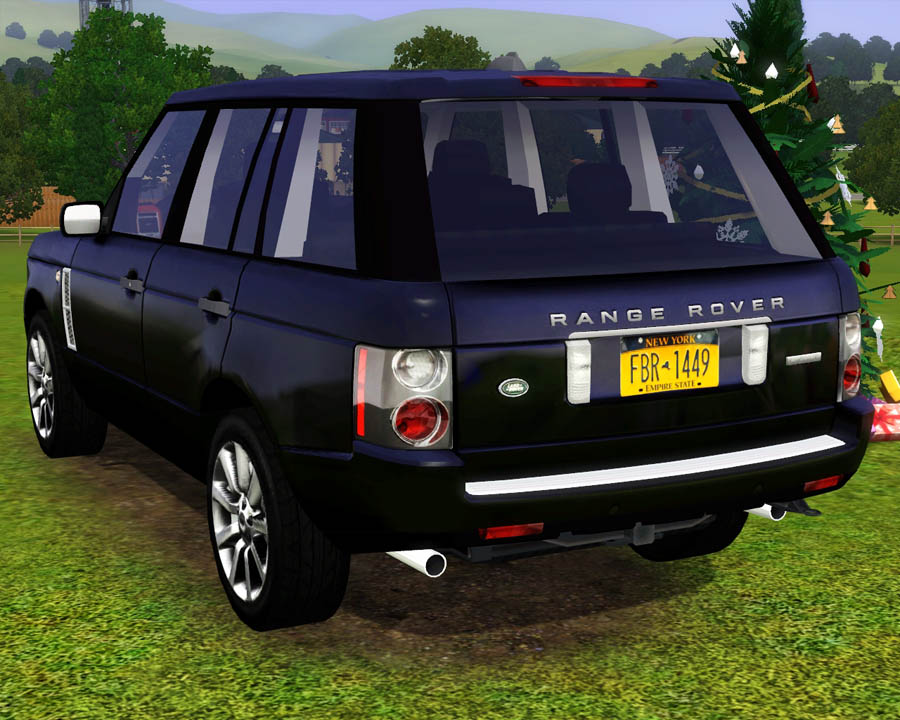
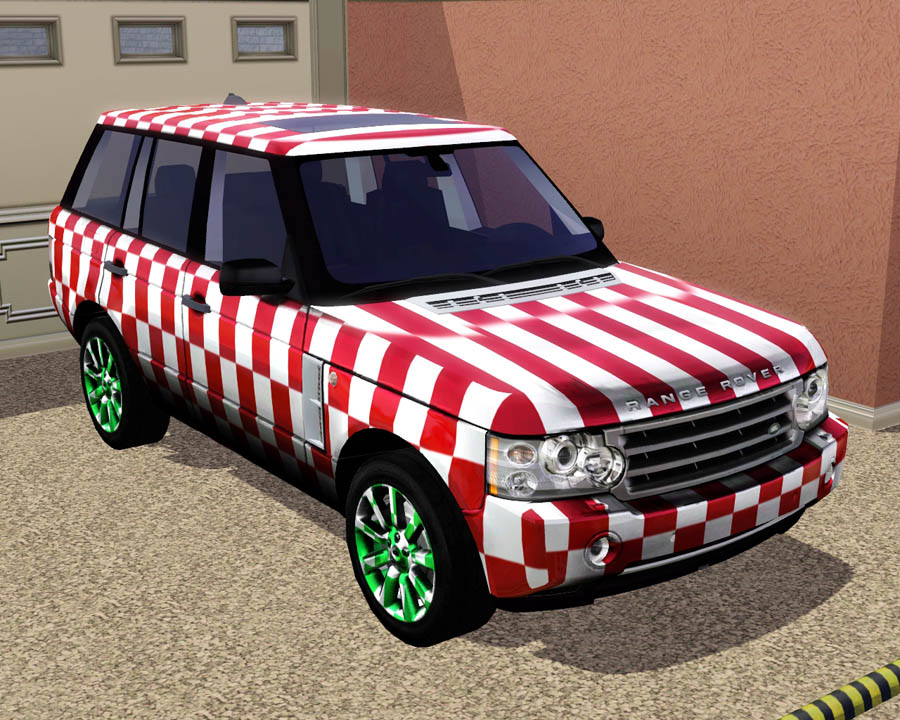
This gorgeous car costs $60,000 in game, can be found in the vehicles section, and has 2 recolorable parts: the body and the wheels.
Enjoy! All comments welcomed!

UV Mapping Example
Polygon Counts:
Faces: 17,177 , Vertices: 25,259
Additional Credits:
TSR Workshop
WesHowe, DD, Inge, Delphy, Lee and everyone who has helped me! :D
Many thanks to Riva ( http://www.mm2x.com/mm2riva/forza3_cars.html ) for the 3d model!
This is a new mesh, and means that it's a brand new self contained object that usually does not require a specific Pack (although this is possible depending on the type). It may have Recolours hosted on MTS - check below for more information.
|
F-P 2009 Land Rover Range Rover Package.zip
Download
Uploaded: 28th Apr 2011, 2.76 MB.
101,679 downloads.
|
||||||||
| For a detailed look at individual files, see the Information tab. | ||||||||
Install Instructions
1. Click the download button, or the filename, to download the file to your computer.
2. Extract the zip, rar, or 7z file. Now you will have either a .package or a .sims3pack file.
For Package files:
1. Cut and paste the file into your Documents\Electronic Arts\The Sims 3\Mods\Packages folder. If you do not already have this folder, you should read the full guide to Package files first: Sims 3:Installing Package Fileswiki, so you can make sure your game is fully patched and you have the correct Resource.cfg file.
2. Run the game, and find your content where the creator said it would be (build mode, buy mode, Create-a-Sim, etc.).
For Sims3Pack files:
1. Cut and paste it into your Documents\Electronic Arts\The Sims 3\Downloads folder. If you do not have this folder yet, it is recommended that you open the game and then close it again so that this folder will be automatically created. Then you can place the .sims3pack into your Downloads folder.
2. Load the game's Launcher, and click on the Downloads tab. Find the item in the list and tick the box beside it. Then press the Install button below the list.
3. Wait for the installer to load, and it will install the content to the game. You will get a message letting you know when it's done.
4. Run the game, and find your content where the creator said it would be (build mode, buy mode, Create-a-Sim, etc.).
Extracting from RAR, ZIP, or 7z: You will need a special program for this. For Windows, we recommend 7-Zip and for Mac OSX, we recommend Keka. Both are free and safe to use.
Need more help?
If you need more info, see:
- For package files: Sims 3:Installing Package Fileswiki
- For Sims3pack files: Game Help:Installing TS3 Packswiki
Loading comments, please wait...



Uploaded: 28th Apr 2011 at 6:30 PM
-
by Fresh-Prince 22nd Aug 2009 at 1:11pm
 54
124.4k
124
54
124.4k
124
-
-
by Fresh-Prince 6th Sep 2009 at 12:18pm
82
148.5k
113
-
by Fresh-Prince 11th Oct 2009 at 12:41am
61
126.4k
120
-
by Fresh-Prince 29th Oct 2009 at 5:41pm
68
143.2k
148
-
-
by Fresh-Prince 14th Jan 2010 at 9:01am
56
159.4k
222
-
by Fresh-Prince 19th Feb 2010 at 5:31pm
49
134.3k
172
-
-
by Fresh-Prince 14th Jun 2010 at 6:15pm
31
102.3k
167

-
*FIXED*1996 Chevy Cavalier (28 Colors)
by Fresh-Prince 22nd Sep 2007 at 1:00am
Hey everyone! No, im not dead :-P . I've been soooo busy ever since school started. My 100th upload! more...
 +1 packs
66 43.4k 36
+1 packs
66 43.4k 36 Nightlife
-
7 Jeep Liberty Factory Recolors
by Fresh-Prince 18th Aug 2007 at 3:36pm
These are actually the factory colors of the 2007 Jeep Liberty. more...
+1 packs
16 45k 52 Nightlife
-
by Fresh-Prince 15th Jun 2008 at 1:35am
I actually made this 2 years ago for a request, so it's quiet old, but it still functions great. more...
+1 packs
16 27.4k 37 Open for Business
-
by Fresh-Prince 30th Mar 2009 at 5:51pm
Want to upgrade from your Maxis Punto? Well now you can! more...
+1 packs
42 153.7k 197 Nightlife
-
by Fresh-Prince 15th Apr 2007 at 9:33pm
These are not actually vehicles that you can drive. more...
-
by Fresh-Prince 31st May 2009 at 7:24pm
This is the most popular and perfect family SUV for your simmies! Enjoy this low poly beauty! more...
+1 packs
39 190.2k 285 Nightlife
-
by Fresh-Prince 18th Aug 2009 at 4:49pm
I was very upset when the game came and there was no 2 story columns to be found. more...
36
56k
68
-
by Fresh-Prince 20th Jul 2008 at 11:09pm
Well, I felt like making a house, and I really like how this one came out. more...
+1 packs
31 53.3k 69 Nightlife
-
by Fresh-Prince 25th Aug 2007 at 2:30am
Sorry for not making a car in a while, been busy and out of the house. more...
+1 packs
38 33.9k 40 Nightlife
-
by Fresh-Prince 30th Dec 2006 at 3:20am
**UPDATES** -December 31,2006- --Thanks a ton to Luslipz73 for making all my objects recolorable! Thanks a lot! more...


