
 Sign in to Mod The Sims
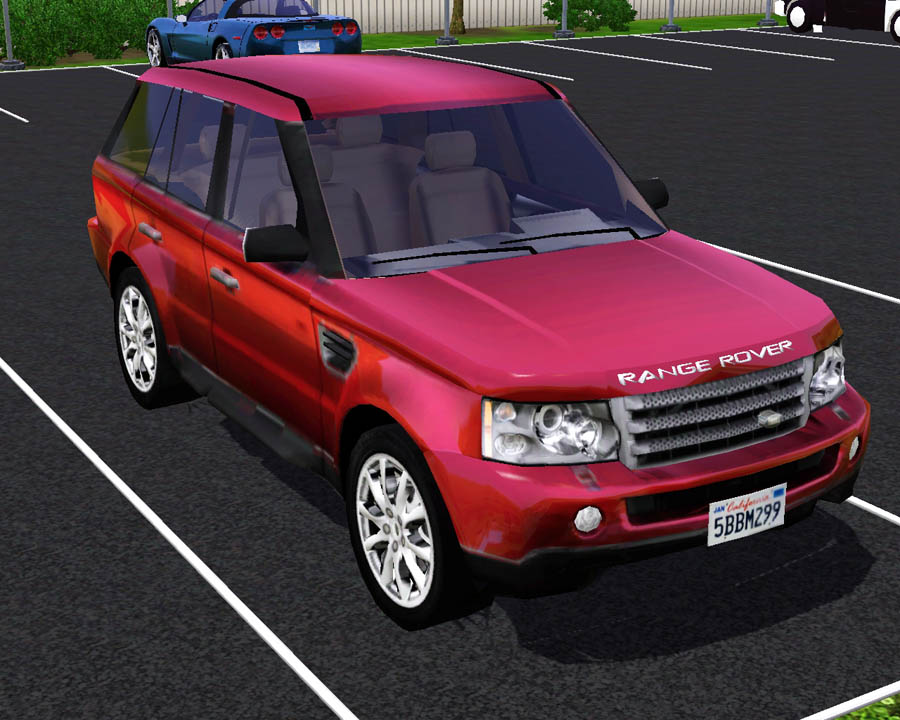
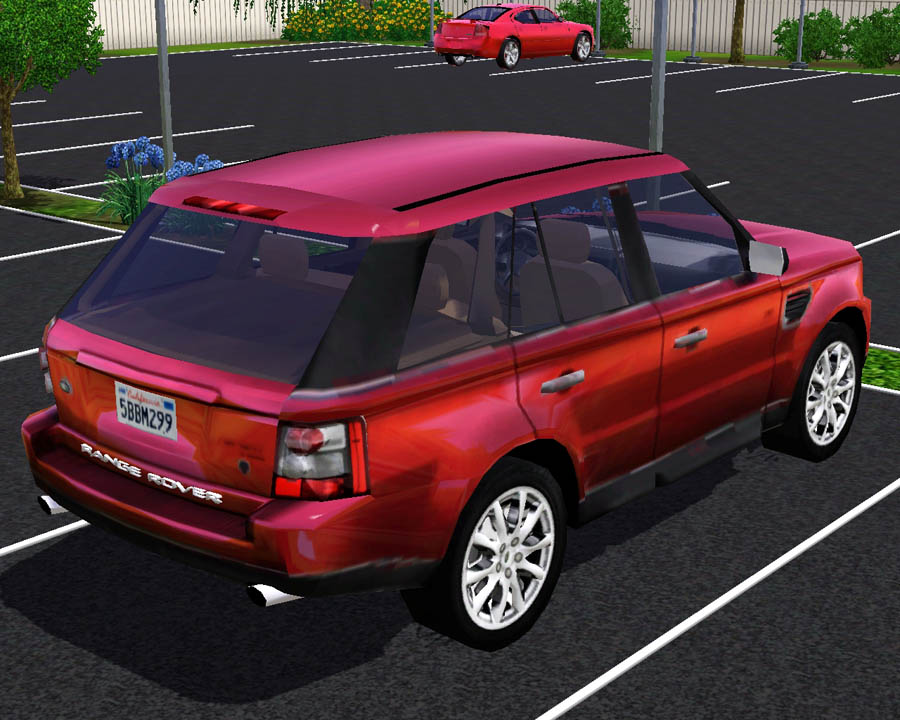
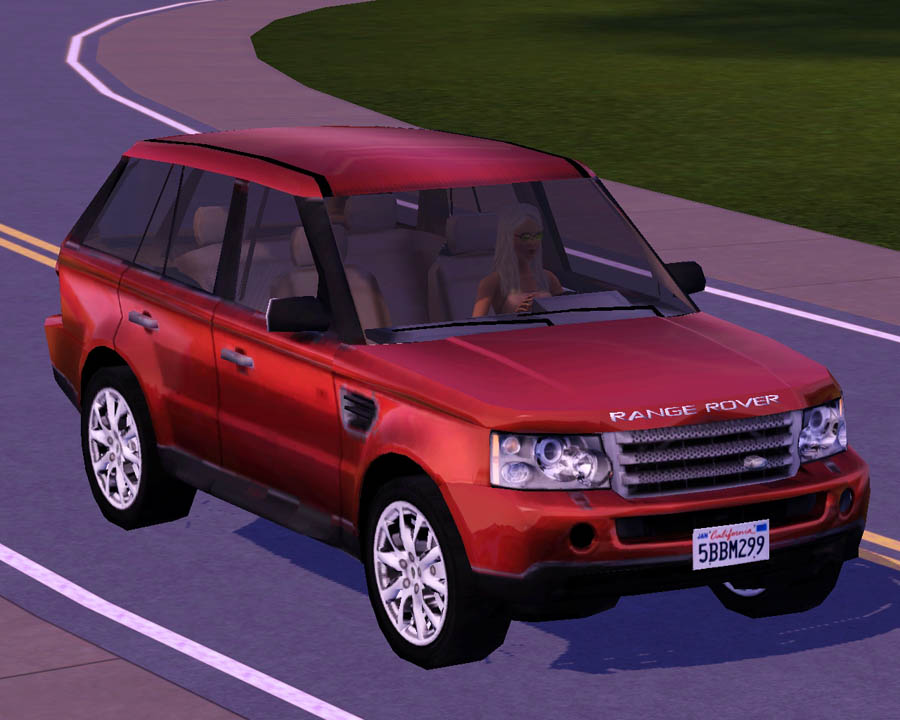
 2009 Land Rover Range Rover Sport
 2009 Land Rover Range Rover Sport


Screenshot-176.jpg - width=900 height=720
Screenshot-177.jpg - width=900 height=720
Screenshot-178.jpg - width=900 height=720
Screenshot-179.jpg - width=900 height=720
Screenshot-180.jpg - width=900 height=720
Screenshot-182.jpg - width=900 height=720

Anyway, hope you like this new SUV for your simmies!
 Cost $60,000 in game and can be found in the vehicles section.
Once again, lights do not work.
Polygon Counts:
Faces: 11,245 , Vertices: 10,891
Additional Credits:
WesHowe, DD (I lurve you :lovestruc ), Inge, and everyone who has helped me to do this!
www.3dworldclub.com for modifed model. This car along with every other model from that site has proper permission and credit from the owner and administrator of the site.
This is a new mesh, and means that it's a brand new self contained object that usually does not require a specific Pack (although this is possible depending on the type). It may have Recolours hosted on MTS - check below for more information.
|
F-P 2009 Land Rover Range Rover Sport.zip
Download
Uploaded: 24th Aug 2009, 2.28 MB.
81,954 downloads.
|
||||||||
| For a detailed look at individual files, see the Information tab. | ||||||||
Install Instructions
1. Click the download button, or the filename, to download the file to your computer.
2. Extract the zip, rar, or 7z file. Now you will have either a .package or a .sims3pack file.
For Package files:
1. Cut and paste the file into your Documents\Electronic Arts\The Sims 3\Mods\Packages folder. If you do not already have this folder, you should read the full guide to Package files first: Sims 3:Installing Package Fileswiki, so you can make sure your game is fully patched and you have the correct Resource.cfg file.
2. Run the game, and find your content where the creator said it would be (build mode, buy mode, Create-a-Sim, etc.).
For Sims3Pack files:
1. Cut and paste it into your Documents\Electronic Arts\The Sims 3\Downloads folder. If you do not have this folder yet, it is recommended that you open the game and then close it again so that this folder will be automatically created. Then you can place the .sims3pack into your Downloads folder.
2. Load the game's Launcher, and click on the Downloads tab. Find the item in the list and tick the box beside it. Then press the Install button below the list.
3. Wait for the installer to load, and it will install the content to the game. You will get a message letting you know when it's done.
4. Run the game, and find your content where the creator said it would be (build mode, buy mode, Create-a-Sim, etc.).
Extracting from RAR, ZIP, or 7z: You will need a special program for this. For Windows, we recommend 7-Zip and for Mac OSX, we recommend Keka. Both are free and safe to use.
Need more help?
If you need more info, see:
- For package files: Sims 3:Installing Package Fileswiki
- For Sims3pack files: Game Help:Installing TS3 Packswiki
Loading comments, please wait...



Uploaded: 24th Aug 2009 at 5:55 PM
Updated: 25th Aug 2009 at 6:51 PM
-
by Fresh-Prince 20th Aug 2009 at 11:59pm
 44
121.1k
149
44
121.1k
149
-
by Fresh-Prince 23rd Aug 2009 at 12:43pm
208
357.4k
360
-
by Fresh-Prince 6th Sep 2009 at 12:18pm
82
148.6k
114
-
-
by Fresh-Prince 11th Oct 2009 at 12:41am
61
126.5k
120
-
by Fresh-Prince 19th Feb 2010 at 5:31pm
49
134.5k
172
-
-
by Fresh-Prince 14th Jun 2010 at 6:15pm
31
102.5k
167
-
by Fresh-Prince 17th Jun 2010 at 2:31pm
14
49.9k
58
-
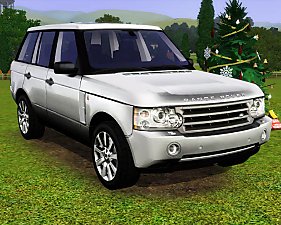
by Fresh-Prince 28th Apr 2011 at 6:30pm
41
171.4k
337

-
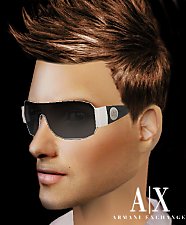
Armani Exchange Sunglasses (AM)
by Fresh-Prince 29th Jan 2009 at 1:46am
Yay! I made sunglasses! more...
 42
113.4k
101
42
113.4k
101
-
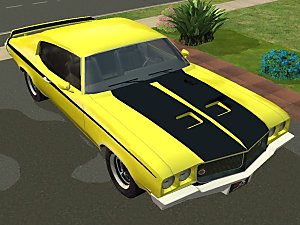
by Fresh-Prince 6th Mar 2008 at 8:15pm
Sporty classic car! All comments welcomed, enjoy! more...
+1 packs
7 32.8k 40 Nightlife
-
by Fresh-Prince 26th Jun 2006 at 4:22am
NOTE: Click on Front glass to select the vehicle! more...
+1 packs
54 121.6k 53 Nightlife
-
by Fresh-Prince 18th Aug 2006 at 7:32pm
Note: Click on Head lights to select the vehicle! more...
+1 packs
16 53.5k 20 Nightlife
-
by Fresh-Prince 14th Apr 2007 at 3:07am
This is my favorite and best car I've ever made! more...
+1 packs
46 69.9k 54 Nightlife
-
by Fresh-Prince 3rd Nov 2007 at 6:56pm
The 2003 Lexus IS300, a luxury car to meet all your needs. Sharp design, comfortable interior and an affordable price. more...
+1 packs
22 39.1k 45 Nightlife
-
by Fresh-Prince 25th Nov 2007 at 1:58am
This is an awesome flying car! more...
+1 packs
94 110.2k 203 Nightlife
-
*UPDATED 2/25/07*Lisa Fireplace
by Fresh-Prince 27th Dec 2006 at 4:47pm
Hello everyone :) Today I have a new fireplace for you, it's my first time i ever made or attempted more...
46
59.2k
75
-

by Fresh-Prince 29th Apr 2007 at 3:25am
Sorry for the lack of new items and being on the site. more...
+1 packs
33 88.4k 58 Nightlife
-
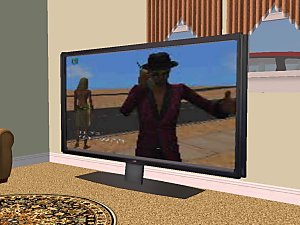
by Fresh-Prince 23rd Jun 2006 at 5:43pm
This is my other tv in my house,lol, just kiding. This is actually the worlds largest plasma tv. more...
49
94.4k
72


