
 Sign in to Mod The Sims
 Timber Living
 Timber Living


m1.jpg - width=1024 height=768
m5-1.jpg - width=1024 height=768
m6-0-0-1.jpg - width=1024 height=768
m6-0-1.jpg - width=1024 height=768
m10-1.jpg - width=1024 height=768
m11.jpg - width=1024 height=768
m13.jpg - width=1024 height=768
m14.jpg - width=1024 height=768
m15.jpg - width=1024 height=768
m16.jpg - width=1024 height=768
m17.jpg - width=1024 height=768
m18.jpg - width=1024 height=768



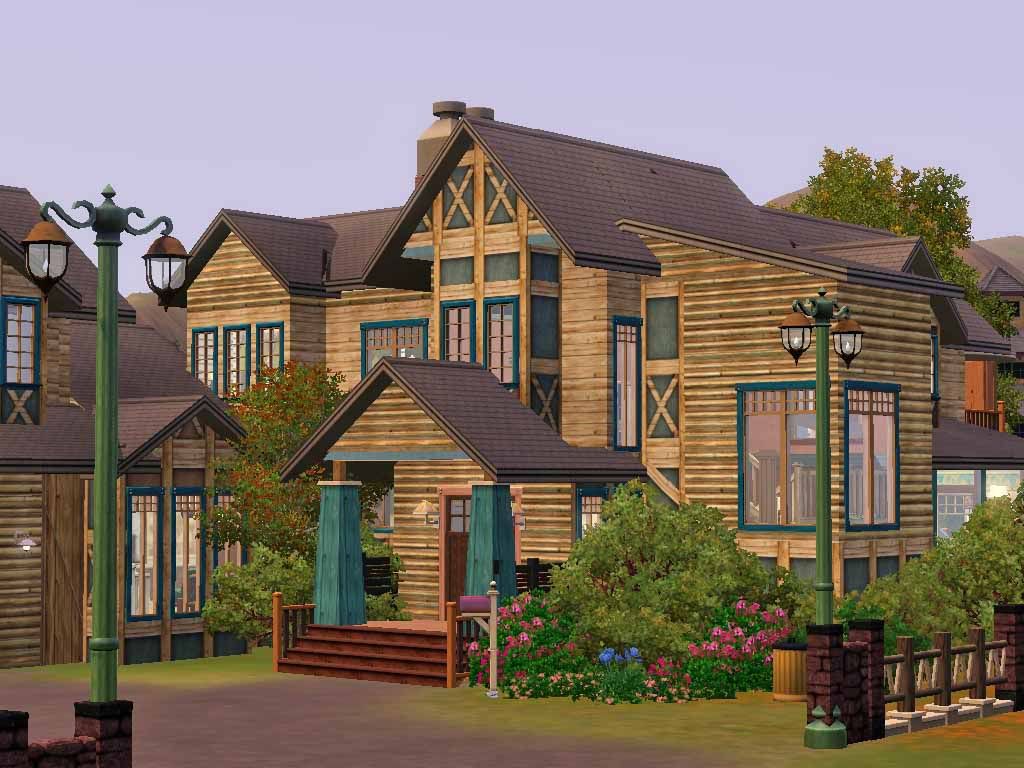
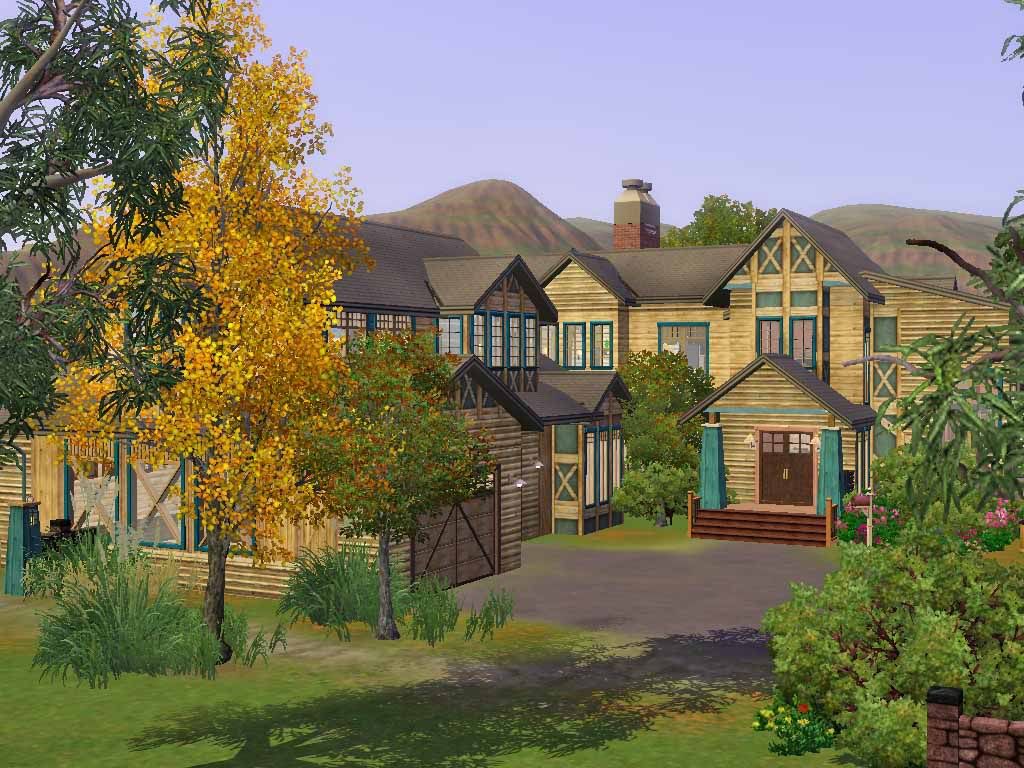
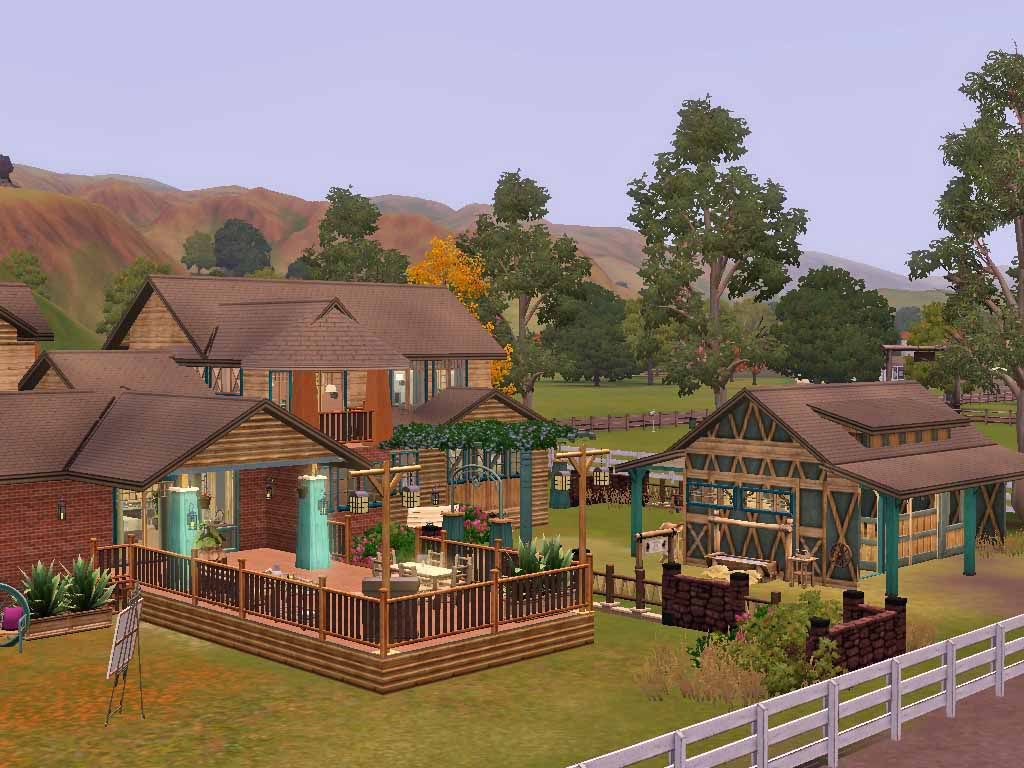
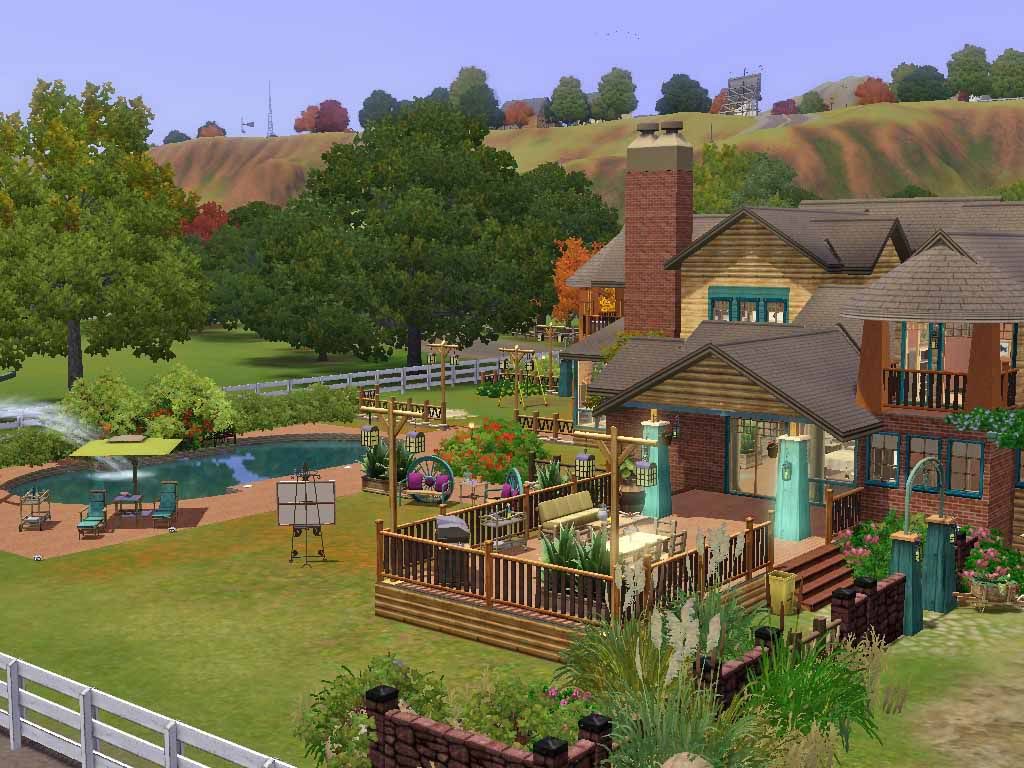
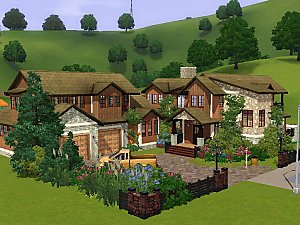
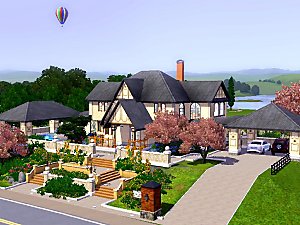
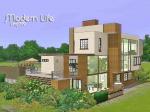
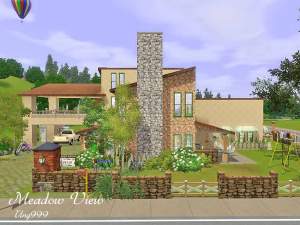
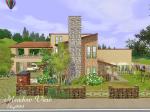
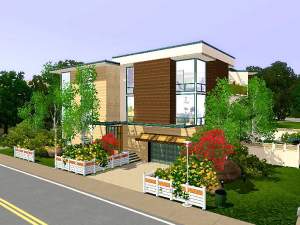
This house features with the pets corner whcih includes a small stable for one horse and pet house (space enough for more than one pet house), kids corner, large deck for outdoor living, pool and hot tub.
Interior facilities have: living, dining, kitchen, sun room, laundry, 4 bedrooms, 3 1/2 baths........ Hope your sims and pets enjoy living there.
Lot size: 50x50
Lot location: suggested to place this lot at 1006 Pomona Promenade, Appaloosa Plains to link up with the road and paddock
Requires: all EPs and SPs up to Sims 3 Pets and Town Life, built with game version: 10.0.96.13001
Price for Unfurnished: 131,412
Lot Size: 5x5
Lot Price: 210,453
Custom Content by Me:
- Category: Wood 11(H) -Pattern
- Category: Wood 11(V) - Pattern
- Category: Theme 78 - Pattern
- Category: Wood 24(V) - Pattern
Custom Content Included:
- Morphee Living Room Sofa Pillows Part 1 by Roan_
Additional Credits:
Roan_
|
Timber Living.rar
Download
Uploaded: 15th Nov 2011, 5.23 MB.
7,012 downloads.
|
||||||||
| For a detailed look at individual files, see the Information tab. | ||||||||
Install Instructions
1. Click the filename or the download button to download the file to your computer.
2. Extract the zip, rar, or 7z file.
2. Select the .sims3pack file you got from extracting.
3. Cut and paste it into your Documents\Electronic Arts\The Sims 3\Downloads folder. If you do not have this folder yet, it is recommended that you open the game and then close it again so that this folder will be automatically created. Then you can place the .sims3pack into your Downloads folder.
5. Load the game's Launcher, and click on the Downloads tab. Select the house icon, find the lot in the list, and tick the box next to it. Then press the Install button below the list.
6. Wait for the installer to load, and it will install the lot to the game. You will get a message letting you know when it's done.
7. Run the game, and find your lot in Edit Town, in the premade lots bin.
Extracting from RAR, ZIP, or 7z: You will need a special program for this. For Windows, we recommend 7-Zip and for Mac OSX, we recommend Keka. Both are free and safe to use.
Need more help?
If you need more info, see Game Help:Installing TS3 Packswiki for a full, detailed step-by-step guide!
Loading comments, please wait...



 + 3 SPs


Uploaded: 15th Nov 2011 at 4:44 AM
Updated: 15th Nov 2011 at 9:25 AM








-
-

-
-
-
-
-
-
Sunny Beach House (Base Game Only)
by ung999 1st Nov 2009 at 9:37pm
This house located in Sunnysde Strand, is a two story building with 2 bedrooms and 2 baths. more...
 27
54.1k
60
27
54.1k
60
-
-


Packs Needed
| Expansion Pack | |
|---|---|
| Ambitions |
| Late Night |
| Generations |
| Pets |
| Stuff Pack | |
|---|---|
| High-End Loft Stuff |
| Fast Lane Stuff |
| Outdoor Living Stuff |