
 Sign in to Mod The Sims
 Steampunk Divided
 Steampunk Divided


1stfloor.jpg - width=700 height=702
2ndfloor.jpg - width=1024 height=743
3rdfloor.jpg - width=950 height=688
back.jpg - width=800 height=869
bedrooms.jpg - width=758 height=900
front.jpg - width=1024 height=649
garage2.jpg - width=900 height=729
garageground.jpg - width=410 height=382
kitchens.jpg - width=614 height=1024
livingrooms.jpg - width=714 height=1024
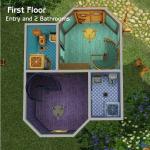
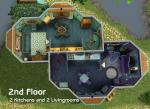
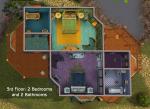
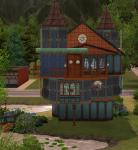
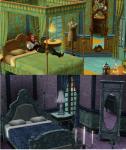
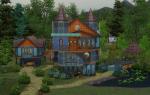
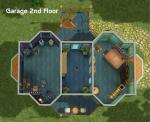
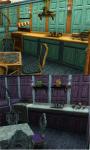
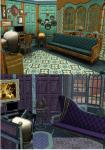
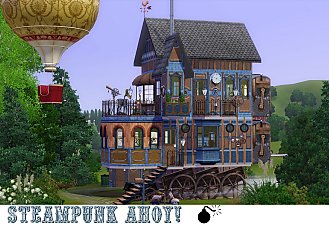
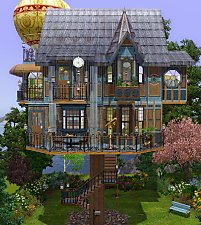
 This house has two sides, a "normal" (as normal as steampunk ever is) side; but travel through the secret passage into the darker, magical side. I was inspired by the Snark Buster series.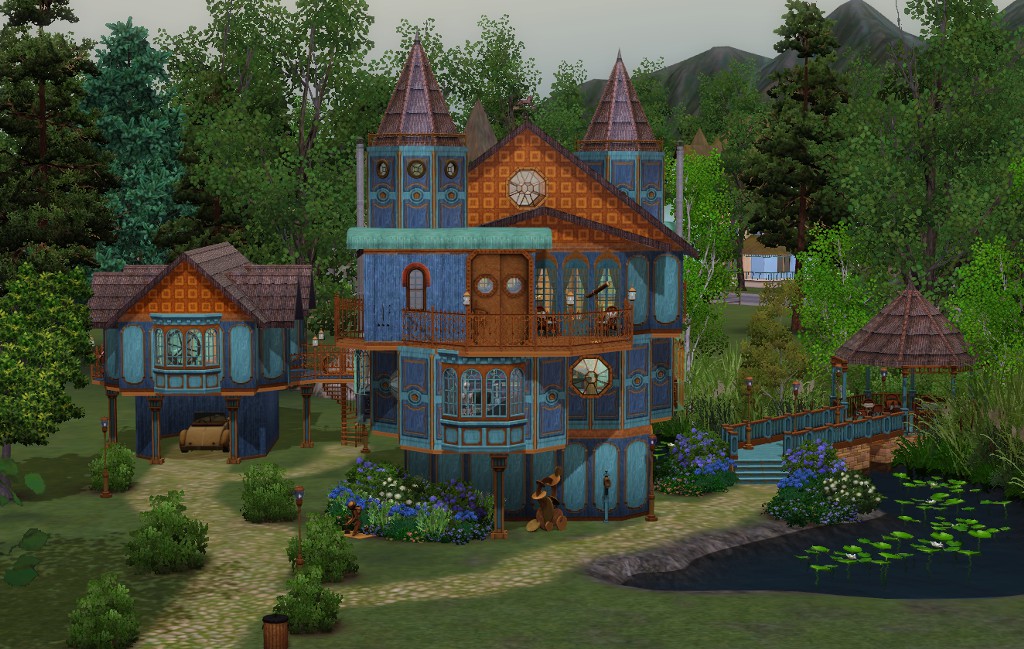
Every room has a dark, magical "mirror" version.
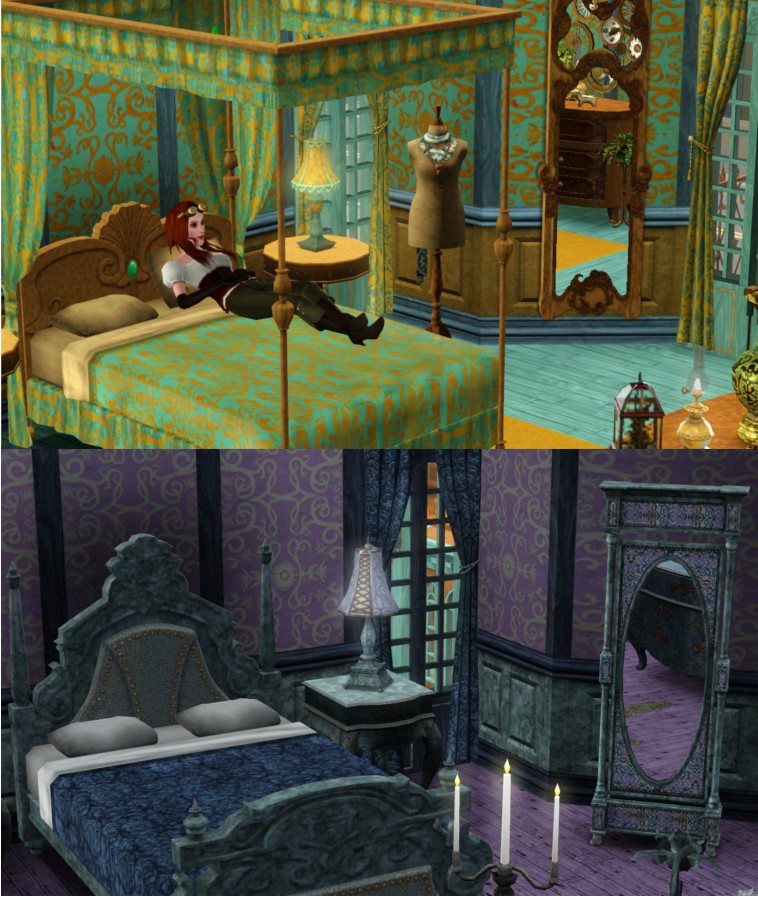
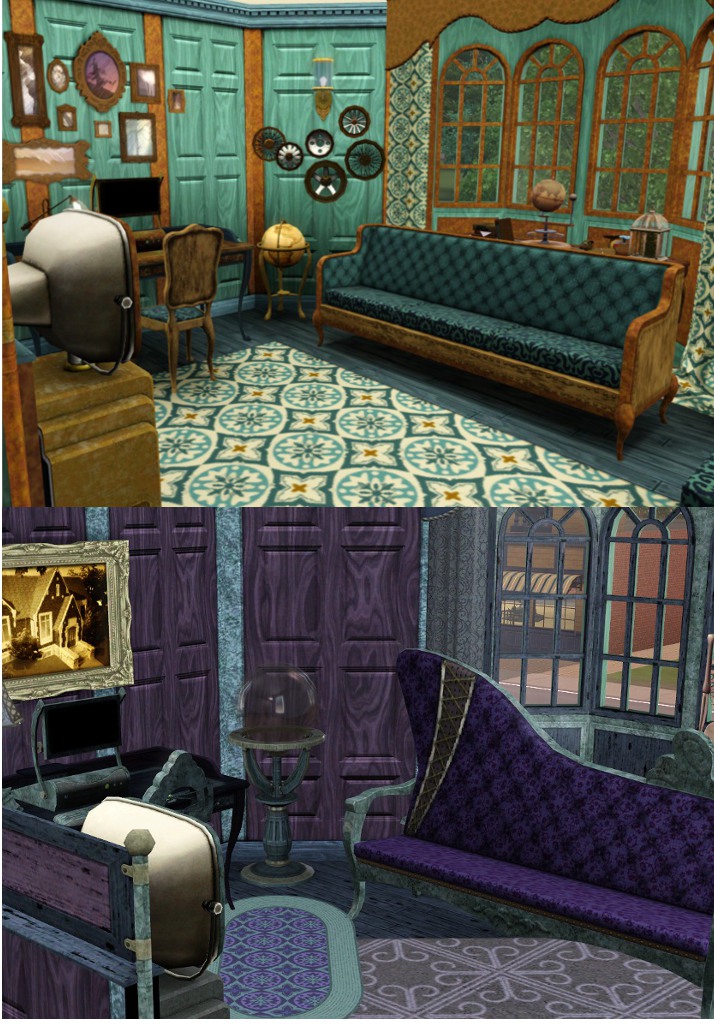
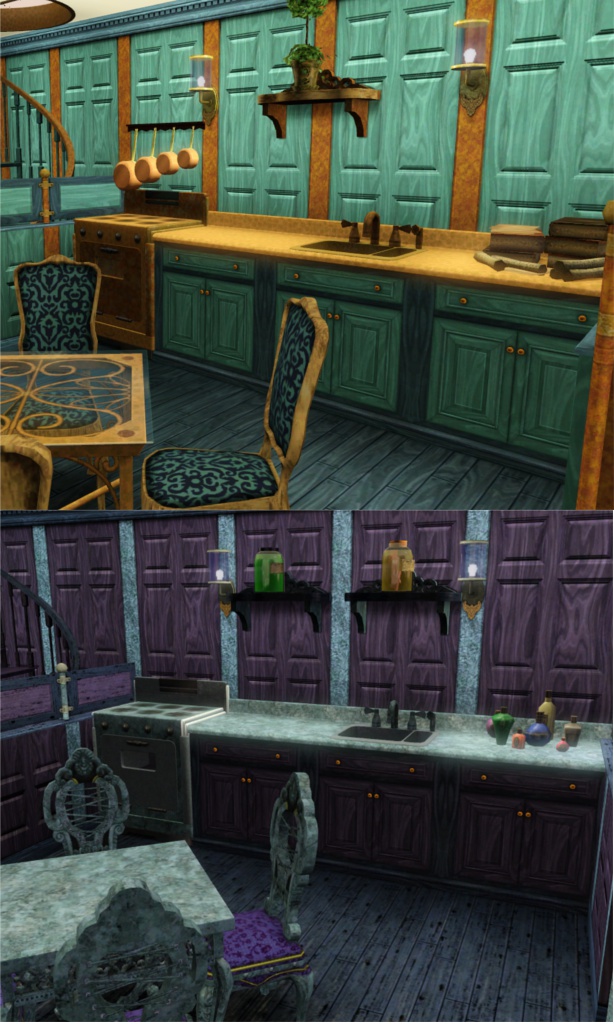
Lot Size: 40x40
Lot Price: furnished 189,794 unfurnished 60,093
Custom Content Included:
- Rounded Roof (right or left) by Crea Sims 3
- Central Part of Roof by Crea Sims 3
- Sculpture Wheels by Around the Sims 3
- Saucepans on Wall by Around the Sims 3
Additional Credits:
Steampunk Accessories by Lisen 801
|
Steampunk Divided{1}.7z
Download
Uploaded: 12th Nov 2012, 5.54 MB.
1,973 downloads.
|
||||||||
| For a detailed look at individual files, see the Information tab. | ||||||||
Install Instructions
1. Click the filename or the download button to download the file to your computer.
2. Extract the zip, rar, or 7z file.
2. Select the .sims3pack file you got from extracting.
3. Cut and paste it into your Documents\Electronic Arts\The Sims 3\Downloads folder. If you do not have this folder yet, it is recommended that you open the game and then close it again so that this folder will be automatically created. Then you can place the .sims3pack into your Downloads folder.
5. Load the game's Launcher, and click on the Downloads tab. Select the house icon, find the lot in the list, and tick the box next to it. Then press the Install button below the list.
6. Wait for the installer to load, and it will install the lot to the game. You will get a message letting you know when it's done.
7. Run the game, and find your lot in Edit Town, in the premade lots bin.
Extracting from RAR, ZIP, or 7z: You will need a special program for this. For Windows, we recommend 7-Zip and for Mac OSX, we recommend Keka. Both are free and safe to use.
Need more help?
If you need more info, see Game Help:Installing TS3 Packswiki for a full, detailed step-by-step guide!
Loading comments, please wait...



 + 3 SPs


Uploaded: 12th Nov 2012 at 4:35 PM
#steampunk, #Snark Busters, #magic
-
-
-
-
by Johnny_Bravo 24th Jul 2010 at 1:52am
 8
24.3k
22
8
24.3k
22
-
-
-
-
-
by Canterville03 16th Apr 2022 at 5:06am
+9 packs
6.6k 18 World Adventures
 Ambitions
 Fast Lane Stuff
 Pets
Pets
 Showtime
 Supernatural
 University Life
 Island Paradise
 Into the Future
-


-
-

-
-

-
by justJones 14th Apr 2020 at 5:52am
Tiny home with one bedroom and one bathroom more...
 +20 packs
4 4.1k 12
+20 packs
4 4.1k 12 Get Together
 Luxury Stuff
 City Living
 Spa Day
 Cats and Dogs
 Cool Kitchen Stuff
 Seasons
 Get Famous
 Island Living
 Discover University
 Dine Out
 Romantic Garden Stuff
 Backyard Stuff
 Bowling Night Stuff
 Parenthood
 Fitness Stuff
 Toddler Stuff
 Jungle Adventure
 Strangerville
 Tiny Living Stuff
-
-
-
-
-


Packs Needed
| Expansion Pack | |
|---|---|
| World Adventures |
| Ambitions |
| Late Night |
| Generations |
| Pets |
| Supernatural |
| Stuff Pack | |
|---|---|
| High-End Loft Stuff |
| Fast Lane Stuff |
| Outdoor Living Stuff |