
 Sign in to Mod The Sims
 Loft Window Addons
 Loft Window Addons


loft-1-on-2-tile-door.jpg - width=960 height=600
loft-1-on-2-tile-long-window.jpg - width=960 height=600
loft-1-on-2-tile-short-window.jpg - width=960 height=600
loft-1-on-2-tile-window.jpg - width=960 height=600
loft-1-tile-door.jpg - width=960 height=600
loft-1-tile-long-window.jpg - width=960 height=600
loft-1-tile-short-window.jpg - width=960 height=600
loft-1-tile-window.jpg - width=960 height=600
loft-2-tile-door.jpg - width=960 height=600
loft-2-tile-long-window.jpg - width=960 height=600
loft-2-tile-short-window.jpg - width=960 height=600
loft-2-tile-sliding.jpg - width=960 height=600
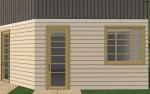
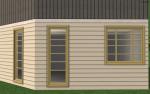
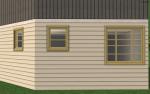
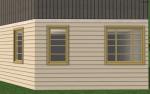
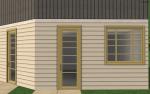
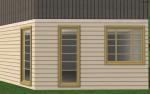
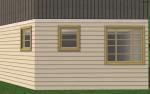
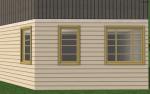
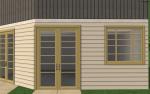
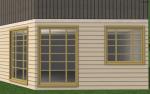
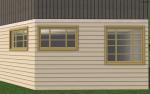
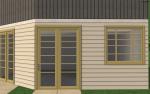

| Picture | Name | Catalog Location | Price | Polys (includes N/S meshes) | Subsets | |||||
|---|---|---|---|---|---|---|---|---|---|---|
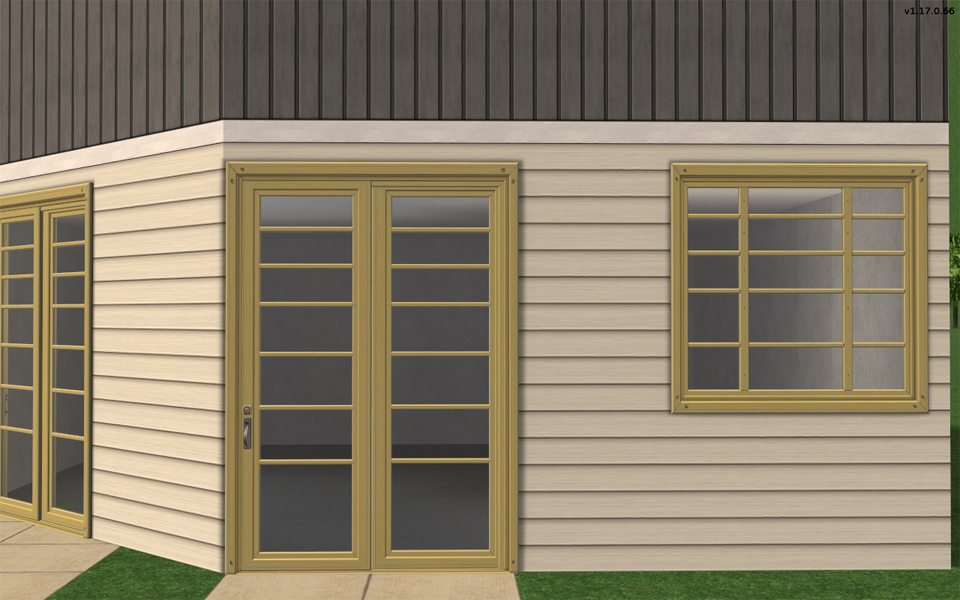 | Two Tile Sliding Door | Build/Doors | §725 | Straight 2868, Diagonal 2868 | Frame-High-Tech Loft Window, Glass-High-Tech Loft Window | |||||
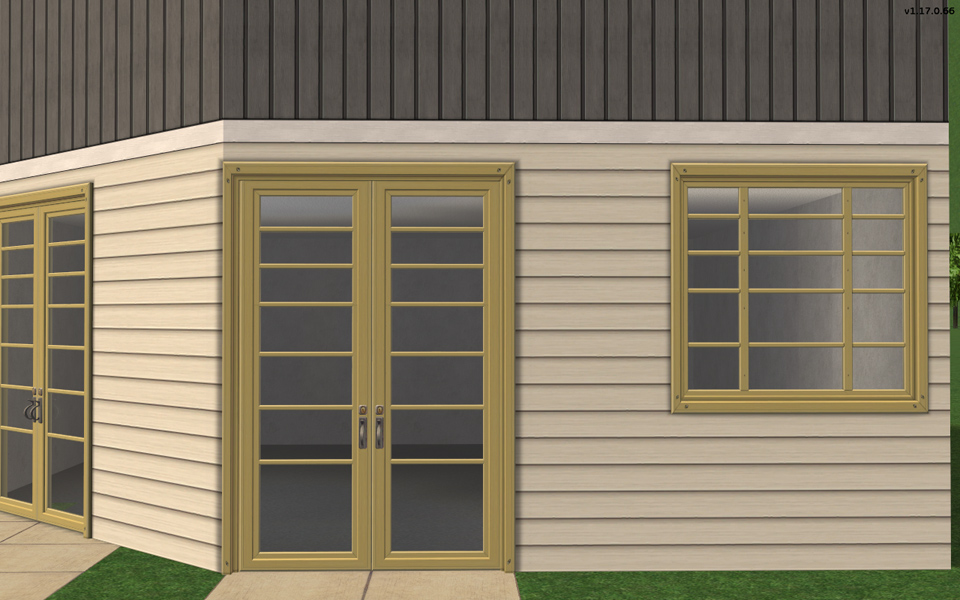 | Two Tile Door | Build/Doors | §650 | Straight 2758, Diagonal 2758 | Frame-High-Tech Loft Window, Glass-High-Tech Loft Window | |||||
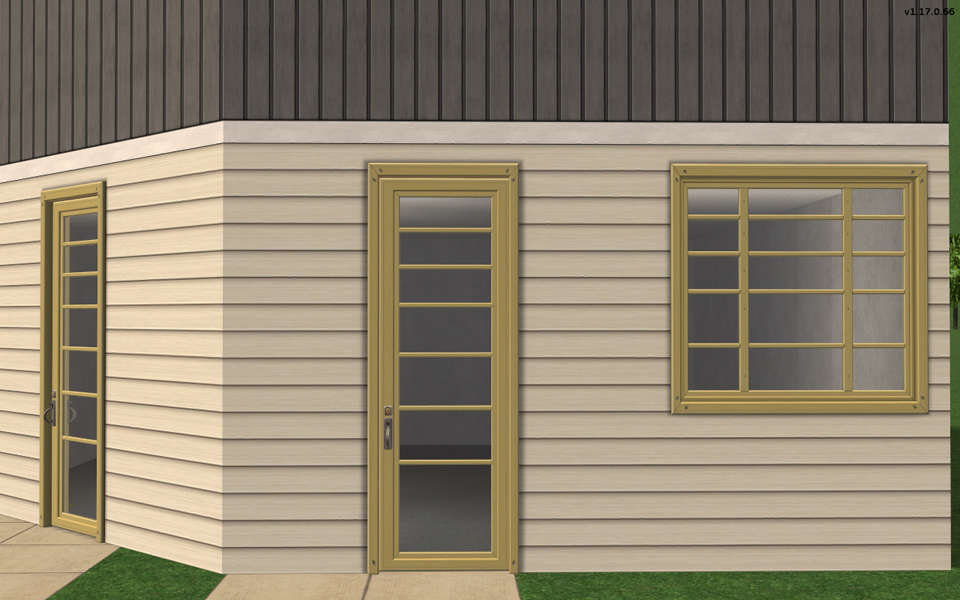 | One Tile Door | Build/Doors | §350 | Straight 1276, Diagonal 1276 | Frame-High-Tech Loft Window, Glass-High-Tech Loft Window,
Handles This door contains the handle texture for all doors. 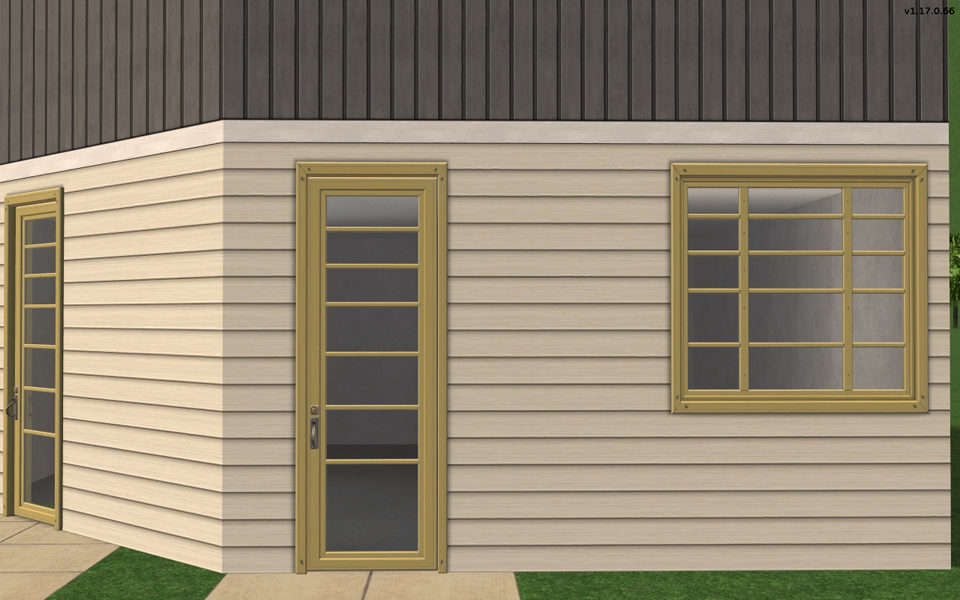 | One On Two Tiles Door | Build/Doors | §700 | Straight 1276, Diagonal 1276 | Frame-High-Tech Loft Window, Glass-High-Tech Loft Window |
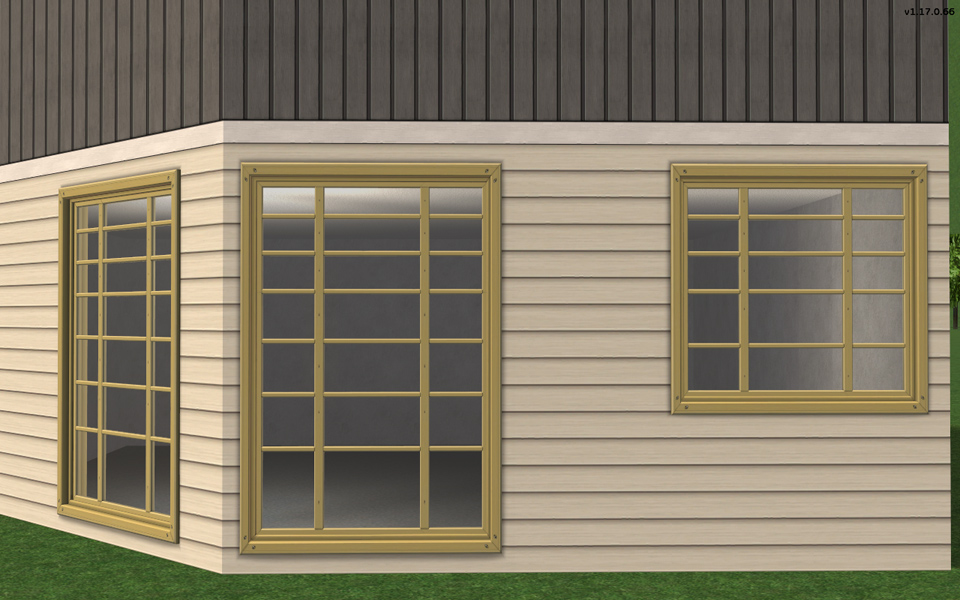 | Two Tile Long Window | Build/Doors | §325 | Straight 4028, Diagonal 4028 | Frame-High-Tech Loft Window, Glass-High-Tech Loft Window | |||||
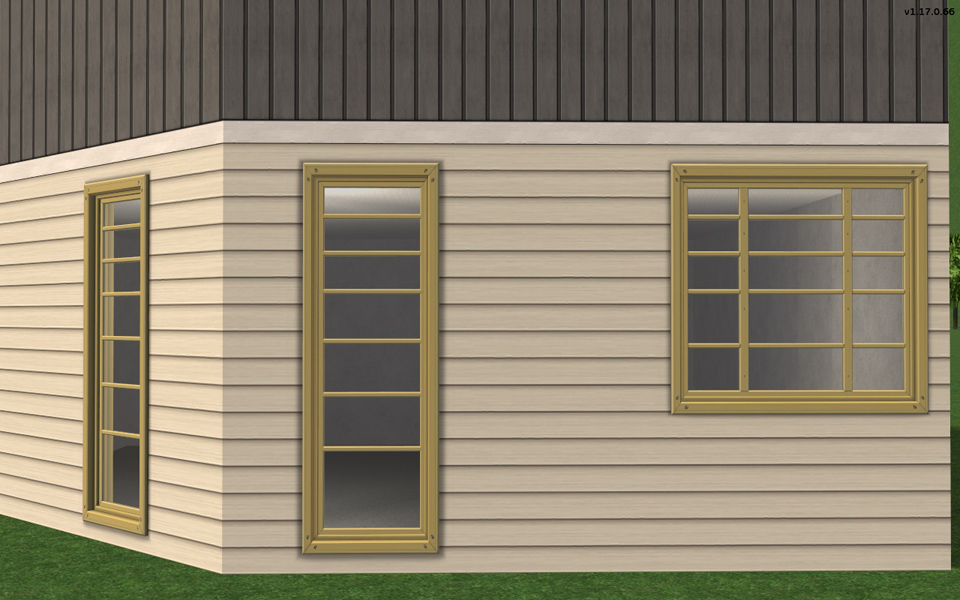 | One On Two Tiles Long Window | Build/Doors | §275 | Straight 454, Diagonal | Frame-High-Tech Loft Window, Glass-High-Tech Loft Window | |||||
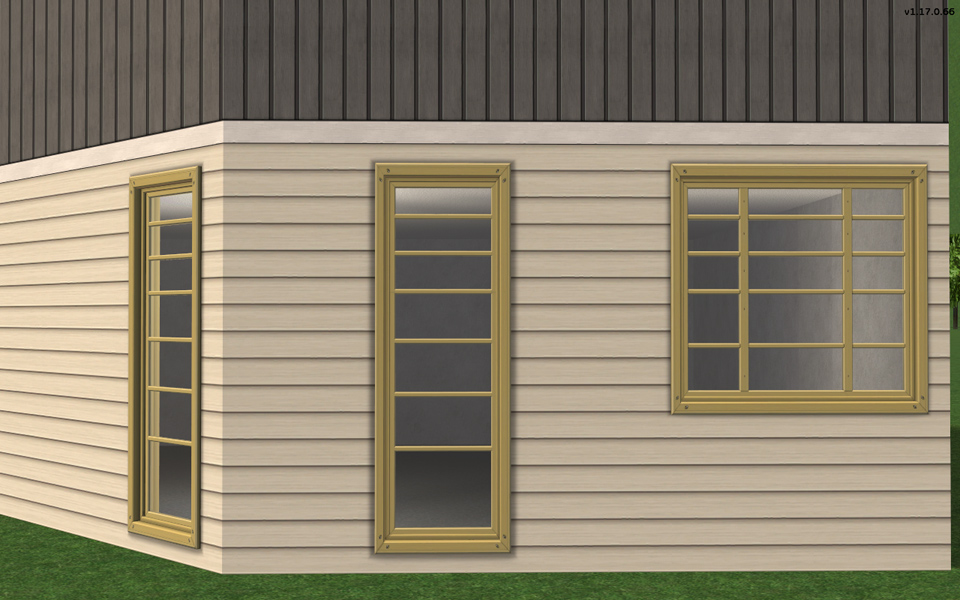 | One Tile Long Window | Build/Doors | §225 | Straight 338, Diagonal 338 | Frame-High-Tech Loft Window, Glass-High-Tech Loft Window | |||||
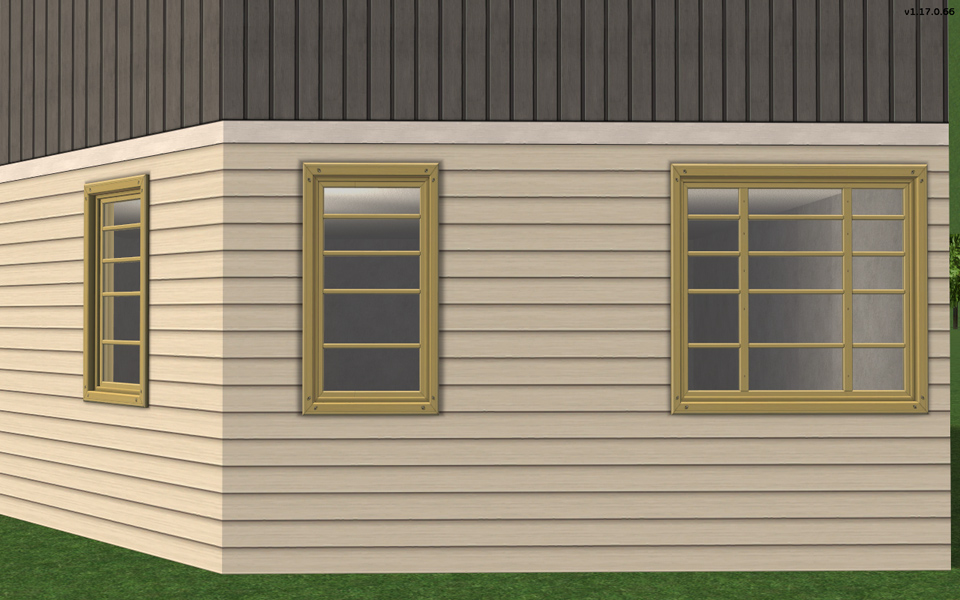 | One on Two Tiles Window | Build/Doors | §225 | Straight 338, Diagonal 338 | Frame-High-Tech Loft Window, Glass-High-Tech Loft Window | |||||
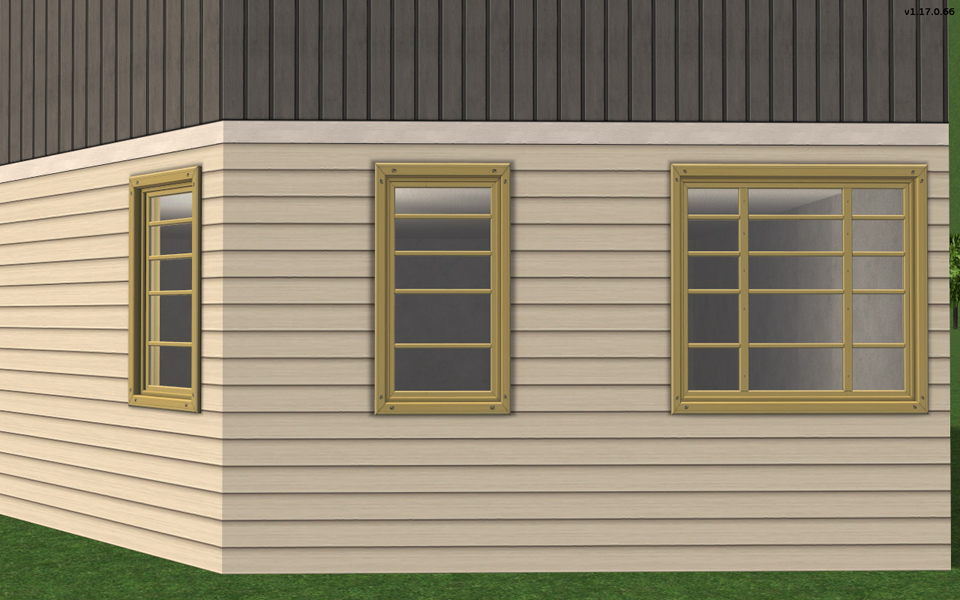 | One Tile Window | Build/Doors | §225 | Straight 338, Diagonal 338) | Frame-High-Tech Loft Window, Glass-High-Tech Loft Window | |||||
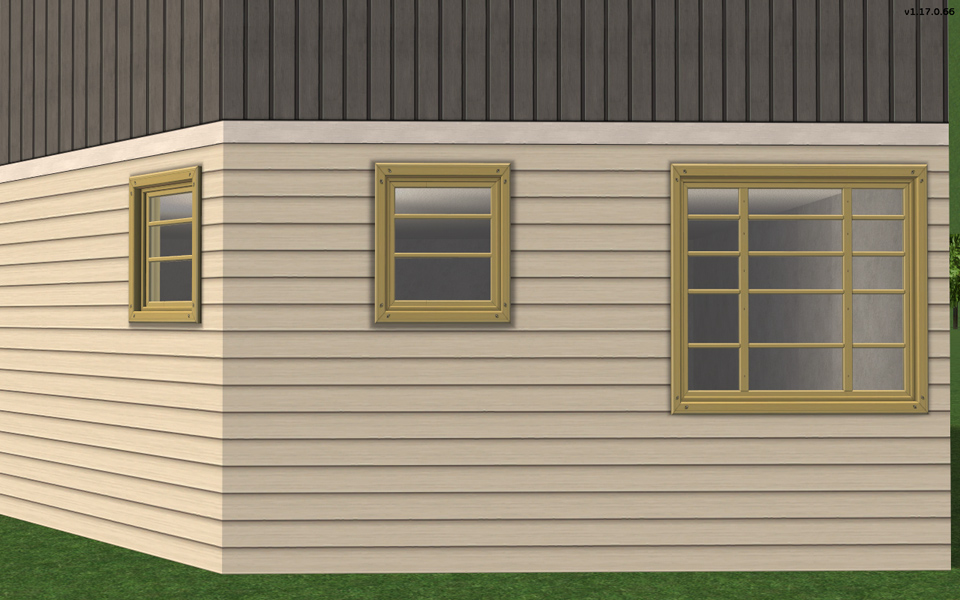 | One Tile Short Window | Build/Doors | §200 | Straight 238, Diagonal 238) | Frame-High-Tech Loft Window, Glass-High-Tech Loft Window | |||||
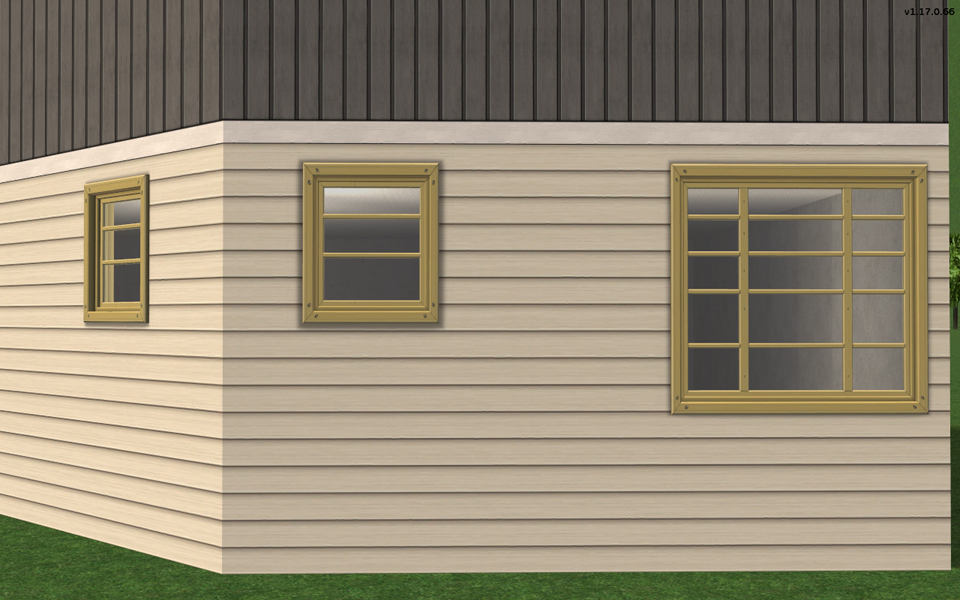 | One on Two Tiles Short Window | Build/Doors | §200 | Straight 298, Diagonal 298 | Frame-High-Tech Loft Window, Glass-High-Tech Loft Window | |||||
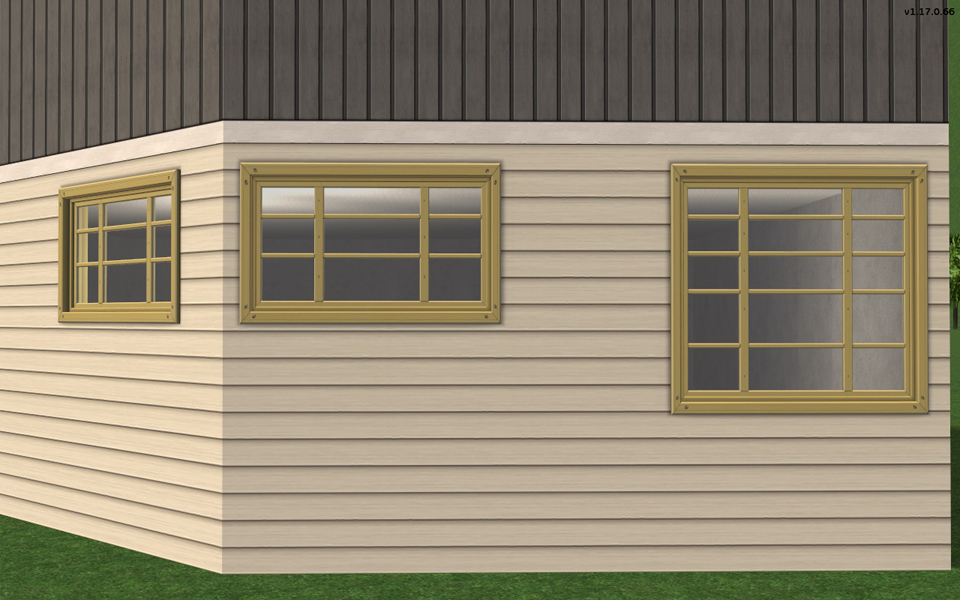 | Two Tile Short Window | Build/Doors | §200 | Straight 402, Diagonal 402 | Frame-High-Tech Loft Window, Glass-High-Tech Loft Window |
Polygon Counts:
**The polys may seem high as listed as they are all added together. Windows and doors include a north and a south facing mesh. All of these polys are with similar amounts to EAxis windows and doors.
| Filename | Type | Size |
|---|---|---|
| HL_LoftAddons.7z | 7z | |
| coll-LoftWindows.package | package | 8722 |
| HL_doorOneOnTwoTileLoft.package | package | 43992 |
| HL_doorOneTileLoft-Diag.package | package | 40861 |
| HL_doorOneTileLoft.package | package | 45608 |
| HL_doorTwoTileLoft-diag.package | package | 84246 |
| HL_doorTwoTileLoft.package | package | 77180 |
| HL_doorTwoTileLoftSliding.package | package | 134678 |
| HL_windowOneOnTwoTileLoft-diag.package | package | 25408 |
| HL_windowOneOnTwoTileLoft.package | package | 23757 |
| HL_windowOneOnTwoTileLoftLong-diag.package | package | 29067 |
| HL_windowOneOnTwoTileLoftLong.package | package | 27256 |
| HL_windowOneOnTwoTileLoftShort-diag.package | package | 25368 |
| HL_windowOneOnTwoTileLoftShort.package | package | 23377 |
| HL_windowOneTileLoft-diag.package | package | 20974 |
| HL_windowOneTileLoft.package | package | 20455 |
| HL_windowOneTileLoftLong-diag.package | package | 24364 |
| HL_windowOneTileLoftLong.package | package | 23872 |
| HL_windowOneTileLoftShort-diag.package | package | 19899 |
| HL_windowOneTileLoftShort.package | package | 60483 |
| HL_windowTwoTileWideLoftLong-diag.package | package | 37864 |
| HL_windowTwoTileWideLoftLong.package | package | 35763 |
| HL_windowTwoTileWideLoftShort.package | package | 26352 |
| HL_doorOneOnTwoTileLoft-diag.package | package | 42752 |
| HL_doorTwoTileLoftSliding-diag.package | package | 130935 |
| HL_windowTwoTileWideLoftShort-diag.package | package | 28590 |
This is a new mesh, and means that it's a brand new self contained object that usually does not require a specific Pack (although this is possible depending on the type). It may have Recolours hosted on MTS - check below for more information.
|
HL_LoftAddons.7z
Download
Uploaded: 12th Aug 2022, 210.3 KB.
9,383 downloads.
|
||||||||
| For a detailed look at individual files, see the Information tab. | ||||||||
Install Instructions
1. Download: Click the download link to save the .rar or .zip file(s) to your computer.
2. Extract the zip, rar, or 7z file.
3. Place in Downloads Folder: Cut and paste the .package file(s) into your Downloads folder:
- Origin (Ultimate Collection): Users\(Current User Account)\Documents\EA Games\The Sims™ 2 Ultimate Collection\Downloads\
- Non-Origin, Windows Vista/7/8/10: Users\(Current User Account)\Documents\EA Games\The Sims 2\Downloads\
- Non-Origin, Windows XP: Documents and Settings\(Current User Account)\My Documents\EA Games\The Sims 2\Downloads\
- Mac: Users\(Current User Account)\Documents\EA Games\The Sims 2\Downloads
- Mac x64: /Library/Containers/com.aspyr.sims2.appstore/Data/Library/Application Support/Aspyr/The Sims 2/Downloads
- For a full, complete guide to downloading complete with pictures and more information, see: Game Help: Downloading for Fracking Idiots.
- Custom content not showing up in the game? See: Game Help: Getting Custom Content to Show Up.
- If you don't have a Downloads folder, just make one. See instructions at: Game Help: No Downloads Folder.
Loading comments, please wait...


Uploaded: 12th May 2019 at 8:56 PM
Updated: 12th Aug 2022 at 5:02 PM
-
by MissTech03 21st May 2005 at 3:17am
 3
10.6k
3
3
10.6k
3
-
by Mummysim 2nd Aug 2006 at 4:40am
26
49.3k
39
-
-
-
-
by HugeLunatic 31st Oct 2016 at 7:33pm
16
18.8k
48
-
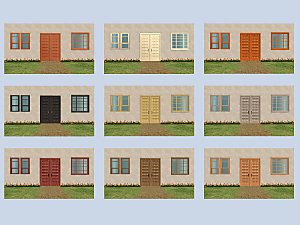
Recolors of Sheer Glass Window, High Tech Loft Window and Oaktowne Classic Door matching each other
by gabilei123 9th Sep 2017 at 5:58pm
1
6.7k
12
-
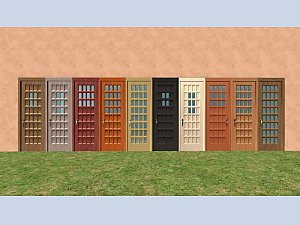
Oaktown Classic Door with Windowpanes in Original and High Tech Loft Window Colors
by gabilei123 updated 16th Sep 2017 at 2:59pm
7
9.1k
22
-
Cooldadx4's Double Hung Window Add-Ons - Slaved
by Michelle 28th Sep 2017 at 10:01am
+1 packs
12 16.3k 37 Open for Business
-

KnockOnWood Recolours and Add-Ons
by Michelle 31st Dec 2018 at 9:06am
+1 packs
4 20.9k 40 Apartment Life


-
by HugeLunatic 15th Nov 2014 at 3:56am
A basic modern easel, designed to match the desk "The Recognizer" in game, but will work in more...
 57
65.2k
331
57
65.2k
331
-
by HugeLunatic updated 6th May 2008 at 1:06am
Updated 23-Dec-09 This set is now slaved. The master mesh is the bookcase. more...
+3 packs
14 51.4k 72 University
 Pets
Pets
 Bon Voyage
-
by HugeLunatic 27th Nov 2012 at 5:34am
This enables the clear glass that is on the existing white texture. more...
11
22.1k
45
-
by HugeLunatic 27th Jan 2016 at 3:59pm
Who knew I could still find something hidden in the game files?! more...
18
14.5k
49
-

by HugeLunatic updated 15th Dec 2018 at 11:47am
:alarm: Update!! more...
+1 packs
200 383.2k 1k Nightlife
-
by HugeLunatic 23rd Sep 2012 at 9:20pm
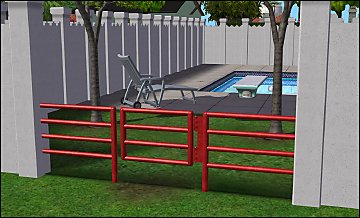
Minimaal Gate This gate matches the fences that came with OFB, the small red and black ones. more...
37
38k
90
-
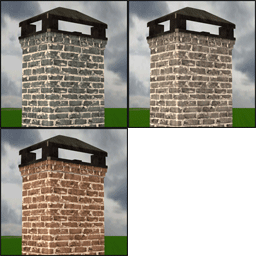
Brick Rolled Fireplace [Recolors]
by HugeLunatic 5th Nov 2013 at 5:52pm
A couple of recolors of the base game London Red Brick chimney. more...
5
18.1k
51
-
by HugeLunatic 14th Feb 2014 at 9:26pm
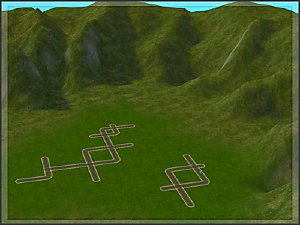
Boomerang is a new map I made in sc4, with the intent of using this as the base for my more...
13
8.6k
20
-
by HugeLunatic 18th Jun 2011 at 6:59pm
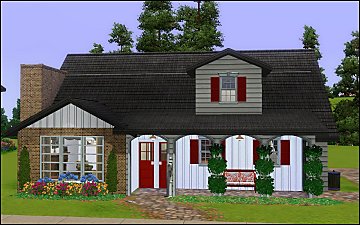
The Heritage is typical of many traditionally styled homes built from the 1930s through the 1960s. more...
 +4 packs
6 17k 15
+4 packs
6 17k 15 World Adventures
 Ambitions
 Late Night
 Generations
-
by HugeLunatic 1st Aug 2012 at 3:57pm
Plain ole ladder. Gets you up...gets you down. more...
56
97.3k
311
Build Mode » Stairs » Other


About Me
Pet Stories || Dog Agility Items? || Castaway Stories || Holy Simoly Extras
4esf Archive || Holy Simoly Archive || CEP-Extras List || Buyable Game Objects
lunie content from GoS/s2a
 Installation of CEP Extras
-the package with pfiles appended to the name will go into your cep extras folder where your game is installed (typically c drive, you do you)
-the other goes in CEP extra folder in documents.
The following locations are what I am aware of, beyond that you'll have to do some searching.
Downloads Folder:
C:\Users\<user>\Documents\EA Games\The Sims 2 Legacy
C:\Users\<user>\Documents\EA Games\The Sims 2 Ultimate Collection
With multiple launchers, the location for your game install will vary.
C:\Program Files\EA GAMES\The Sims 2 Legacy\TSData\Res\Catalog\zCEP-EXTRA
C:\Program Files\EA GAMES\The Sims 2\TSData\Res\Catalog\zCEP-EXTRA
C:\Program Files (x86)\EA GAMES\The Sims 2\TSData\Res\Catalog\zCEP-EXTRA