
 Sign in to Mod The Sims
 Skill Manager
 Skill Manager


manual setting.png - width=537 height=612
menu 1.png - width=547 height=617
menu 2.png - width=527 height=592
panel options.png - width=570 height=662
-Added the option to remove a skill from a sim.
-Added the menu to any sim so you can click on any sim and add/remove skills.
Description
Tired of having your Sims have zero skills? Give your Sims the skills you want without editing them one by one.
Skill Manager lets you manage skills for the whole world or one specific Sim. Choose whether played households are included, set skills to their maximum level, randomize every skill’s level, or give Sims a random selection of skills at random levels.
You can also:
-Remove all skills from Sims
-Set any individual skill to an exact level
-View a Sim’s learned skills and levels
-Keep higher existing skill levels when using random or world-wide options
-Manage skills from the mailbox or your active Sim or the relationship panel
The mod includes visible skills from your installed packs and compatible custom skills.
| Filename | Type | Size |
|---|---|---|
| Baciaangi_SkillManager.zip | zip | |
| Baciaangi_SkillManager.package | package | 28771 |
| Baciaangi_SkillManager.ts4script | ts4script | 10277 |
| README.txt | txt | 1226 |
|
Baciaangi_SkillManager.zip
Download
Uploaded: Yesterday, 13.9 KB.
37 downloads.
|
||||||||
| For a detailed look at individual files, see the Information tab. | ||||||||
Install Instructions
1. Download: Click the File tab to see the download link. Click the link to save the .rar or .zip file(s) to your computer.
Read the upload description for installation instructions. If nothing else is specified, do the following:
2. Extract: Use WinRAR (Windows) to extract the .package file(s) (if included, ts4script as well) from the .rar or .zip file(s).
3. Cut and paste the .package file(s) (if included, ts4script as well) into your Mods folder
- Windows XP: Documents and Settings\(Current User Account)\My Documents\Electronic Arts\The Sims 4\Mods\
- Windows Vista/7/8/8.1: Users\(Current User Account)\Documents\Electronic Arts\The Sims 4\Mods\
Need more information?
- Anyone can use both .rar and .zip files easily! On Windows, use WinRAR.
- If you don't have a Mods folder, just make one.
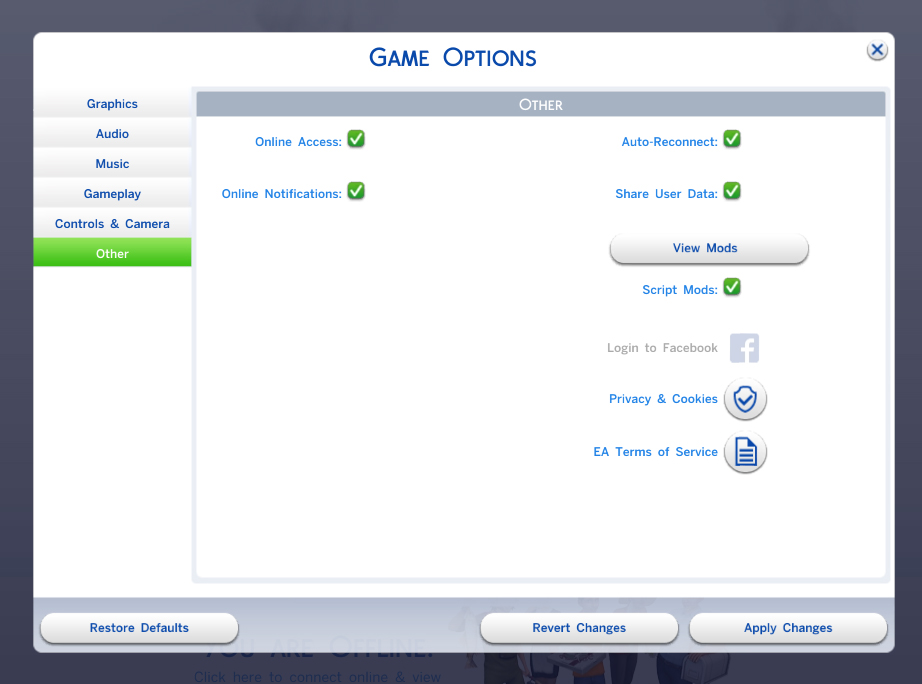
- Mod still not working? Make sure you have script mods enabled
Loading comments, please wait...

Uploaded: 11th Oct 2026 at 10:11 PM
Updated: Yesterday at 7:50 AM
-
by Raxdiam updated 10th Jan 2015 at 11:02am
 500
649.9k
1.9k
500
649.9k
1.9k
-
by jackboog21 updated 9th Dec 2017 at 1:28am
-

by JaneSimsten updated 13th Mar 2025 at 1:26am
12
15.3k
49
-

by JaneSimsten updated 12th Feb 2024 at 5:45pm
10
51.1k
95
-

by JaneSimsten updated 1st Mar 2024 at 8:12pm
17
40k
59
-

by JaneSimsten updated 13th Mar 2025 at 1:30am
2
12k
38
-
by Szemoka updated 17th Feb 2026 at 12:58pm
12
11.8k
12
-

by baciaangi updated 23rd Sep 2026 at 3:47pm
16
4k
13
-

by baciaangi updated 14th Sep 2026 at 4:56pm
4
2k
4
-

by baciaangi updated 29th Sep 2026 at 9:29am
4
1.4k
2


