
 Sign in to Mod The Sims
 Modern Wall Clock
 Modern Wall Clock


mclock1.jpg - width=800 height=647
mclock2.jpg - width=800 height=647

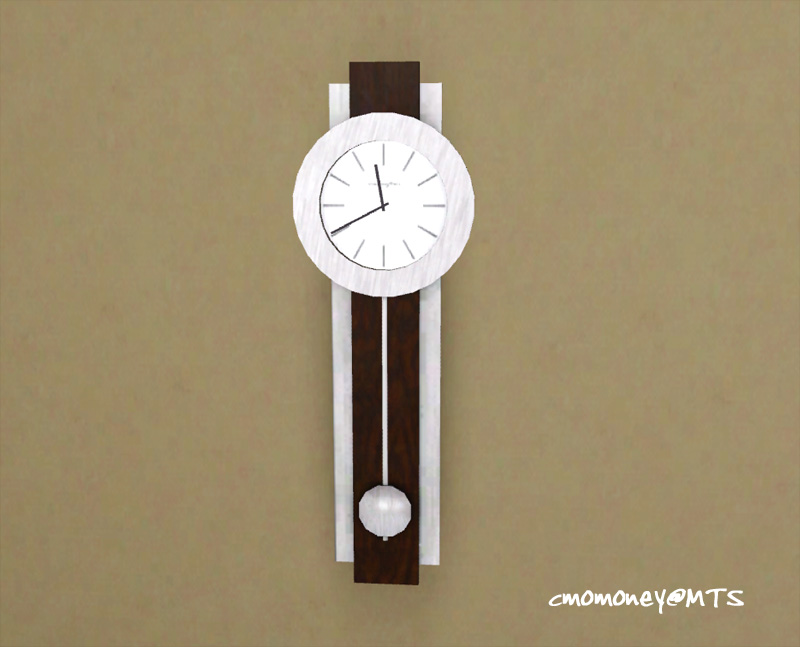
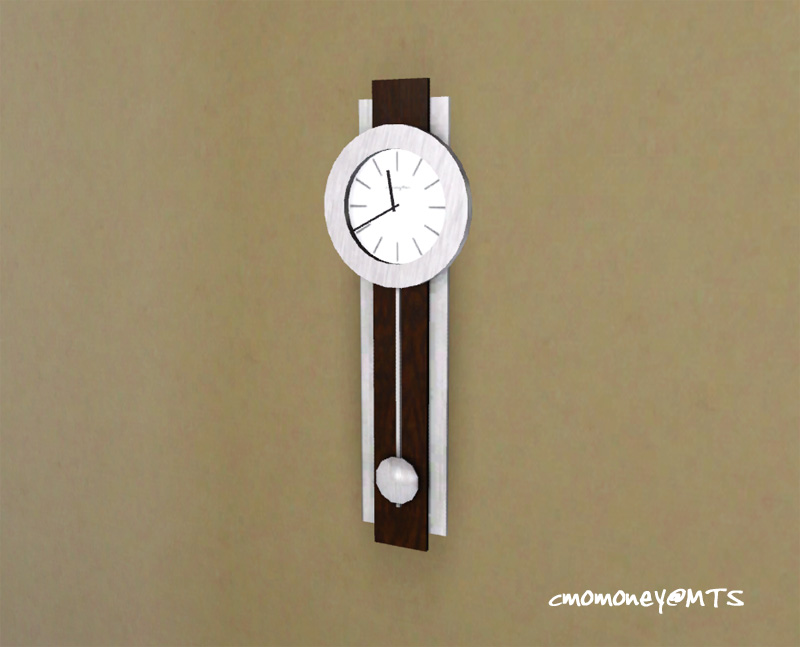
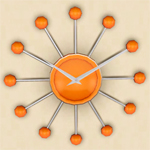
I really enjoyed making the Sunburst Wall Clock, so I made another one. This one has two recolourable parts, only 334 polys, an a clean modern look (pendulum is non-functional). Enjoy!
Location = Electronics/Misc
Price = 50
Environment score = 2
Polygon Counts:
clock - 334
Additional Credits:
Thanks to Wes Howe, Inge Jones and PLJones, And Delphy for the tools.
This is a new mesh, and means that it's a brand new self contained object that usually does not require a specific Pack (although this is possible depending on the type). It may have Recolours hosted on MTS - check below for more information.
|
cmomoney_ModernWallClock.rar
Download
Uploaded: 1st Feb 2010, 112.9 KB.
37,835 downloads.
|
||||||||
| For a detailed look at individual files, see the Information tab. | ||||||||
Install Instructions
1. Click the download button, or the filename, to download the file to your computer.
2. Extract the zip, rar, or 7z file. Now you will have either a .package or a .sims3pack file.
For Package files:
1. Cut and paste the file into your Documents\Electronic Arts\The Sims 3\Mods\Packages folder. If you do not already have this folder, you should read the full guide to Package files first: Sims 3:Installing Package Fileswiki, so you can make sure your game is fully patched and you have the correct Resource.cfg file.
2. Run the game, and find your content where the creator said it would be (build mode, buy mode, Create-a-Sim, etc.).
For Sims3Pack files:
1. Cut and paste it into your Documents\Electronic Arts\The Sims 3\Downloads folder. If you do not have this folder yet, it is recommended that you open the game and then close it again so that this folder will be automatically created. Then you can place the .sims3pack into your Downloads folder.
2. Load the game's Launcher, and click on the Downloads tab. Find the item in the list and tick the box beside it. Then press the Install button below the list.
3. Wait for the installer to load, and it will install the content to the game. You will get a message letting you know when it's done.
4. Run the game, and find your content where the creator said it would be (build mode, buy mode, Create-a-Sim, etc.).
Extracting from RAR, ZIP, or 7z: You will need a special program for this. For Windows, we recommend 7-Zip and for Mac OSX, we recommend Keka. Both are free and safe to use.
Need more help?
If you need more info, see:
- For package files: Sims 3:Installing Package Fileswiki
- For Sims3pack files: Game Help:Installing TS3 Packswiki
Loading comments, please wait...



Uploaded: 1st Feb 2010 at 5:20 PM
Updated: 1st Feb 2010 at 5:44 PM
-

-

-
by MelissaMel 1st Nov 2009 at 4:08pm
 19
44.8k
72
19
44.8k
72
-
by MelissaMel 5th Nov 2009 at 12:15am
23
101.7k
143
-
by cmomoney 20th Jan 2010 at 6:49pm
30
46.5k
109
-
by Lunararc 20th Feb 2010 at 11:56am
10
20.9k
53
-
by TheJim07 28th Mar 2015 at 10:14am
3
13.8k
76
-
by enable_llamas 22nd Apr 2020 at 3:12pm
4
10.6k
36
-
by enable_llamas 10th May 2020 at 5:38pm
8
5.1k
18
-

by aisquared 21st Feb 2026 at 6:03pm
4
2.1k
4


-
Bradford and Pedestal Mailboxes
by cmomoney 10th Mar 2011 at 6:29pm
You will need to be patched to 1.26/Pets to use this Add variety to your neighborhoods more...
-
No Drift/Lower Level Live Mode Camera Mod
by cmomoney 21st Jan 2010 at 6:43pm
Works for versions 1.26-1.42. Updated 3.14.2010: Increased zoom out distance. Please re-download. more...
61
144.2k
281
-


-

-

-

Margarita Tiki Bar set Recolours by Cmomoney
by cmomoney 8th Jul 2009 at 9:45am
Here are some recolours for my Margarita Tiki Bar . more...
 9
18.3k
18
9
18.3k
18
-
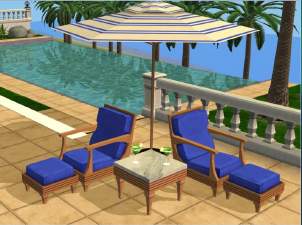

"Castillo" Style Patio Set By Cmomoney
by cmomoney 7th Apr 2009 at 3:52am
This set includes a lounge chair, table, and matching shade umbrella. more...
-

-
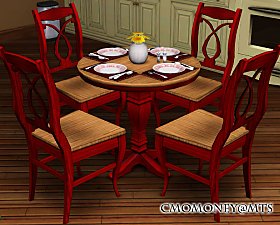
*UPDATED* Cozy Cottage Dining Set
by cmomoney 13th Nov 2009 at 9:59pm
This set is based on Cindy Crawford's "California Cottage" set. more...
-


