
 Sign in to Mod The Sims
 Freetime Hobby Plaques for TS3
 Freetime Hobby Plaques for TS3


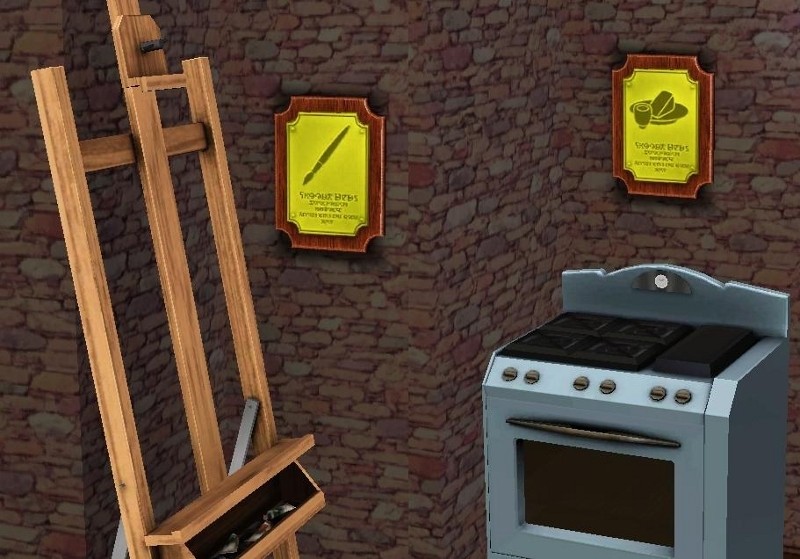
ArtCooking.jpg - width=800 height=559
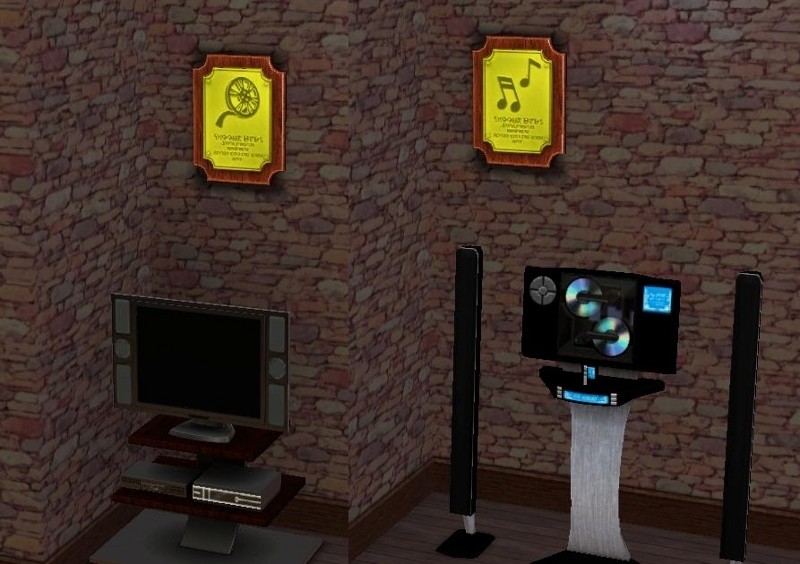
FilmMusic.jpg - width=800 height=564
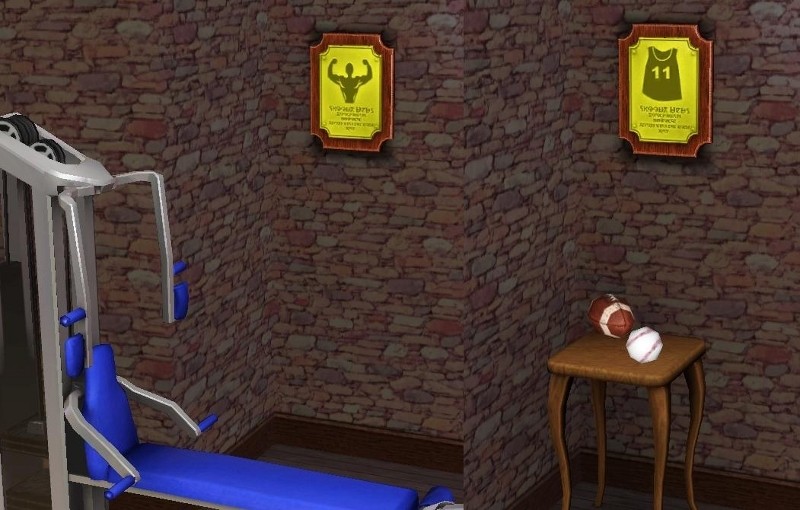
FitnessSports.jpg - width=800 height=510
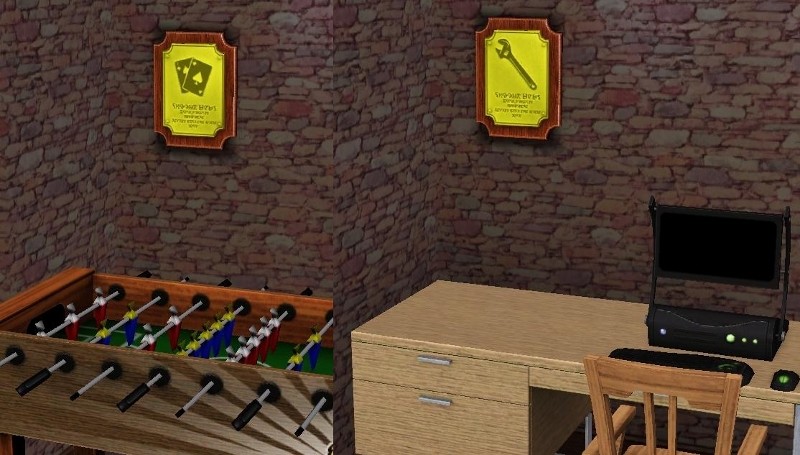
GamesTinkering.jpg - width=800 height=455
NatureScience.jpg - width=800 height=557
There are 2 recolorable channels. The first channel is the wood, the second channel is the gold. All of the meshes are in the same recolor.
This was cloned from the lips painting and costs the same as that which is 150 simoleons. Of course this is found in Decorative/Wall Art This took me a very long time to make, so I really do hope you enjoy it.
Mesh Details:
LOD 1:
Poly Count:
276
Vertex Count:
283
LOD 2:
Poly Count:
216
Vertex Count:
245
LOD 3:
Poly Count:
172
Vertex Count:
209
LOD 4:
Poly Count:
82
Vertex Count:
118
Polygon Counts:
276
This is a new mesh, and means that it's a brand new self contained object that usually does not require a specific Pack (although this is possible depending on the type). It may have Recolours hosted on MTS - check below for more information.
|
Package_Freetime_Hobby_Plaques_For_TS3jimTNW.zip
Download
Uploaded: 20th Mar 2010, 341.7 KB.
3,640 downloads.
|
||||||||
| For a detailed look at individual files, see the Information tab. | ||||||||
Install Instructions
1. Click the download button, or the filename, to download the file to your computer.
2. Extract the zip, rar, or 7z file. Now you will have either a .package or a .sims3pack file.
For Package files:
1. Cut and paste the file into your Documents\Electronic Arts\The Sims 3\Mods\Packages folder. If you do not already have this folder, you should read the full guide to Package files first: Sims 3:Installing Package Fileswiki, so you can make sure your game is fully patched and you have the correct Resource.cfg file.
2. Run the game, and find your content where the creator said it would be (build mode, buy mode, Create-a-Sim, etc.).
For Sims3Pack files:
1. Cut and paste it into your Documents\Electronic Arts\The Sims 3\Downloads folder. If you do not have this folder yet, it is recommended that you open the game and then close it again so that this folder will be automatically created. Then you can place the .sims3pack into your Downloads folder.
2. Load the game's Launcher, and click on the Downloads tab. Find the item in the list and tick the box beside it. Then press the Install button below the list.
3. Wait for the installer to load, and it will install the content to the game. You will get a message letting you know when it's done.
4. Run the game, and find your content where the creator said it would be (build mode, buy mode, Create-a-Sim, etc.).
Extracting from RAR, ZIP, or 7z: You will need a special program for this. For Windows, we recommend 7-Zip and for Mac OSX, we recommend Keka. Both are free and safe to use.
Need more help?
If you need more info, see:
- For package files: Sims 3:Installing Package Fileswiki
- For Sims3pack files: Game Help:Installing TS3 Packswiki
Loading comments, please wait...

Uploaded: 20th Mar 2010 at 9:50 PM
#Freetime, #Hobby, #Enthusiasm, #plaques, #trophies, #awards, #plaque, #trophy, #award, #gold, #wood, #golden, #wooden, #tinkering, #science, #nature, #games, #recreation, #body, #fitness, #sport, #sports, #film, #arts, #literature, #music, #dance, #art, #painting, #paint, #paints, #skill, #hobby, #cooking, #cuisine, #crafts
-
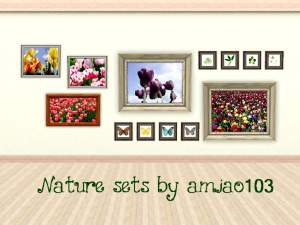
Nature is calling!!buy mode hanging-set?non-replacement)
by amiao103 15th Aug 2009 at 1:25pm
 25
43.9k
37
25
43.9k
37
-
by lemoncandy 25th Sep 2009 at 6:26pm
34
68.4k
116
-
by lemoncandy 26th Oct 2009 at 5:06pm
64
129k
207
-

by Flabaliki 6th Mar 2010 at 11:22pm
20
36.4k
52
-
-
by armiel 4th Oct 2010 at 6:14pm
59
53.5k
151
-
by omegastarr82 25th Jul 2011 at 12:52pm
18
39.3k
127
-
by Lisen801 15th Jun 2012 at 2:43pm
37
69.8k
263
-
by Brunnis-2 8th Dec 2018 at 8:04pm
6
12.7k
26
-

by Y-Dawg 14th May 2026 at 4:36pm
3
2.1k
4


-

Coffee Pictures for your Kitchen
by joninmobile 25th Oct 2007 at 8:52am
Here are 4 coffe pictures (two paintings and two photographs)for your kitchen.They are recolors of "handle and spout" painting from more...
 7
16.4k
19
7
16.4k
19
-
Unlimited Uses for Elixir of Life
by joninmobile updated 5th May 2009 at 9:17am
Your sims worked very hard to achieve being able to earn the Elixir of Life, but Maxis more...
39
98.5k
194
-


The Holy Bible Study Book Default Replacement
by joninmobile updated 3rd Apr 2009 at 2:43am
This will completley overwrite all of your Maxis books that you study from the book case more...
39
41k
20
-

Completley Safe To Put in the Downloads Folder Unlocked Alien Eyes
by joninmobile 13th Aug 2009 at 10:22pm
These Unlocked alien eyes are completely safe to place in the downloads folder, because they weren't made the conventional way more...
-


Unlimited Uses for Love Potion 8.5 and RenuYuPorta Chug both with 0% chance of fail
by joninmobile 24th Aug 2009 at 7:41pm
Maxis only allows for 1 use with both of these potions, but now you can use both of them 9,999 more...
+1 packs
5 32k 62 Nightlife
-
*Updated* Two Dining Tables made into end tables
by joninmobile 2nd Oct 2009 at 2:32pm
I've taken two dining tables and made them into end tables for you to enjoy. more...
10
14.2k
10
-

by joninmobile 25th Feb 2008 at 10:26pm
Here is a set of Hawaiian style carpets in 10 colors. more...
3
8.4k
5
-
.jpg)
Painted Golden Wooden Jeweled Wall Crosses
by joninmobile 7th Apr 2010 at 11:49am
These crosses are based off of a real painted wooden wall cross that I made myself a few years ago. more...
15
22.4k
49
-

6 Kate Bush paintings by Herbert Leonhard!
by joninmobile 27th Oct 2007 at 11:23pm
Since I love love love Kate Bush, and everything Kate Bush.I'm uploading six Kate Bush paintings by Herbert Leonhard.They are more...
+1 packs
4 6.3k 4 Nightlife
-
The Little Fairy For The Sims 3
by joninmobile 13th Mar 2010 at 4:59pm
I've converted one of my favorite outdoor meshes for the sims 3 for you to enjoy. more...
27
72.3k
220


About Me
I hope you enjoy all the downloads I've brought to you over the years. It's been fun. Being a part of The Sims community has had it's ups and downs for me, but I keep on truckin' nonetheless. Lots and lots of drama, lots of pain and sorrow, but lots of laughs, and good times too. Made so many new friends over the years, and it all started by uploading to MTS way back in 2006. Have fun with my creations, that's what they're here for!
~ Jon