
 Sign in to Mod The Sims
 F-IN evo 5 Default Skin Replacement
 F-IN evo 5 Default Skin Replacement


mts5.jpg - width=1280 height=960
mts3.jpg - width=1280 height=960
mts2.jpg - width=1280 height=960
mts4.jpg - width=1280 height=960
mts1.jpg - width=1280 height=960
mts6.jpg - width=1024 height=768

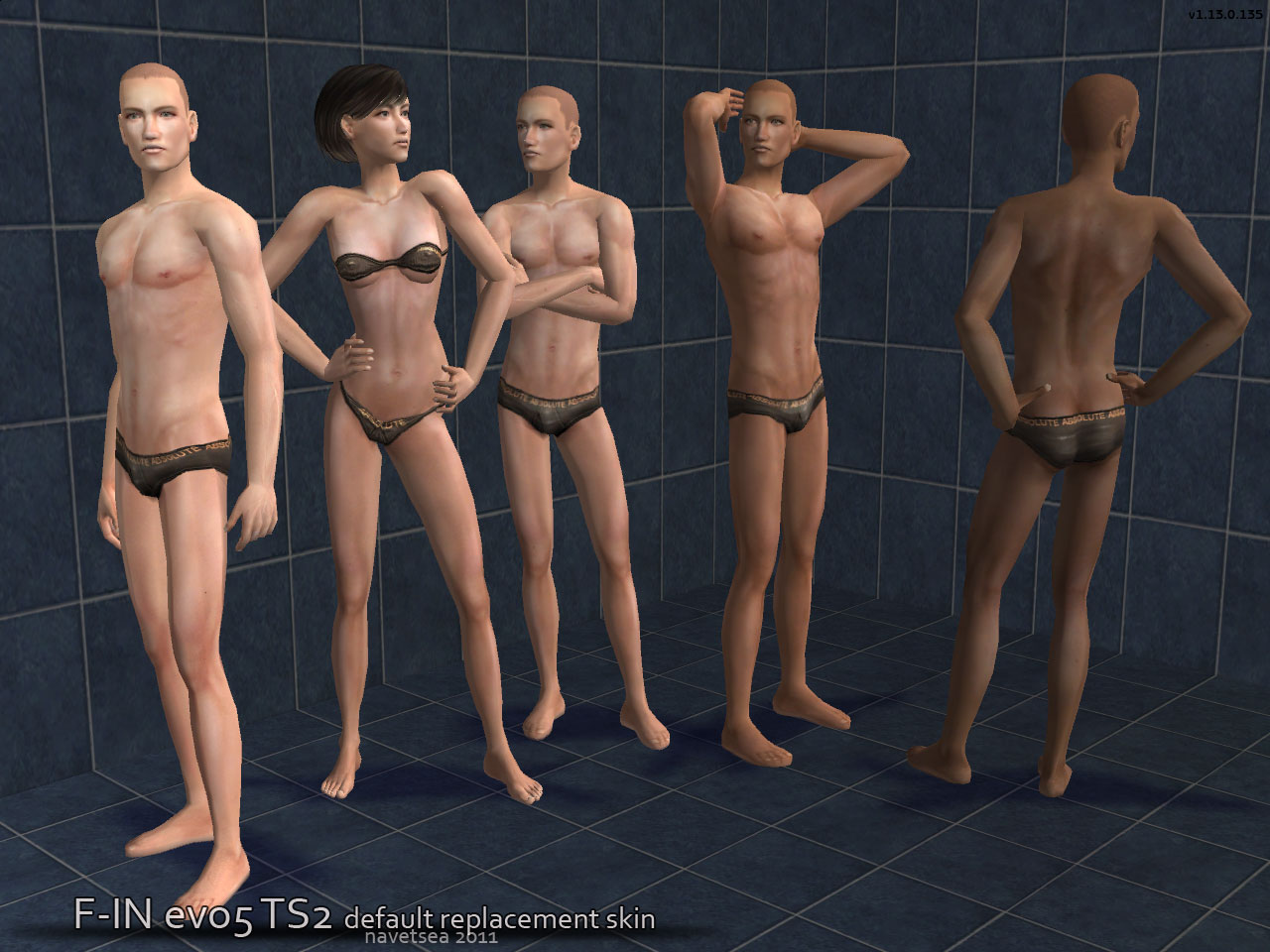
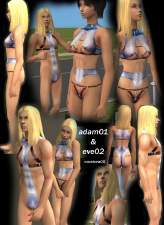
this will replace S1 through S4 tones (light to dark skinned sims). this skin is generated through simPE, it has dxt3 compression because it is substantial better than either DXT1 and or Bodyshop compression, however the total file size of the 4 skin tones when extracted would be 120mb
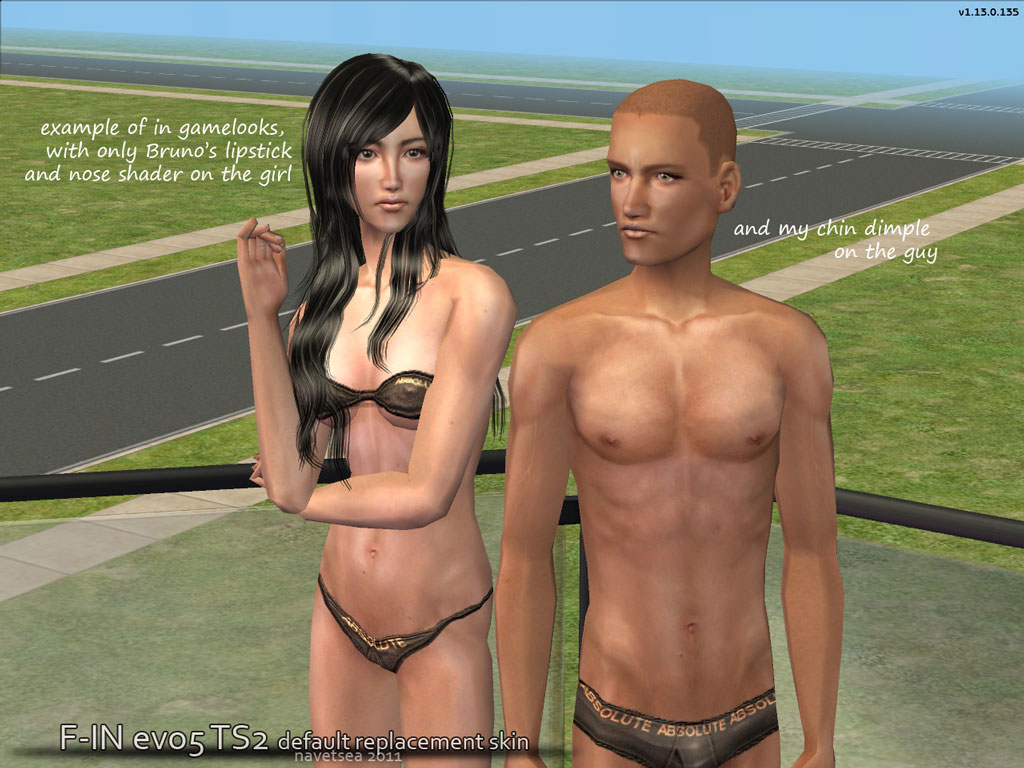
give them a try, if you are looking for default skin replacement of want to get a fresh different theme in your game.
cheers,
navetsea
Additional Credits:
thanks to CC creators I used in the screenshot:
hairs on the girl are from Xm sims
hair on male are just a quick edit of maxis set over a bald mesh.
makeup, lipstick by Bruno
poses for the girl are by PuccaMichi and McRed
poses on the male are from decorgal posebox I think
non barbie version is available there:
http://www.insimadult.org/index.php/topic,40156.0.html
|
F-INevo5 default skin replacement - MTSv.7z
Download
Uploaded: 6th Mar 2011, 6.74 MB.
66,840 downloads.
|
||||||||
| For a detailed look at individual files, see the Information tab. | ||||||||
Install Instructions
1. Download: Click the download link to save the .rar or .zip file(s) to your computer.
2. Extract the zip, rar, or 7z file.
3. Place in Downloads Folder: Cut and paste the .package file(s) into your Downloads folder:
- Origin (Ultimate Collection): Users\(Current User Account)\Documents\EA Games\The Sims™ 2 Ultimate Collection\Downloads\
- Non-Origin, Windows Vista/7/8/10: Users\(Current User Account)\Documents\EA Games\The Sims 2\Downloads\
- Non-Origin, Windows XP: Documents and Settings\(Current User Account)\My Documents\EA Games\The Sims 2\Downloads\
- Mac: Users\(Current User Account)\Documents\EA Games\The Sims 2\Downloads
- Mac x64: /Library/Containers/com.aspyr.sims2.appstore/Data/Library/Application Support/Aspyr/The Sims 2/Downloads
- For a full, complete guide to downloading complete with pictures and more information, see: Game Help: Downloading for Fracking Idiots.
- Custom content not showing up in the game? See: Game Help: Getting Custom Content to Show Up.
- If you don't have a Downloads folder, just make one. See instructions at: Game Help: No Downloads Folder.
Loading comments, please wait...


Uploaded: 6th Mar 2011 at 5:35 AM
Updated: 9th Mar 2011 at 8:18 AM
-
-
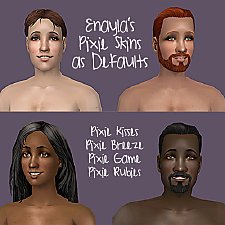
Default Skin Replacements: Enayla Pixie Skins
by sausage 30th Jul 2008 at 8:46am
-
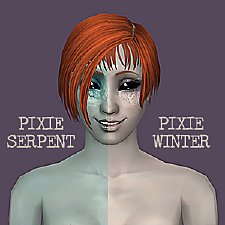
Default Replacement Alien Skins: Enayla Fantasy
by sausage 30th Jul 2008 at 10:56am
-
-
Alien Default Skin -Louis Recolor
by sephiroth1 26th Oct 2008 at 2:47am
-
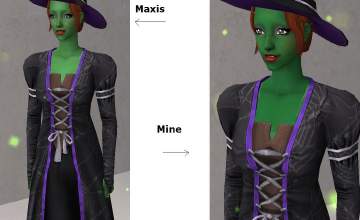
Brighter Wicked Witch skin in default replacement and non default versions
by joninmobile 14th Feb 2009 at 8:25pm
-
-
-
-
by vegan_kaktus 28th Nov 2021 at 9:42pm
 3
6.9k
33
3
6.9k
33


-
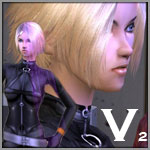
Val Vultures, my original MUGEN char
by Navetsea 16th May 2006 at 12:42am
That's Valerie Vultures, my MUGEN original character, now simified. more...
42
58.5k
10
-
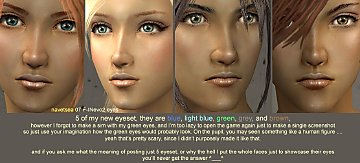
5 eyeset to be used with my F-INevo2 skinset
by Navetsea 14th Feb 2007 at 4:09pm
There, just a little present for the valentine day, the title already explains well ^_^ happy simming more...
-
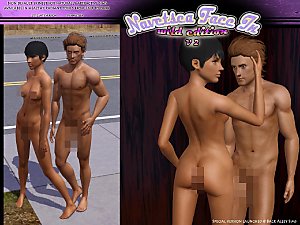
Face- In TS3 revised non default Wild Edition V2
by Navetsea 30th Jul 2012 at 2:17pm
a special blended 2 in 1 skin non default more...
-
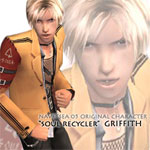
Griffith - my original character
by Navetsea 6th Dec 2005 at 10:07am
my original character the soul recycler Griff. more...
94
67.2k
30
-
-
-
-
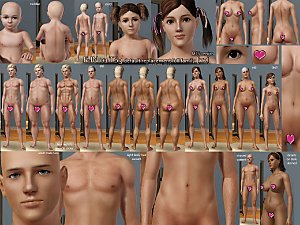
F-IN01 TS3 default replacement FULL FAMILY v2
by Navetsea 6th Mar 2011 at 5:36pm
The Sims 3 default skin replacement for the whole family all ages and genders more...
-
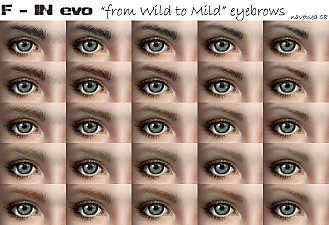
F-INeyebrows "from Wild to Mild" 5 thickness level consistent set for 5 colors
by Navetsea 29th Mar 2008 at 4:15pm
Hi again, This is a one stop eyebrows, available in 5 colors black, dark brown, brown, blond, red more...
37
114.5k
227
-



About Me
My skin can be used/packed with sims anywhere on free sites
beyond that normal use, PM me first.