
 Sign in to Mod The Sims
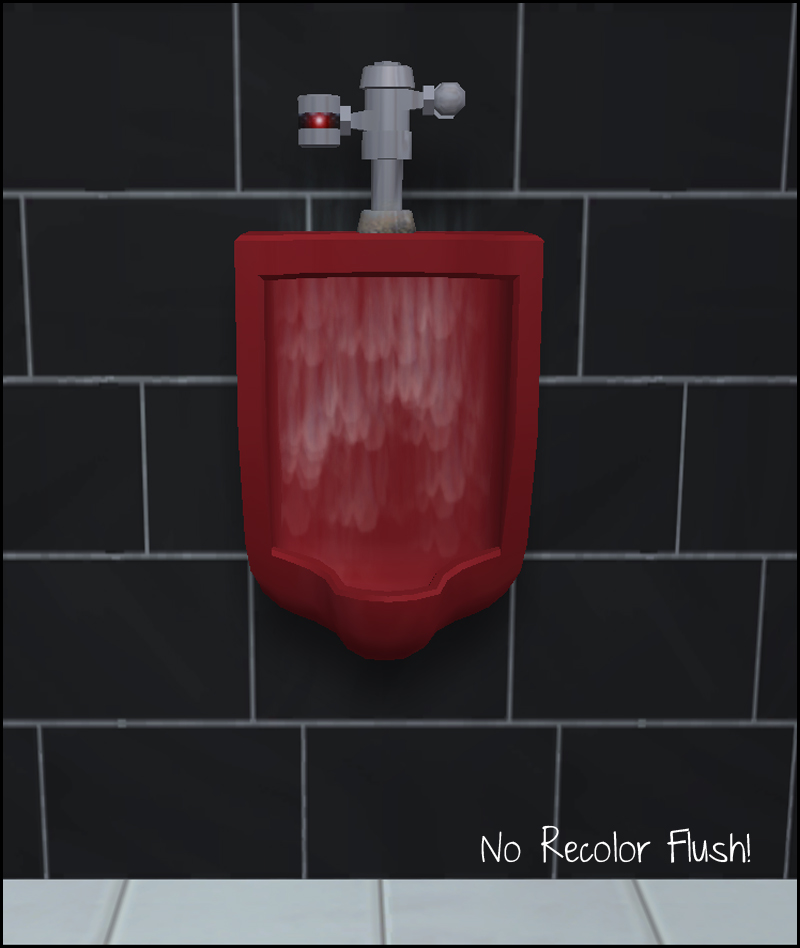
 No Recolor Flush!
 No Recolor Flush!


urinalFix.jpg - width=800 height=948
urinalDirtyRC.jpg - width=800 height=541

Bonus! Dirty Recolor!
Since the original Maxis urinal flushes cc recolors (as well as the dirty state!) I have also included a dirty recolor of the urinal. The texture is actually in game already, so my recolor only references the texture. This means my recolor package is a whopping 3kb in size.

This also will recolor fanseefish's Pee with Impunity urinal since it references the Maxis urinal.
Credits:
MissPiggi for red urinal recolor (part of chenille pack)
|
HL_urinalFIX.rar
Download
Uploaded: 23rd Jul 2011, 2.0 KB.
4,532 downloads.
|
||||||||
| For a detailed look at individual files, see the Information tab. | ||||||||
Install Instructions
1. Download: Click the download link to save the .rar or .zip file(s) to your computer.
2. Extract the zip, rar, or 7z file.
3. Place in Downloads Folder: Cut and paste the .package file(s) into your Downloads folder:
- Origin (Ultimate Collection): Users\(Current User Account)\Documents\EA Games\The Sims™ 2 Ultimate Collection\Downloads\
- Non-Origin, Windows Vista/7/8/10: Users\(Current User Account)\Documents\EA Games\The Sims 2\Downloads\
- Non-Origin, Windows XP: Documents and Settings\(Current User Account)\My Documents\EA Games\The Sims 2\Downloads\
- Mac: Users\(Current User Account)\Documents\EA Games\The Sims 2\Downloads
- Mac x64: /Library/Containers/com.aspyr.sims2.appstore/Data/Library/Application Support/Aspyr/The Sims 2/Downloads
- For a full, complete guide to downloading complete with pictures and more information, see: Game Help: Downloading for Fracking Idiots.
- Custom content not showing up in the game? See: Game Help: Getting Custom Content to Show Up.
- If you don't have a Downloads folder, just make one. See instructions at: Game Help: No Downloads Folder.
Loading comments, please wait...


Uploaded: 23rd Jul 2011 at 5:08 AM
Updated: 26th Jun 2012 at 3:11 PM
-
by xptl297 15th Nov 2012 at 4:13pm
 4
17.3k
14
4
17.3k
14
-
by EvelynnMama 23rd Jun 2021 at 5:50pm
+1 packs
7 16.2k 56 Seasons
-
-
-
-
-
-
by HugeLunatic updated 14th Sep 2024 at 11:25pm
+1 packs
8 10.3k 18 Nightlife
-




-


by HugeLunatic 15th Apr 2014 at 8:02pm
This hides the non-recolorable modular stairs for those of you who use the modular stairs that I have created. more...
8
26k
40
-
by HugeLunatic 4th Sep 2013 at 2:30am
The bed from the Elite Collection from Teen Style Stuff is nice; of course, only if you remove the funky more...
+1 packs
20 17.8k 49 Teen Style
-
by HugeLunatic 11th Nov 2009 at 9:47pm
One of my favorite sets in The Sims 2 from the IKEA SP. more...
-

by HugeLunatic 19th Sep 2020 at 3:55pm
Recolors of the hobby plaques. There is a basic white/black wood recolor that isn't too dark or bright white. more...
+1 packs
1 3.8k 23 Free Time
-
by HugeLunatic 19th Jun 2021 at 1:53pm
A living set to match the Seasons vRoom! more...
+1 packs
3 2.1k 16 Seasons
-
-
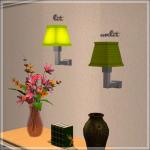
by HugeLunatic 1st Jul 2015 at 2:10am
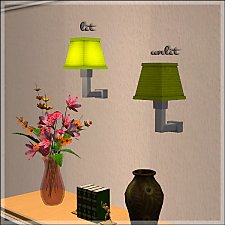
The "1 by 1" Designer Wall Sconce is a one shade, wall version of the base game "4 by 4" Designer Chandelier. more...
12
6.6k
22
-
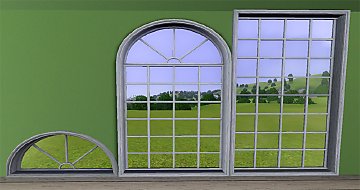
"Ye Olde Window" aka Colonial Windows II
by HugeLunatic 23rd Sep 2009 at 6:18pm
An extension of the first set of Colonial Windows, sorta. more...
 59
163k
304
59
163k
304
-
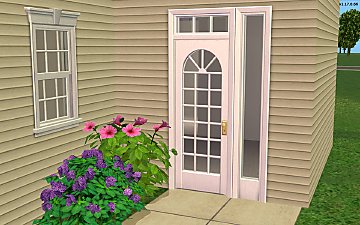
Colonial Tract Door - Single Tile Tall
by HugeLunatic 25th Apr 2018 at 3:28pm
Just something I needed while I was building. more...
13
28.7k
105
-
by HugeLunatic 13th Jul 2010 at 5:52am
Well I don't know if the name really fits or not, but the lot did end up being what I more...
+1 packs
13 16.6k 39 World Adventures


About Me
Pet Stories || Dog Agility Items? || Castaway Stories || Holy Simoly Extras
4esf Archive || Holy Simoly Archive || CEP-Extras List || Buyable Game Objects
lunie content from GoS/s2a
 Installation of CEP Extras
-the package with pfiles appended to the name will go into your cep extras folder where your game is installed (typically c drive, you do you)
-the other goes in CEP extra folder in documents.
The following locations are what I am aware of, beyond that you'll have to do some searching.
Downloads Folder:
C:\Users\<user>\Documents\EA Games\The Sims 2 Legacy
C:\Users\<user>\Documents\EA Games\The Sims 2 Ultimate Collection
With multiple launchers, the location for your game install will vary.
C:\Program Files\EA GAMES\The Sims 2 Legacy\TSData\Res\Catalog\zCEP-EXTRA
C:\Program Files\EA GAMES\The Sims 2\TSData\Res\Catalog\zCEP-EXTRA
C:\Program Files (x86)\EA GAMES\The Sims 2\TSData\Res\Catalog\zCEP-EXTRA