
 Sign in to Mod The Sims
 Minahara Hashimoto
 Minahara Hashimoto
SCREENSHOTS


1.jpg - width=1014 height=756
2.jpg - width=1004 height=752
3.jpg - width=1010 height=751
5.jpg - width=1016 height=759
6.jpg - width=1014 height=758
7.jpg - width=1013 height=759
8.jpg - width=1013 height=757
9.jpg - width=1010 height=757
10.jpg - width=1008 height=755
11.jpg - width=732 height=654


Downloaded 6,353 times
196 Thanks
37 Favourited
33,353 Views
Say Thanks!
Thanked!
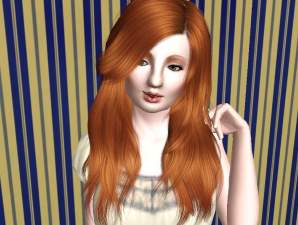
Hello everyone  this is my very beautifal japanese sim minahara i really wanted to share her because she's a great sim to play with it,and will fit well in any sim family.
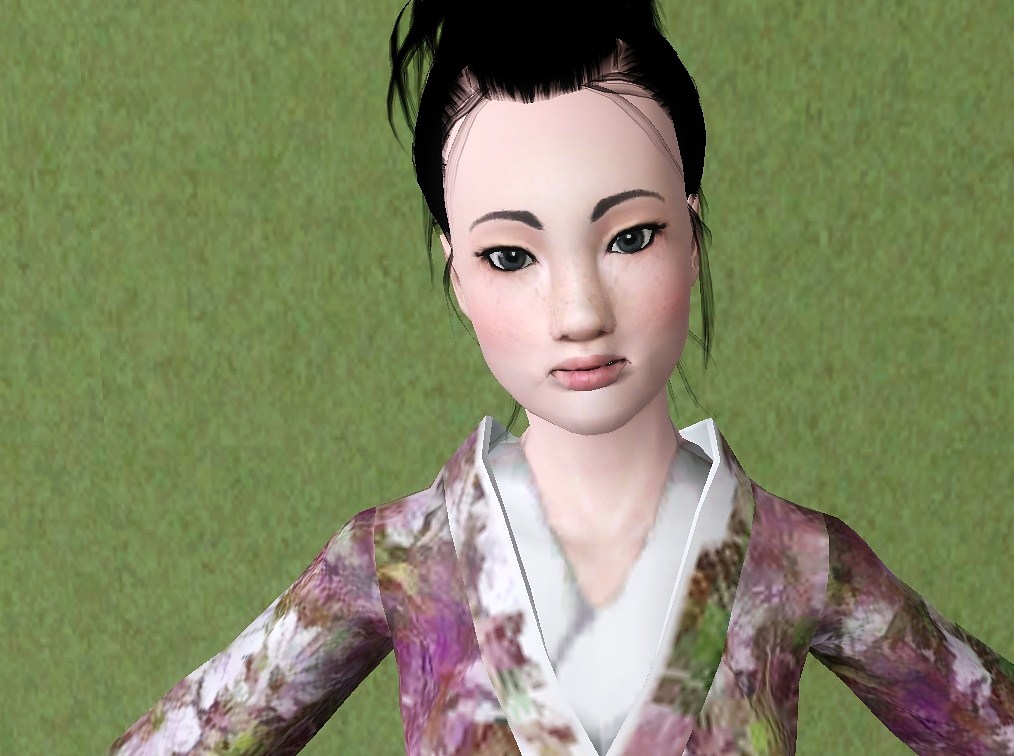
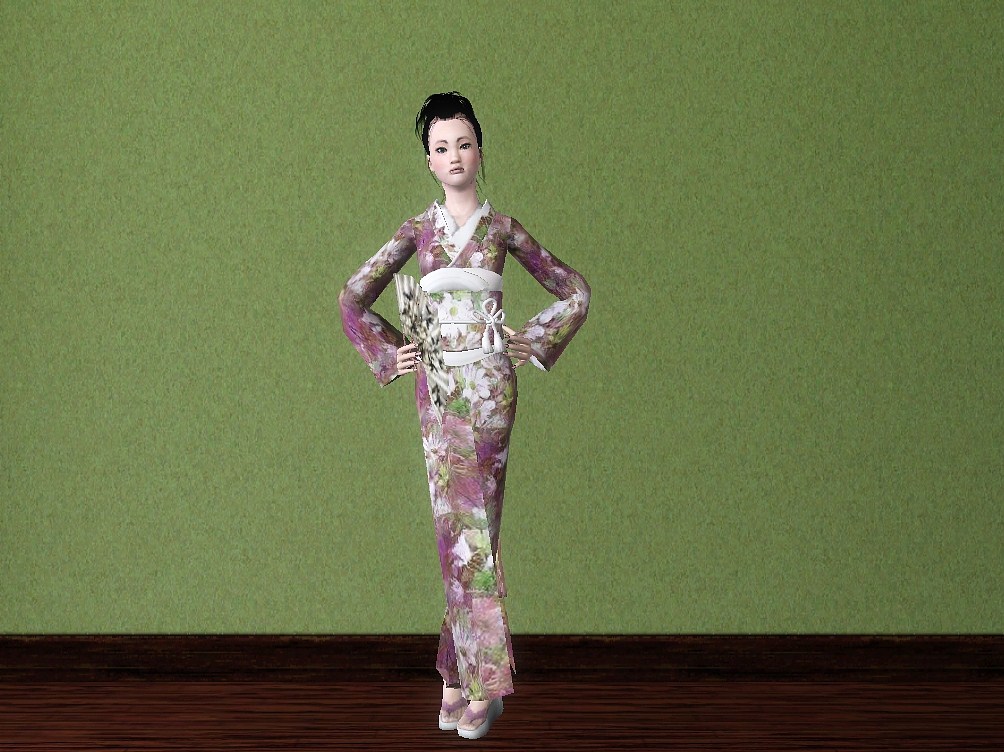
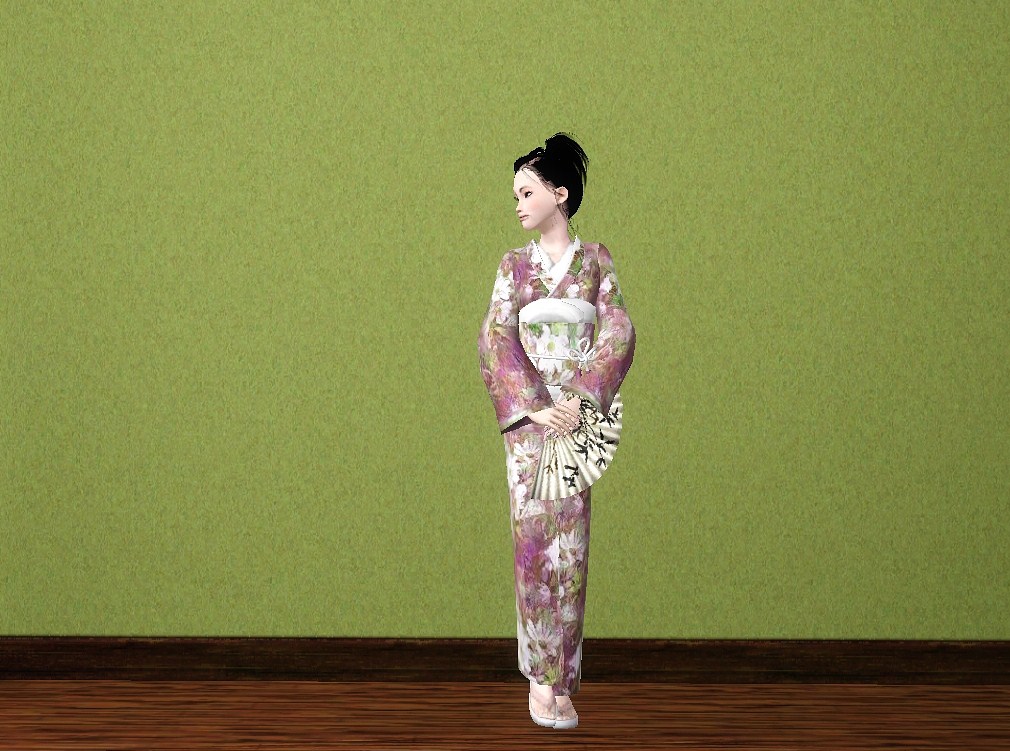
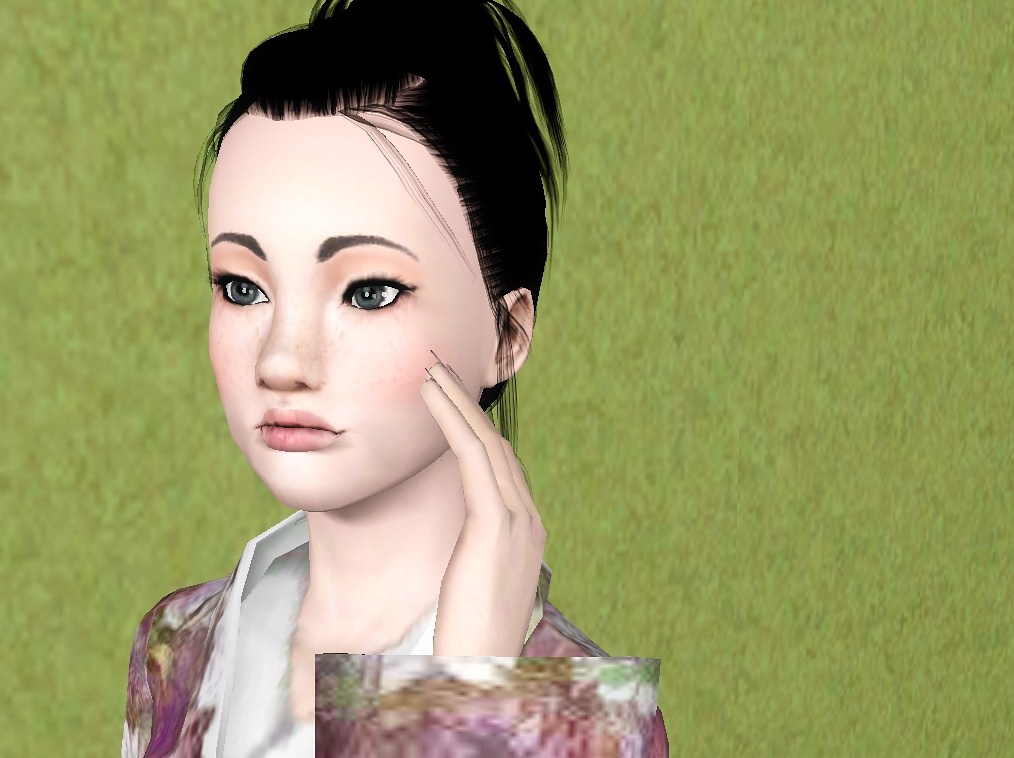
Minahara is a young adult that loves dancing and singing in her spare time, she also loves being inventively artistic all the time.she's a real free spirit with a bright future she's a very diligent college student who's studying the performing arts.
Packaged With Default Skin And Ea Hair
Custom Content Used(but not included in download)
You need to download these if you want her to look like she does above
Traditional Japanese Clothing By Mallow
Peggy Hair 717 (without bow) Retextured By Lotus
Tommie Hair Converted By Elexis
Lipstick 11 By Lemon Leaf
Heart Sweatshirts By AAS
Contacts By Rose ( 1st pg of make-up last one)
Asian Skin Non-Default By Lemon Leaf
Square Nails By Lorandia
Eyebrow Overhaul By Simmiller
Candy Crush Eyeshadow By Lady Frontbum
Layerable Beauty Marks by daluved1
Custom Sliders Used(recommended)
Arm And Belly Sliders By PcFreak147(only used the arm one)
Jonha Sliders
Bella3lek4's Sliders
More Moles, Freckles and Age details in CAS. By Anach (need to use CASDetails8x2 one)
Slider Hack (Patch v1.29.55 Compatible) used 5x one
 this is my very beautifal japanese sim minahara i really wanted to share her because she's a great sim to play with it,and will fit well in any sim family.
 Minahara is a young adult that loves dancing and singing in her spare time, she also loves being inventively artistic all the time.she's a real free spirit with a bright future she's a very diligent college student who's studying the performing arts.
Packaged With Default Skin And Ea Hair
Custom Content Used(but not included in download)
You need to download these if you want her to look like she does above
Traditional Japanese Clothing By Mallow
Peggy Hair 717 (without bow) Retextured By Lotus
Tommie Hair Converted By Elexis
Lipstick 11 By Lemon Leaf
Heart Sweatshirts By AAS
Contacts By Rose ( 1st pg of make-up last one)
Asian Skin Non-Default By Lemon Leaf
Square Nails By Lorandia
Eyebrow Overhaul By Simmiller
Candy Crush Eyeshadow By Lady Frontbum
Layerable Beauty Marks by daluved1
Custom Sliders Used(recommended)
Arm And Belly Sliders By PcFreak147(only used the arm one)
Jonha Sliders
Bella3lek4's Sliders
More Moles, Freckles and Age details in CAS. By Anach (need to use CASDetails8x2 one)
Slider Hack (Patch v1.29.55 Compatible) used 5x one
Advertisement:
|
Minahari Hashimoto .zip
Download
Uploaded: 25th Feb 2012, 906.7 KB.
6,351 downloads.
|
||||||||
| For a detailed look at individual files, see the Information tab. | ||||||||
Install Instructions
Quick Guide:
1. Click the filename or the download button to download the sim to your computer.
2. Extract the zip, rar, or 7z file.
2. Select the .sim file you got from extracting.
3. Cut and paste it into your Documents\Electronic Arts\The Sims 3\SavedSims folder. If you do not have this folder yet, it is recommended that you open the game, enter Create-a-Sim, and save a sim to the sim bin to create this folder, rather than doing so manually. After that you can close the game and put the .sim file in SavedSims
4. Once the .sim file is in SavedSims, you can load the game, and look for your sim in the premade sims bin in Create-a-Sim.
Extracting from RAR, ZIP, or 7z: You will need a special program for this. For Windows, we recommend 7-Zip and for Mac OSX, we recommend Keka. Both are free and safe to use.
Need more help?
If you need more info, see Game Help:Installing TS3 Simswiki for a full, detailed step-by-step guide! Special Installation Instructions
1. Click the filename or the download button to download the sim to your computer.
2. Extract the zip, rar, or 7z file.
2. Select the .sim file you got from extracting.
3. Cut and paste it into your Documents\Electronic Arts\The Sims 3\SavedSims folder. If you do not have this folder yet, it is recommended that you open the game, enter Create-a-Sim, and save a sim to the sim bin to create this folder, rather than doing so manually. After that you can close the game and put the .sim file in SavedSims
4. Once the .sim file is in SavedSims, you can load the game, and look for your sim in the premade sims bin in Create-a-Sim.
Extracting from RAR, ZIP, or 7z: You will need a special program for this. For Windows, we recommend 7-Zip and for Mac OSX, we recommend Keka. Both are free and safe to use.
Need more help?
If you need more info, see Game Help:Installing TS3 Simswiki for a full, detailed step-by-step guide! Special Installation Instructions
- If you get an error that says "This content requires expansion pack data that is not installed", please use Clean Installer to install this sim.
Advertisement:
Loading comments, please wait...
Author

Download Details
Packs:
None, this is Sims 3 base game compatible!
Uploaded: 25th Feb 2012 at 9:07 PM
Uploaded: 25th Feb 2012 at 9:07 PM
Tags
#sims, #asian, #japanese young adult, #female sims, #beautifal
Other Download Recommendations:
-
-
-
-
-
-
-
-
-
-
by RubyRed2021 30th Mar 2022 at 3:31pm


More downloads by Honey32:
See more





About Me
I love creating sims and building lots
I don't want sims are lots uploaded
anywhere else,including the exchange.
Do not claim them as your own please!
using for stories is okay.
I don't want sims are lots uploaded
anywhere else,including the exchange.
Do not claim them as your own please!
using for stories is okay.