
 Sign in to Mod The Sims
 Long Johns
 Long Johns


ingamethum.jpg - width=448 height=768
morphuv.jpg - width=1208 height=768
presets.jpg - width=1170 height=768
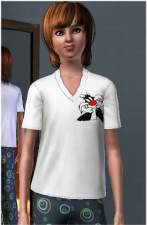
teen.jpg - width=454 height=768
This is my version of the long johns that came with Seasons. I essentially made the one piece into a bottom, adding a waist line and different cuffs to the legs. These are great for your sim to use as lounge wear or as outerwear when he needs to run to the store real quick. Base game compatible.
- T/YA/A
- Everyday, Sleepwear, Outerwear
- Four Channels
- Three Presets
- All LODs and Morphs
- Uses EA Meshes and Textures
Also has custom teen morphs to be moar teen shaped.
Polygon Counts:
1040P 738V
This is a new mesh, and means that it's a brand new self contained object that usually does not require a specific Pack (although this is possible depending on the type). It may have Recolours hosted on MTS - check below for more information.
|
KT_mBottomLongJohns.zip
Download
Uploaded: 4th Jan 2013, 1.14 MB.
7,717 downloads.
|
||||||||
| For a detailed look at individual files, see the Information tab. | ||||||||
Install Instructions
1. Click the download button, or the filename, to download the file to your computer.
2. Extract the zip, rar, or 7z file. Now you will have either a .package or a .sims3pack file.
For Package files:
1. Cut and paste the file into your Documents\Electronic Arts\The Sims 3\Mods\Packages folder. If you do not already have this folder, you should read the full guide to Package files first: Sims 3:Installing Package Fileswiki, so you can make sure your game is fully patched and you have the correct Resource.cfg file.
2. Run the game, and find your content where the creator said it would be (build mode, buy mode, Create-a-Sim, etc.).
For Sims3Pack files:
1. Cut and paste it into your Documents\Electronic Arts\The Sims 3\Downloads folder. If you do not have this folder yet, it is recommended that you open the game and then close it again so that this folder will be automatically created. Then you can place the .sims3pack into your Downloads folder.
2. Load the game's Launcher, and click on the Downloads tab. Find the item in the list and tick the box beside it. Then press the Install button below the list.
3. Wait for the installer to load, and it will install the content to the game. You will get a message letting you know when it's done.
4. Run the game, and find your content where the creator said it would be (build mode, buy mode, Create-a-Sim, etc.).
Extracting from RAR, ZIP, or 7z: You will need a special program for this. For Windows, we recommend 7-Zip and for Mac OSX, we recommend Keka. Both are free and safe to use.
Need more help?
If you need more info, see:
- For package files: Sims 3:Installing Package Fileswiki
- For Sims3pack files: Game Help:Installing TS3 Packswiki
Loading comments, please wait...

Uploaded: 4th Jan 2013 at 4:53 PM
#male, #sleepwear, #long johns, #seasons
-
-
-
-
-
-
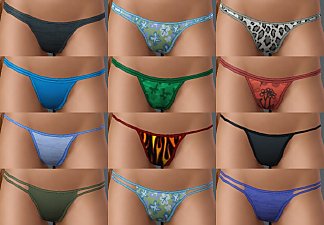
Basic Thongs Pack - four styles for Teen, YA and A
by Marcos_Edson 19th Oct 2009 at 4:52pm
-
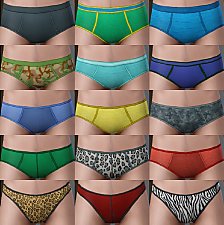
Basic Male Briefs Pack - five styles for Teen, YA and A
by Marcos_Edson 1st Dec 2009 at 3:31pm
-
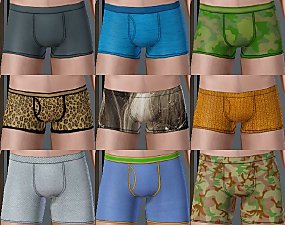
Basic Male Boxers Pack - six styles for Teen, YA and A
by Marcos_Edson 23rd Dec 2009 at 9:45pm
-
by omegastarr82 17th Jun 2012 at 8:28am
 +1 packs
21 65.8k 111
+1 packs
21 65.8k 111 World Adventures
Male » Everyday » Young Adult
-
by omegastarr82 23rd Aug 2012 at 11:06am


-
-

Ultra Lounge unCAStables made CAStable
by omegastarr82 7th Jan 2013 at 4:13pm
This makes the items that come with the Sims 3 Store Ultra Lounge set CAStable. more...
-
-

by omegastarr82 18th Jan 2012 at 7:55am
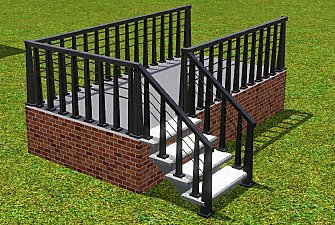
This is the Ea Hardcore fence made active in the catalogue that matches the Hardcore stairs and stair railings. more...
-
by omegastarr82 6th Sep 2010 at 3:01am
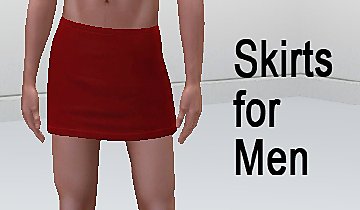
Sometimes guys want to be pretty too more...
-
by omegastarr82 25th Jul 2011 at 12:52pm
I was so sure I had this before(by someone else), but when I went to look for it I couldn't more...
18
39.3k
127
-

by omegastarr82 24th Apr 2013 at 4:46am
This is my 'Harry' top. more...
-
by omegastarr82 7th Mar 2013 at 8:00pm
These have been on my to do list for ages and I'm so glad I finally found the drive to more...
-

by omegastarr82 7th Jul 2012 at 8:19pm
This mod fixes a few things wrong with the two windows that come with Lucky Palms, the new world from more...
-
by omegastarr82 10th Aug 2011 at 6:16pm
This is just a simple CASP change to the "Real Imaginary Friend" clothing to make them appear in CAS. more...
+1 packs
10 55.9k 112 Generations




About Me
Usually don't do requests, but if it's something that tickles my fancy I just might do it.