
 Sign in to Mod The Sims
 Gargoyle Statue & Recolours
 Gargoyle Statue & Recolours


Front.jpg - width=1024 height=768
Left.jpg - width=1024 height=768
Back.jpg - width=1024 height=768
Right.jpg - width=1024 height=768
M&S sizes.jpg - width=1024 height=768
crypt.jpg - width=1024 height=768
1.jpg - width=1024 height=768
2.jpg - width=1024 height=768
3.jpg - width=1024 height=768
No Master.jpg - width=1024 height=768
equals.jpg - width=1024 height=478
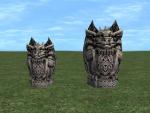
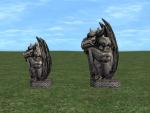
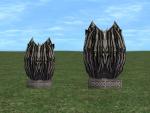
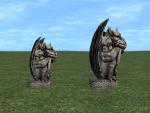

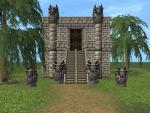
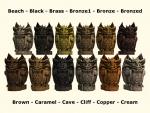
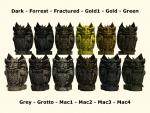
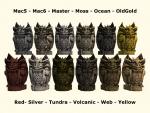

Then decided to make a smaller one as well and recolour it. Got a bit carried away and did 69 recolours, then culled it down to 36.
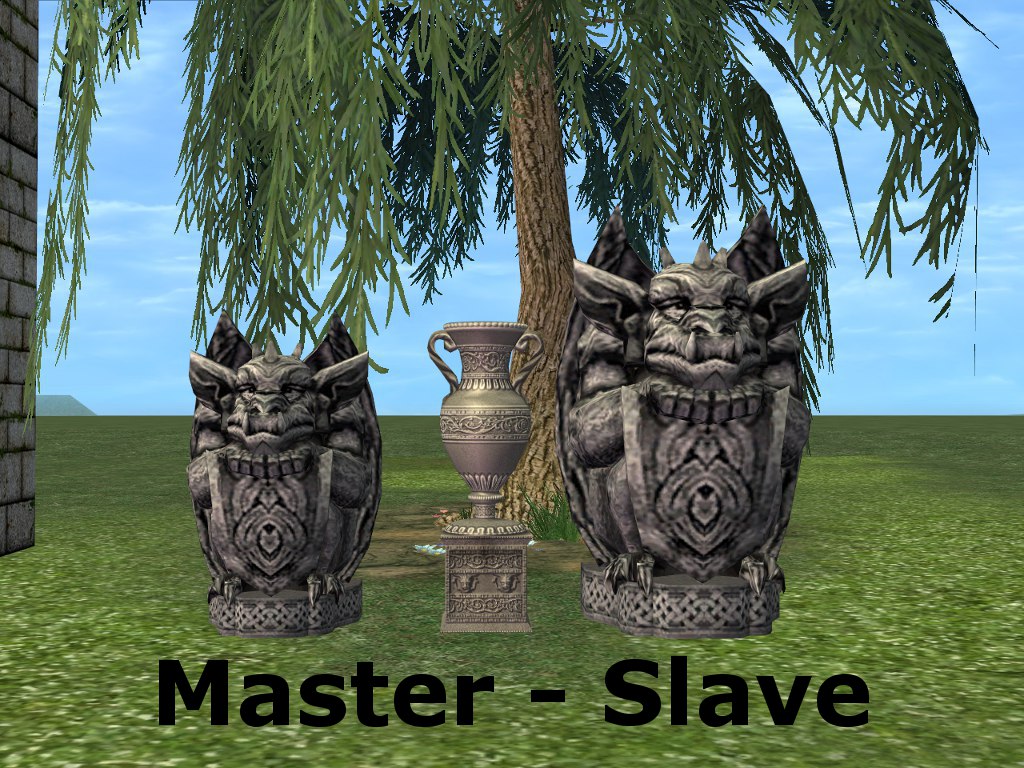
The large statue is slaved to the smaller one, so you will have to have both in your game for the colours to show on the larger one.
I did try it with a bump map...but found it didn't make enough difference, to warrant the extra size in your downloads folder and game.
Found: Buy Mode > Decorative > Sculptures.
Cost: Small §450, Large §500.
All Files has been compressed and checked in game, there is also a colour chart included in the zip file.
Polygon Counts:
Small Gargoyle - 1320
Large Gargoyle - 1320
Additional Credits: SimPE - CEP - GIMP - The Compressorizer - EA Games and MTS also
Thanks to macarossi and marvine for allowing me to use some of their rock colours.
This is a new mesh, and means that it's a brand new self contained object that usually does not require a specific Pack (although this is possible depending on the type). It may have Recolours hosted on MTS - check below for more information.
|
GargoyleSculpture-&-Recolours-ByMichelle.zip
| GargoyleSculpture-&-Recolours-ByMichelle
Download
Uploaded: 23rd Apr 2013, 3.58 MB.
2,083 downloads.
|
||||||||
| For a detailed look at individual files, see the Information tab. | ||||||||
Install Instructions
1. Download: Click the download link to save the .rar or .zip file(s) to your computer.
2. Extract the zip, rar, or 7z file.
3. Place in Downloads Folder: Cut and paste the .package file(s) into your Downloads folder:
- Origin (Ultimate Collection): Users\(Current User Account)\Documents\EA Games\The Sims™ 2 Ultimate Collection\Downloads\
- Non-Origin, Windows Vista/7/8/10: Users\(Current User Account)\Documents\EA Games\The Sims 2\Downloads\
- Non-Origin, Windows XP: Documents and Settings\(Current User Account)\My Documents\EA Games\The Sims 2\Downloads\
- Mac: Users\(Current User Account)\Documents\EA Games\The Sims 2\Downloads
- Mac x64: /Library/Containers/com.aspyr.sims2.appstore/Data/Library/Application Support/Aspyr/The Sims 2/Downloads
- For a full, complete guide to downloading complete with pictures and more information, see: Game Help: Downloading for Fracking Idiots.
- Custom content not showing up in the game? See: Game Help: Getting Custom Content to Show Up.
- If you don't have a Downloads folder, just make one. See instructions at: Game Help: No Downloads Folder.
Loading comments, please wait...

Uploaded: 23rd Apr 2013 at 2:23 PM
-
by gromit 31st Aug 2005 at 8:28pm
 103
141.5k
149
103
141.5k
149
-
by zedrik updated 1st Oct 2005 at 5:42am
10
15.1k
10
-
by SuperFly 10th Oct 2005 at 4:58pm
6
10.9k
5
-
-
by Clockwork JB 20th Dec 2005 at 9:03am
+1 packs
26 18k 7 Nightlife
-
by KendallNightblade 21st Dec 2005 at 3:05pm
26
34.3k
22
-
-
-
by puppetfish 29th Oct 2015 at 11:15pm
7
7.4k
15
-


-
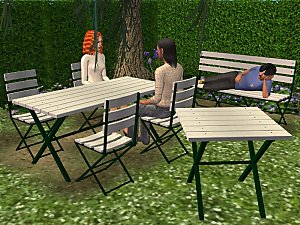
PatioPlastics Add-Ons and Recolours
by Michelle 8th Mar 2016 at 8:19am
3 pieces to matches and slaved to the PatioPlastics Dining Chair, plus 28 recolours. more...
-
-

Collectible Franky Bear Family
by Michelle 14th May 2013 at 3:29pm
Now your Sims can have their very own Teddy Bears picnic. more...
+1 packs
12 11.5k 20 Open for Business
-
Rocket Heifer Barbeque Recolours
by Michelle 15th Sep 2013 at 7:30pm
You will need Seasons for this recolour. more...
+1 packs
2 9.2k 25 Seasons
-
Will Lloyd Wright Dollhouse in the Ricardo Color Palette
by Michelle 8th May 2022 at 12:34pm
As requested by THybrid21 (https://modthesims.info/m/10216199). Will Lloyd Wright Dollhouse recoloured in the 45 Ricardo Colours by iCad (https://dramallamadingdang.tumblr.com/post/162698861189/befor more...
1
4.8k
28
-
Fancy Sycophancy Add-ons and Luxury Bedroom
by Michelle 15th Jan 2022 at 5:02am
As requested by zesty_man (https://modthesims.info/m/3013779). First we have a Wall TV and 1 Tile Mirror made from and slaved to the more...
+1 packs
7 6.4k 20 Glamour Life
-
High-Tech Loft Window in Maxis Door Colours
by Michelle 9th Dec 2025 at 10:19pm
Recolours of the High-Tech Loft Window to match the Oaktowne "Simple Interior" Door, Old Yankee "4 Score" Door, Stay Out more...
1.5k
7
-
-
CTN's Colonial Fireplace in Pooklet Colours
by Michelle 15th Jul 2017 at 8:08am
CTNutmegger's Early American "Colonial Style" Fireplace in Pooklet Ntural Colours. more...
4
14.3k
21
-
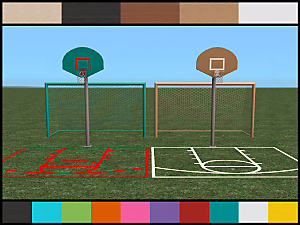
FT Basket Ball Hoop and Soccer Goal Recolours
by Michelle 29th Jul 2024 at 3:59am
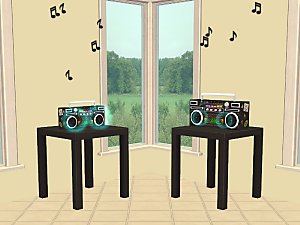
As requested by LimeyYoshi (https://modthesims.info/m/10251907). LACK and MALM recolours of The Goal of Paul and the H-O-R-S-E of Course Basket more...
+1 packs
1 2k 14 Free Time


About Me
Let me know if you find anything wrong with any of my work,
so it can be fixed and I do not make the same mistake in the future.
Constructive criticism and feedback are always welcome.
I do meshes, recolours and design my lots for pleasure, not for profit.
Feel free to use my meshes or recolours and include them in your lots, uploaded to free sites only.
However, remember to check the original creator's policies and always link to the originals.
DO NOT re-upload to pay sites or Patreon.
DO NOT claim any of my work as your own and please ask before re-using my meshes or texture images (TXTR's).
You can find more of my work at Leefish, Plumb Bob Keep and TheNinthWaveSims.
Take care and stay safe.
AL Wood Textures
LACK Wood Textures
MALM Wood Textures