
 Sign in to Mod The Sims
 Default Replacement - "Books First for Learning" + CEP Extra
 Default Replacement - "Books First for Learning" + CEP Extra


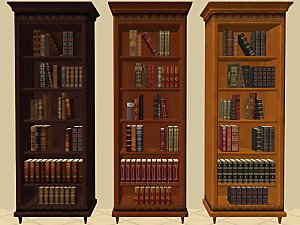
ReplaceEducCR.jpg - width=800 height=600
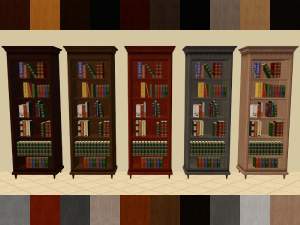
ReplaceEducCR_slaved1.jpg - width=800 height=600
ReplaceEducCR_slaved2.jpg - width=800 height=600
There are two versions, each in its own rar file. Note: the install instructions are different for each version.
1) is simply a self-contained, standalone mesh replacement for the Maxis object. It goes in the Downloads folder. It will use any recolors or replacement textures for "Books First for Learning" that you may have, and should work with my CEP-Extra for the books.
2) is slaved to the FreeTime version of Michelle's buyable bookcase, and will use any recolors for it that are present. However, making that work required a CEP-Extra for the cabinet, so that the subset names would match up properly. Because of this, there are three files, but only the one labeled "DEFAULT" goes in the Downloads folder.
 Install instructions for the CEP-Extra files:
dharden_CEP-Extra_CareerBookcase-ProgamFiles_DR-slave.package must be placed in C:\Program Files (x86)\EA GAMES\The Sims 2\TSData\Res\Catalog\zCEP-EXTRA
dharden_CEP-Extra_CareerBookcase-Documents_DR-slave.package must be placed in \Documents\EA Games\The Sims 2\zCEP-EXTRA
Notes: If you used a compilation to install The Sims 2, the compilation's full name (e.g., "The Sims 2 Double Deluxe") will probably be used in both Documents and Program Files. In Program Files, the base-game folder should be located under that folder, and be named "Base". Once you find that, the path to the "zCEP-EXTRA" folder should be the same. Also, 64-bit versions of Windows use "Program Files (x86)" for 32-bit programs, while 32-bit versions only have "Program Files".
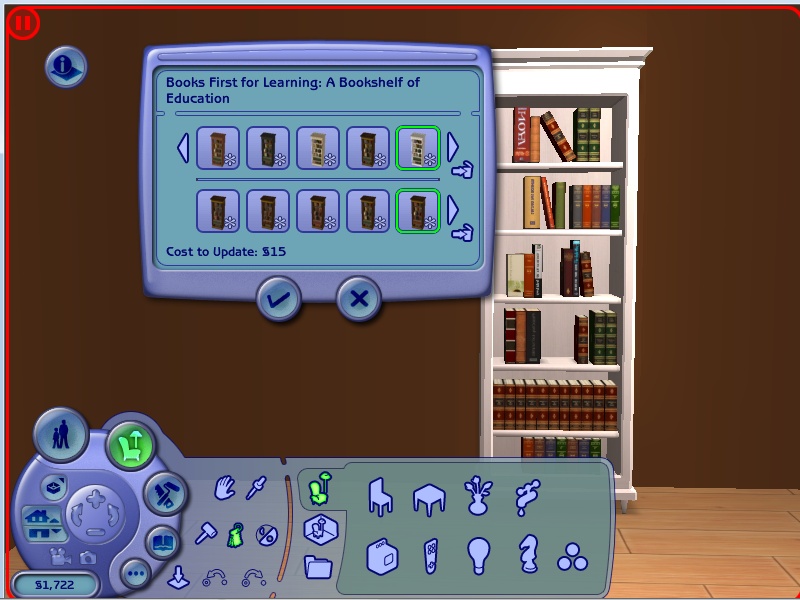
If you use version 2), all recolor options, even the default, will have the custom-content "star". This is because the master object is custom. If the recolor options do not appear when you place the bookcase, you will need to use the Design Tool to recolor it.
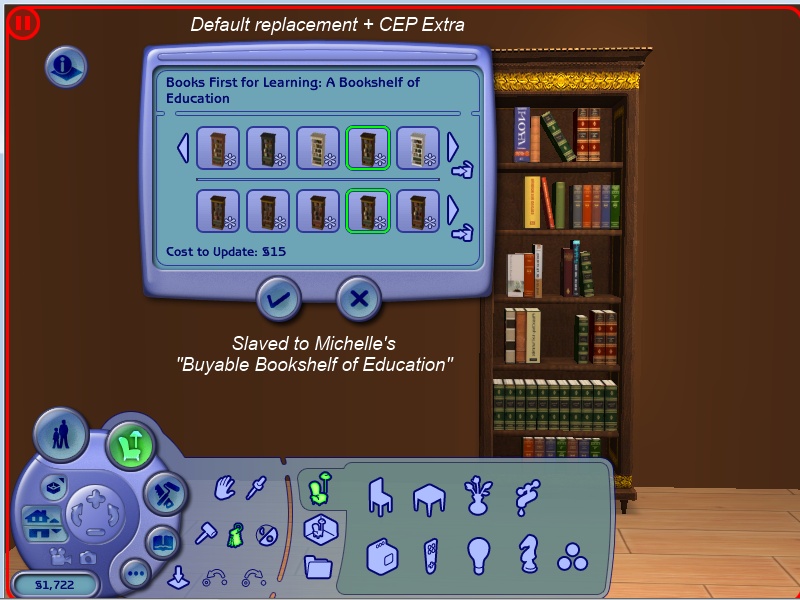 Click the button to see a recolored bookcase.
 Compatibility:
Because this is a mesh replacement, either version should work with mods that make career rewards appear in the Buy catalog. However, I have not tested this. Also, both versions will conflict with the shadow-fix package that Simsbaby posted at MATY, but they should be OK as long as the DEFAULT package loads after the shadow-fix.
Polygon Counts:
682
Additional Credits:
Michelle for the mesh and recolors.
IgnorantBliss, for the tutorials on the repository method and adding a recolorable subset
hafiseazale and HugeLunatic for working models of subset-adding CEP extras. I wouldn't have known what to do if I hadn't seen how it was done.
This is a new mesh, and means that it's a brand new self contained object that usually does not require a specific Pack (although this is possible depending on the type). It may have Recolours hosted on MTS - check below for more information.
|
dharden-Michelle_DEFAULT_CareerBookcase_Slave.rar
| 2) Default replacement for the Education career reward, slaved to the Buyable Bookshelf of Education by Michelle
Download
Uploaded: 1st Jan 2019, 16.7 KB.
942 downloads.
|
||||||||
|
dharden-Michelle_DEFAULT_CareerBookcase_Standalone.rar
| 1) Standalone default replacement for the Education career reward
Download
Uploaded: 17th Jun 2015, 15.3 KB.
1,172 downloads.
|
||||||||
| For a detailed look at individual files, see the Information tab. | ||||||||
Install Instructions
1. Download: Click the download link to save the .rar or .zip file(s) to your computer.
2. Extract the zip, rar, or 7z file.
3. Place in Downloads Folder: Cut and paste the .package file(s) into your Downloads folder:
- Origin (Ultimate Collection): Users\(Current User Account)\Documents\EA Games\The Sims™ 2 Ultimate Collection\Downloads\
- Non-Origin, Windows Vista/7/8/10: Users\(Current User Account)\Documents\EA Games\The Sims 2\Downloads\
- Non-Origin, Windows XP: Documents and Settings\(Current User Account)\My Documents\EA Games\The Sims 2\Downloads\
- Mac: Users\(Current User Account)\Documents\EA Games\The Sims 2\Downloads
- Mac x64: /Library/Containers/com.aspyr.sims2.appstore/Data/Library/Application Support/Aspyr/The Sims 2/Downloads
- For a full, complete guide to downloading complete with pictures and more information, see: Game Help: Downloading for Fracking Idiots.
- Custom content not showing up in the game? See: Game Help: Getting Custom Content to Show Up.
- If you don't have a Downloads folder, just make one. See instructions at: Game Help: No Downloads Folder.
Loading comments, please wait...
 View with Names
Uploaded: 17th Jun 2015 at 5:42 PM
Updated: 1st Jan 2019 at 3:32 AM
#default replacement, #thememaxis, #bookshelf, #bookcase, #career rewards, #education, #Seasons
-
-
-
-
-
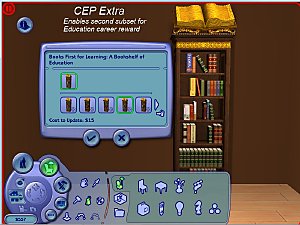
Books First for Learning - [CEP Extra]
by dharden updated 1st Jan 2019 at 12:43am
 +1 packs
3 11.9k 18
+1 packs
3 11.9k 18 Seasons
-
-
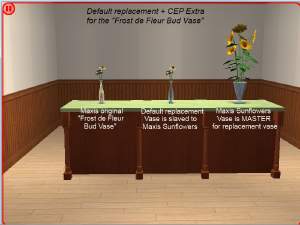
Default Replacement - "Frost de Fleur Bud Vase" + CEP Extra
by dharden 26th Oct 2015 at 10:58pm
2
4.4k
2
-
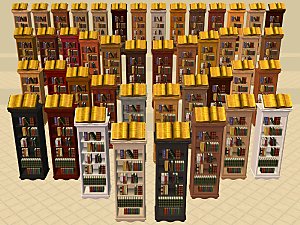
-
-
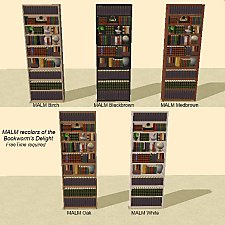
Bookworm's Delight Bookcase in MALM + CEP Extra
by dharden 10th Jan 2019 at 2:46am
+1 packs
4 15.5k 7 Free Time


-
-
-
-
-
-
-
-
-
-
NL car recolors - custom versions of default replacements
by dharden 1st Mar 2016 at 1:19am
Custom versions of recolors and retextures made for default replacements of Nightlife hatchback, pickup, and sports car. more...
+1 packs
2 11.5k 14 Nightlife


Packs Needed
| Expansion Pack | |
|---|---|
| Seasons |