Sign in to Mod The Sims
 The Sims 1 - Posters
 The Sims 1 - Posters

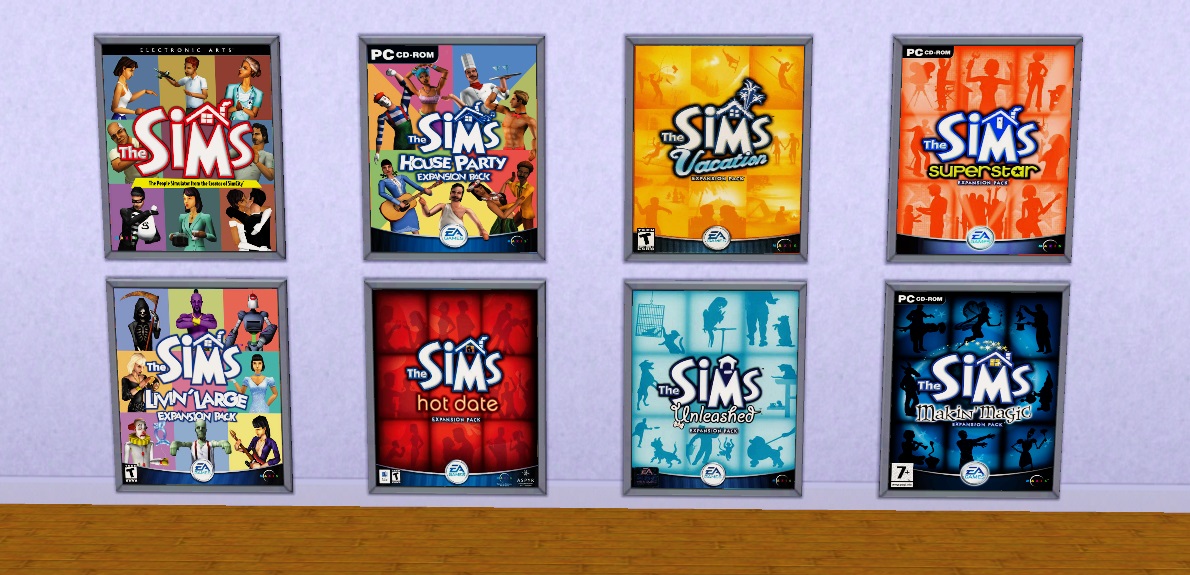
screen13.jpg - width=1190 height=575
 COMPATIBLE: BASEGAME PATCH v1.67
 This mod requires PhotosetLoader.
 All The Sims 1 games cover converted into a poster to hang on your wall.
Install Instructions:
1- Install the PhotosetLoader mod => Unzip the content from the 'PhotosetLoader.zip' inside your mods folder. Like any other mod.
2- Install this mod => Unzip the content from the 'TheSims1_All_Posters.zip' inside your mods folder. Like any other mod.
How to use it:
1- Buy the "PhotosetLoader" photoframe from the BuyMode (By Function: Decor > Wall Decorations).
2- Click on the photoframe object and select "Change Photo".
3- Select the Photoset and the Photo you would like apply over the photoframe.
4- Ready.
Additional Credits:
s3pe, S3OC GIMP2
Inge and Peter Jones
nrass - DebugEnabler
Polygon Counts:
Same as "PhotosetLoader".
This is a new mesh, and means that it's a brand new self contained object that usually does not require a specific Pack (although this is possible depending on the type). It may have Recolours hosted on MTS - check below for more information.
|
TheSims1_All_Posters.zip
Download
Uploaded: 19th Aug 2015, 3.40 MB.
5,610 downloads.
|
||||||||
| For a detailed look at individual files, see the Information tab. | ||||||||
Install Instructions
1. Click the download button, or the filename, to download the file to your computer.
2. Extract the zip, rar, or 7z file. Now you will have either a .package or a .sims3pack file.
For Package files:
1. Cut and paste the file into your Documents\Electronic Arts\The Sims 3\Mods\Packages folder. If you do not already have this folder, you should read the full guide to Package files first: Sims 3:Installing Package Fileswiki, so you can make sure your game is fully patched and you have the correct Resource.cfg file.
2. Run the game, and find your content where the creator said it would be (build mode, buy mode, Create-a-Sim, etc.).
For Sims3Pack files:
1. Cut and paste it into your Documents\Electronic Arts\The Sims 3\Downloads folder. If you do not have this folder yet, it is recommended that you open the game and then close it again so that this folder will be automatically created. Then you can place the .sims3pack into your Downloads folder.
2. Load the game's Launcher, and click on the Downloads tab. Find the item in the list and tick the box beside it. Then press the Install button below the list.
3. Wait for the installer to load, and it will install the content to the game. You will get a message letting you know when it's done.
4. Run the game, and find your content where the creator said it would be (build mode, buy mode, Create-a-Sim, etc.).
Extracting from RAR, ZIP, or 7z: You will need a special program for this. For Windows, we recommend 7-Zip and for Mac OSX, we recommend Keka. Both are free and safe to use.
Need more help?
If you need more info, see:
- For package files: Sims 3:Installing Package Fileswiki
- For Sims3pack files: Game Help:Installing TS3 Packswiki
Loading comments, please wait...



Uploaded: 19th Aug 2015 at 4:55 AM
#The Sims 1, #poster, #posters, #cover, #box, #wall, #photo, #photoframe
-

by cmomoney 15th Feb 2010 at 10:56pm
 16
57.9k
232
16
57.9k
232
-
-
by kithri 13th Sep 2012 at 3:42pm
10
19.9k
19
-
-

by sweetdevil 4th Nov 2018 at 10:23am
6
24.7k
28
-
by MurderPrincessK 29th Oct 2019 at 2:30pm
2
6.3k
27
-
by PhoenixPhoeniks 14th Jun 2025 at 11:56am
1
2.4k
6
-
by PhoenixPhoeniks 25th Oct 2025 at 6:14pm
787
4
-

by PhoenixPhoeniks 30th Jul 2026 at 10:53am
1.2k
-

by PhoenixPhoeniks 30th Jul 2026 at 10:56am
992


-
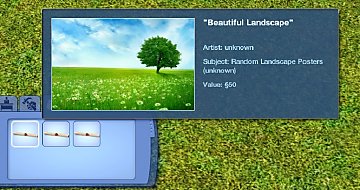

PosterSet Loader v1.1 (updated 27-july-2016)
by douglasveiga updated 27th Jul 2016 at 12:46pm
A mod required to load custom posters into the game. more...
39
52k
125
-

by douglasveiga updated 6th Feb 2015 at 2:44pm
An animated Weathervane to decorate your garden. more...
25
14.8k
63
-
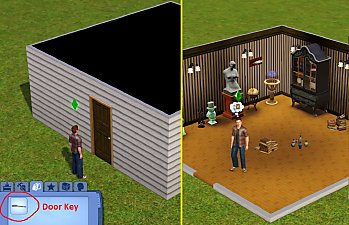
Private Room Door (Updated 24-Sep-2016)
by douglasveiga updated 24th Sep 2016 at 11:08pm
A Door that you can actually lock with a Key to keep your belongs safe. Only the Sim with the correct Key, inside the inventory, will be able to open it. more...
48
62.1k
231
-
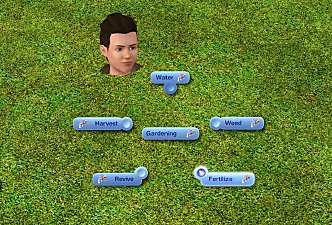
Gardening Spells (Update 07 Jan 2016)
by douglasveiga updated 7th Jan 2016 at 8:30pm
This mod adds five new gardening spells for Witches. With these spells, you will be able to tend the garden without spending too much time doing manual labor. more...
+1 packs
111 102.1k 466 Supernatural
-
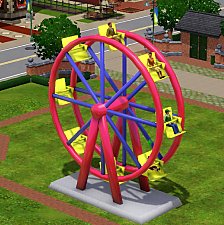
Ferris Wheel (Updated 30 Jan 2016)
by douglasveiga updated 30th Jan 2016 at 4:52am
A functional Ferris Wheel ride with custom animations for your sims. more...
-
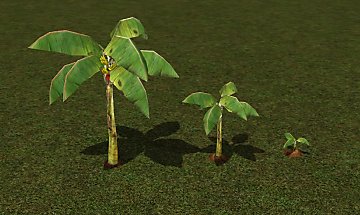

Harvestable Banana Plant (Updated 17 Nov 2015)
by douglasveiga updated 17th Nov 2015 at 3:22pm
Harvestable Banana Plant for your Garden more...
62
57.4k
249
-

Replant Interaction - v1.1 (22th Oct 2013)
by douglasveiga updated 25th Oct 2013 at 2:31am
With the Replant Interaction you will easily replace the dead or low quality plants by the best quality one available. more...
54
65.6k
289
-
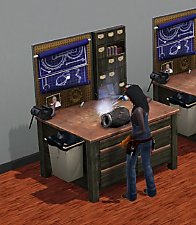
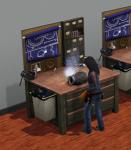
Factory Worker Service v1.1 (Updated 28th Oct)
by douglasveiga updated 29th Oct 2015 at 10:28am
Adds a Factory Worker Service to build gadgets, using the Inventing Workbench (from Ambitions EP). more...
+1 packs
24 43.5k 118 Ambitions
-

Chef Service - v1.7 (4th May 2014)
by douglasveiga updated 4th May 2014 at 11:44pm
Adds a Chef Service in your game, so you can hire a Sim to cook your favorite recipe. more...
227
184.1k
490
-
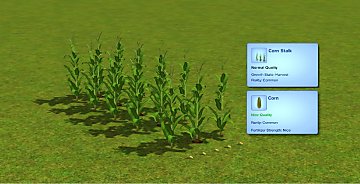
Corn Stalk Fix - Grandpa's Grove Store Set
by douglasveiga updated 5th Jan 2016 at 4:20pm
This mod contains the missing files and tunings to make the Corn Stalk, from the 'Brunch at the Old Mill' Store Set, fully plantable and harvestable. more...
39
57.6k
238