
 Sign in to Mod The Sims
 Fashion story from Heather. Wedding. Charm of Gothic. Veils (part 3)
 Fashion story from Heather. Wedding. Charm of Gothic. Veils (part 3)


FSfH_Charm of Gothic_Wedding_Veil_p3_01.jpg - width=1192 height=912
FSfH_Charm of Gothic_Wedding_Veil_p3_02.jpg - width=1200 height=653
FSfH_Charm of Gothic_Wedding_Veil_p3_03.jpg - width=1200 height=653
FSfH_Charm of Gothic_Wedding_Veil_p3_04.jpg - width=1200 height=653
FSfH_Charm of Gothic_Wedding_Veil_p3_05.jpg - width=1200 height=653
FSfH_Charm of Gothic_Wedding_Veil_p3_06.jpg - width=1200 height=653
FSfH_Charm of Gothic_Wedding_Veil_p3_07.jpg - width=1200 height=653
FSfH_Charm of Gothic_Wedding_Veil_p3_08.jpg - width=1200 height=653
FSfH_Charm of Gothic_Wedding_Veil_p3_09.jpg - width=1200 height=653
FSfH_Charm of Gothic_Wedding_Veil_p3_10.jpg - width=1200 height=653
FSfH_Charm of Gothic_Wedding_Veil_p3_11.jpg - width=1200 height=653
FSfH_Charm of Gothic_Wedding_Veil_p3_12.jpg - width=1200 height=653
FSfH_Charm of Gothic_Wedding_Veil_p3_13.jpg - width=1200 height=653
FSfH_Charm of Gothic_Wedding_Veil_p3_14.jpg - width=1200 height=653
FSfH_Charm of Gothic_Wedding_Veil_p3_15.jpg - width=1200 height=653
FSfH_Charm of Gothic_Wedding_Veil_p3_16.jpg - width=1190 height=648
FSfH_Charm of Gothic_Wedding_Veil_p3_17.jpg - width=1200 height=653
FSfH_Charm of Gothic_Wedding_Veil_p3_18.jpg - width=1200 height=653
FSfH_Charm of Gothic_Wedding_Veil_p3_19.jpg - width=1200 height=653
FSfH_Charm of Gothic_Wedding_Veil_p3_20.jpg - width=1200 height=653
FSfH_Charm of Gothic_Wedding_Veil_p3_21.jpg - width=1200 height=653
FSfH_Charm of Gothic_Wedding_Veil_p3_22.jpg - width=1200 height=653
FSfH_Charm of Gothic_Wedding_Veil_p3_23.jpg - width=1200 height=653
FSfH_Charm of Gothic_Wedding_Veil_p3_24.jpg - width=1200 height=653
FSfH_Charm of Gothic_Wedding_Veil_p3_25.jpg - width=1200 height=653
FSfH_Charm of Gothic_Wedding_Veil_p3_26.jpg - width=1200 height=653
FSfH_Charm of Gothic_Wedding_Veil_p3_27.jpg - width=1200 height=653
FSfH_Charm of Gothic_Wedding_Veil_p3_28.jpg - width=1200 height=900


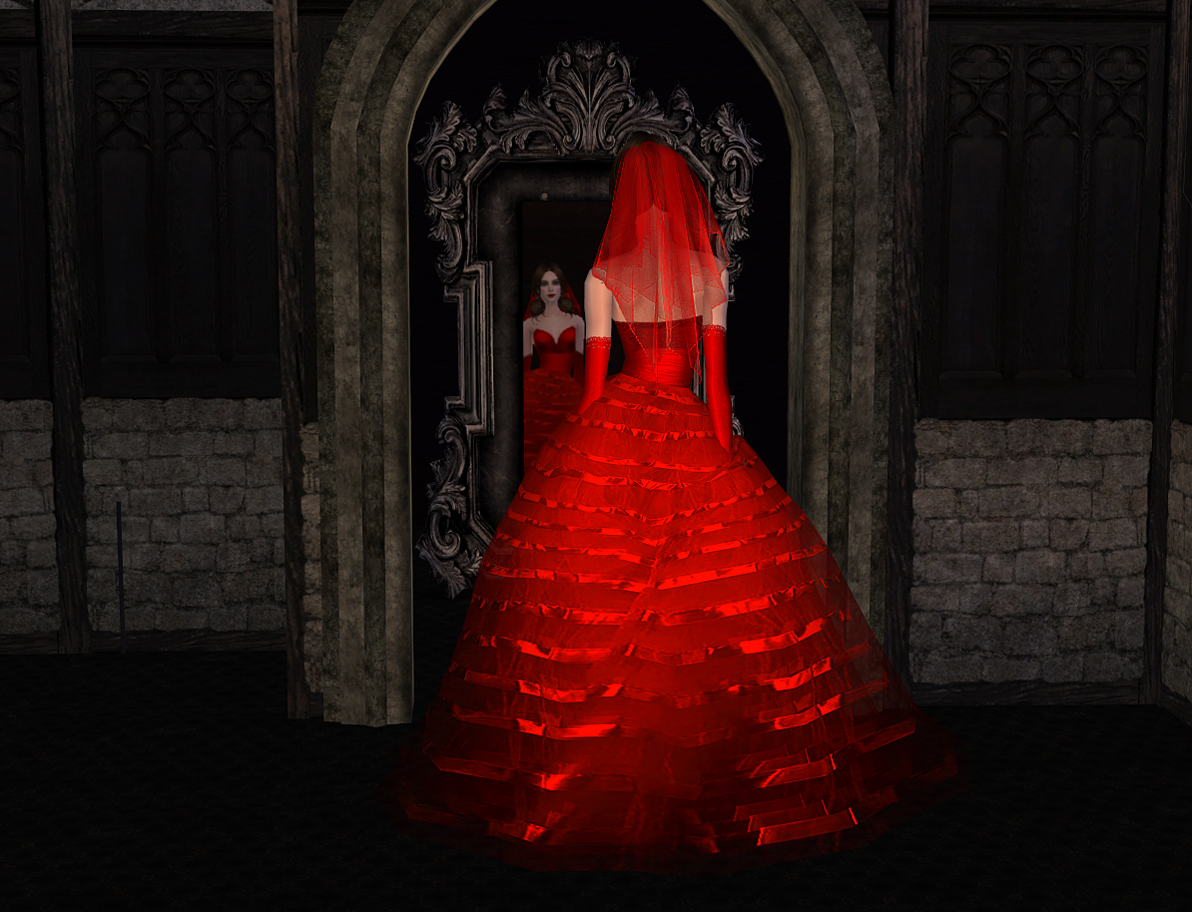
1. Set 06 – 12 recolors (screenshots 02-05)
2. Set 07 – 12 recolors (screenshots 06-09)
3. Set 08 – 13 recolors (screenshots 10-14)
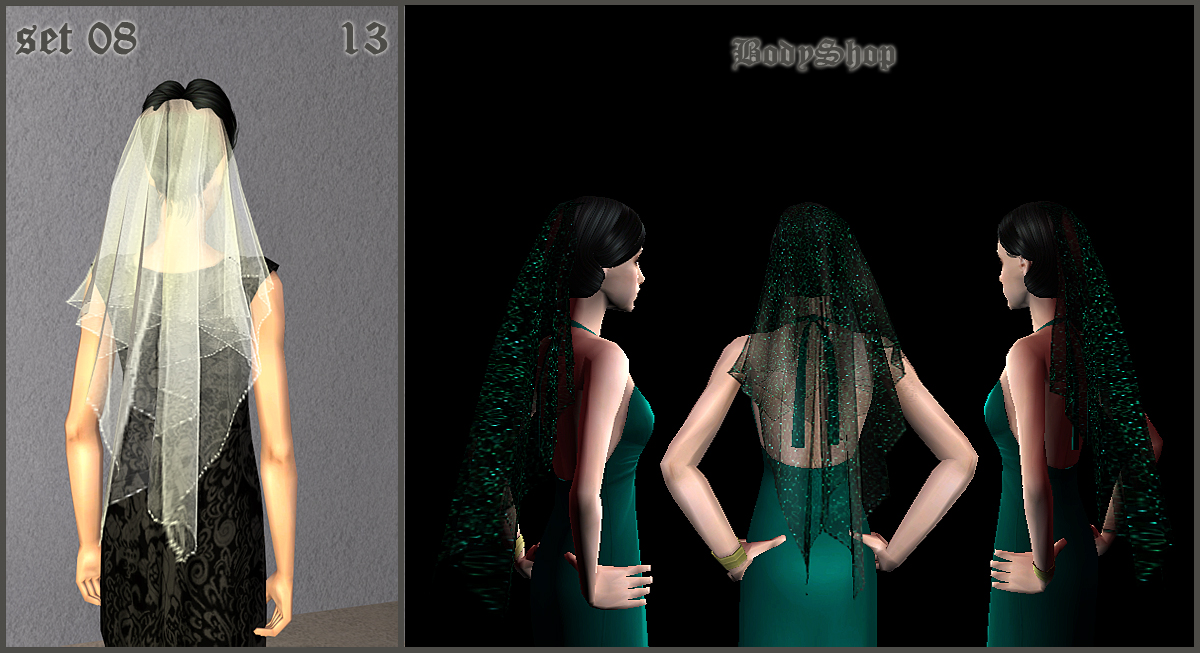
4. Set 09 – 11 recolors (screenshots 15-18)
5. Set 11 – 13 recolors (screenshots 19-23)
6. Set 12 – 11 recolors (screenshots 24-27)
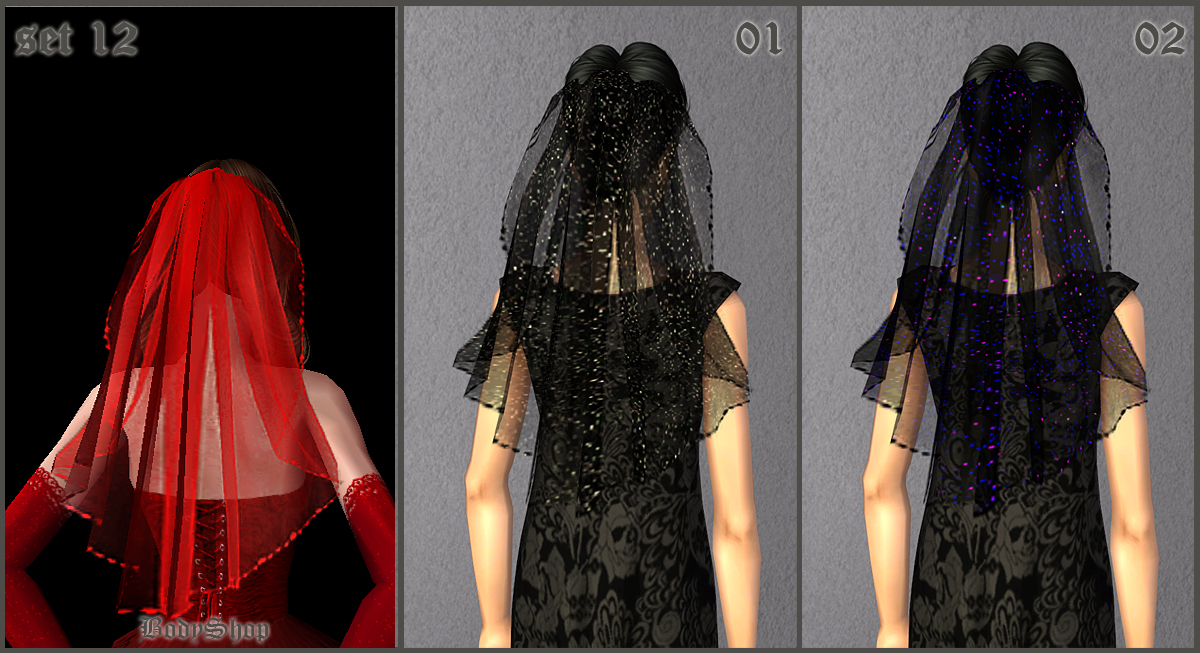
In game
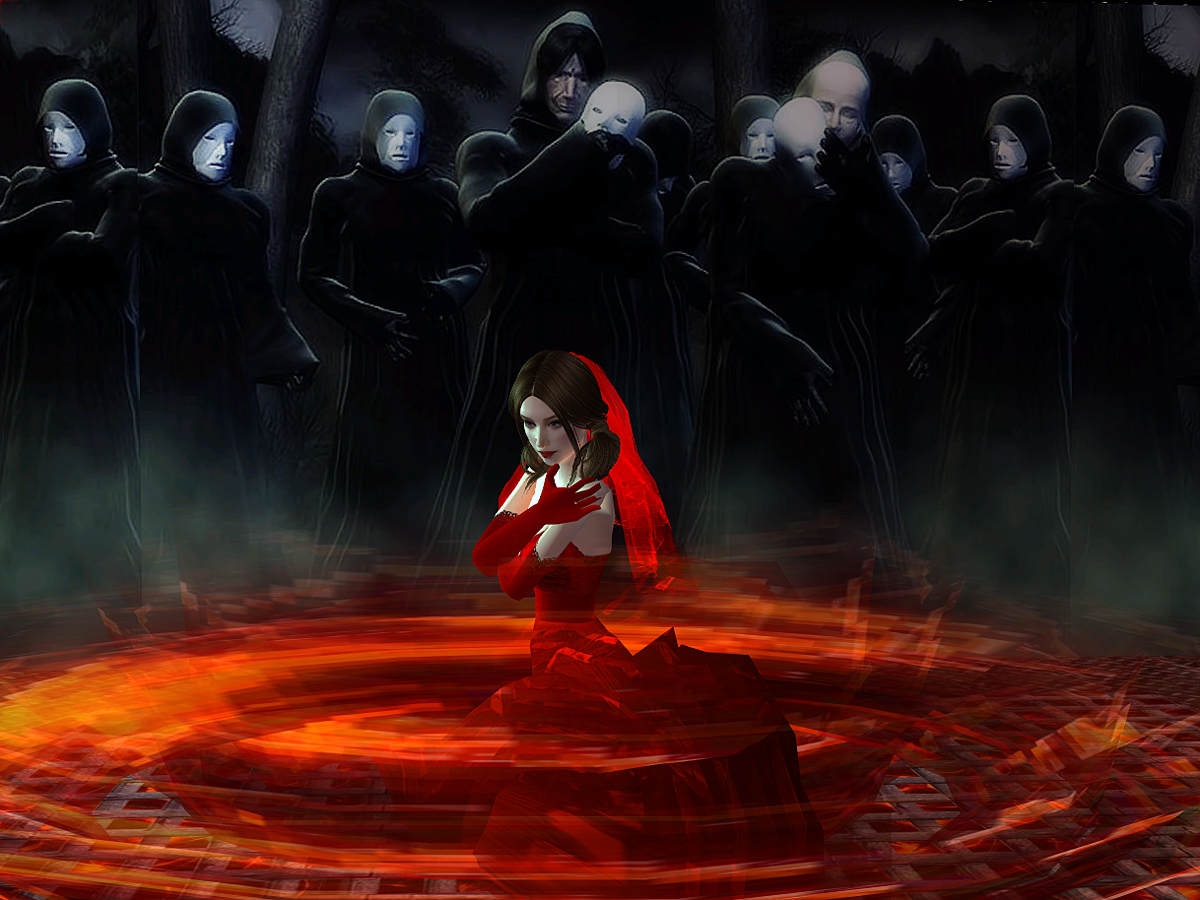
Choose, download and enjoy.
Attention!!!
 About mesh: The mesh is included in *.rar files because there is no other way to get it. This site is not work.
Additional Credits:
Thanks to Peggy for beautiful mesh.
|
Droopsi_CoG_bridal_veil_set_12.rar
Download
Uploaded: 28th Mar 2016, 661.1 KB.
6,736 downloads.
|
||||||||
|
Droopsi_CoG_bridal_veil_set_11.rar
Download
Uploaded: 28th Mar 2016, 691.3 KB.
6,003 downloads.
|
||||||||
|
Droopsi_CoG_bridal_veil_set_09.rar
Download
Uploaded: 28th Mar 2016, 877.1 KB.
6,142 downloads.
|
||||||||
|
Droopsi_CoG_bridal_veil_set_08.rar
Download
Uploaded: 28th Mar 2016, 757.0 KB.
6,430 downloads.
|
||||||||
|
Droopsi_CoG_bridal_veil_set_07.rar
Download
Uploaded: 28th Mar 2016, 247.0 KB.
6,497 downloads.
|
||||||||
|
Droopsi_CoG_bridal_veil_set_06.rar
Download
Uploaded: 28th Mar 2016, 265.3 KB.
8,138 downloads.
|
||||||||
| For a detailed look at individual files, see the Information tab. | ||||||||
Install Instructions
1. Download: Click the download link to save the .rar or .zip file(s) to your computer.
2. Extract the zip, rar, or 7z file.
3. Place in Downloads Folder: Cut and paste the .package file(s) into your Downloads folder:
- Origin (Ultimate Collection): Users\(Current User Account)\Documents\EA Games\The Sims™ 2 Ultimate Collection\Downloads\
- Non-Origin, Windows Vista/7/8/10: Users\(Current User Account)\Documents\EA Games\The Sims 2\Downloads\
- Non-Origin, Windows XP: Documents and Settings\(Current User Account)\My Documents\EA Games\The Sims 2\Downloads\
- Mac: Users\(Current User Account)\Documents\EA Games\The Sims 2\Downloads
- Mac x64: /Library/Containers/com.aspyr.sims2.appstore/Data/Library/Application Support/Aspyr/The Sims 2/Downloads
- For a full, complete guide to downloading complete with pictures and more information, see: Game Help: Downloading for Fracking Idiots.
- Custom content not showing up in the game? See: Game Help: Getting Custom Content to Show Up.
- If you don't have a Downloads folder, just make one. See instructions at: Game Help: No Downloads Folder.
Loading comments, please wait...


Uploaded: 28th Mar 2016 at 7:10 PM
Updated: 28th Mar 2016 at 10:29 PM
-
by pink_pixie 11th Sep 2005 at 8:07pm
 25
20.8k
4
25
20.8k
4
-
-
-
-
-
Fashion story from Heather. Wedding. Charm of Gothic. Veils (part 1)
by Droopsi 1st Apr 2016 at 10:33am
10
44.2k
63
-
Fashion story from Heather. Wedding. Charm of Gothic. Veils (part 2)
by Droopsi 1st Apr 2016 at 6:00pm
4
22.9k
41
-
-
-
by billielith 28th Jan 2022 at 10:55am
4
5k
12

-
Project "Maiden's bedroom " . Part 4. Pillows.
by Droopsi 21st May 2013 at 4:40pm
Hi! The Project "Maiden's bedroom" continues! Now I did caramel and rose-lilac pillows reсolors. more...
17
54.7k
81
-

Project "Maiden's bedroom " . Part 6. Paintings. Table paintings
by Droopsi 25th May 2013 at 4:53am
Hi! The Project "Maiden's bedroom" continues! more...
5
17.5k
42
-
Project "Sims-Santorini". Part 1. Set "Old brick"
by Droopsi 1st Jul 2014 at 8:28pm
Hi! I'm glad to see you again! So, the Project " Sims-Santorini " starting! Now I suggest set "Old brick" to you more...
+1 packs
28 18.7k 67 University
-

-
-


Music - part 3, white maxis guitar recolor
by Droopsi 25th Nov 2012 at 7:29pm
white maxis guitar recolor more...
+1 packs
10 32k 48 University
-
Project "Sims-Santorini". Part 8. Set "Stone"(floors and terrain paints)
by Droopsi 22nd Jul 2015 at 6:35pm
Hi! Now I suggest set "Stone" to you. more...
9
13.8k
37
-
Project "Sims-Santorini". Part 9. Set "Stairs of the old town"
by Droopsi 22nd Jul 2015 at 7:05pm
Hi! I always wanted to have the old stairs in my game. That was such as floors. So I decided to make them. more...
+1 packs
21 33.5k 82 University
-

-


About Me
1. About Sims, lots
You can use them as you like. But:
- Do not give as your own works
- Do not use for downloads and presentation of your work on paid sites
- If possible indicate author
Links
http://www.modthesims.info/member.php?u=4656481
2. About reсolors, walls and floors
I do texture for my work independently. I do it, by spending on each of them a lot of my time and forces. Therefore, I believe that my textures have the same rights as objects made by other creators.
Unfortunately, I often see my textures used on objects of other creators without indication of my authorship. Basically it concerns to the conversions from TS2 to TS3. At the best, it is indicated that it is converting from sims2. This is incorrect. I explain..
When you converting objects from TS2 to TS3 you wasting your labor to work with the mesh. My textures are ready for use (partially or completely) irrespective of the version of the game. Therefore, before you use my textures, you must review my conditions:
- Do not give as your own works
- Do not use for downloads and presentation of your work on paid sites
- Indicate my authorship as follows:
Author of textures - Droopsi
http://www.modthesims.info/member.php?u=4656481
Exactly these words. Just so and not otherwise. If you do not agree with my terms and conditions – OK. Refrain from using my textures and make the textures independently. Try it, this is very interesting, and I'm sure that all will turn!
Regards Droopsi.
Friends, I am from Russia. English is not my native language. Advance I am sorry for the delays and errors in replies.