
 Sign in to Mod The Sims
 Lots of Spots - Custom Pet Markings
 Lots of Spots - Custom Pet Markings


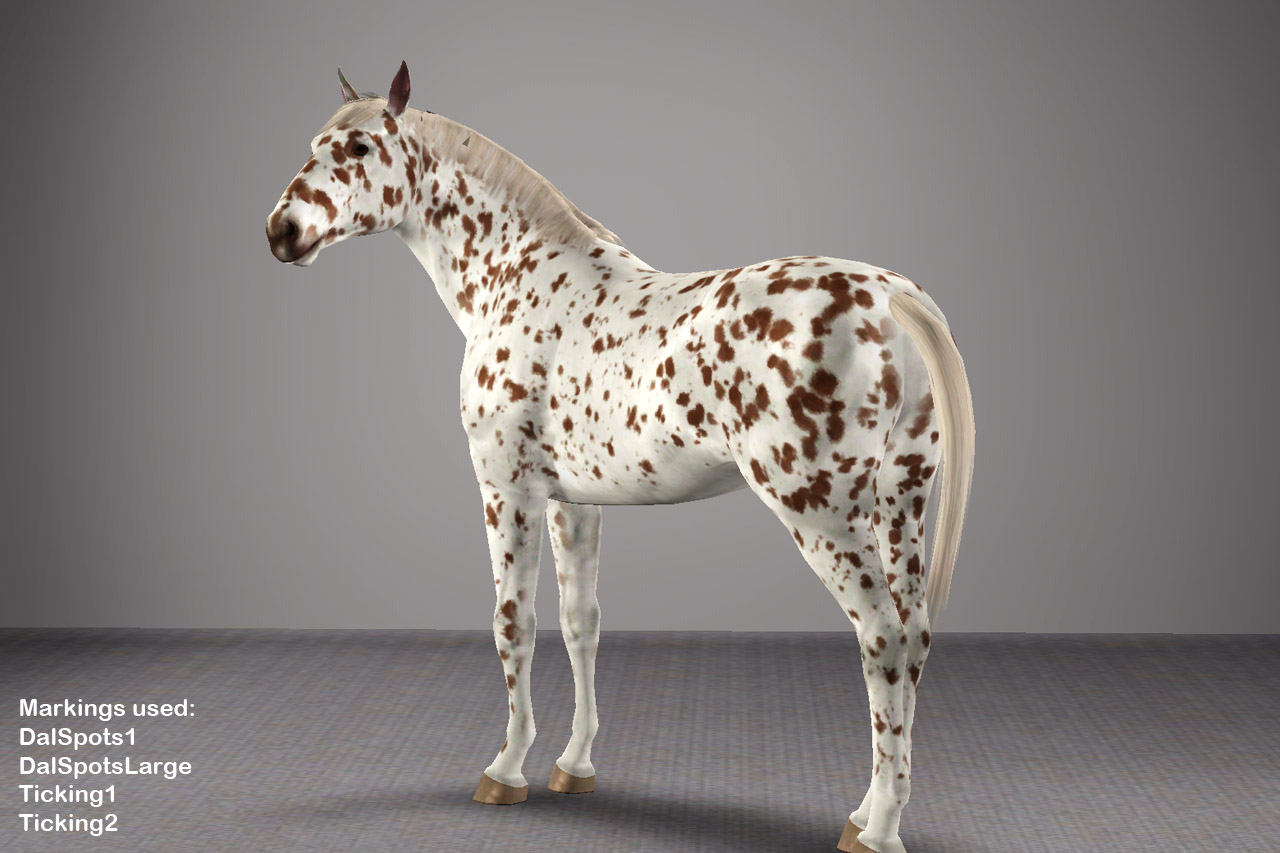
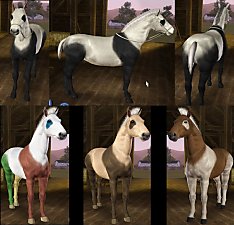
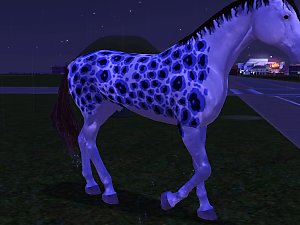
Appaloosa ingame.jpg - width=1280 height=853
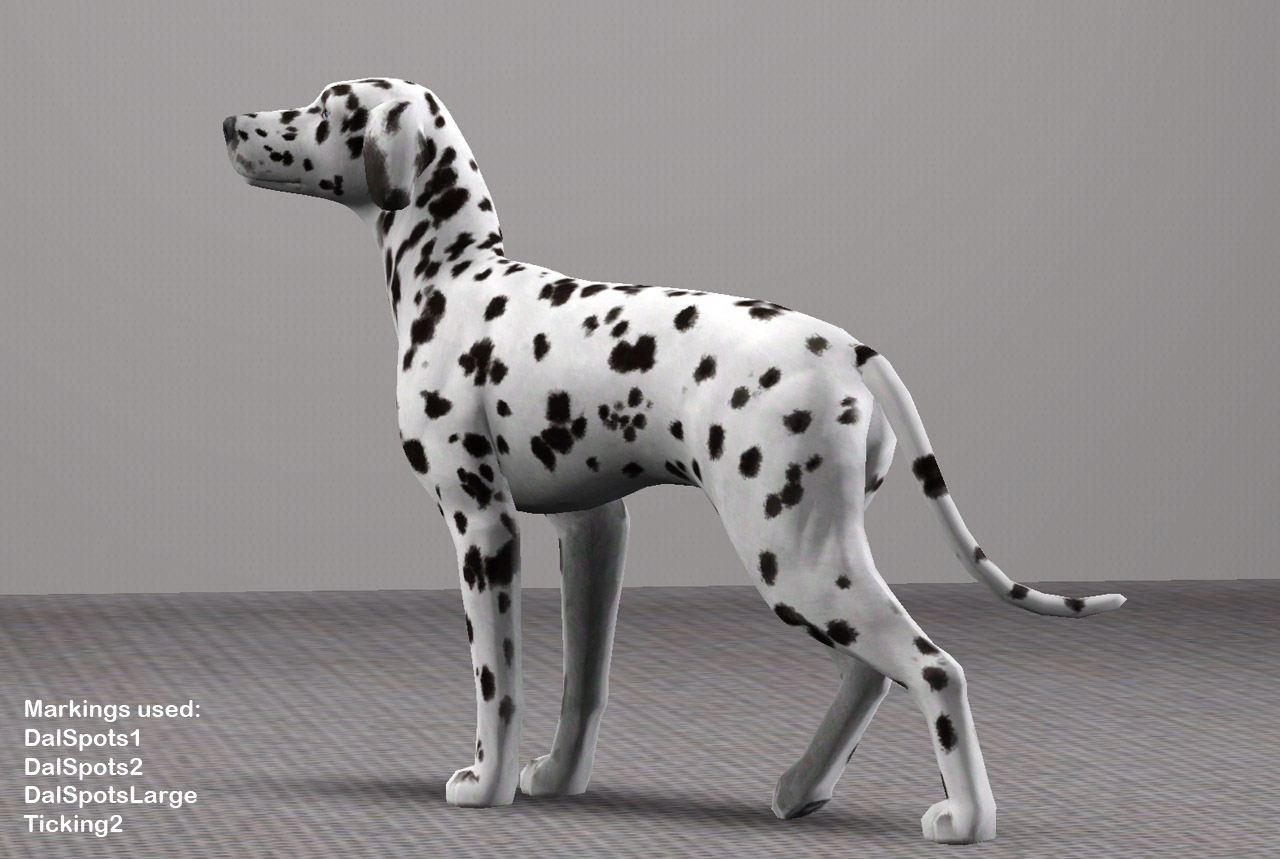
Dal ingame.jpg - width=1280 height=859
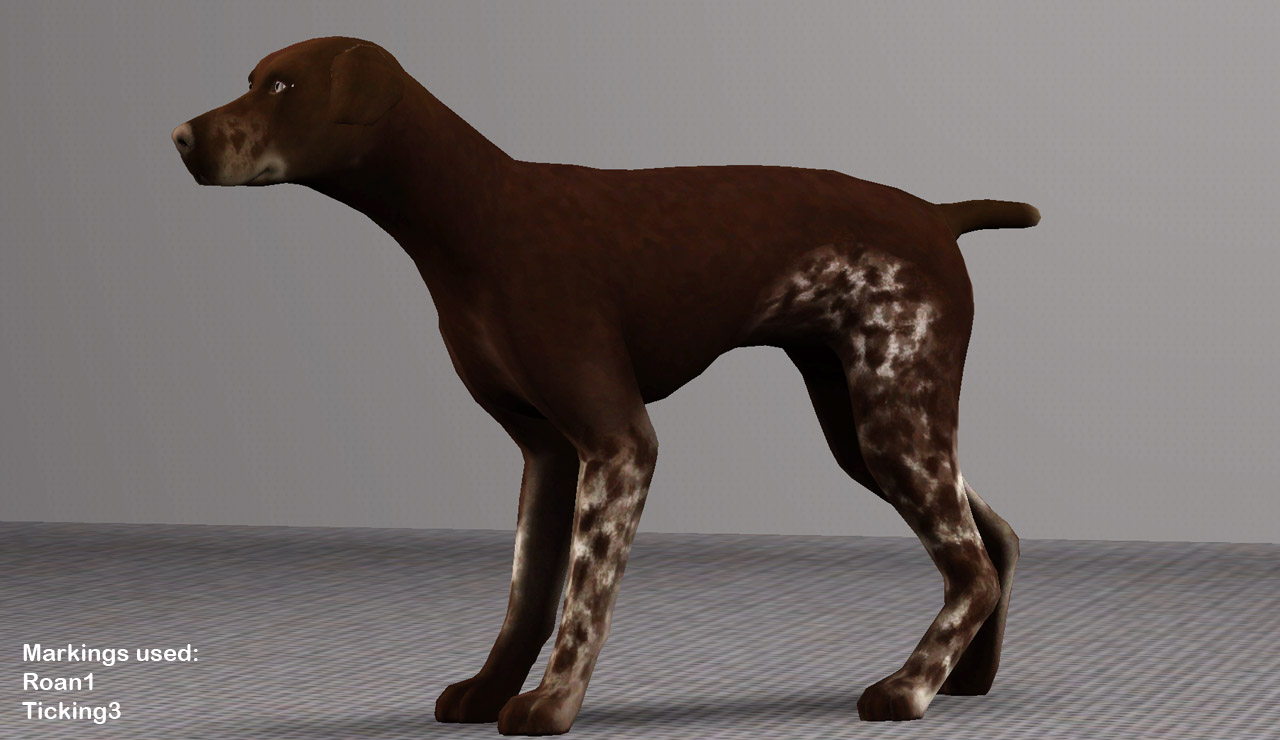
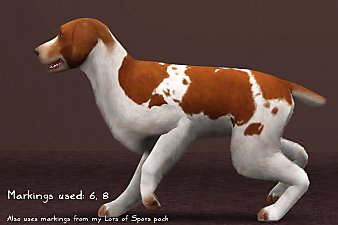
GSP ingame.jpg - width=1280 height=740
DalSpots1.jpg - width=1061 height=742
DalSpotsLarge.jpg - width=957 height=661
Roan1.jpg - width=1001 height=714
TIcking1.jpg - width=942 height=633
TIcking2.jpg - width=996 height=711
Ticking3.jpg - width=994 height=642
DalSpots2.jpg - width=1100 height=769
thumb.jpg - width=829 height=829



All markings are available for cats, dogs, and horses, so no-one feels left out. Markings have one recolourable channel, except for Ticking3, which has two channels.
How to install
Install these as you would any package file. They will appear in the markings section of Create-a-Pet
Terms of use
You may:
- Use these markings in your pictures and stories. A small link and credit would be greatly appreciated, but is not required
- Upload pets created with these markings to free sites only, with link to this page and a credit
You may not:
- Steal by claiming as your own, reuploading them anywhere, or by filesharing
- Clone or modify these markings in any way
- Package these markings with pet uploads. For pet uploads, please link to this page.
Want to make your own markings?
Head over to my newly created Custom Pet Markings Tutorial.
Additional Credits:
Created with: S3PE S3OC Adobe Photoshop CS5
|
PharaohHound_LotsofSpots.zip
Download
Uploaded: 24th Feb 2012, 1.42 MB.
39,816 downloads.
|
||||||||
| For a detailed look at individual files, see the Information tab. | ||||||||
Install Instructions
1. Click the download button, or the filename, to download the file to your computer.
2. Extract the zip, rar, or 7z file. Now you will have either a .package or a .sims3pack file.
For Package files:
1. Cut and paste the file into your Documents\Electronic Arts\The Sims 3\Mods\Packages folder. If you do not already have this folder, you should read the full guide to Package files first: Sims 3:Installing Package Fileswiki, so you can make sure your game is fully patched and you have the correct Resource.cfg file.
2. Run the game, and find your content where the creator said it would be (build mode, buy mode, Create-a-Sim, etc.).
For Sims3Pack files:
1. Cut and paste it into your Documents\Electronic Arts\The Sims 3\Downloads folder. If you do not have this folder yet, it is recommended that you open the game and then close it again so that this folder will be automatically created. Then you can place the .sims3pack into your Downloads folder.
2. Load the game's Launcher, and click on the Downloads tab. Find the item in the list and tick the box beside it. Then press the Install button below the list.
3. Wait for the installer to load, and it will install the content to the game. You will get a message letting you know when it's done.
4. Run the game, and find your content where the creator said it would be (build mode, buy mode, Create-a-Sim, etc.).
Extracting from RAR, ZIP, or 7z: You will need a special program for this. For Windows, we recommend 7-Zip and for Mac OSX, we recommend Keka. Both are free and safe to use.
Need more help?
If you need more info, see:
- For package files: Sims 3:Installing Package Fileswiki
- For Sims3pack files: Game Help:Installing TS3 Packswiki
Loading comments, please wait...



-
Inscrutable Eyes for Cats(Default)
by cmomoney 28th Nov 2011 at 9:18pm
 +1 packs
35 71.3k 182
 Pets
Create-A-Pet » Genetics » Cats
-
by AdonisPluto 29th Nov 2011 at 4:46pm
-
by tachyglossus 7th Mar 2012 at 1:35pm
+1 packs
8 19.5k 18 Pets
-
Stupendous Splotches - 9 Markings
by PharaohHound 11th Mar 2012 at 1:20pm
+1 packs
29 148.8k 219 Pets
-
by PharaohHound 30th Apr 2012 at 4:58pm
+1 packs
33 104.2k 209 Pets
-
Fetching Dog Eye Default Replacements + Dog Eye Fix
by traelia 17th Aug 2012 at 7:25pm
+1 packs
39 92.5k 297 Pets
Create-A-Pet » Genetics » Dogs
-
-
-
by aspenrose 31st Jul 2023 at 10:06pm
+1 packs
4 4k 25 Pets
Create-A-Pet » Genetics » Cats
-



-
The ultimate terrier collection (Part 1)
by PharaohHound 20th Feb 2009 at 7:44pm
Well, maybe not quite "ultimate", but I've included just about all the "simable" breeds that I haven't made already. more...
-
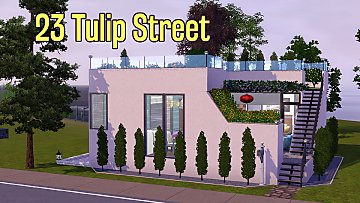
by PharaohHound 3rd Oct 2016 at 11:36pm
The second in my series of small modern houses, 23 Tulip Street offers a couple unique features which make it more...
+3 packs
12.6k 44 Generations
Pets
 Seasons
-
I Feel Shingled Out - Fancy Victorian Shingles
by PharaohHound 13th Mar 2017 at 2:09am
As a great lover of not only Victorian style architecture but also wooden shingles, the complete lack of fancy cut more...
14
19.8k
99
-
Blueberry Hill - Low-CC Victorian charmer
by PharaohHound 21st Apr 2016 at 6:07pm
Blueberry hill is a beautiful little Victorian which features a huge, lush, fully-lanscaped garden. more...
+2 packs
1 13.3k 22 Pets
 Supernatural
-

by PharaohHound 17th May 2013 at 2:17pm
What's black and white and sweet inside? more...
-
by PharaohHound 27th Feb 2014 at 11:26pm
It's long overdue for me to upload the dog I actually own! more...
-
by PharaohHound 22nd Jul 2013 at 9:43pm
Agent Scully's Pomeranian, Queequeg more...
-
by PharaohHound 13th Jun 2013 at 7:58pm
For the cowboy sim in all of us more...
-
by PharaohHound 28th Mar 2013 at 1:00am
Two Dobies looking for some lovin' more...
-
by PharaohHound 30th Apr 2012 at 4:58pm
Deck your roan horses out in style! more...
+1 packs
33 104.2k 209 Pets


Packs Needed
| Expansion Pack | |
|---|---|
 | Pets |
About Me
I'm pretty chill about stuff overall, with some boundaries:
- Please do not reupload my content unmodified anywhere else.
- Do not include my content with lots.
- Don't use any of my content as a base (including pets) or as CC (e.g. patterns used in a lot) in uploads for pay/donation
- If using my pets as a base, please credit me and link back to the original post
- If in the future I create any items worth recolouring, I welcome recolours provided they respect the previous policies.