
 Sign in to Mod The Sims
 Birch House
 Birch House
SCREENSHOTS


11.jpg - width=1024 height=768
12.jpg - width=1024 height=768
13.jpg - width=1024 height=768
14.jpg - width=1024 height=768
15.jpg - width=1024 height=768
16.jpg - width=1024 height=768
17.jpg - width=1024 height=768
18.jpg - width=1024 height=768
Downloaded 3,844 times
173 Thanks
20 Favourited
19,599 Views
Say Thanks!
Thanked!

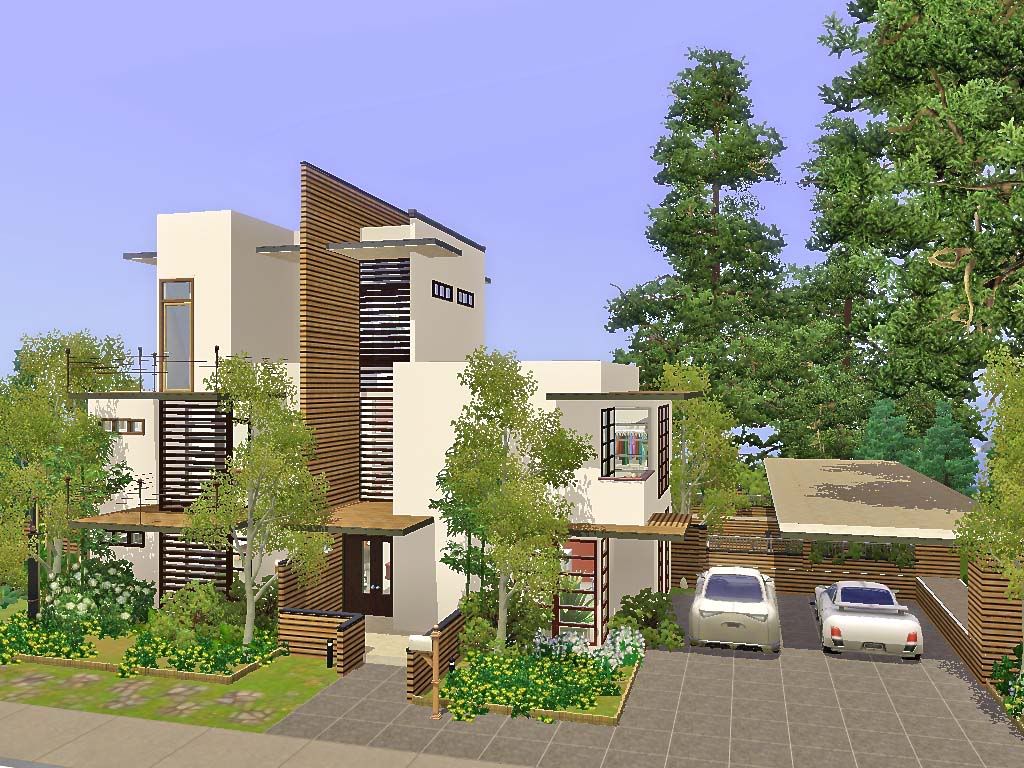
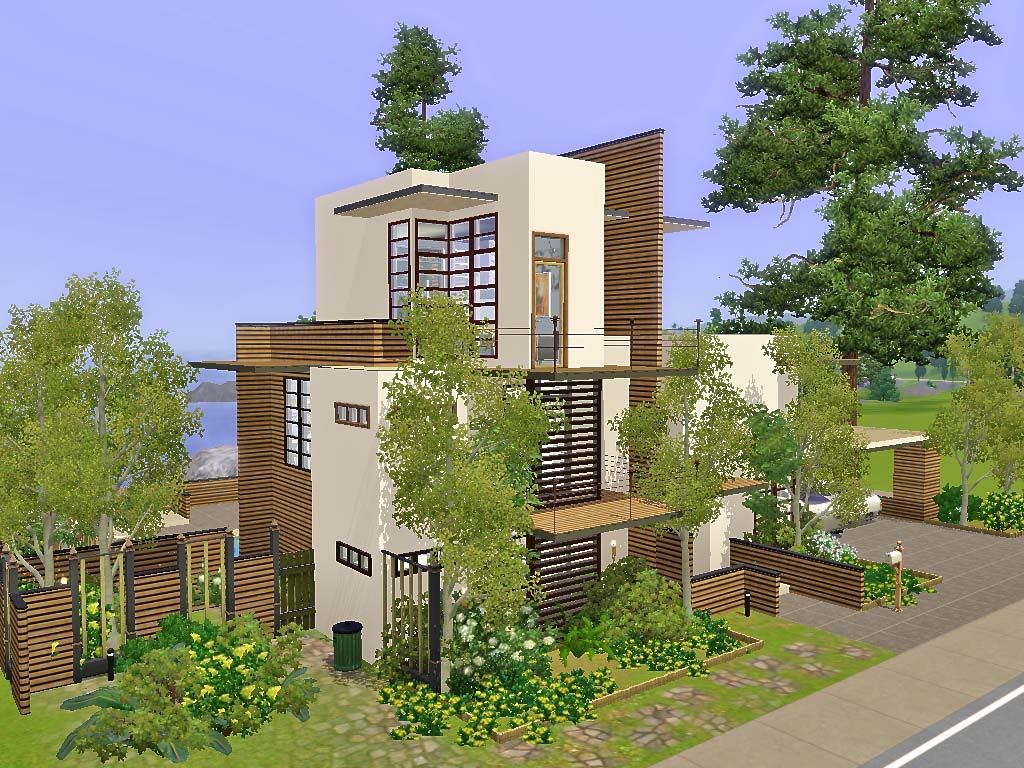
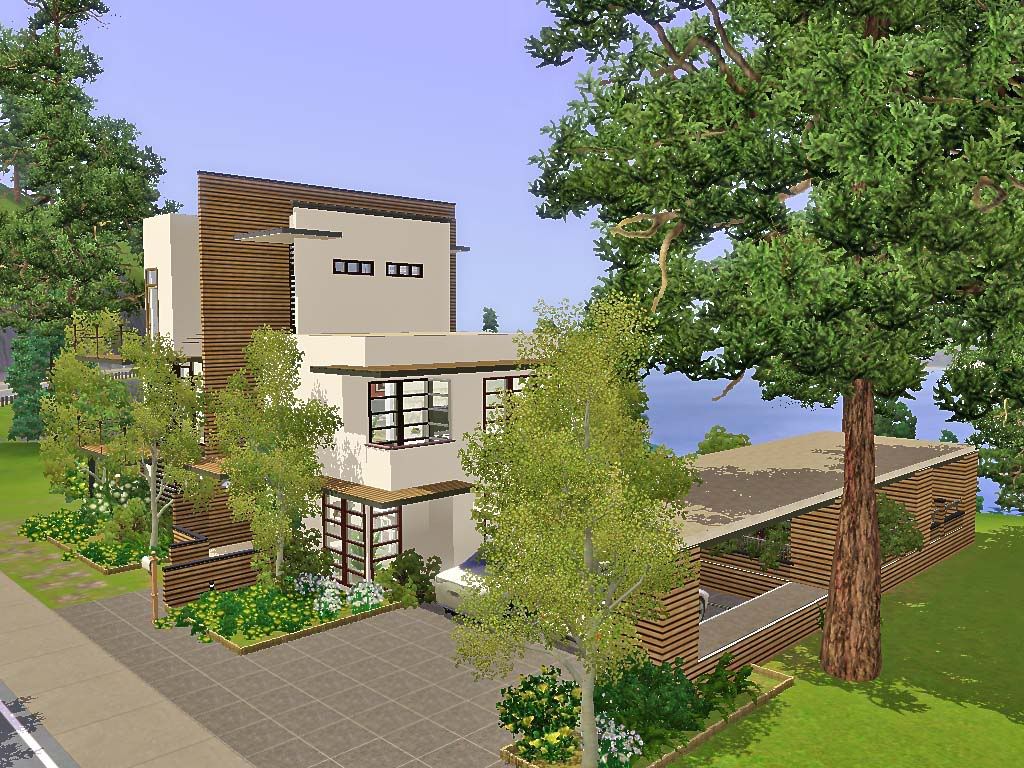
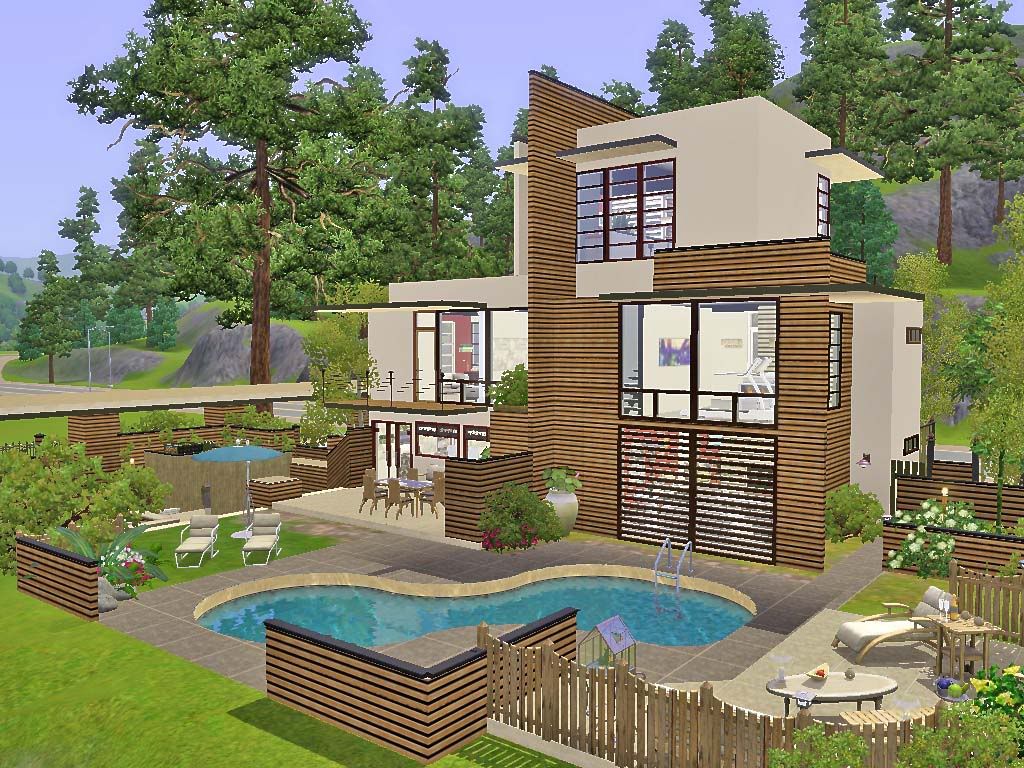
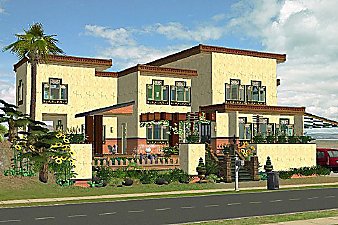
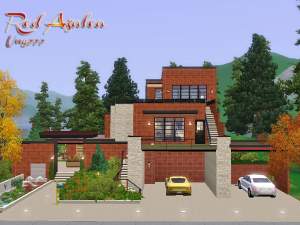
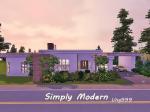
A small modern 3-story building with three beds and three baths (inclduing an outdoor shower area), a large backyard perfects for family gathering and party holding.
All living facilities on the main floor, master suite on the second floor and the other two beds on the third floor.
Requires: all EPs and SPs up to Late Night and Outdoor Living
Price Unfurisned:106,458
Price furnished: 173,956 (cars not included)
Lot Size: 30x25
Lot Size: 2x3
Lot Price: 173,956
Custom Content by Me:
- Category: Wood (Pattern-Wood 06)
- Golden Poppy I (Painting)
- Golden Poppy II (Painting)
Custom Content Included:
- Modern Window Set - V6 by denizzo_ist
Additional Credits:
denizzo_ist for the modern window
All living facilities on the main floor, master suite on the second floor and the other two beds on the third floor.
Requires: all EPs and SPs up to Late Night and Outdoor Living
Price Unfurisned:106,458
Price furnished: 173,956 (cars not included)
Lot Size: 30x25
Lot Size: 2x3
Lot Price: 173,956
Custom Content by Me:
- Category: Wood (Pattern-Wood 06)
- Golden Poppy I (Painting)
- Golden Poppy II (Painting)
Custom Content Included:
- Modern Window Set - V6 by denizzo_ist
Additional Credits:
denizzo_ist for the modern window
Advertisement:
|
Birch House .rar
Download
Uploaded: 8th Apr 2011, 2.86 MB.
3,843 downloads.
|
||||||||
| For a detailed look at individual files, see the Information tab. | ||||||||
Install Instructions
Quick Guide:
1. Click the filename or the download button to download the file to your computer.
2. Extract the zip, rar, or 7z file.
2. Select the .sims3pack file you got from extracting.
3. Cut and paste it into your Documents\Electronic Arts\The Sims 3\Downloads folder. If you do not have this folder yet, it is recommended that you open the game and then close it again so that this folder will be automatically created. Then you can place the .sims3pack into your Downloads folder.
5. Load the game's Launcher, and click on the Downloads tab. Select the house icon, find the lot in the list, and tick the box next to it. Then press the Install button below the list.
6. Wait for the installer to load, and it will install the lot to the game. You will get a message letting you know when it's done.
7. Run the game, and find your lot in Edit Town, in the premade lots bin.
Extracting from RAR, ZIP, or 7z: You will need a special program for this. For Windows, we recommend 7-Zip and for Mac OSX, we recommend Keka. Both are free and safe to use.
Need more help?
If you need more info, see Game Help:Installing TS3 Packswiki for a full, detailed step-by-step guide!
1. Click the filename or the download button to download the file to your computer.
2. Extract the zip, rar, or 7z file.
2. Select the .sims3pack file you got from extracting.
3. Cut and paste it into your Documents\Electronic Arts\The Sims 3\Downloads folder. If you do not have this folder yet, it is recommended that you open the game and then close it again so that this folder will be automatically created. Then you can place the .sims3pack into your Downloads folder.
5. Load the game's Launcher, and click on the Downloads tab. Select the house icon, find the lot in the list, and tick the box next to it. Then press the Install button below the list.
6. Wait for the installer to load, and it will install the lot to the game. You will get a message letting you know when it's done.
7. Run the game, and find your lot in Edit Town, in the premade lots bin.
Extracting from RAR, ZIP, or 7z: You will need a special program for this. For Windows, we recommend 7-Zip and for Mac OSX, we recommend Keka. Both are free and safe to use.
Need more help?
If you need more info, see Game Help:Installing TS3 Packswiki for a full, detailed step-by-step guide!
Advertisement:
Loading comments, please wait...
Author



Download Details
Packs:


 + 3 SPs

 View with Names
Uploaded: 8th Apr 2011 at 3:04 AM


 + 3 SPs


Uploaded: 8th Apr 2011 at 3:04 AM
Number of bedrooms:
– 3 Bedrooms
Custom Content Included:
– Build and Buy Mode Content
: Furniture, decorations, etc.
Furnishings:
– Fully Furnished
: Lot is completely decked out in furnishings
Special Flags:
– Not Applicable
Tags
Other Download Recommendations:
-
by baby_freak_angel 2nd Sep 2009 at 5:26pm
 2
5.2k
2
2
5.2k
2
-
-
-
-
-
-
-
-
-


More downloads by ung999:
See more
-
-
-
-
-
-
-
by ung999 6th Jul 2012 at 5:34am
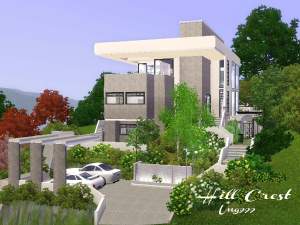
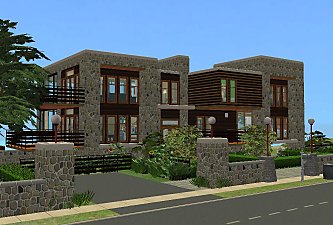
This lot built at the steep hillside opposite the junction to Landgraab Industries Science Facility (Fishing Soot)- Sunset Valley. more...
+11 packs
21 31.5k 43 World Adventures
 High-End Loft Stuff
 Ambitions
 Fast Lane Stuff
 Late Night
 Outdoor Living Stuff
 Generations
 Town Life Stuff
 Master Suite Stuff
 Pets
Pets
 Showtime
-
-
-


Packs Needed
| Base Game | |
|---|---|
| Sims 3 |
| Expansion Pack | |
|---|---|
| Ambitions |
| Late Night |
| Stuff Pack | |
|---|---|
| High-End Loft Stuff |
| Fast Lane Stuff |
| Outdoor Living Stuff |