Sign in to Mod The Sims
 !ZOMG! 8 Multicolored Eye Default Replacements
 !ZOMG! 8 Multicolored Eye Default Replacements


OMG eyes.jpg - width=713 height=835
Flames sample.jpg - width=1122 height=912
maxissample.jpg - width=503 height=766
PSily sample.jpg - width=886 height=683
smoother sample.jpg - width=850 height=548
omg swatches.jpg - width=579 height=401
Each eye is a realistic scan of multicolored, or 3 toned colored, Just look at the pics to see what I mean.
******* THESE ARE DEFAULT EYES REPLACEMENTS! YOU SHOULD ONLY CHOOSE ONE OF THE EYES BELOW *******
******* The images inline were taken using a sim with really exaggeratedly huge eyes, They are not all actually that huge! The size varies with YOUR sims eyes! >> I << just always manage to get pix of my sims making crazy faces! The eyes are not actually elongated in game! I also used LIGHTER SHADES of the colors to show the details of the eyes, they range with the CAS light-dark slider very well!! *******
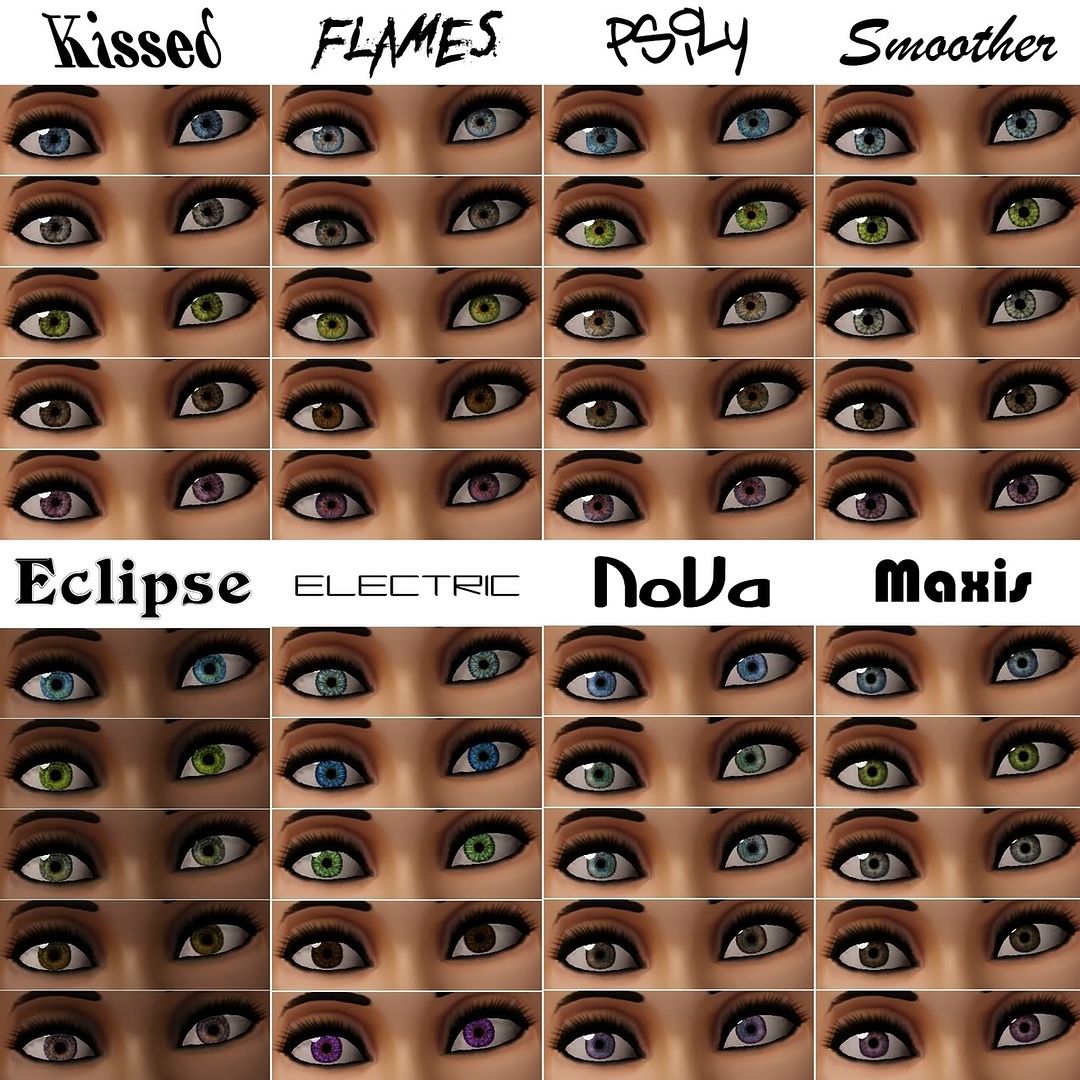
KISSED: A chaotic mix of two colors "kissed" with highlights.
FLAMES: My favorite of all! Two toned with reddish accents, shaded & highlighted, and realistic. Looks amazing in game!
PSILY: Ever see the movie "PS: I love you" ? Yeah, me either, but for some reason, that's the name I gave this eye. Shaded and Highlighted, as most.
SMOOTHER: A smoother version of my first TS3 Eye set. I softened the edges and desaturated the color, also enlarged the pupil.
ECLIPSE: Aptly named, the center of this eye is reminiscent of a solar eclipse, these will change from 2 toned to multicolored depending on the shade you use.
ELECTRIC: Kinda looks like lightning bolts in water, if you can imagine that! Toned or Multicolored depending on the shade you use.
NOVA: Reminiscent of a young supernova near the pupil, these are my second favorite. Fantastic in game, They are truly multicolored no matter what shade you use. Darker shades will of course be less noticeable.
MAXIS: Self explanatory. I know some folks have already made maxis match eye sets, I only provide another alternative. All I did to these were make them smaller, add multicolored tones, darkened the line of the iris and highlighted the color around the pupil. These also look great in game.
Thanks & Enjoy!
|
PSily.zip
Download
Uploaded: 26th Sep 2011, 2.42 MB.
1,207 downloads.
|
||||||||
|
PSily.zip
Download
Uploaded: 26th Sep 2011, 2.42 MB.
1,544 downloads.
|
||||||||
|
Smoother.zip
Download
Uploaded: 26th Sep 2011, 2.42 MB.
1,887 downloads.
|
||||||||
|
Nova.zip
Download
Uploaded: 26th Sep 2011, 2.42 MB.
1,910 downloads.
|
||||||||
|
Maxis.zip
Download
Uploaded: 26th Sep 2011, 2.41 MB.
1,956 downloads.
|
||||||||
|
Kissed.zip
Download
Uploaded: 26th Sep 2011, 2.42 MB.
1,931 downloads.
|
||||||||
|
Flames.zip
Download
Uploaded: 26th Sep 2011, 2.42 MB.
2,339 downloads.
|
||||||||
|
Electric.zip
Download
Uploaded: 26th Sep 2011, 2.41 MB.
2,278 downloads.
|
||||||||
|
Eclipse.zip
Download
Uploaded: 26th Sep 2011, 2.41 MB.
2,214 downloads.
|
||||||||
| For a detailed look at individual files, see the Information tab. | ||||||||
Install Instructions
1. Click the download button, or the filename, to download the file to your computer.
2. Extract the zip, rar, or 7z file. Now you will have either a .package or a .sims3pack file.
For Package files:
1. Cut and paste the file into your Documents\Electronic Arts\The Sims 3\Mods\Packages folder. If you do not already have this folder, you should read the full guide to Package files first: Sims 3:Installing Package Fileswiki, so you can make sure your game is fully patched and you have the correct Resource.cfg file.
2. Run the game, and find your content where the creator said it would be (build mode, buy mode, Create-a-Sim, etc.).
For Sims3Pack files:
1. Cut and paste it into your Documents\Electronic Arts\The Sims 3\Downloads folder. If you do not have this folder yet, it is recommended that you open the game and then close it again so that this folder will be automatically created. Then you can place the .sims3pack into your Downloads folder.
2. Load the game's Launcher, and click on the Downloads tab. Find the item in the list and tick the box beside it. Then press the Install button below the list.
3. Wait for the installer to load, and it will install the content to the game. You will get a message letting you know when it's done.
4. Run the game, and find your content where the creator said it would be (build mode, buy mode, Create-a-Sim, etc.).
Extracting from RAR, ZIP, or 7z: You will need a special program for this. For Windows, we recommend 7-Zip and for Mac OSX, we recommend Keka. Both are free and safe to use.
Need more help?
If you need more info, see:
- For package files: Sims 3:Installing Package Fileswiki
- For Sims3pack files: Game Help:Installing TS3 Packswiki
Loading comments, please wait...
Uploaded: 26th Sep 2011 at 7:55 PM
Updated: 27th Oct 2011 at 1:01 AM
#eyes, #realistic, #multicolor, #multicolored, #maxis, #matching, #photoscanned
-
-
Triple Eye Default Replacements - clear & radiant styles
by icedmango 7th Jul 2009 at 5:06pm
-
Multifoiled - Smaller Default Eyes with Subtle Color Variations
by aikea guinea 5th Oct 2009 at 11:49pm
-
Luminous eyes - Default Replacements
by -Shady- 11th Jan 2010 at 2:15pm
-
discreet eyes - Default Replacement
by -Shady- 20th Jul 2010 at 11:45pm
-
: Oasis Eyes : Default Replacements
by EccentricSims 2nd Jan 2011 at 2:05am
-
Intuition Eyes TS3 Default Replacements.
by Goldeneyes 10th Jan 2011 at 8:46pm
-
Ultimate Realism eyes - as contacts and defaults!
by Arisuka 28th Jan 2011 at 12:14am
-
The Sorcerer's Soul -Ultra realistic non-default eyes-
by Vampire_aninyosaloh 11th Jul 2011 at 4:46am
-
Tenti Oculos - Multicolored SUPER realistic eyes.
by SimRivers 4th May 2012 at 11:29pm


-
The Swank Shack 1br,1ba (trailer style)
by SimRivers 17th May 2012 at 3:55pm
For the high maintenance single sim. more...
 +3 packs
5 13.1k 17
+3 packs
5 13.1k 17 Ambitions
 Generations
 Pets
Pets
-
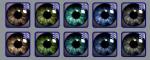
Realistic eyes & sclera (now with defaults!)
by SimRivers 18th Sep 2008 at 3:57am
*****UPDATE AGAIN!***** Thanks for reminding me that MediaFire blows, so for the defaulted version, please refer to the newest more...
-
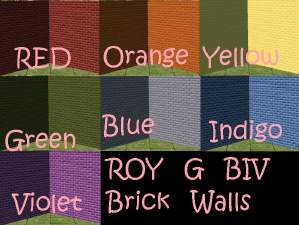
Roy G Biv Brick walls (+2 bonus wall packs- 20 in all)
by SimRivers 30th Jun 2008 at 2:01am
I've been making walls and floors for a while, but it's never good enough (sob).. more...
 6
10.5k
4
6
10.5k
4
-
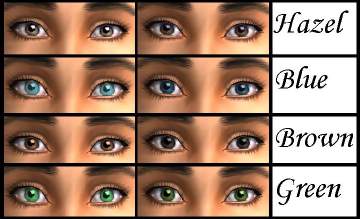
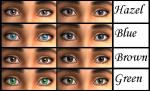
The "Man on the Moon" is in your Sims' eyes
by SimRivers 3rd Jul 2008 at 7:31am
***********PLEASE upload the correct dark brown file!!*********** :alarm: CORRECTION!- The original dark brown was the wrong file, apparently more...
-
-
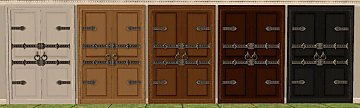
Oodles of Random Recolors Pt.5
by SimRivers 22nd Sep 2008 at 8:08pm
I took a break from uploading these to upload eyes, but here we go.. more...
23
31.2k
61
-
-
*FIXED* Mariana's Natural Eyes - Colorful or not
by SimRivers updated 27th Oct 2011 at 12:47am
DEFAULT REPLACEMENTS more...
-
-
Cream Soda Loft with Garage (a starter home)
by SimRivers 16th May 2012 at 3:05pm
Cute spacious loft, 1bath. more...
11
31.1k
44