
 Sign in to Mod The Sims
 Brandi Updo Hair - Teen to Elder
 Brandi Updo Hair - Teen to Elder


RecolourAreas.jpg - width=1036 height=737
Recolour Regions
HairCatalogueShot.jpg - width=1036 height=606
Hair location and icon in the catalogue.
OutdoorLighting.jpg - width=912 height=730
Very High Quality mesh in outdoor lighting at 8am.
Front.jpg - width=912 height=730
Side.jpg - width=912 height=730
Back.jpg - width=912 height=730
Collage.jpg - width=1246 height=1024
(This is probably version 12 or something silly like that.)
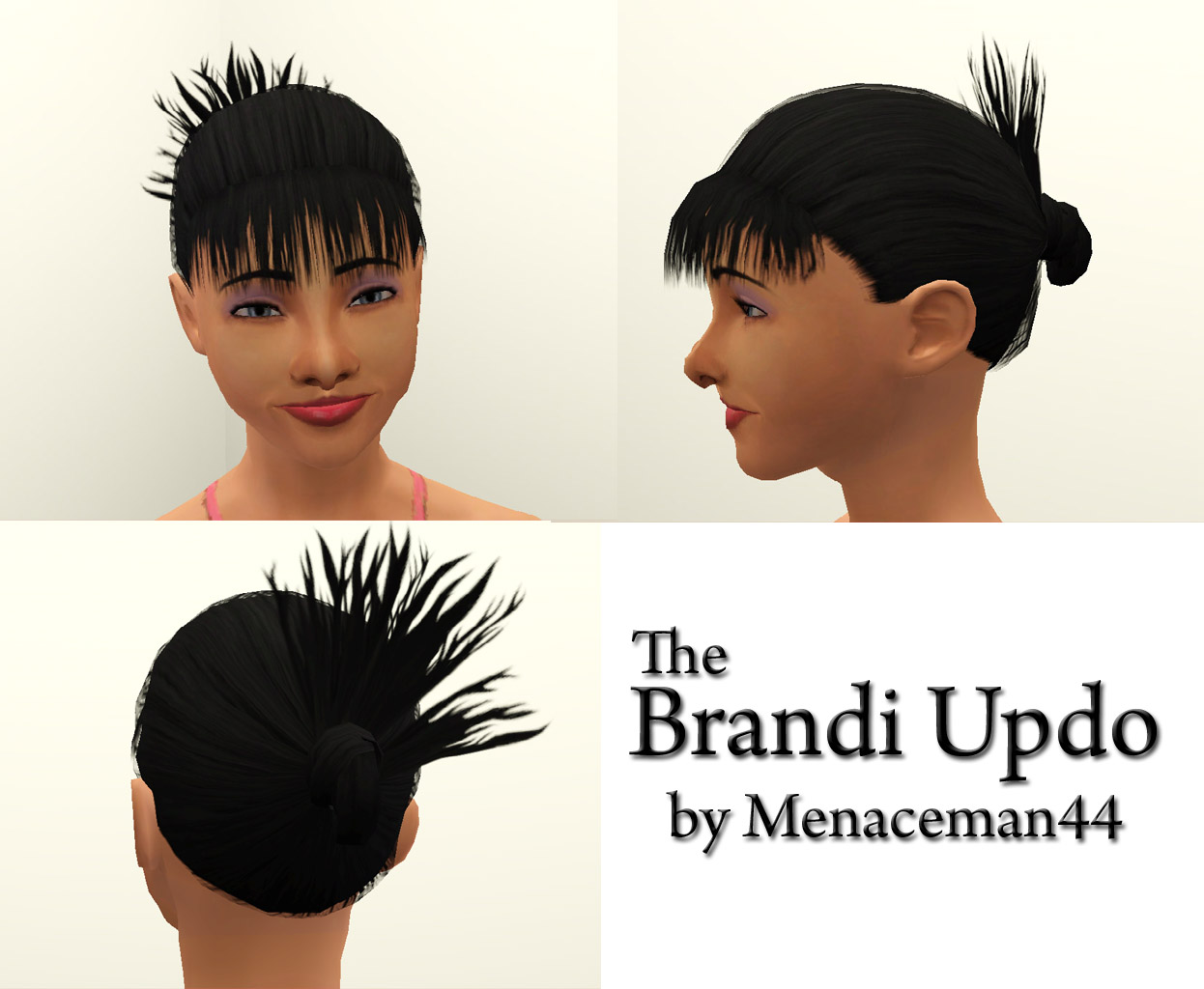
It is available for female Sims from Teen through to Elder and should be available in all approriate clothing catagories, including Nude for showering and bathing.
I have tried my best to make the textures as crisp as possible although they still appear slightly blurry at certain angles. Although they are no more blurry than the three EA originals that this hair is frankensteined from. I believe it may simply be my graphics card as I play on a laptop. The textures appear perfectly crisp in both CTU and TSR Workshop.
For more shots please see the attachments below. And yes, the Sim in the screenshots is my version of Brandi Broke.

Polygon Counts:
LOD0; 2834
LOD1; 1629
LOD2; 348
LOD3; 111
Additional Credits:
Elexis and BloomsBase for help and advice with the mesh LODs,
TSR Workshop,
Photoshop,
Milkshape.
This is a new mesh, and means that it's a brand new self contained object that usually does not require a specific Pack (although this is possible depending on the type). It may have Recolours hosted on MTS - check below for more information.
|
MM_t-efBrandiUpdo.zip
Download
Uploaded: 30th Sep 2011, 1.62 MB.
5,955 downloads.
|
||||||||
| For a detailed look at individual files, see the Information tab. | ||||||||
Install Instructions
1. Click the download button, or the filename, to download the file to your computer.
2. Extract the zip, rar, or 7z file. Now you will have either a .package or a .sims3pack file.
For Package files:
1. Cut and paste the file into your Documents\Electronic Arts\The Sims 3\Mods\Packages folder. If you do not already have this folder, you should read the full guide to Package files first: Sims 3:Installing Package Fileswiki, so you can make sure your game is fully patched and you have the correct Resource.cfg file.
2. Run the game, and find your content where the creator said it would be (build mode, buy mode, Create-a-Sim, etc.).
For Sims3Pack files:
1. Cut and paste it into your Documents\Electronic Arts\The Sims 3\Downloads folder. If you do not have this folder yet, it is recommended that you open the game and then close it again so that this folder will be automatically created. Then you can place the .sims3pack into your Downloads folder.
2. Load the game's Launcher, and click on the Downloads tab. Find the item in the list and tick the box beside it. Then press the Install button below the list.
3. Wait for the installer to load, and it will install the content to the game. You will get a message letting you know when it's done.
4. Run the game, and find your content where the creator said it would be (build mode, buy mode, Create-a-Sim, etc.).
Extracting from RAR, ZIP, or 7z: You will need a special program for this. For Windows, we recommend 7-Zip and for Mac OSX, we recommend Keka. Both are free and safe to use.
Need more help?
If you need more info, see:
- For package files: Sims 3:Installing Package Fileswiki
- For Sims3pack files: Game Help:Installing TS3 Packswiki
Loading comments, please wait...



Uploaded: 30th Sep 2011 at 5:54 AM
Updated: 30th Sep 2011 at 9:32 PM
-
-
-
-
-
TS2 Cassandra Goth Hair Conversion
by Kiara24 10th Feb 2011 at 10:07am
 42
45k
73
42
45k
73
Hair » Female » Young Adult
-
-
-
-
-
Beekeeper Hat Updo Variant (F; T, YA, A)
by Destrospean updated 16th May 2025 at 11:50pm
5
1.4k
10
Hair » Female » Young Adult

-


TS3 to TS4 ChocoSofa Sectional Sofa and ChocoSpacer Coffee Table
by Menaceman44 3rd Aug 2026 at 10:43pm
Description This is a conversion of the ChocoSofa and ChocoSpacer items from The Sims 3 70s, 80s, & 90s Stuff. If they more...
-

Fix for Simple Glass Double Door and Stark Front Door
by Menaceman44 updated 30th Jun 2019 at 6:06pm
A fix to make the base game glass doors actually appear as glass. more...
-
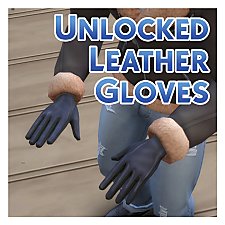
Unlocked and Recoloured Male Leather Gloves
by Menaceman44 updated 5th Jul 2025 at 6:44pm
EA leather gloves unlocked and recoloured for everyday use. more...
 16
30.3k
106
16
30.3k
106
-
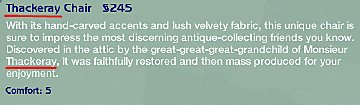

Thackeray Chair Name Correction
by Menaceman44 24th Sep 2008 at 7:26pm
I made this package so that the naming of the Thackeray chair from Apartment Life is consistent throughout the catalogue more...
 +1 packs
2 11.8k 20
+1 packs
2 11.8k 20 Apartment Life
-
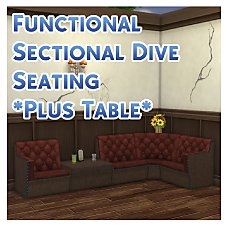
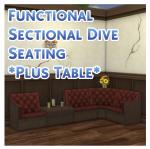
TS3 > TS4 Functional Sectional Dive Seating *Plus Table*
by Menaceman44 updated 19th Jul 2019 at 4:03pm
Sectional dive seating that only takes up a single catalogue slot and functions like a counter for placement. more...
20
21.7k
106
-
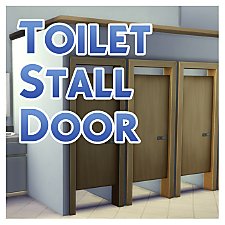
by Menaceman44 updated 9th Sep 2022 at 7:36pm
A door designed for use on toilet stalls. Comes in 14 colours. more...
87
126k
472
-
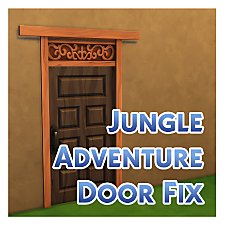

Jungle Adventure Wooden Door Texture Fix
by Menaceman44 20th Jun 2018 at 10:13pm
Corrects the missing transparency and fixes the door cutout when zoomed close. more...
-

-
by Menaceman44 20th Aug 2005 at 9:28pm
Here is a top with a celtic design on the front which I have taken from the front of a more...
-
by Menaceman44 7th Jan 2010 at 10:58pm
I saw PenguinDust1969 asking where to find watches for teenage girls in the WCIF forum as there are none in more...
7
17.3k
48


