Sign in to Mod The Sims
 Nina Clark
 Nina Clark


2.jpg - width=1280 height=960
3.jpg - width=1280 height=960
4.jpg - width=1280 height=960
5.jpg - width=1280 height=960
6.jpg - width=979 height=957
7.jpg - width=687 height=1024
8.jpg - width=1280 height=960
1.jpg - width=1024 height=1024
9.jpg - width=1280 height=960

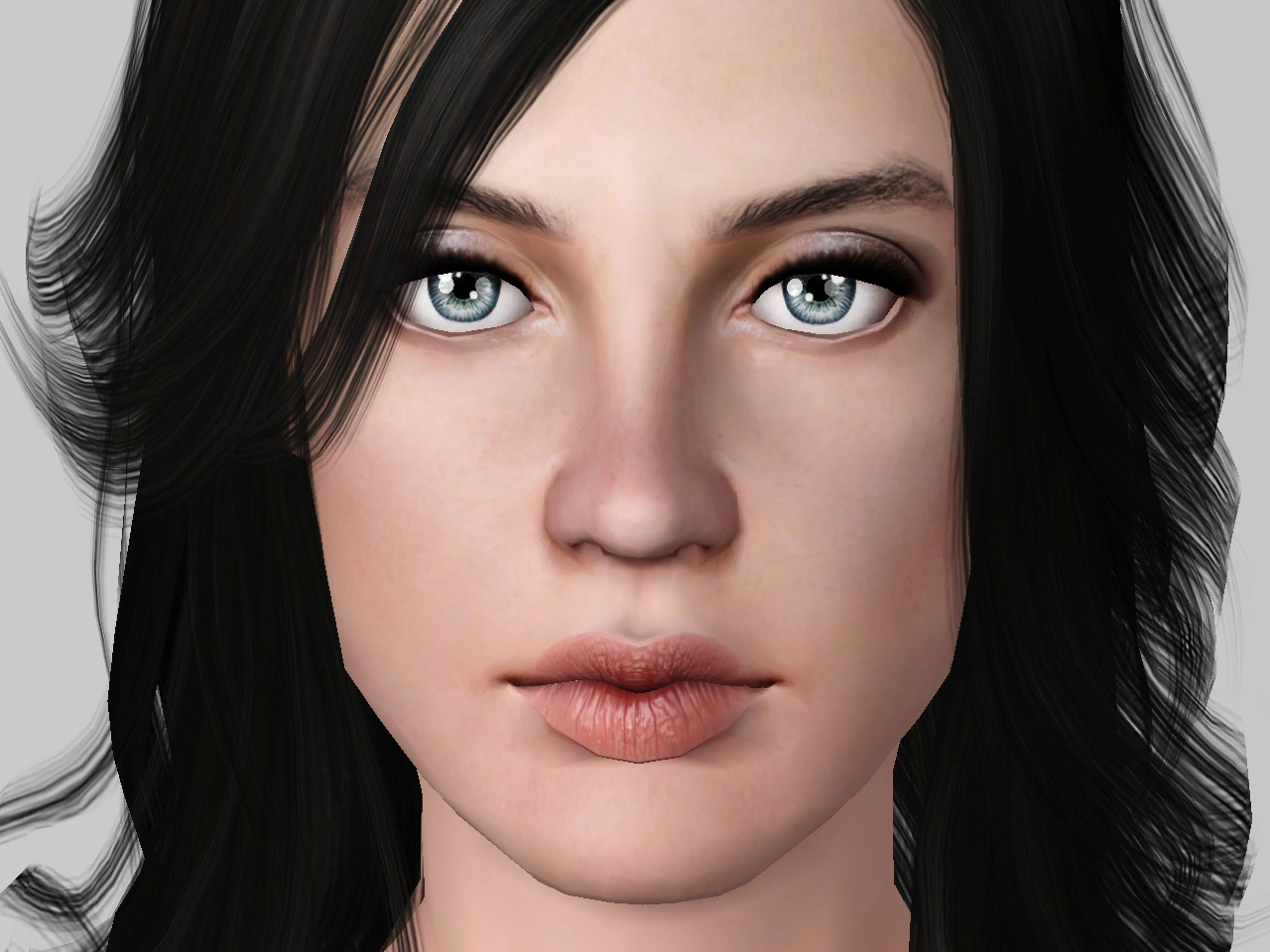
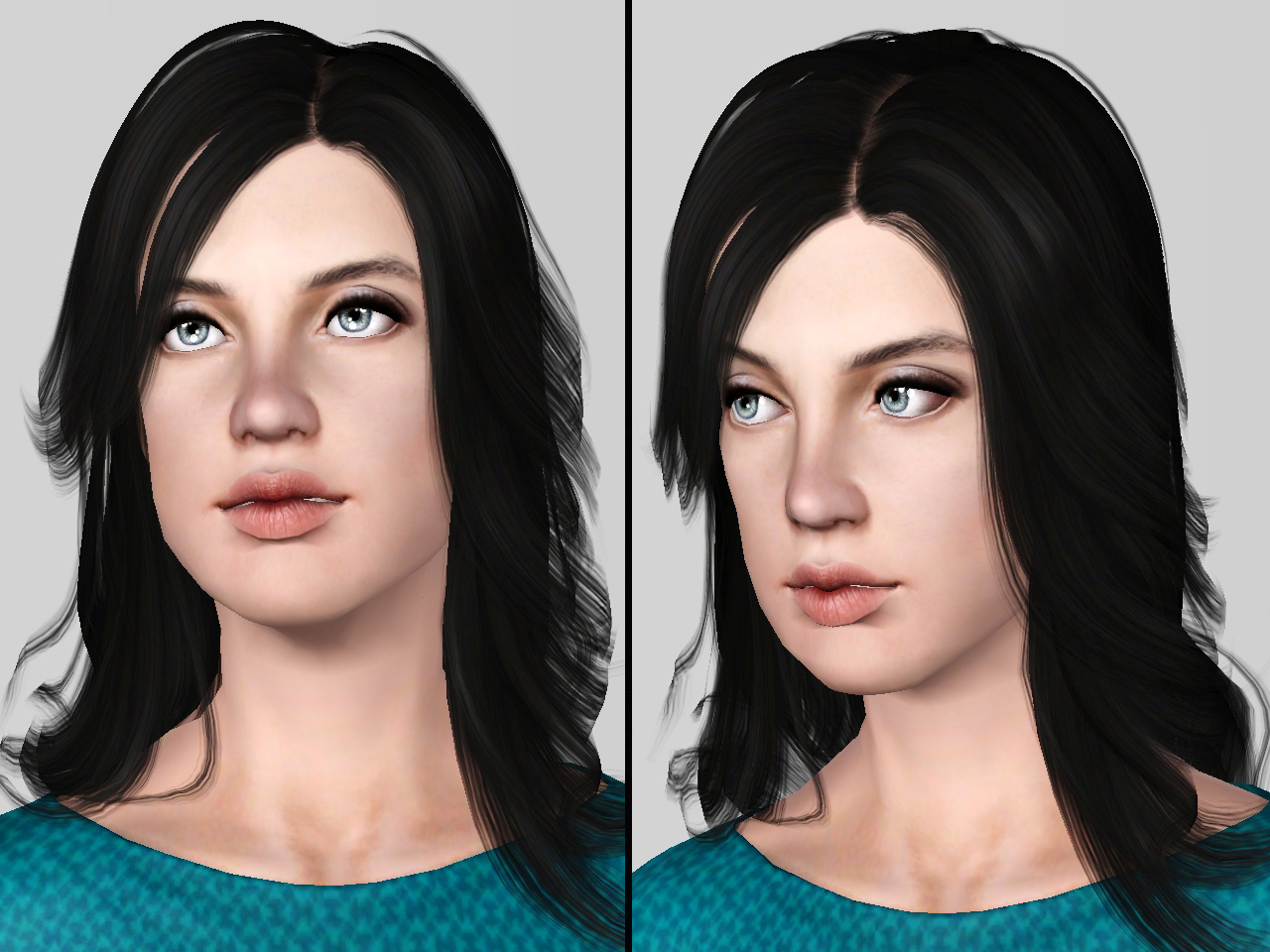
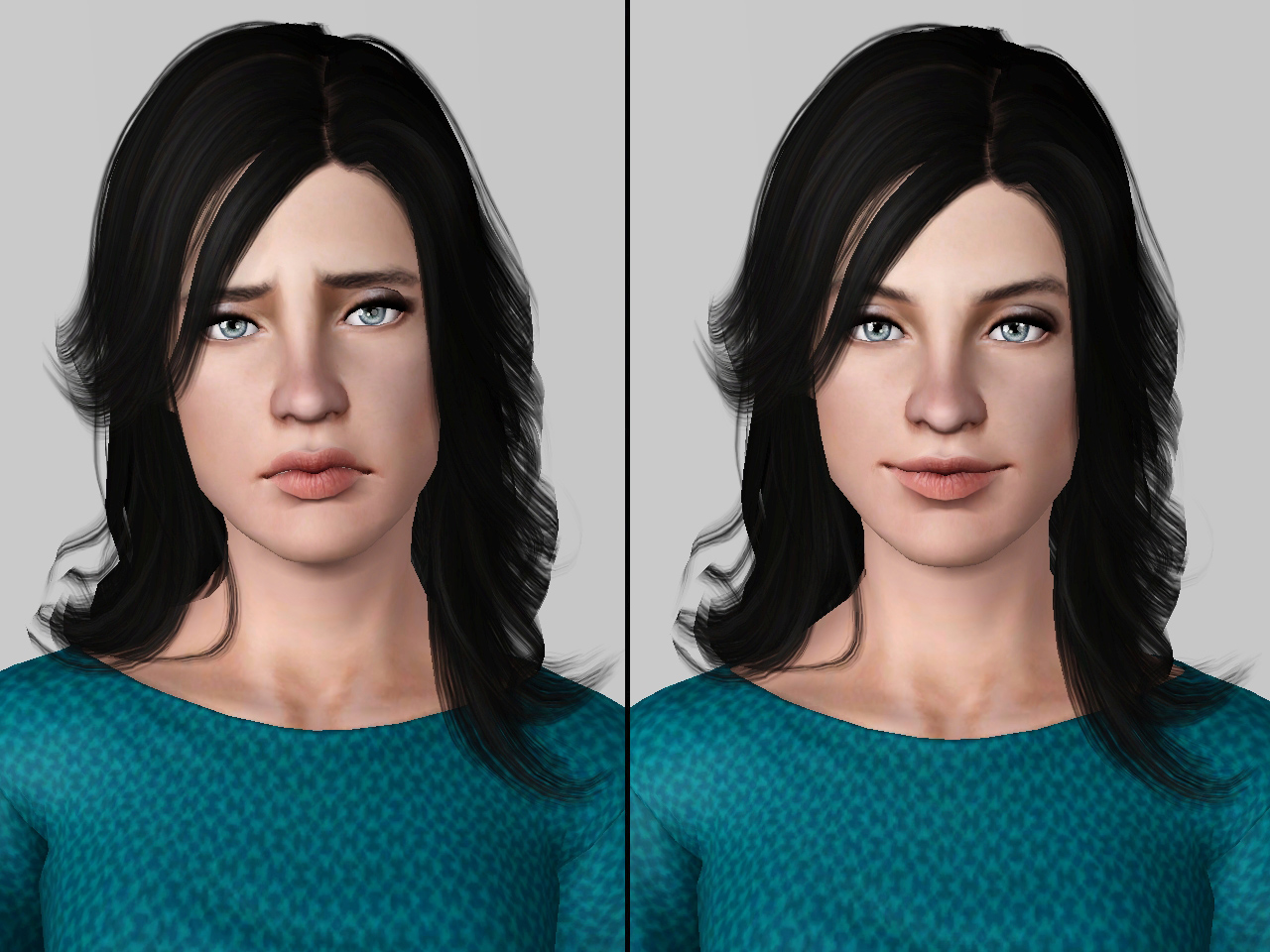

Sliders:
- Facial cas sliders by bella3lek4
- Lip shape slider by hermi
- Nose septum height by aWt
Note for hermi's lip slider and aWt slider:
- The link is no longer available, so you need to download the slider from HERE
- awt fixed link NoseSeptumSliders Download: (aWT_HACK_GEOMSLIDER_NoseSeptumSliders.7z)
custom contents:
- Skin: Face In Cute Edition by Navetsea
- Hair: Cazy's revival retextured by Eternila
- Eyebrows: E-Eyebrows low ( No.3) by Ephemera
- Lipstick: Dry Lips by IN3S
- Eye contacts: "Watercolour" contacts by Elexis
- Eyeshadow: (Português) Eyeshadow-n1 by S-club
- Everyday dress: Circle Skirt Outfit by tamo
Note for Dry lips by IN3S:
- IN3S blog is no longer available, so you need to download the lips from HERE
Note:
- October 2013 was the breast cancer awareness month
- I've packaged Nina with EA (Base game) hair and skin
- You will need Generations EP for her sleepwear top
- Her face was sculpted with the use of sliders multiplier only, so you don't need to download it HERE (x4) unless you want to change her face sculpture.
How to install:
Extract the sim. file from the zip.Place in My Documents/Electronic Arts/The Sims 3/SavedSims.
In the game, go to the Premade Sims Bin in Create A Sim (CAS).
Additional Credits:
- Pose player by cmo
|
Nina_Clark.rar
Download
Uploaded: 3rd Nov 2013, 172.7 KB.
5,705 downloads.
|
||||||||
| For a detailed look at individual files, see the Information tab. | ||||||||
Install Instructions
1. Click the filename or the download button to download the sim to your computer.
2. Extract the zip, rar, or 7z file.
2. Select the .sim file you got from extracting.
3. Cut and paste it into your Documents\Electronic Arts\The Sims 3\SavedSims folder. If you do not have this folder yet, it is recommended that you open the game, enter Create-a-Sim, and save a sim to the sim bin to create this folder, rather than doing so manually. After that you can close the game and put the .sim file in SavedSims
4. Once the .sim file is in SavedSims, you can load the game, and look for your sim in the premade sims bin in Create-a-Sim.
Extracting from RAR, ZIP, or 7z: You will need a special program for this. For Windows, we recommend 7-Zip and for Mac OSX, we recommend Keka. Both are free and safe to use.
Need more help?
If you need more info, see Game Help:Installing TS3 Simswiki for a full, detailed step-by-step guide! Special Installation Instructions
- If you get an error that says "This content requires expansion pack data that is not installed", please use Clean Installer to install this sim.
Loading comments, please wait...



Uploaded: 3rd Nov 2013 at 12:09 AM
Updated: 16th Apr 2014 at 11:37 PM
-
-
by addictedtoTS3 7th Aug 2009 at 11:43pm
 2
5.8k
2
2
5.8k
2
-
-
-
-
-
-
-
-
by RubyRed2021 1st Dec 2021 at 4:36pm
+20 packs
1.8k 2 World Adventures
 High-End Loft Stuff
 Ambitions
 Fast Lane Stuff
 Late Night
 Outdoor Living Stuff
 Generations
 Town Life Stuff
 Master Suite Stuff
 Pets
Pets
 Katy Perry Stuff
 Showtime
 Diesel Stuff
 Supernatural
 70s, 80s and 90s Stuff
 Seasons
 Movie Stuff
 University Life
 Island Paradise
 Into the Future


-
by Lunararc 3rd Dec 2009 at 7:31pm
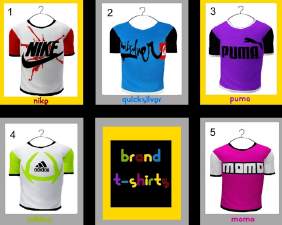
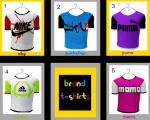
Hi Guys, i have decided to make six t-shirts for six different brands they are (Nike,Quicksilver,Puma,Adidus,Momo) for young Adult more...
7
24.7k
15
Male » Everyday » Young Adult
-

-
-
-
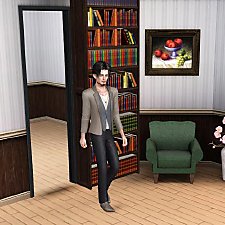

Sliding bookcase " Hidden door " - Up to 27 deco slots + BONUS !!
by Lunararc 20th Sep 2012 at 2:24pm
:alarm: Works with the base game patch 1.31.118 and higher thanks to EsmeraldaF for testing it :alarm: more...
80
132.5k
450
-
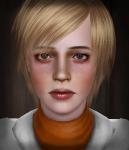
-

-
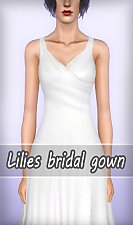
by Lunararc 10th May 2013 at 10:33pm
Hey guys, Today i present to you " Lilies " a simple bridal gown that I made for more...
60
106.5k
485
Female » Formal » Young Adult
-
-