
 Sign in to Mod The Sims
 Cutie Pie--6 Children's Poses
 Cutie Pie--6 Children's Poses


in-line shot.jpg - width=1360 height=768
cutie pie 1.jpg - width=1360 height=768
cutie pie 2.jpg - width=1360 height=768
cutie pie 3.jpg - width=1360 height=768
cutie pie 4.jpg - width=1360 height=768
cutie pie 5.jpg - width=1360 height=768
cutie pie 6.jpg - width=1360 height=768
pose list.jpg - width=662 height=537
thumbnail.jpg - width=400 height=400
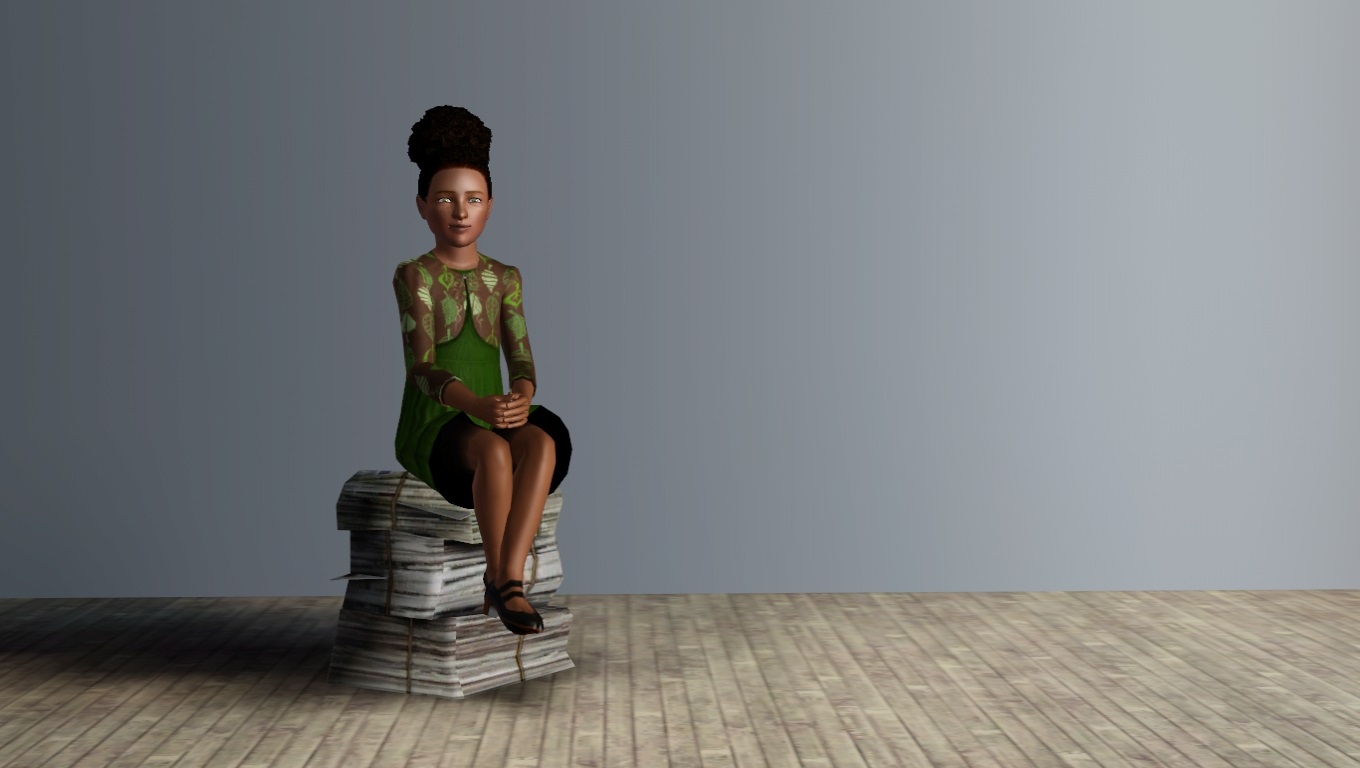
Not much to say about this set-- a friend was bemoaning the lack of modeling poses for children, so I offered to help out. The end. LOL.
Pose tags are as follows:
c_splad_cutiepie1 -- standing on one foot.
c_splad_cutiepie2 -- walking forward.
c_splad_cutiepie3 -- sitting on the ground, arms on knees
c_splad_cutiepie4 -- sitting on a chair.
c_splad_cutiepie5 -- standing, hands on hips.
c_splad_cutiepie6 -- hand on cheek.
Known issues:
Do note that although only a little girl is featured in the photos, you can use these poses on a boy with no problem.
I tried to model the poses to prevent clothes warping, but some skirts/dresses get it anyway. I seem to recall that one of the long base game dresses gets a particularly ugly effect with poses 3/4. You can hide the dress warp with a chair for pose 4, but it may cause problems for pose 3. Sorry.

Additional Credits:
Cmomoney for the incredible Pose Player
OrangeMittens for the excellent "Creating Your Own Custom Poses" tutorial
WesHowe for the AnimTool
Mesher for the child rigs
Inge Jones for S3PE and the rest of the Sims community at large for assistance and encouragement.
|
Cutie Pie.rar
Download
Uploaded: 18th Dec 2013, 77.0 KB.
11,097 downloads.
|
||||||||
| For a detailed look at individual files, see the Information tab. | ||||||||
Install Instructions
1. Click the download button, or the filename, to download the file to your computer.
2. Extract the zip, rar, or 7z file. Now you will have either a .package or a .sims3pack file.
For Package files:
1. Cut and paste the file into your Documents\Electronic Arts\The Sims 3\Mods\Packages folder. If you do not already have this folder, you should read the full guide to Package files first: Sims 3:Installing Package Fileswiki, so you can make sure your game is fully patched and you have the correct Resource.cfg file.
2. Run the game, and find your content where the creator said it would be (build mode, buy mode, Create-a-Sim, etc.).
For Sims3Pack files:
1. Cut and paste it into your Documents\Electronic Arts\The Sims 3\Downloads folder. If you do not have this folder yet, it is recommended that you open the game and then close it again so that this folder will be automatically created. Then you can place the .sims3pack into your Downloads folder.
2. Load the game's Launcher, and click on the Downloads tab. Find the item in the list and tick the box beside it. Then press the Install button below the list.
3. Wait for the installer to load, and it will install the content to the game. You will get a message letting you know when it's done.
4. Run the game, and find your content where the creator said it would be (build mode, buy mode, Create-a-Sim, etc.).
Extracting from RAR, ZIP, or 7z: You will need a special program for this. For Windows, we recommend 7-Zip and for Mac OSX, we recommend Keka. Both are free and safe to use.
Need more help?
If you need more info, see:
- For package files: Sims 3:Installing Package Fileswiki
- For Sims3pack files: Game Help:Installing TS3 Packswiki
Loading comments, please wait...


Uploaded: 18th Dec 2013 at 12:09 PM
Updated: 23rd Dec 2013 at 1:51 AM
#pose, #poses, #child's pose, #children's pose, #model pose, #child model pose
-
Model Pose Pack - Poses for cmomoney's Pose Player (UPDATED 6/17/11)
by traelia updated 18th Jun 2011 at 4:03am
 23
117.3k
89
23
117.3k
89
-
Horseplay Pose Pack with 5 Poses & Pose List
by orangemittens 7th May 2012 at 12:46pm
+1 packs
9 48.1k 51 Pets
Pets
-
by SenPain 20th May 2012 at 1:49pm
38
94.6k
135
-
by JuBa_0oº 15th Aug 2012 at 6:34pm
22
61.9k
112
-
by Milenchica 17th May 2013 at 9:01am
5
23.8k
31
-
-
by cottoncandy1 22nd Jan 2014 at 11:53am
10
35k
56
-
by spladoum 15th Jul 2014 at 2:15am
19
53.6k
143
-

by spladoum 27th Mar 2015 at 3:08am
31
86.4k
253
-
by spladoum 4th May 2018 at 3:52am
4
26.8k
25


-

Quad B/W photos--new pictures, new frame configuration.
by spladoum 27th Oct 2014 at 10:12pm
So I’ve always loved the quad set of b/w photos that came with the base game, but I’ve always been more...
10
28.1k
144
-
Hello Sweetie--Fairy Hair Deflowered, for toddlers through elders
by spladoum 29th Sep 2013 at 4:11pm
A classic. Without all those twigs and weeds stuck in it. more...
18
20.9k
74
Hair » Female » Young Adult
-
-
Lucy Van Pelt -- from "Peanuts"
by spladoum 11th Jan 2016 at 5:57pm
For the January item theme of "Tv/Film/Movies," I give you Lucy Van Pelt, of the "Peanuts" comic, (in)famous more...
5
14.6k
26
-
-
Undone -- 2 open Oxford Shirts with Long Tie
by spladoum 26th Jun 2015 at 3:09am
My obsession with menswear--particularly mens' office wear--continues! more...
10
25k
90
Male » Everyday » Young Adult
-
Bedside Manner -- Doctor/Children's Poses
by spladoum 27th Aug 2011 at 4:06pm
A spoonful of sugar makes the medicine go down ... or so they say. more...
22
74.4k
115
-
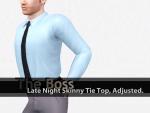
The Boss: Late Night Skinny Tie Alteration. Default/Non-Default.
by spladoum 3rd Nov 2014 at 11:58am
So for the longest time, I've been wondering why all of the ties in the game were either hand-painted, or more...
+1 packs
14 29.6k 88 Late Night
Male » Everyday » Young Adult
-
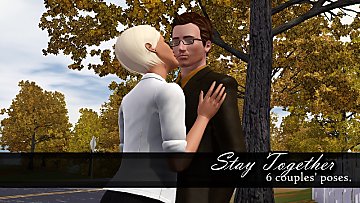
Stay Together--6 couples' poses
by spladoum 30th Aug 2016 at 12:00pm
This is another set that I made for a couple of sims in one of my stories that I decided more...
9
33.7k
67
-
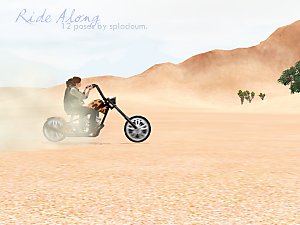
Ride Along--12 poses for motorcycles, scooters, and bicycles
by spladoum 14th May 2014 at 4:15am
A ride's always more fun with two! more...
+3 packs
13 27.9k 39 World Adventures
 Ambitions
 Fast Lane Stuff


