
 Sign in to Mod The Sims
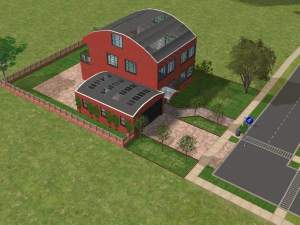
 A testhouse...
 A testhouse...


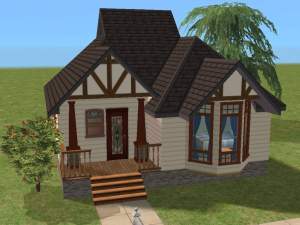
Test7.jpg - width=567 height=425
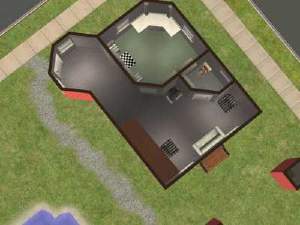
Test7b.jpg - width=567 height=425
Test7c.jpg - width=567 height=425
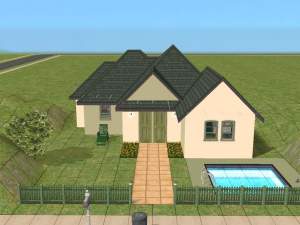
Test7d.jpg - width=567 height=425
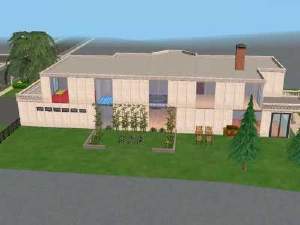
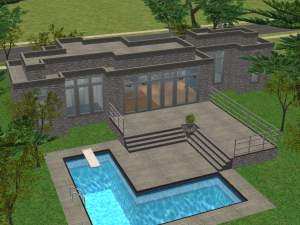
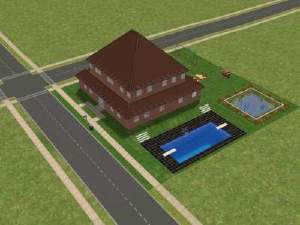
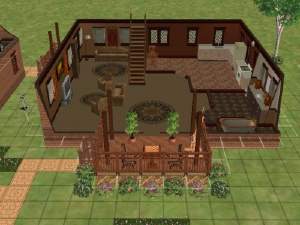
This house is residential and furnished. Well at lest the sims can live there...
But you can rezone it to a community lot and I think with some accessories it will work.
It's the first time I use Clean Installer and I really don't know if I know it right.
The Sim2-pack file was 17 Mb from the beginning. After using SimCleanInstall and after I delete some strange files that I find not in use the file is now only
2,2 Mb. I really don't know if it works in this size? Please tell me!
I try to use only the Maxis original objects, textures, etc.. but there is some special walls and floortiles...
Well, hope someone enjoy...
|
Testhouse7.zip
Download
Uploaded: 9th Jun 2005, 2.22 MB.
1,561 downloads.
|
||||||||
| For a detailed look at individual files, see the Information tab. | ||||||||
Install Instructions
1. Download: Click the download link to save the .rar or .zip file(s) to your computer.
2. Extract the zip, rar, or 7z file.
3. Install: Double-click on the .sims2pack file to install its contents to your game. The files will automatically be installed to the proper location(s).
- You may want to use the Sims2Pack Clean Installer instead of the game's installer, which will let you install sims and pets which may otherwise give errors about needing expansion packs. It also lets you choose what included content to install. Do NOT use Clean Installer to get around this error with lots and houses as that can cause your game to crash when attempting to use that lot. Get S2PCI here: Clean Installer Official Site.
- For a full, complete guide to downloading complete with pictures and more information, see: Game Help: Downloading for Fracking Idiots.
- Custom content not showing up in the game? See: Game Help: Getting Custom Content to Show Up.
Loading comments, please wait...



Uploaded: 9th Jun 2005 at 9:35 PM
-
by jack_d_spratt 22nd Feb 2005 at 1:33pm
 15
15.1k
3
15
15.1k
3
-
-
-
-
-

by phineasut@sbcglobal.net 22nd Dec 2005 at 12:35am
11
8.6k
2
-
-
-
by Amanda_22 7th Feb 2006 at 12:12pm
3
5.6k
1
-
by huikeshoven 24th May 2006 at 7:47pm
+3 packs
2 5.3k University
 Nightlife
 Open for Business


-
-


-
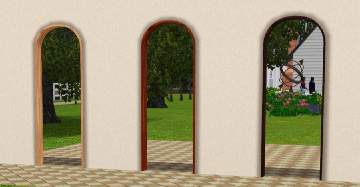
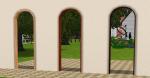
Singel tile arch with curved top
by Lisen801 8th Jul 2010 at 5:32pm
I've been searching for a one tile curved arch but couldn't find any so I made one myself. Maybe someone other wants it? more...
 +1 packs
34 35.7k 94
+1 packs
34 35.7k 94 World Adventures
-

-
-


-

-
3 Extended windows for thicker walls
by Lisen801 updated 9th Jun 2012 at 3:14pm
I experimented with arches and found that it also was possible to extend windows. more...
+1 packs
21 27.6k 56 World Adventures
-
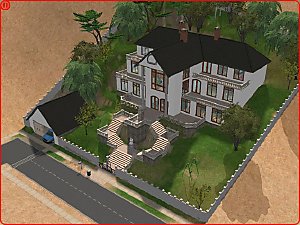
The Social Child and Adoption Center
by Lisen801 17th Jun 2005 at 7:44pm
Here's the Social Child and adoption Center in my Sim Community ! more...
20
26.4k
13
-
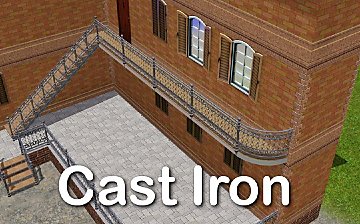
Cast Iron Stair and matching Fence
by Lisen801 updated 27th May 2012 at 9:24am
I miss the cast iron stair from Sims 1 and Sims 2 and therefor I had to make my own. more...
+1 packs
53 86.9k 203 World Adventures


About Me
Credit is nice but not mandatory.