
 Sign in to Mod The Sims
 The Flying Fortress
 The Flying Fortress


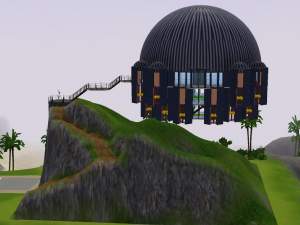
house.JPG - width=1014 height=761
houseside.JPG - width=1014 height=761
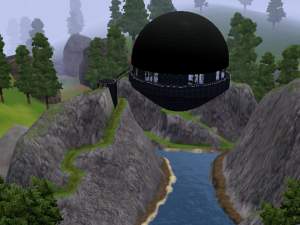
houseback.JPG - width=1014 height=761
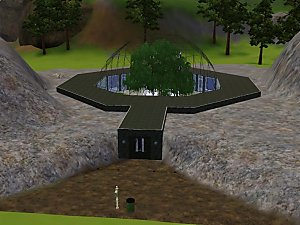
lot.JPG - width=1014 height=761
3rdfloor.JPG - width=1014 height=761
4thfloor.JPG - width=1014 height=761
5thfloor.JPG - width=1014 height=761
roof.JPG - width=1014 height=761
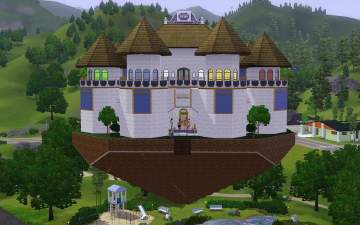
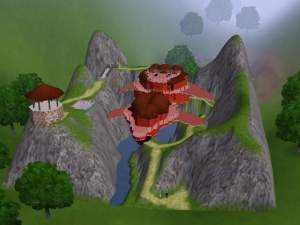
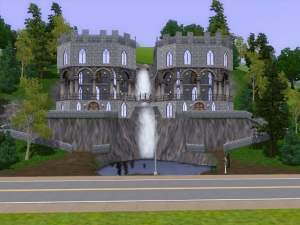
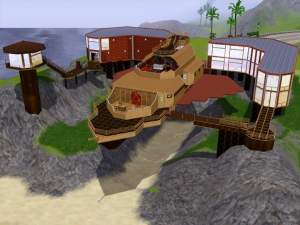
Whoden Industries is proud to present The Flying Fortress.
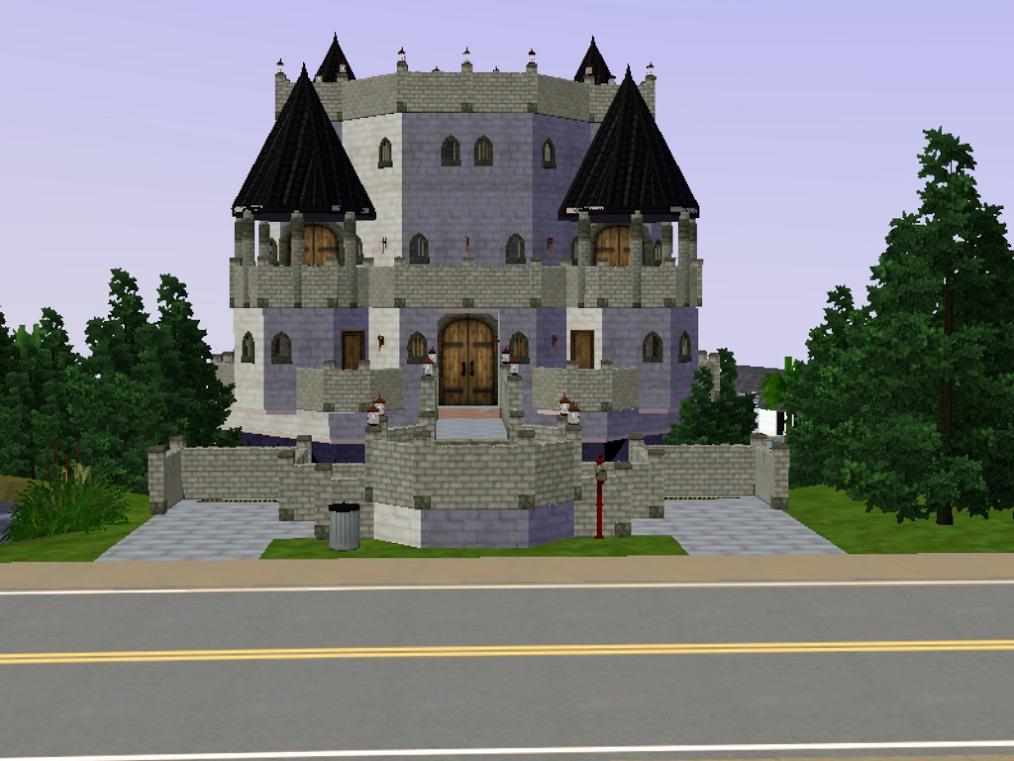
Sturdy medieval craftsmanship, coupled with the latest repulsorpad technology, gives this home a unique look and feel, allowing it, quite literally, to rise above it's neighbors.
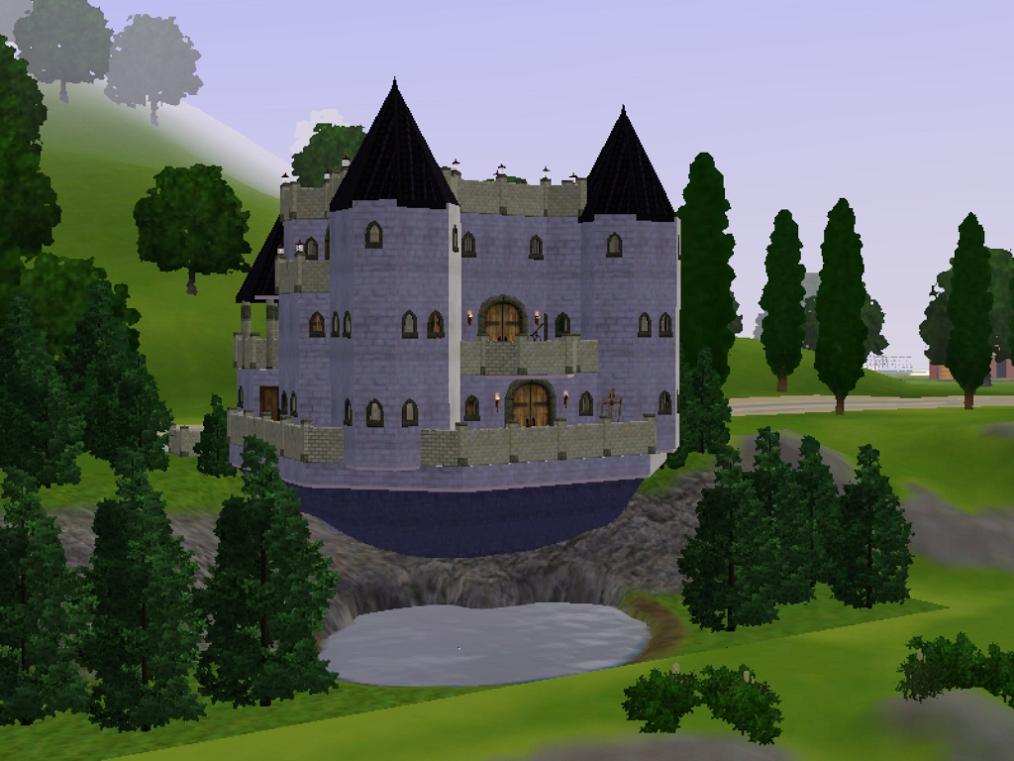
The lot address is 120 Wright Way(40x30) and costs $146,817 furnished and $132,190 unfurnished. It has 2 bedrooms with full bathrooms in each and 4 half-baths(2 on each floor). It also has parking for 2 cars.
EA Store content used:
Regal Window by Castle Kits Inc.
Lot Size: 4x3
Lot Price: $146,817/$132,190
|
The Flying Fortress.rar
Download
Uploaded: 9th Apr 2010, 1.64 MB.
1,280 downloads.
|
||||||||
| For a detailed look at individual files, see the Information tab. | ||||||||
Install Instructions
1. Click the filename or the download button to download the file to your computer.
2. Extract the zip, rar, or 7z file.
2. Select the .sims3pack file you got from extracting.
3. Cut and paste it into your Documents\Electronic Arts\The Sims 3\Downloads folder. If you do not have this folder yet, it is recommended that you open the game and then close it again so that this folder will be automatically created. Then you can place the .sims3pack into your Downloads folder.
5. Load the game's Launcher, and click on the Downloads tab. Select the house icon, find the lot in the list, and tick the box next to it. Then press the Install button below the list.
6. Wait for the installer to load, and it will install the lot to the game. You will get a message letting you know when it's done.
7. Run the game, and find your lot in Edit Town, in the premade lots bin.
Extracting from RAR, ZIP, or 7z: You will need a special program for this. For Windows, we recommend 7-Zip and for Mac OSX, we recommend Keka. Both are free and safe to use.
Need more help?
If you need more info, see Game Help:Installing TS3 Packswiki for a full, detailed step-by-step guide!
Loading comments, please wait...

 View with Names
Uploaded: 9th Apr 2010 at 8:46 PM
-
by karlik-nos 17th Jun 2009 at 10:23pm
 7
12.4k
4
7
12.4k
4
-
-
-
Terrowin on Drumragh -Small Medieval Village- (Medieval Challenge)
by Vampire_aninyosaloh 3rd Apr 2010 at 9:41pm
7
28k
41
-
by Schneekatze 17th Apr 2010 at 6:19pm
+1 packs
7 40.3k 41 World Adventures
-
-
-
-
-


-
-
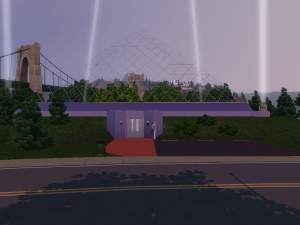
Glass Pyramid residential version
by whoden 10th Jun 2011 at 5:09pm
"While domes are nice, pyramids help keep fruit fresh longer" Whoden Industries more...
+5 packs
10 18.3k 8 World Adventures
 High-End Loft Stuff
 Ambitions
 Late Night
 Generations
-
-
-
-
-
-
-
-

Packs Needed
| Expansion Pack | |
|---|---|
| World Adventures |
About Me
As of patch 1.15( or maybe 1.17) two of my lots, Escher Keep and The Aerodrome, can no longer be placed on the locations where they were originally built.
Something about the patch altered the ability to place new, empty lots with the in-game world editor tool in such a way that sometimes you can't even put a lot with the same dimensions back where a previous lot was.