
 Sign in to Mod The Sims
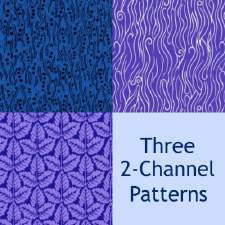
 3 Grungy Patterns!
 3 Grungy Patterns!


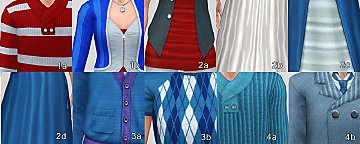
DefaultColorsAbstract.jpg - width=800 height=500
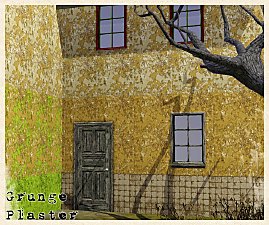
DefaultColorsFabric.jpg - width=800 height=500
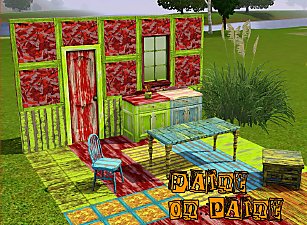
DefaultColorsPaint.jpg - width=800 height=500
VariousColorsAbstract.jpg - width=800 height=500
VariousColorsFabric.jpg - width=800 height=500
VariousColorsPaint.jpg - width=800 height=500
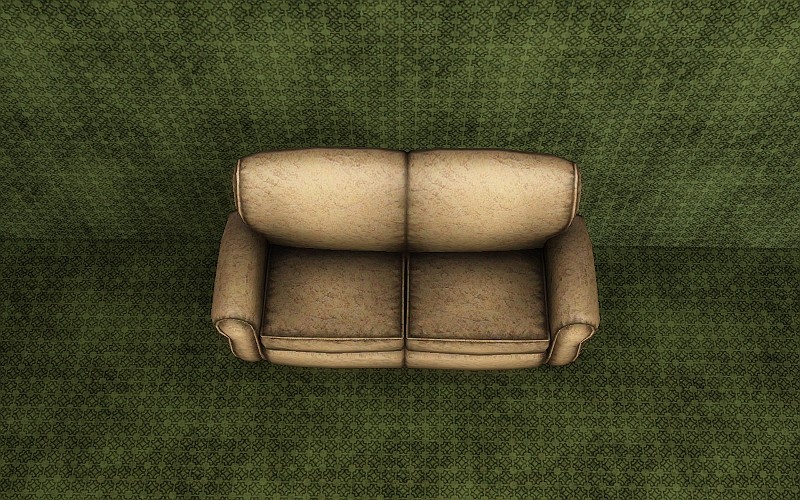
Abstract:
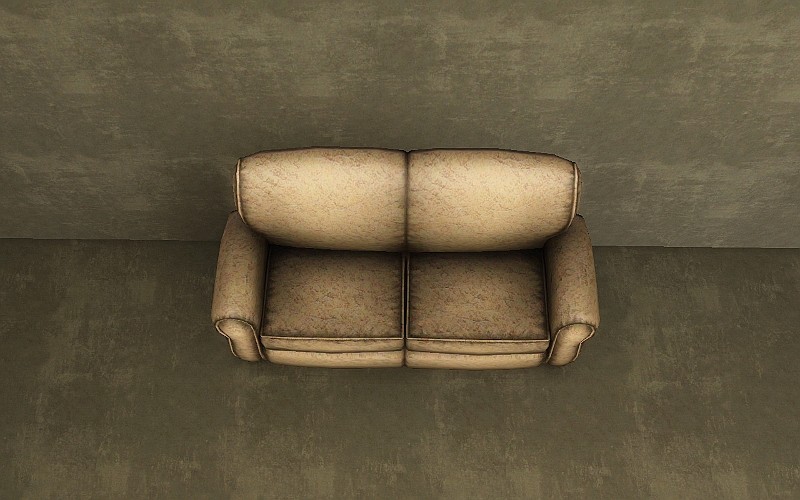
Paint:
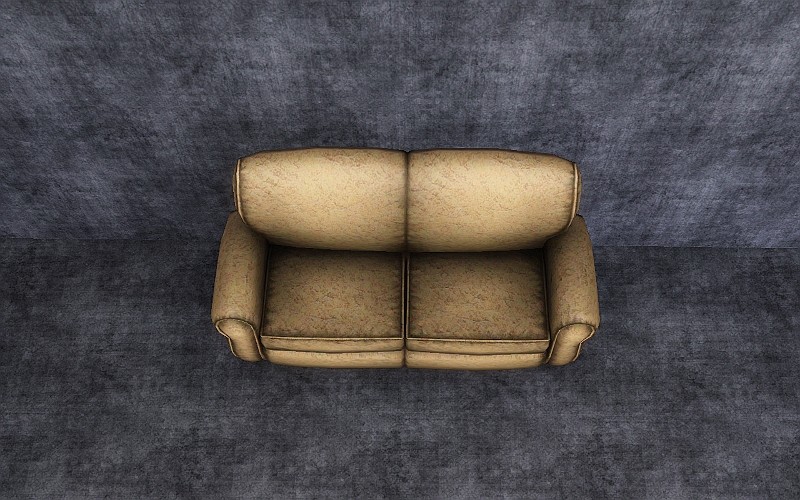
Fabric:
|
3_Grungy_Patterns_jimTNW.zip
Download
Uploaded: 6th Aug 2010, 306.5 KB.
4,761 downloads.
|
||||||||
| For a detailed look at individual files, see the Information tab. | ||||||||
Install Instructions
1. Click the download button, or the filename, to download the file to your computer.
2. Extract the zip, rar, or 7z file. Now you will have either a .package or a .sims3pack file.
For Package files:
1. Cut and paste the file into your Documents\Electronic Arts\The Sims 3\Mods\Packages folder. If you do not already have this folder, you should read the full guide to Package files first: Sims 3:Installing Package Fileswiki, so you can make sure your game is fully patched and you have the correct Resource.cfg file.
2. Run the game, and find your content where the creator said it would be (build mode, buy mode, Create-a-Sim, etc.).
For Sims3Pack files:
1. Cut and paste it into your Documents\Electronic Arts\The Sims 3\Downloads folder. If you do not have this folder yet, it is recommended that you open the game and then close it again so that this folder will be automatically created. Then you can place the .sims3pack into your Downloads folder.
2. Load the game's Launcher, and click on the Downloads tab. Find the item in the list and tick the box beside it. Then press the Install button below the list.
3. Wait for the installer to load, and it will install the content to the game. You will get a message letting you know when it's done.
4. Run the game, and find your content where the creator said it would be (build mode, buy mode, Create-a-Sim, etc.).
Extracting from RAR, ZIP, or 7z: You will need a special program for this. For Windows, we recommend 7-Zip and for Mac OSX, we recommend Keka. Both are free and safe to use.
Need more help?
If you need more info, see:
- For package files: Sims 3:Installing Package Fileswiki
- For Sims3pack files: Game Help:Installing TS3 Packswiki
Loading comments, please wait...

Uploaded: 6th Aug 2010 at 1:32 AM



-


Green and Yellow Retro Linoleum
by joninmobile 18th Dec 2007 at 2:56pm
Here is a Retro Linoleum.I hope ya'll enjoy this! more...
 1
7.1k
6
1
7.1k
6
-
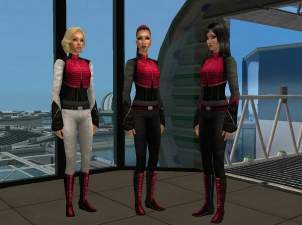

Peacekeeper Inspired ouftits for YA, Adult, and Elder Females from Farscape
by joninmobile 2nd May 2009 at 9:32pm
I was making this recolor, and I thought when I was finished, more...
+1 packs
6 14.9k 15 Apartment Life
Female » Mixed Sets » Adult
-
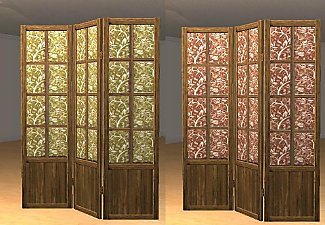
Freetime Screen Recolors in 4 Colors and 2 shades of wood
by joninmobile 6th Aug 2009 at 7:33pm
Brown Wood: White Wood: These come in 4 more...
+1 packs
7 9k 22 Free Time
-
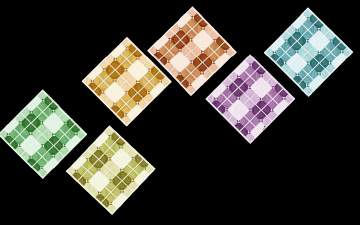
by joninmobile 21st Apr 2009 at 2:37pm
These are some really nice linoleums in several colors for you all more...
5
9.2k
9
-
Crocs O Stuff Sculpture as Separates
by joninmobile 3rd Apr 2010 at 11:35pm
I always thought it was somewhat of a waste of space to have a big three area sculpture for this, more...
 10
10.8k
37
10
10.8k
37
-


Original Art by me: "Silent Green"
by joninmobile 18th Mar 2008 at 4:38pm
Here is an original painting created by me using the gimp.This is a recolor of the painting "Rainy Day Main more...
6
6.6k
2
-

by joninmobile 11th Apr 2010 at 2:05pm
I've gone through and made more channels to several objects that you weren't able to recolor before. more...
-
Shirtless Male Conversions for the whole family
by joninmobile 26th Sep 2009 at 2:23am
This Upload is one of my favoirtes for the sims 3, but the original creator didn't include all choices, more...
14
49.1k
56
Male » Everyday » Young Adult
-
SimFast Instant Meal Default Replacements
by joninmobile 13th Aug 2009 at 7:41pm
I've made some default replacements of the Instant Meal. more...
10
20.3k
21
-
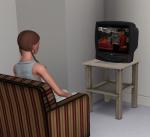
by joninmobile 7th Apr 2010 at 12:07pm
I've made the modern t.v. to now sit on tables for you to enjoy. more...


About Me
I hope you enjoy all the downloads I've brought to you over the years. It's been fun. Being a part of The Sims community has had it's ups and downs for me, but I keep on truckin' nonetheless. Lots and lots of drama, lots of pain and sorrow, but lots of laughs, and good times too. Made so many new friends over the years, and it all started by uploading to MTS way back in 2006. Have fun with my creations, that's what they're here for!
~ Jon